
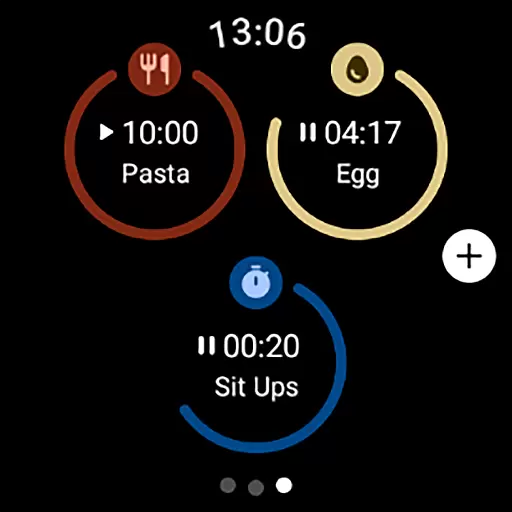
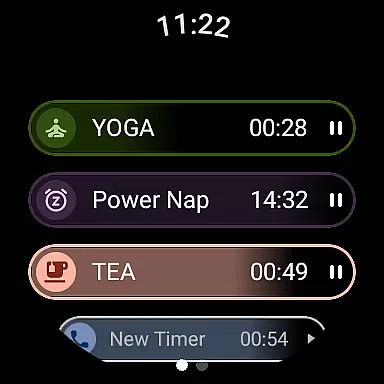
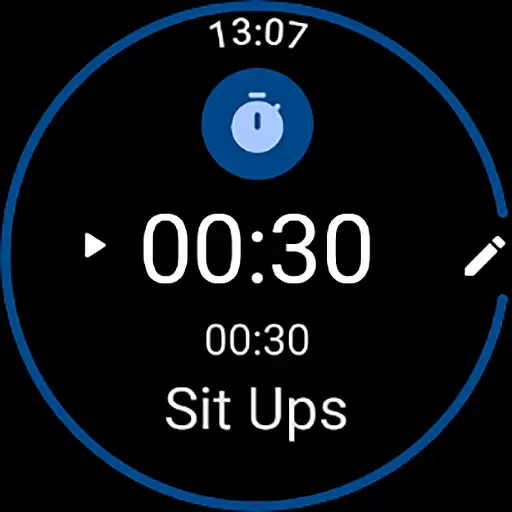
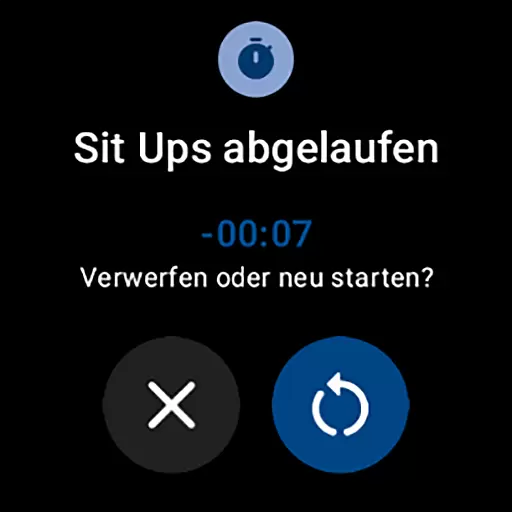
MultiTimerPro for Wear OS is a powerful productivity tool designed to help users manage their time with precision. This app allows you to run multiple timers simultaneously, making it perfect for multitasking scenarios like cooking, exercising, or work sprints.
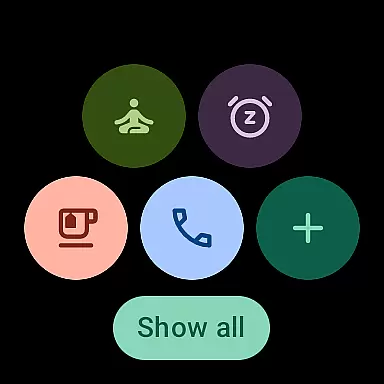
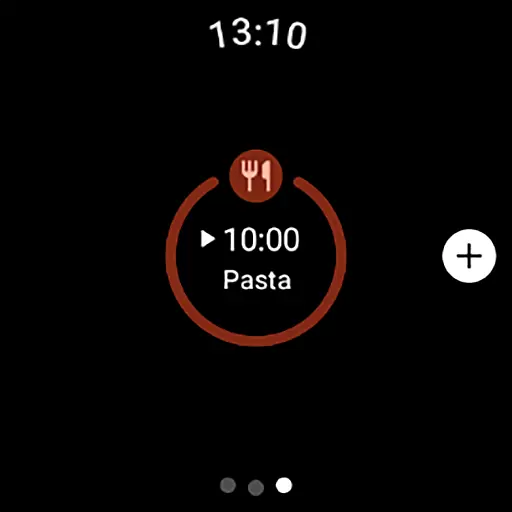
With an intuitive interface and customizable options such as names, durations, icons, and colors, MultiTimerPro ensures that each timer fits your specific needs. The newly added Tile feature provides quick access to favorite timers, enhancing efficiency and convenience.
Whether you're a busy professional or someone who needs precise time management in daily tasks, MultiTimerPro offers a seamless experience to keep you on track and organized.
MultiTimerPro stands out with its multi-timer functionality, allowing users to set and manage several timers at once. This feature is particularly useful for those juggling multiple tasks, ensuring no activity is overlooked.
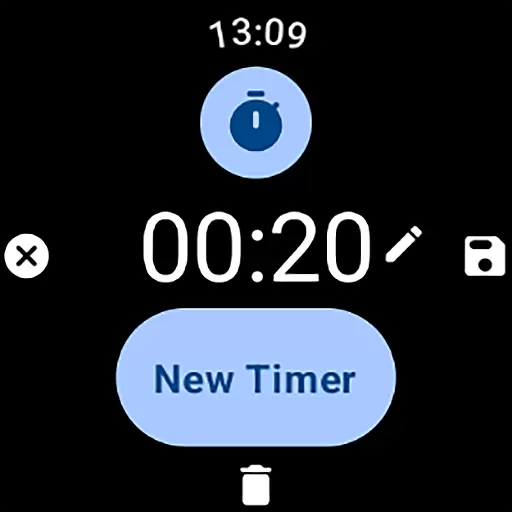
The app's intuitive interface makes it easy to create, edit, and manage timers. Users can customize each timer with unique names, durations, icons, and colors, providing a personalized touch to time management.
Additionally, sound notifications ensure you never miss a timer alert. These innovative features collectively enhance productivity and streamline daily routines, setting MultiTimerPro apart from standard timer apps.
Effective task management is crucial for productivity, and MultiTimerPro excels in this area by offering users the ability to handle multiple tasks simultaneously. This Wear OS app allows you to set and manage various timers at once, which is ideal for coordinating different activities throughout your day.
The app's multi-timer functionality stands out by letting you create distinct timers for different tasks, whether it's timing a workout, cooking, or a work assignment. Each timer can be customized with specific durations, names, and even unique icons and colors, making it easier to identify and focus on individual tasks without confusion.
With an intuitive interface designed for seamless navigation, MultiTimerPro ensures that managing these timers is straightforward and efficient. Users can easily edit and organize their timers, streamlining their daily routines and boosting overall productivity.
In todayu2019s interconnected world, reliable cross-device synchronization is essential, and MultiTimerPro meets this need by integrating with Wear OS. This means you can access your timers directly from your smartwatch, providing convenience and ensuring you never miss an important moment.
The newly added Tile feature enhances this synchronization by allowing quick access to favorite timers. With just a glance at your watch, you can monitor ongoing timers and receive sound notifications when they're up, ensuring timely alerts no matter where you are or what you're doing.
This reliable synchronization across devices empowers users to take control of their time more effectively than ever before. Whether you're at home, in the office, or on the go, MultiTimerPro keeps you updated and in charge of your schedule, redefining how you manage your day-to-day activities.
User-friendly interface
Multiple timers support
Customizable timer settings
Quick access via Tile
Sound notifications
Limited to Wear OS
Premium version required
No web interface
Complex for beginners
Fewer customization themes

Take control of your clipboard with Clipper!
 3.90
3.90
Experience real multitasking on your Android!
4.00
Total remote control for your Android device, PC and cloud services (IFTTT)!
4.20
Direct Chat without saving contacts & Dual WA Account on Single Device
4.70
The upgraded version of Name Wheel with AI and the power to add your own wheels.
4.3
All in One PDF Reader: Manage, Read and Edit your Documents
4.20
Find and delete junk files & block unwanted notifications & manage files
3.70
Access your phone's notifications, calls, apps, photos & texts on your PC
3.90
AT&T Internet customers can use this app to personalize their Wi-Fi network.
4.40
Multilingual translator for text, voice, and image translation!
4.90
App lock - lock apps with fingerprint, password, pin or pattern, protect privacy
4.70
Lightweight PDF, Word, Excel reader.
4.60
PDF scanner & converter for files, photos, lottery, QR codes. One swipe away!
4.50
CalenGoo is a very flexible and feature-rich calendar app
4.40
A Pixel Art watchface inspired by other iconic 90s designs for Wear OS devices!
4.40
Enjoy classic gameplay with customizable features and retro-style graphics.
4.30
Cloud storage, automatic phone backup, and more.
4.10
Activate Two Factor Authentication (2FA or Multi OTP), Password manager and more
4.10
Intelligent AI Assistant
4.10


User Reviews