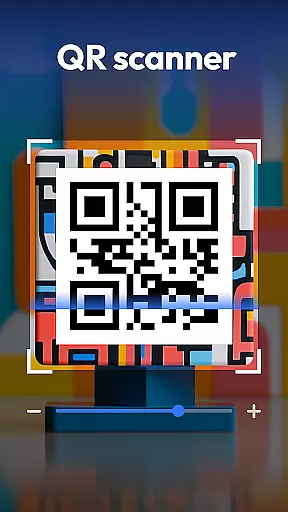
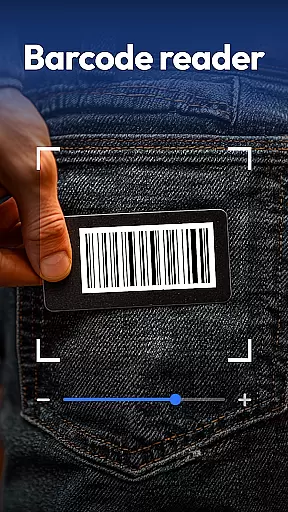
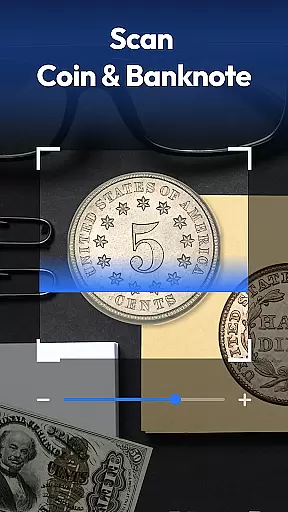
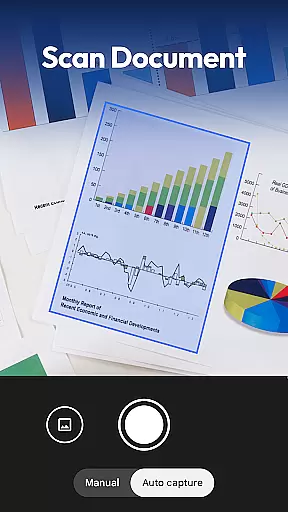
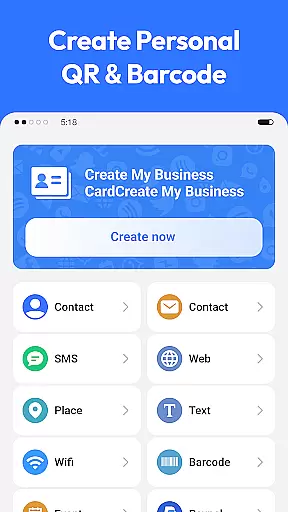
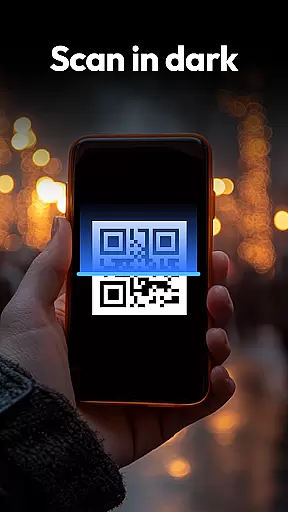
QR & Barcode Scanner is a versatile productivity tool designed to streamline various scanning needs. This all-in-one app allows users to scan QR codes, barcodes, coins, banknotes, food labels, and documents with remarkable speed and accuracy. Whether you're managing inventory, collecting currency, tracking nutritional information, or digitizing paperwork, this scanner handles it all efficiently.
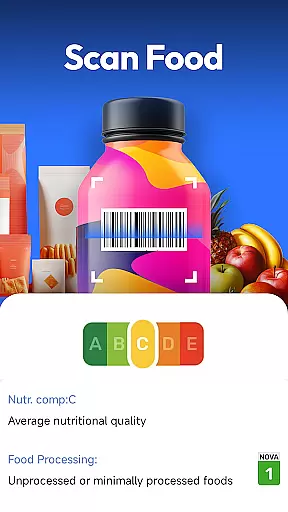
The app stands out with its specialized features tailored for different user groups. Collectors benefit from the coin and banknote recognition feature that helps identify rare finds. Health-conscious shoppers can utilize the food scanner to instantly view nutrition grades and allergen information. Additionally, the document scanner transforms physical papers into searchable PDFs, making it an essential tool for both personal and professional use.
This application proves particularly valuable in retail environments where staff can quickly scan product barcodes to compare prices across major retailers like Amazon, eBay, and Walmart. The privacy-focused design requires only camera access, ensuring user data remains secure while providing a comprehensive scanning solution.
QR & Barcode Scanner offers an impressive array of features that cater to diverse scanning requirements. The app supports all major QR and barcode formats including QR, Data Matrix, UPC, EAN, and Code 39, making it universally compatible with various products and documents. Its advanced recognition algorithms ensure fast and accurate scanning even in challenging lighting conditions.
One of the standout features is the specialized coin and banknote identifier. This functionality employs sophisticated image recognition technology to help collectors and travelers identify currency from around the world. The food health scanner provides detailed nutritional information, including additives and health ratings, empowering users to make informed purchasing decisions.
For document management, the app includes a powerful PDF scanner that converts physical documents into digital format. Users can easily scan receipts, notes, and contracts while maintaining high-resolution quality. Additionally, the built-in QR code generator enables quick creation of Wi-Fi, contact, and URL codes, enhancing its utility for both personal and business applications.
Task management is essential for productivity applications, and QR & Barcode Scanner excels in this area by offering a comprehensive suite of scanning tools. This app allows users to manage various tasks such as scanning QR codes, barcodes, coins, banknotes, food labels, and documents efficiently.
The application's all-in-one scanning feature supports multiple formats including QR, Data Matrix, UPC, EAN, Code 39, and more. This versatility ensures that users can handle different types of scanning jobs without needing separate apps, streamlining their workflow significantly.
Additionally, the app includes smart functionalities like auto-zoom, flashlight for dark environments, and a scan history feature. These capabilities enhance the user experience by making the scanning process faster and more reliable, thus improving overall task efficiency.
Cross-device synchronization is crucial for users who rely on consistent data access across multiple devices. QR & Barcode Scanner addresses this need by ensuring reliable synchronization of scan histories and generated QR codes.
With privacy-first principles, the app only requires camera access and does not demand unnecessary permissions. This approach not only protects user data but also facilitates seamless synchronization without compromising security.
Moreover, the document scanner feature converts paper documents into searchable PDFs, which can be easily shared and accessed on different devices. This functionality is particularly beneficial for professionals who need to digitize and manage paperwork efficiently, regardless of their location or device.
Fast scanning speed
Multi-format support
Coin recognition
Food nutrition analysis
Document to PDF conversion
Limited iOS availability
Occasional scan errors
No cloud backup
Basic UI design
Ads in free version

Client for Nextcloud Deck
 4.60
4.60
Take control of your clipboard with Clipper!
3.90
Experience real multitasking on your Android!
4.00
Ads Free App! Editor, Hide File, Copy, Move, Delete and Rename.. all facility av
1.70
Remotely view listen control and record cameras.
3.70
IP Camera Viewer - Android TV : RTSP Surveillance camera viewer for Android TV
4.5
PDF scanner & converter for files, photos, lottery, QR codes. One swipe away!
4.50
Simple and reliable communication between inmates, friends and family
3.20
To do list widget with a notebook organizer, checklist, simple shopping list
4.60
A beautiful digital clock with autostart and many other functions
4.70
Functional QR scanner and barcode reader that requires little storage space.
4.60
Experience Reading - Night Mode for Documents
4.40
Access, manage and transfer files on Android, PC, Mac, NAS and cloud storages.
4.30
Device's storage information in a simple and clear graphical form (infographics)
4.10
Make apps & sites with natural language prompts
4.10
Create and edit presentations with Google Slides, part of Google Workspace.
4.00
⏰ Finally a timer app which can run multiple timers simultaneously on your watch
3.90
Make your handwriting beautiful, even more than pen on paper.
3.60
Create study competitions, track your hours, and stay consistent with friends
4.1


User Reviews