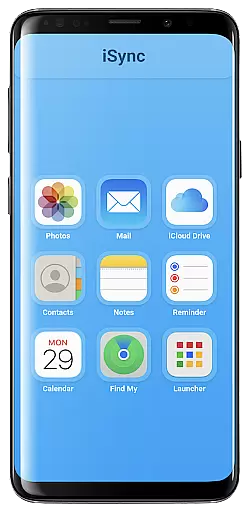
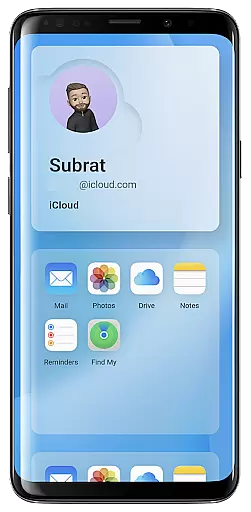
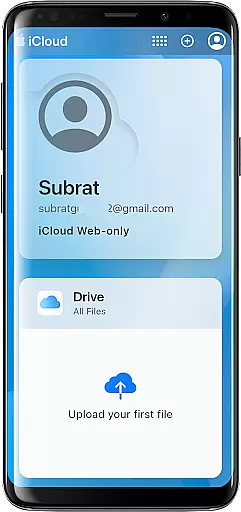
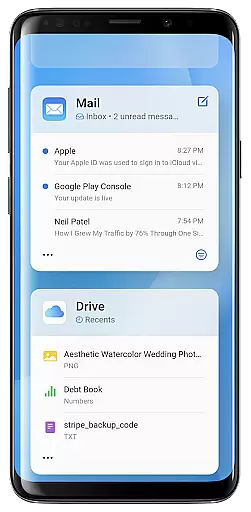
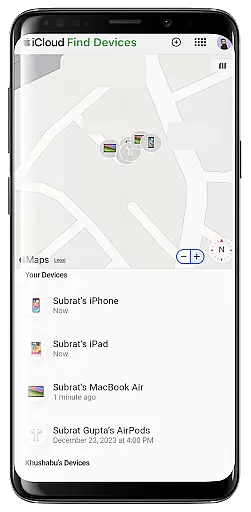
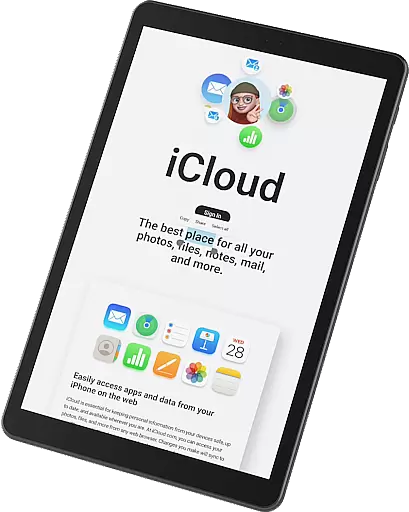
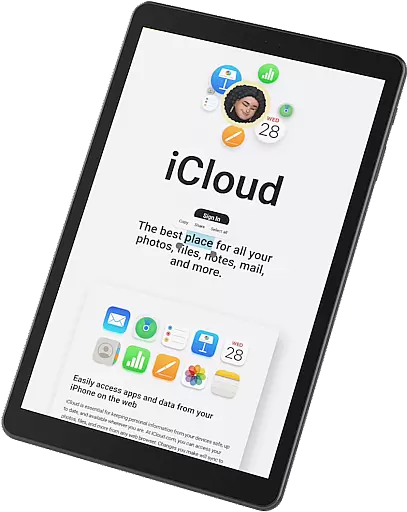
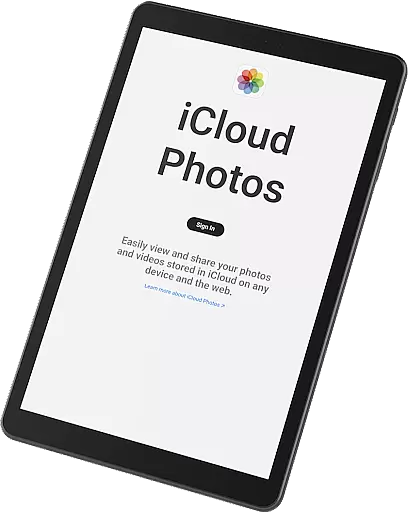
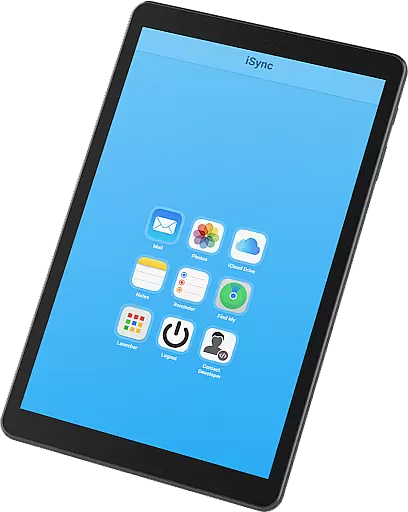
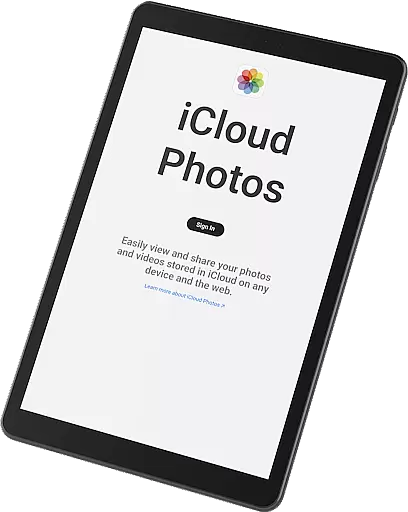
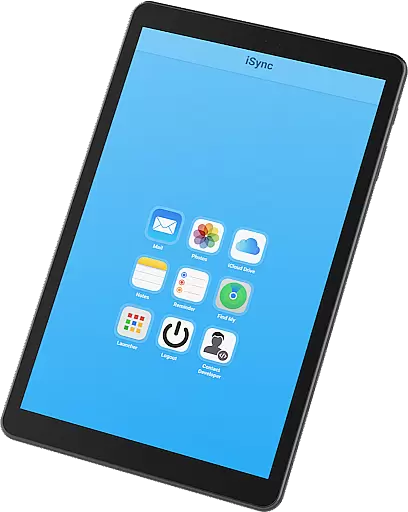
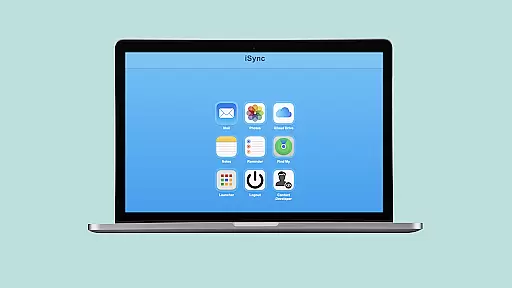
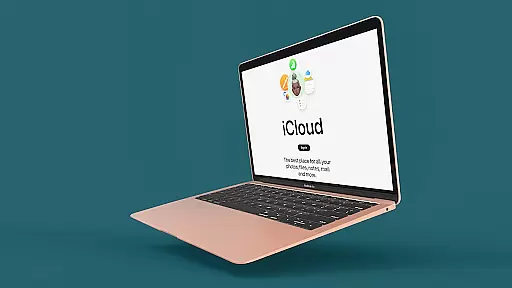
iSync Premium is a productivity-focused application that bridges the gap between Android and Apple ecosystems. It allows users to access their iCloud account and its applications directly from an Android device. The app provides seamless integration with essential iCloud services such as Mail, Photos, iCloud Drive, Notes, Reminders, and Find My. This makes it an ideal solution for users who operate across both platforms.
One of the standout features of iSync Premium is its user-friendly interface, which ensures a smooth experience while managing iCloud services on Android. Whether you need to send emails, view photos, access documents, or stay organized with reminders, this app offers a secure and reliable connection to your Apple ecosystem. With dedicated support available, users can easily reach out for assistance, making it a comprehensive tool for enhancing cross-platform productivity.
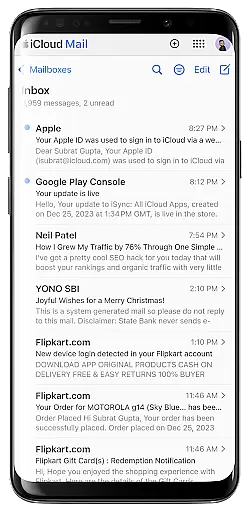
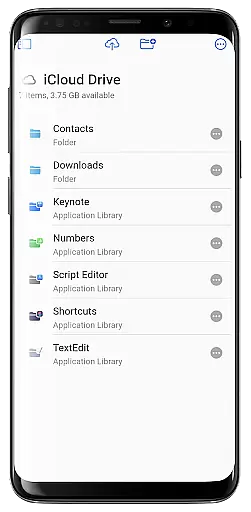
iSync Premium stands out with its comprehensive set of features tailored for productivity. The app offers one-touch access to favorite iCloud apps through an intuitive launcher, streamlining the user experience. Users can manage their iCloud Mail, access and share photos, and handle documents from iCloud Drive effortlessly. These features are designed to ensure that users can stay connected and productive regardless of their chosen platform.
In addition to core functionalities, iSync Premium emphasizes security and privacy. The app ensures that personal data remains protected while providing seamless access to iCloud services. Its dedication to user support, with contact options available for feedback and questions, further enhances the overall user experience. By combining essential iCloud services with a focus on usability and security, iSync Premium delivers a robust solution for users seeking efficient cross-platform synchronization.
Task management is a cornerstone of productivity applications, and iSync Premium excels in providing users with seamless access to their iCloud Reminders. This feature allows users to organize their daily tasks efficiently, ensuring they never miss an important deadline or appointment.
The app integrates directly with the iCloud Reminders service, enabling Android users to create, edit, and mark tasks as complete from their device. This cross-platform functionality ensures that whether you're on your iPhone at home or your Android device on the go, your reminders are always up-to-date and accessible.
With intuitive controls and a user-friendly interface, managing reminders becomes a hassle-free experience. Users can categorize tasks, set due dates, and add notes, making it easier to prioritize and manage their workload effectively.
By bridging the gap between Apple's ecosystem and Android devices, iSync Premium enhances productivity by keeping all your important tasks synchronized and within reach, no matter which device you're using.
Cross-device synchronization is vital for users who operate within multiple ecosystems, and iSync Premium offers reliable access to various iCloud services like Mail, Photos, iCloud Drive, and Notes. This ensures that all your essential data is synced across your devices, providing a consistent experience whether you're on an Apple or Android device.
The synchronization process is secure and operates in real-time, meaning any changes made on one device are immediately reflected on another. For instance, when you send an email from your iCloud account or update a document in iCloud Drive, those actions are instantly available on your Android device.
iSync Premium is designed with privacy in mind, ensuring that your personal information remains protected while being synced across devices. The app employs robust security measures to safeguard your data during transfer and storage.
By offering dependable synchronization capabilities, iSync Premium empowers users to stay connected and productive, regardless of the platform they choose to work on. This reliability fosters trust and confidence in managing personal and professional responsibilities seamlessly.
Seamless cross-platform access
User-friendly interface
Comprehensive iCloud integration
Secure data protection
Dedicated user support
Limited to Android users
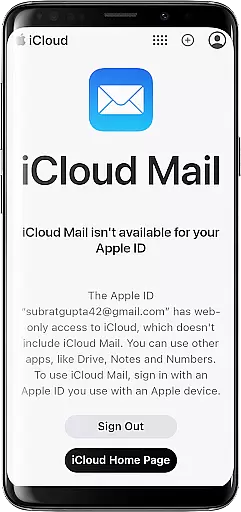
Requires iCloud account
Premium features may cost extra
Occasional sync delays
Dependent on internet connectivity

 4.20
4.20
Secure, fast, open-source, VNC and SSH Remote Desktop for Windows, Linux and Mac
4.70
Auto-shutoff Alarm with Sunrise, Sunset & Fixed Options.
3.50
Send files, sync SMS, notifications & clipboard across devices via local network
4.40
Protect and view your important info on your phone and tablet with eWallet®
4.80
We're working to become the best machining app on the market! www.cncdirt.com
4.80
All in One PDF Reader: Manage, Read and Edit your Documents
4.20
Translate text/voice/photos in 150+ languages. Offline & fast translator app.
4.50
Seamlessly read, manage, and organize all your PDF files solution in one place
4.40
Great calculator for Android named one of USA TODAY's "25 Essential Apps".
4.90
Multilingual translator for text, voice, and image translation!
4.90
Seamlessly integrate data and reports to build your presentation to impress
4.80
Secure, fast, open-source, Remote Desktop Client for Windows and Linux with SSH
4.60
Planet Free VPN - The best Fast Unlimited and Secure VPN Without Logs
4.50
Share files & memories safely. Keep your photos and videos secure.
4.40
Font maker keyboard with your own handwriting
4.10
Wake up & get tasks done! Add alarms & reminders on the Clock Launcher.
4.00
Create and edit presentations with Google Slides, part of Google Workspace.
4.00
Make your handwriting beautiful, even more than pen on paper.
3.60


User Reviews