
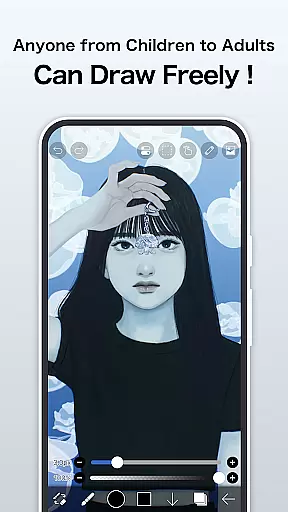
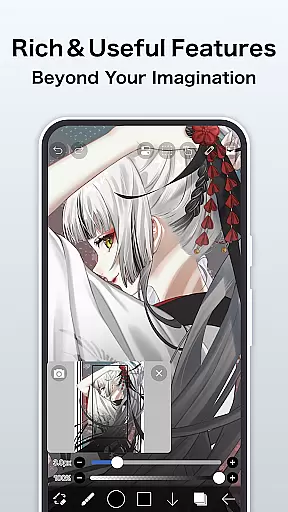
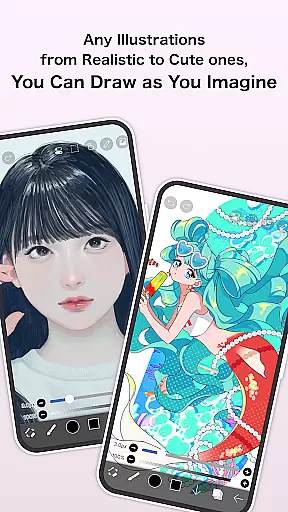
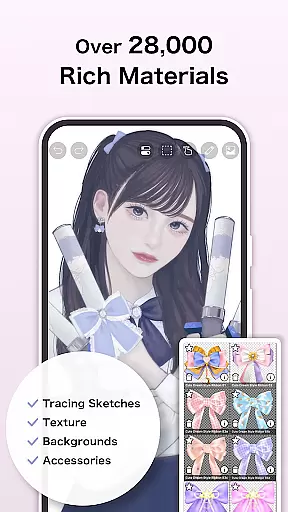
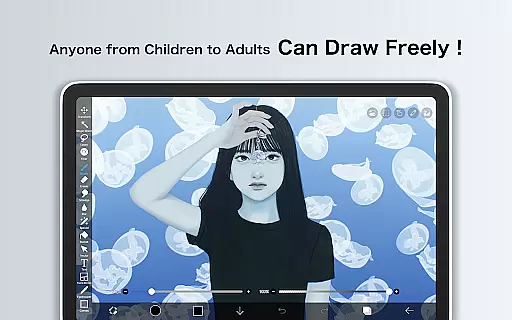
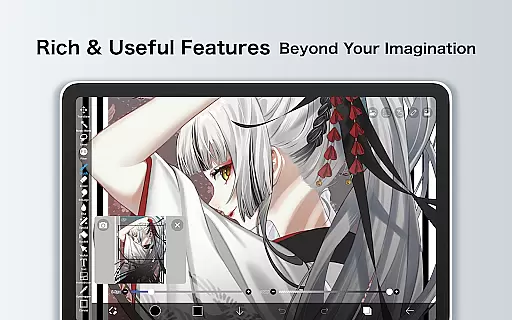
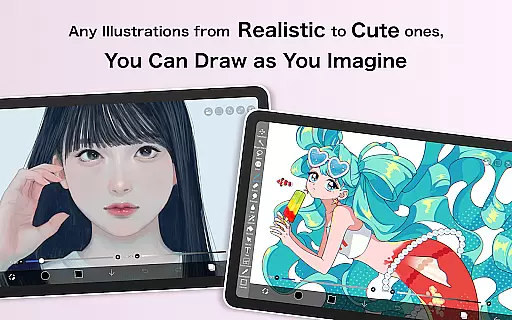
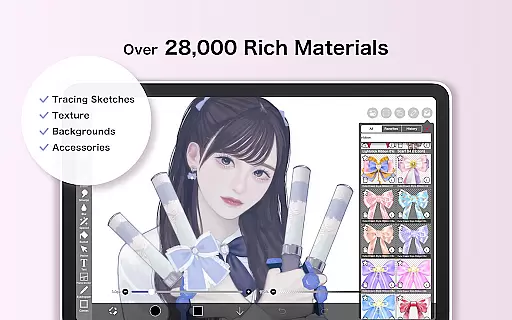
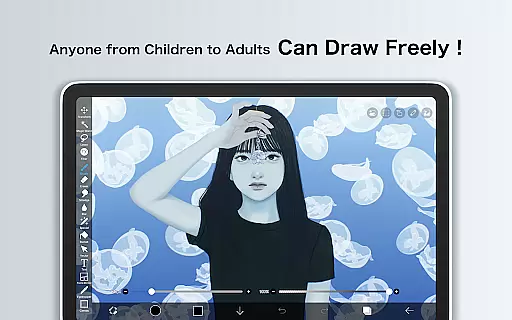
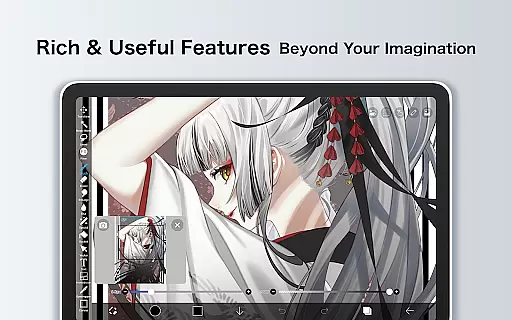
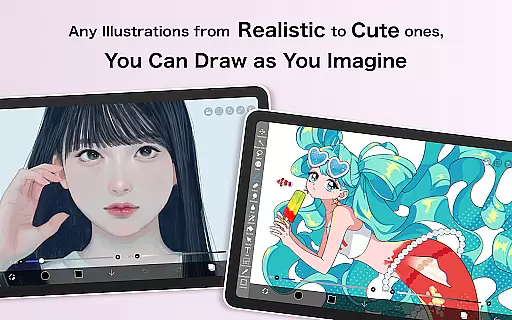
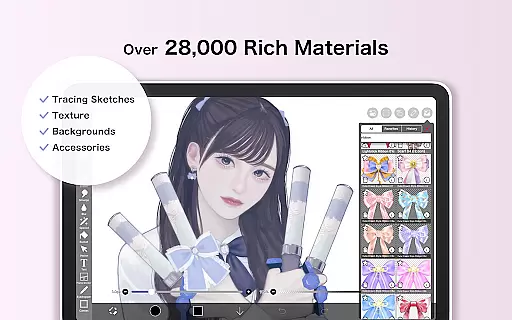
ibis Paint X is a feature-rich drawing application designed for both amateur and professional artists, downloaded over 460 million times. The app offers an extensive collection of artistic tools including more than 47,000 brushes, 27,000 materials, and 2,100 fonts, alongside advanced features like stroke stabilization, animation support, and AI Disturbance. Available on mobile platforms, it provides users with a desktop-level drawing experience through its OpenGL-powered engine, ensuring smooth performance at up to 60 fps.
Beyond its powerful creation tools, ibis Paint X fosters a creative community by allowing users to share their drawing processes as videos. This social aspect helps users learn from one another while showcasing their skills. Whether you're sketching, painting, or designing manga, the app's diverse functionality supports various art styles and workflows, making it a versatile choice for digital artists.
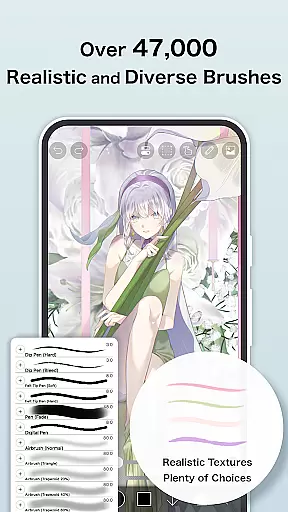
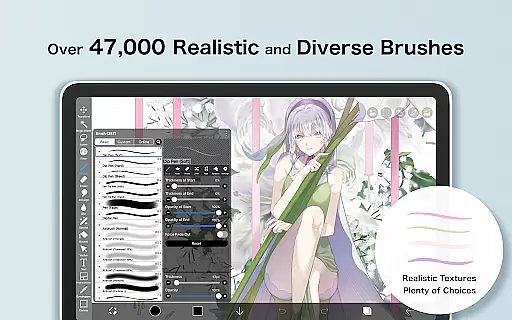
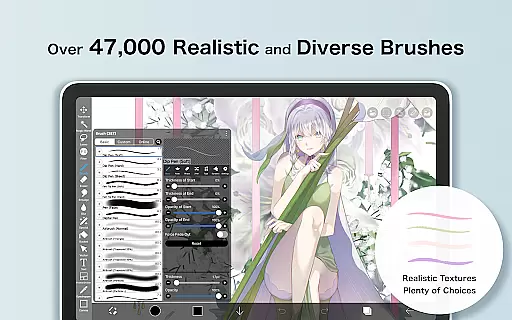
One of the standout aspects of ibis Paint X is its vast array of customization options. Users can choose from over 47,000 brushes, including dip pens, oil brushes, and airbrushes, each offering unique textures and effects. The layer functionality is equally robust, allowing unlimited layers with individual blending modes such as alpha blending, multiplying, and subtracting. Additionally, specialized tools like radial line rulers, symmetry rulers, and clipping masks provide precision and control for intricate designs.
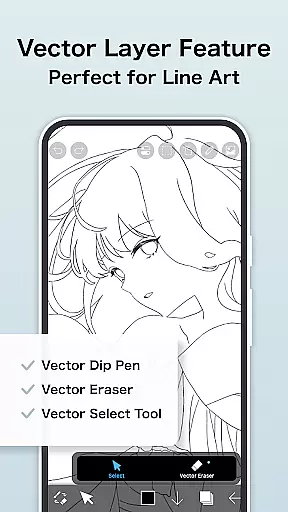
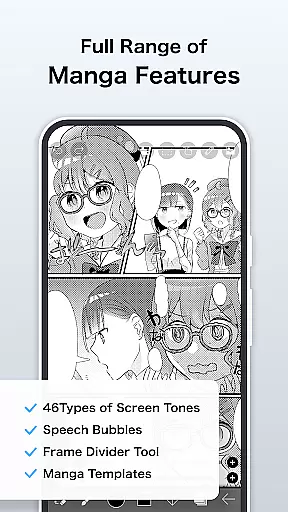
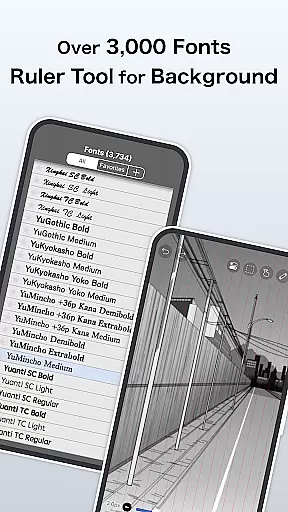
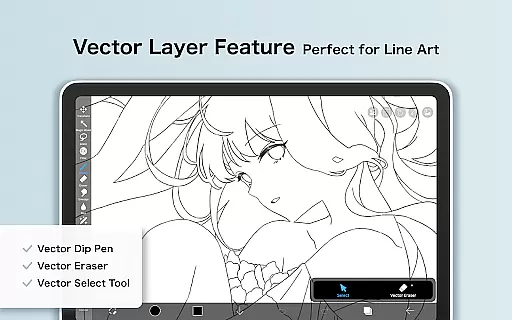
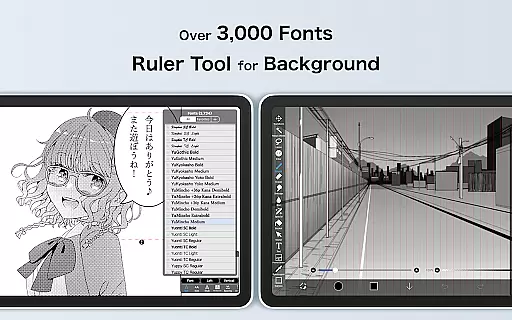
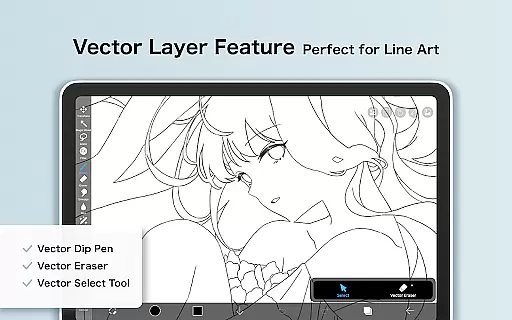
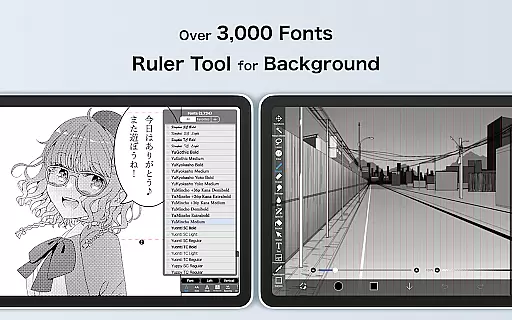
The app also includes professional manga and text tools, featuring vertical and horizontal text alignment, font selection, and multi-text functions. For those interested in animation, ibis Paint X offers frame-by-frame animation capabilities. Prime Membership unlocks even more advanced features, such as vector tools, tone curve filters, and 20GB of cloud storage. These functionalities ensure that artists have everything they need to create high-quality artwork directly on their mobile devices.
ibis Paint X stands out in the Art & Design category by offering an extensive suite of creative tools that cater to both amateur and professional artists. With over 47,000 brushes, 2,700 materials, and 2,100 fonts, the app provides a rich variety of options for drawing, painting, and typography.
The app's functionality is further enhanced by advanced features such as stroke stabilization, various ruler tools, and blending modes, which collectively ensure precision and control in every artwork. These tools mimic traditional art supplies while leveraging the advantages of digital technology.
Moreover, ibis Paint X includes unique offerings like AI Disturbance and Vector tools, available to Prime Members, allowing users to experiment with cutting-edge techniques. This vast array of professional-grade tools empowers users to bring their artistic visions to life with remarkable detail and creativity.
Flexibility in canvas and format options is crucial for digital artists, and ibis Paint X excels in this area. The app supports unlimited layers, giving artists complete freedom to work with complex compositions without constraints. Each layer can be customized with individual parameters such as opacity and blending modes.
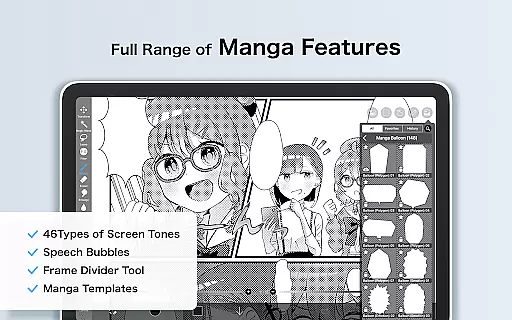
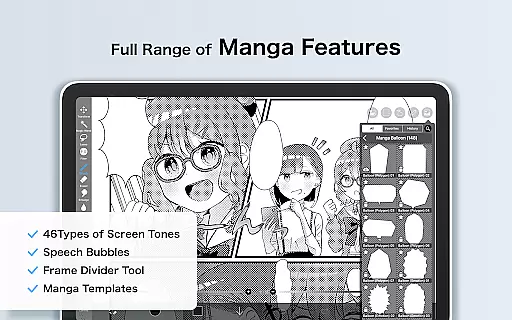
In addition to its robust layer system, ibis Paint X offers diverse manga and text tools. Artists can create vertical or horizontal texts with multiple font selections, catering specifically to comic and graphic novel creators. This level of customization ensures that each project maintains its unique style and formatting.
Prime Members gain access to exclusive canvas papers and formats, elevating the creative possibilities even further. Whether working on detailed illustrations or expansive manga pages, ibis Paint X provides the adaptability needed to produce high-quality digital art across various formats and styles.
User-friendly interface
Extensive brush library
Powerful layer options
Active creative community
Smooth drawing performance
Prime Membership required
Ads in free version
Steep learning curve
Large app size
Limited free trial

Pose and morph realistic male and female models! 3D poser app
 3.00
3.00
Text to Image, Image to Video & AI Chat
4.20
Draw on screen: FP sDraw is a simple and lightweight drawing app
4.70
The perfect place to start sketching! Use Sketchbook to draw and paint sketches.
4.50
Resize photos and print photos in exact size with our powerful photo printer!
3.80
Android 14 style widgets and wallpapers app.
4.3
Unleash the artist in you with our AR drawing and tracing tool for photo drawing
4.10
Inky runs Inkscape on Android devices and Chromebooks
2.90
Turning simple sketches into captivating tales filled with life and motion
3.90
Passport size photo maker, create ID photo and visa photo in seconds
4.80
Logo Generator powered by AI: Create stunning logos effortlessly!
4.70
Novices can also easily complete diamond painting masters
4.70
Image resizer to resize, crop, rotate, flip, change dpi photo or picture in bulk
4.60
Draw, fidget, and spin glow art! Relax and express your creativity with a finger
4.60
Create color palette from Image, RGB & RYB Color wheel harmonies, Color Scheme
4.50
Share the joy of painting with ibis Paint! Drawing anime and manga art.
4.50
800+ Drawing, Painting Lessons App to Practice, Sketch & Paint Art.
4.30
Powerful home decoration & house design that allows you to design dream home.
3.80
AI Assistant, powered by ChatGPT GPT-4 & GPT-4o. Your intelligent companion.
3.50


User Reviews