
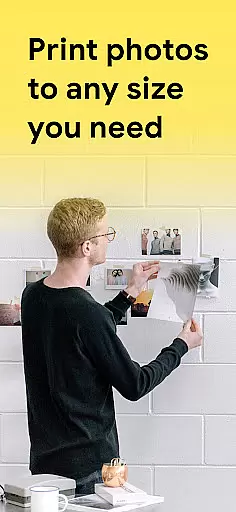
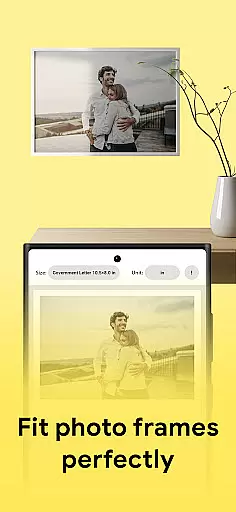
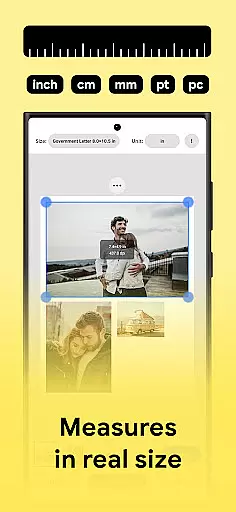
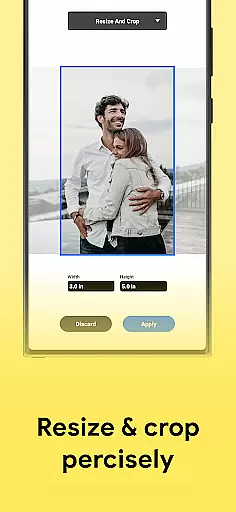
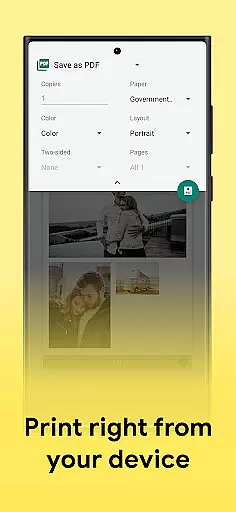
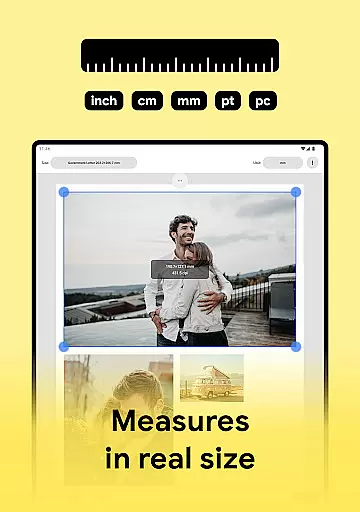
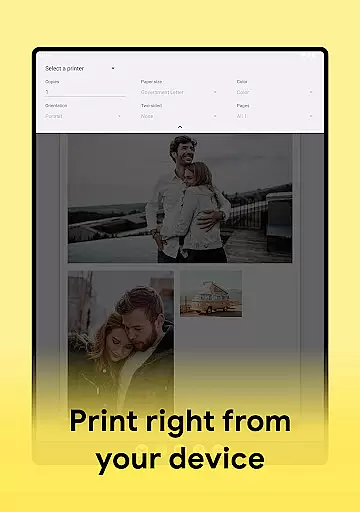
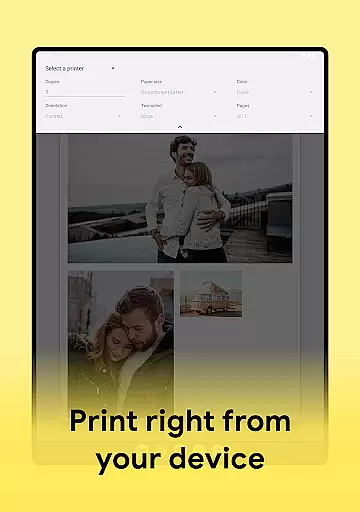
Print Photo is an innovative mobile application designed specifically for photo printing, scanning, and resizing tasks. This app allows users to effortlessly print photos, badges, labels, passport-sized photos, and more directly from their devices. With compatibility across major printer brands like HP Smart, Samsung Print, Canon Pixma, Brother iPrint, and Epson Print, it offers a seamless printing experience.
The app's standout feature is its ability to handle multiple pictures simultaneously, enabling users to adjust DPI, print resolution, and crop images as needed. Whether you're creating passport-sized photos or high-quality prints, the app provides templates and customization options that make the process intuitive and efficient. Its support for saving files in PDF, PNG, and JPG formats, along with cloud storage integration, adds versatility to its functionality.
For photographers, designers, or anyone needing quick and professional photo printing solutions, Print Photo proves invaluable. It simplifies complex printing tasks while maintaining maximum quality output, making it a must-have tool for both personal and professional use.
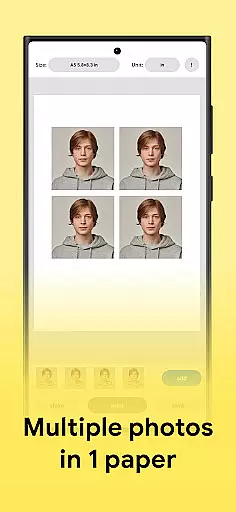
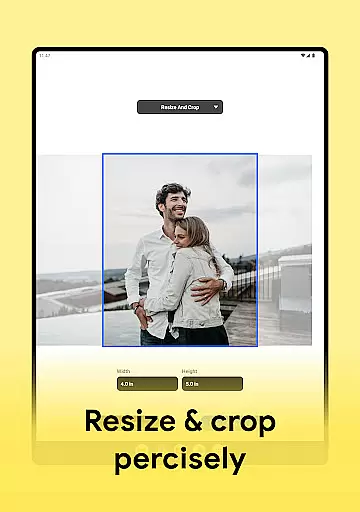
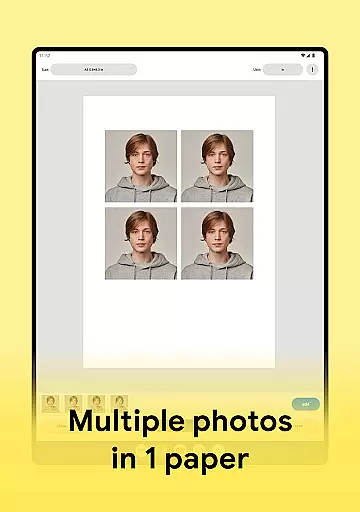
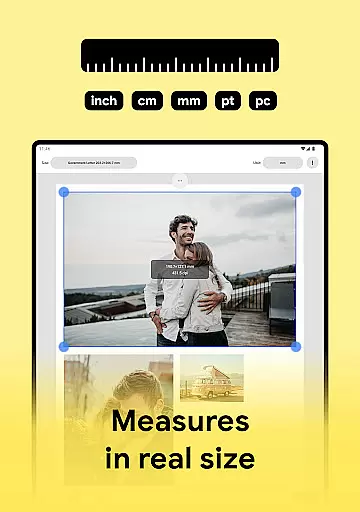
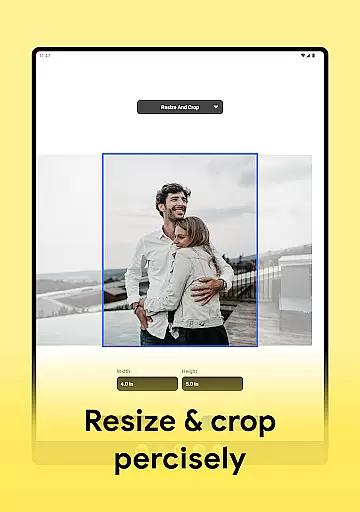
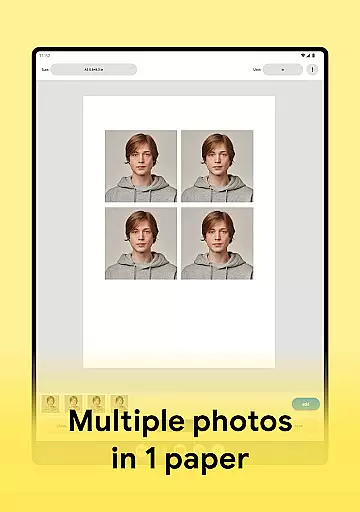
Print Photo stands out with its comprehensive set of features tailored for photo printing enthusiasts. One of its core functionalities is the ability to print to size, allowing users to crop and adjust print resolution for optimal results. The app also supports creating passport-sized photos, where multiple pictures can be arranged on a single sheet of paper, maximizing efficiency.
In addition to its primary printing capabilities, the app enables users to save their projects in various formats such as PDF, PNG, and JPG. Cloud storage integration further enhances accessibility, letting users store and retrieve their work from anywhere. High-quality photo printing is guaranteed through advanced resolution settings, ensuring every print meets professional standards.
Another notable feature is the app's extensive template library, which includes predefined sizes for badges, labels, and other common formats. Users can also create custom templates, streamlining the printing process for recurring tasks. With support for virtually all printer models, including Canon Pixma, HP Smart, Samsung Print, Brother iPrint, and Epson Print, this app delivers unparalleled flexibility and convenience.
In the realm of digital art and design, having access to comprehensive tools is essential for bringing creative visions to life. Print Photo stands out by offering a robust suite of features tailored for photo printing and editing. This app allows users not only to print photos in various sizes but also to adjust dpi and resolution, ensuring that each print mirrors the clarity and quality of the original image.
One of the standout capabilities of Print Photo is its support for creating passport-sized photos with precision. Users can arrange multiple pictures on a single sheet of paper, optimizing both space and material usage. Additionally, the app provides options to save edited images in multiple formats such as PDF, PNG, and JPG, or even send them directly to cloud storage services. This versatility ensures that creatives can seamlessly integrate their work into different workflows and platforms.
The app's compatibility with a wide range of printers, including HP Smart, Samsung Print, Canon Pixma, Brother iPrint, and Epson Print, further enhances its utility. By supporting both standard paper sizes and custom formats, Print Photo empowers users to experiment with different mediums without being constrained by technical limitations. Whether you're designing labels, badges, or full-sized prints, this app equips you with everything needed to execute your projects with professional-grade results.
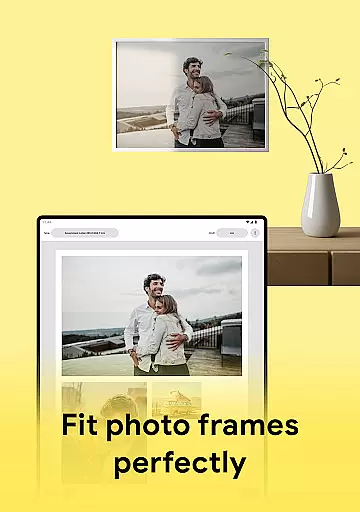
Flexibility in canvas and format options is crucial for artists and designers who need to adapt their work across various mediums and dimensions. Print Photo excels in providing users with extensive control over their print projects, allowing them to customize sizes and formats according to specific requirements. Whether you're working on small label designs or large poster prints, the app accommodates diverse project needs with ease.
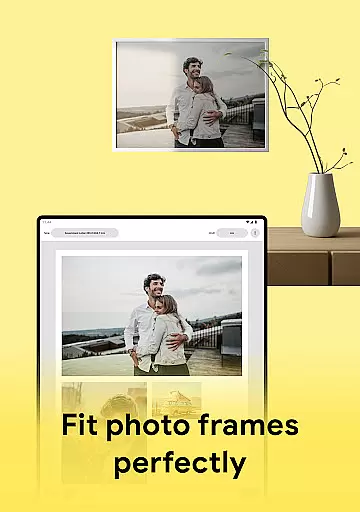
Users can select from predefined templates or create their own custom formats, streamlining the process of fitting images to exact specifications. The ability to upload, adjust, and preview photos before printing ensures that the final output meets expectations. Moreover, Print Photo supports high-quality photo printing, maintaining the integrity of colors and details throughout the process. This attention to detail guarantees that every printed piece reflects the creator's intended vision.
Another significant advantage of Print Photo is its seamless integration with numerous printer models, including popular brands like HP, Canon, and Epson. This compatibility ensures that regardless of the printer you own, you can achieve consistent and reliable results. With Print Photo, creatives are no longer limited by rigid format constraints; instead, they have the freedom to explore and implement their ideas across a multitude of surfaces and sizes, enhancing both creativity and productivity.
User-friendly interface
Wide printer compatibility
High-quality prints
Multiple file formats
Cloud storage integration
Limited free features
Requires printer setup
Premium subscription cost
Occasional bugs
Learning curve for new users

Create sweet, cool and unique couple avatars easily, in just a few steps!
 3.40
3.40
Digital Drawing: Draw & Paint
4.10
Convert image to JPG PNG HEIC PDF, support almost all kinds of image formats
4.70
Make your phone cooler and have a fantastic experience
4.80
Castle is social media for creating and playing games!
4.60
Bring One UI 8.5 Icons to life -elegant dark icons with a modern, premium touch.
4.30
Retouch photos. Create or edit images. Endless capabilities.
2.70
Turning simple sketches into captivating tales filled with life and motion
3.90
An intuitive, high-performance painting app that lets you focus on creating
4.40
2D animation studio for Android tablets - unlimited layers, infinite timeline
4.70
Draw glowing spinners, relax, and spin your creative art
4.60
Kling AI is an image and video generation and editing studio powered by AI.
4.50
Photo blender app to create overlay photos & double exposure.
4.40
Customizable Outlined Fonts. Watch Face Format. Battery friendly Digital Clock.
4.20
Unleash Your Creativity with Draw Cartoon - AR Drawing App
4.10
Floor Plan Creator lets you create, edit and share floor plans.
4.00
Create stunning video, photo & magic from text with FlixAI GPT video generator.
3.10
Transform photos into amazing monochrome dither art with professional algorithms
4.3
Art of Combination Wear OS Watch faces
4.1


User Reviews