
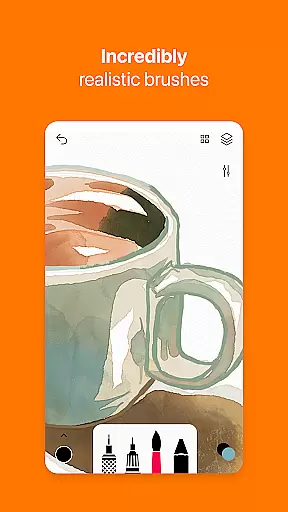
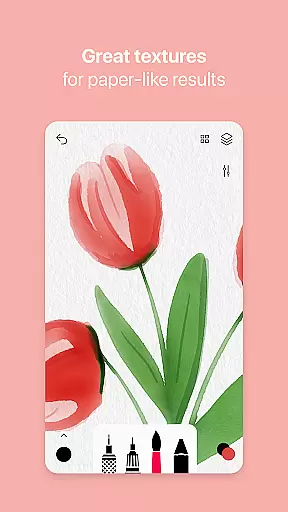
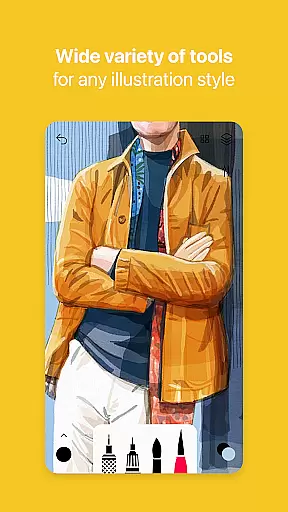
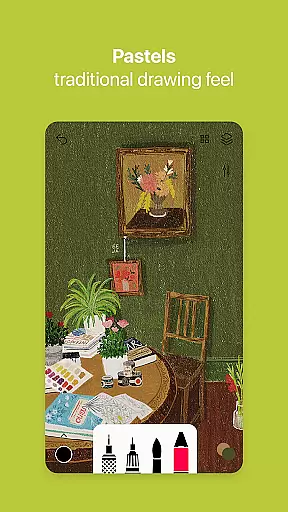

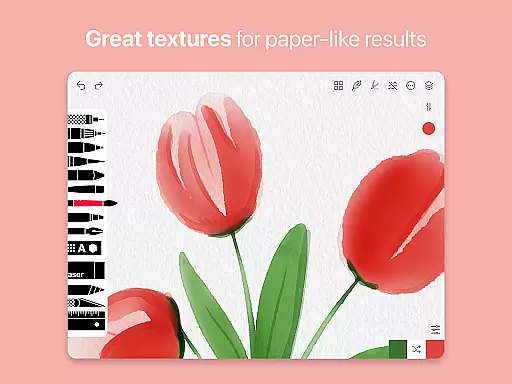
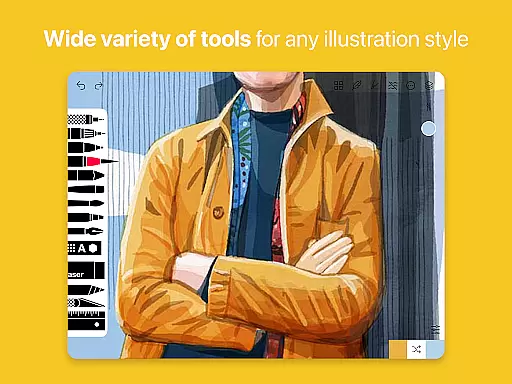
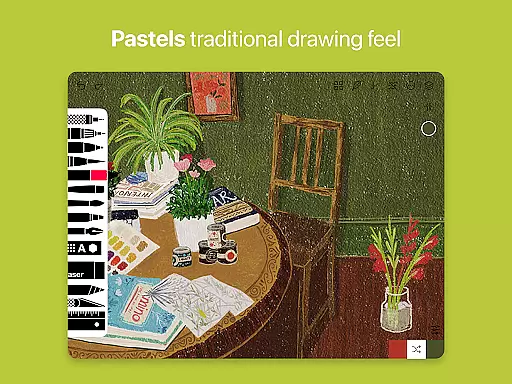
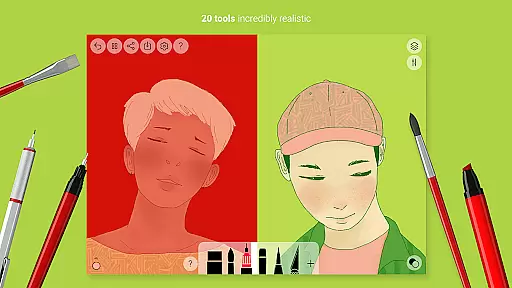
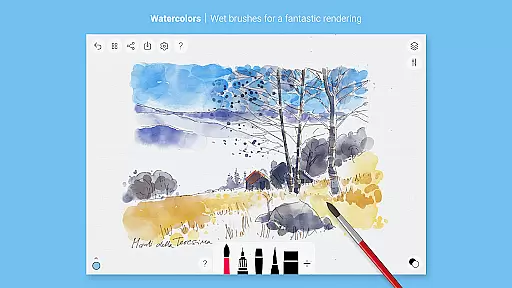
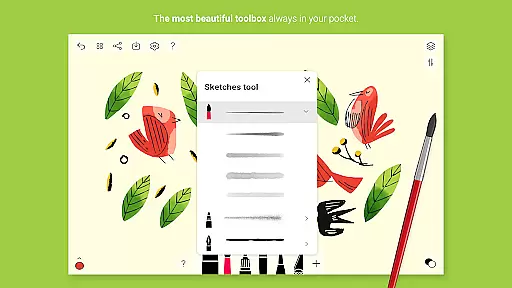
Tayasui Sketches is a premier drawing application designed for artists and creatives who value precision and beauty in their digital artwork. The app offers an impressive selection of over 20 ultra-realistic tools, each meticulously crafted to mimic the behavior of traditional art mediums. These include watercolor brushes that react to pressure and angle, oil pastels, acrylic brushes, and various pens.
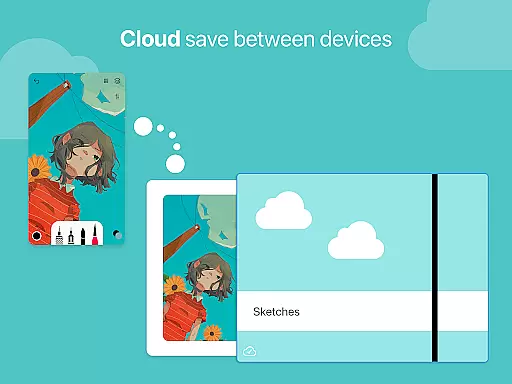
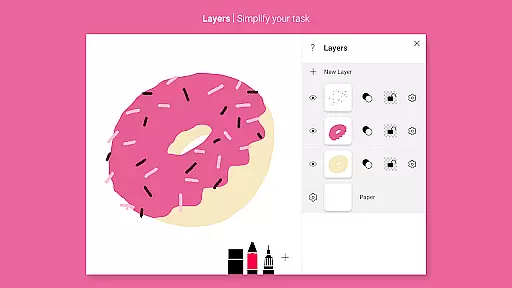
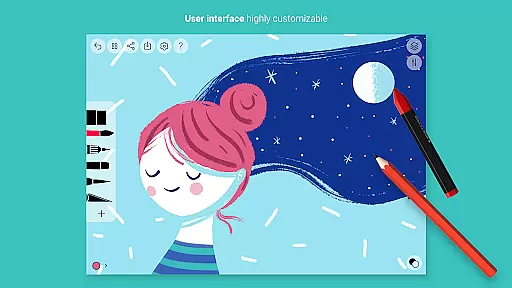
One of the standout features of Tayasui Sketches is its intuitive interface that combines powerful functionality with ease of use. Artists can take advantage of advanced options such as layers, which simplify complex tasks, and an array of professional-grade tools like the Brushes Editor and Color Eyedropper. Whether you're sketching ideas on the go or creating detailed masterpieces, this app provides a seamless experience across Android devices.
The application's value extends beyond casual users to professionals seeking sophisticated drawing capabilities on mobile platforms. With support for styluses and advanced sharing functions, it catifies the needs of both amateur doodlers and seasoned illustrators. Subscribers gain access to premium features including additional tool variants and enhanced export options, making it a versatile choice for all artistic endeavors.
Tayasui Sketches distinguishes itself through its commitment to realism and attention to detail in digital art tools. Each brush and pen has been carefully designed to provide an authentic drawing experience. For instance, the watercolor wet brush not only looks realistic but also behaves dynamically based on user input, adapting its spread and color intensity according to stroke pressure and speed.
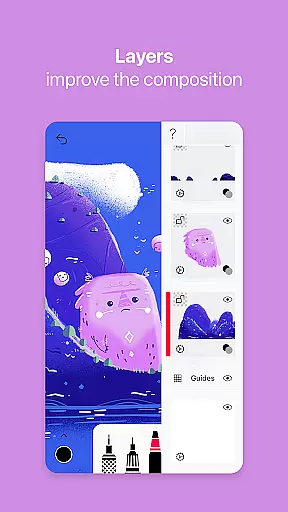
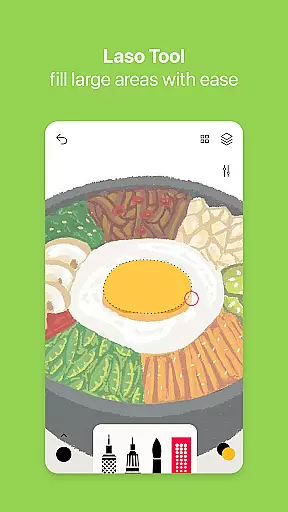
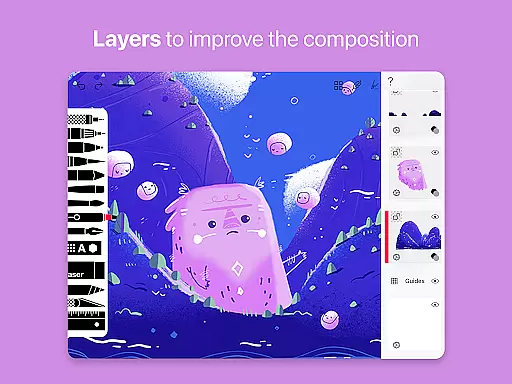
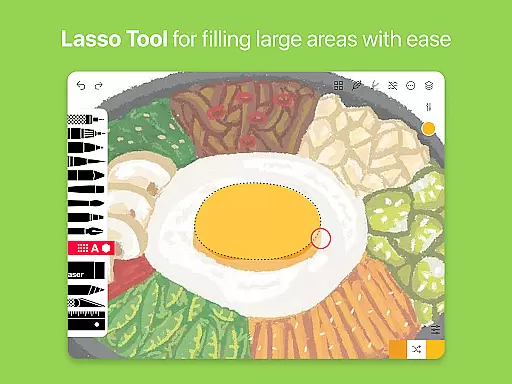
Beyond its remarkable set of brushes, the app includes innovative features such as layer support, which allows artists to work on different elements of their composition independently. This capability significantly enhances workflow efficiency and creative control. Additionally, the inclusion of specialized tools like the Smudge tool and Area Filling tool expands the range of artistic techniques available at your fingertips.
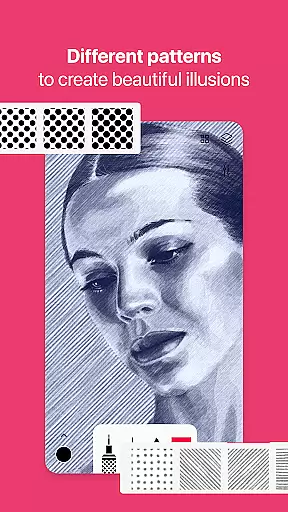
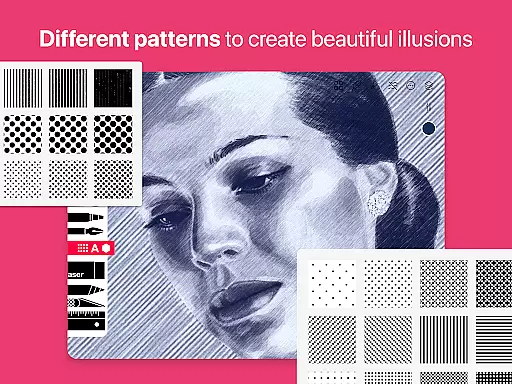
Another significant aspect of Tayasui Sketches is its adaptability to various skill levels and styles. While beginners can enjoy experimenting with different mediums without any learning curve, professionals will appreciate advanced functionalities like importing photos for tracing or reference, using patterns, and creating text overlays. The app's minimalist design ensures that these powerful features are easily accessible without overwhelming the user interface.
Tayasui Sketches offers an extensive suite of creative tools that cater to both amateur and professional artists. With over 20 ultra-realistic tools, users can explore various artistic mediums including watercolor, oil pastel, and acrylic brushes.
The app's attention to detail is evident in its brush design. Each stroke dynamically responds to the user's movements, adapting to pressure, angle, and width just like a real brush on paper. This level of realism enhances the drawing experience significantly.
Advanced features such as layers, a brushes editor, color eyedropper, and smudge tool provide users with the flexibility needed for complex artwork. These tools are not only diverse but also meticulously crafted to ensure an intuitive and seamless creative process.
Additionally, the inclusion of Pro options expands functionality further with many tool variants and dozens of additional features. This comprehensive toolkit empowers artists to bring their visions to life with precision and ease.
One of Tayasui Sketches' standout features is its canvas and format flexibility, which allows artists to work without constraints. The app supports importing photos, enabling users to incorporate personal images or references directly into their projects.
With layer support, users can organize their artwork efficiently, simplifying complex tasks and allowing for non-destructive editing. Layers make it easy to manage different elements of a project separately, providing greater control over the final composition.
The app also excels in sharing and export functions, offering advanced options that cater to various professional needs. Artists can export their work in multiple formats, ensuring compatibility with other software and platforms.
Furthermore, Tayasui Sketches provides stylus support, enhancing the drawing experience by allowing precise input. This feature ensures that digital art feels as natural and responsive as traditional methods, making it an ideal choice for artists seeking a versatile and adaptable creative environment.
User-friendly interface
Realistic brush effects
Advanced layer management
Regular feature updates
Professional-grade tools
Subscription model required
Limited free trial availability
Some features iPad-exclusive
No desktop version
Occasional performance issues

The ultimate tool for creating animations
 4.60
4.60
Trace, draw, and create art with AR - from memes to masterpieces!
4.30
Castle is social media for creating and playing games!
4.60
AI Art Generator transforms your words into AI generated art & paintings.
3.70
Minecraft & Roblox Clothes
4.70
Get creative and make art with your Sesame Friends!
4.00
Mobile pixel art editor. Simple. Fast. Portable.
4.80
Art of Combination Wear OS Watch faces (for Wear OS 5+ devices)
3.90
Draw, make movies & animate cartoons easily with our 2D animation maker app
4.40
Passport size photo maker, create ID photo and visa photo in seconds
4.80
Convert image to JPG PNG HEIC PDF, support almost all kinds of image formats
4.70
Draw Trace image sketch by, AR art projector app, Easy to trace any image.
4.50
Remove Background, Magic Eraser, Photo Enhancer, Story Templates, Collage Maker
4.30
800+ Drawing, Painting Lessons App to Practice, Sketch & Paint Art.
4.30
OneUI 8.5 icons ✨ Smooth, modern & based on the latest Play Store design ??
4.10
Your homescreen as an elegant glass with customized blur, lighting, and visuals.
3.70
Vidu is an AI video generator made for creators and aspiring makers.
3.30
Art of Combination Wear OS Watch Faces
3.30
Premium version of Shimeji-ee app with no ads & no limit active shimeji
4.3


User Reviews