
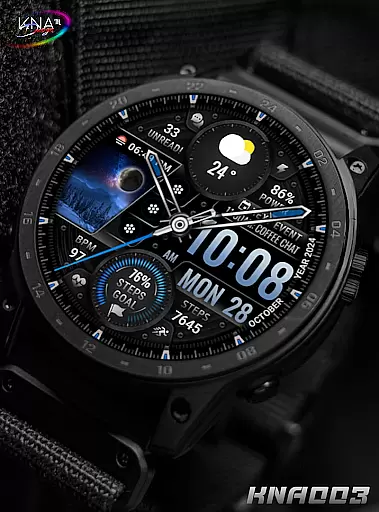
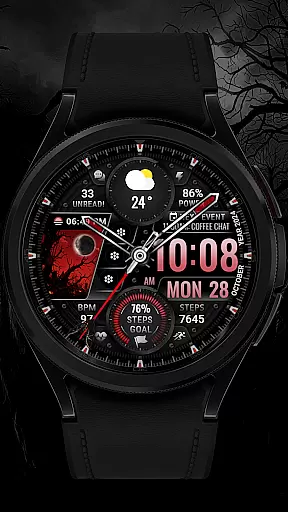
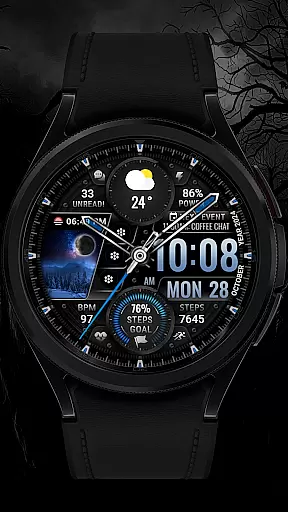
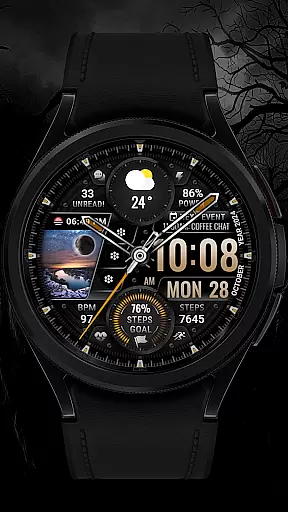
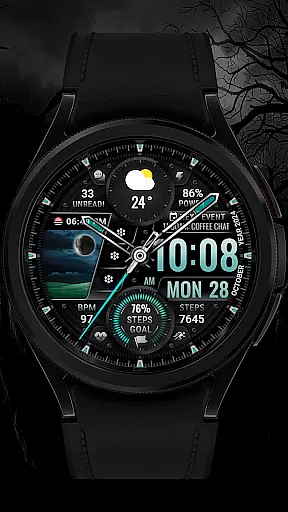
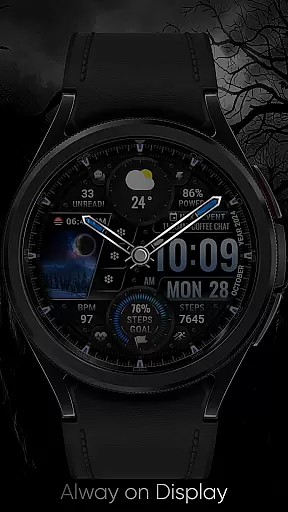
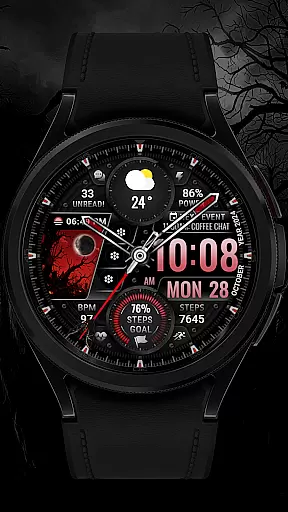
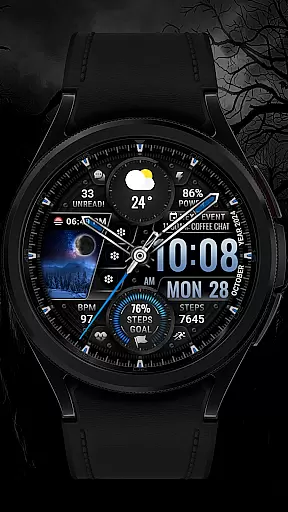
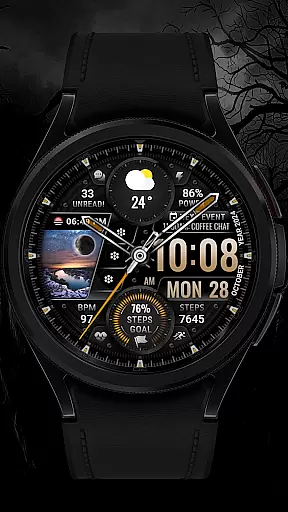
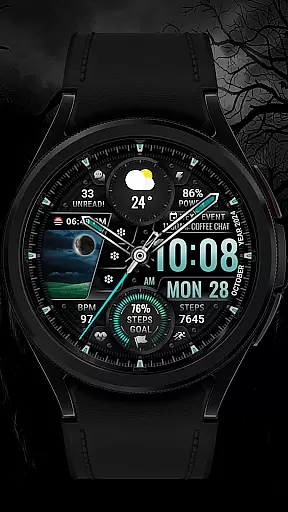
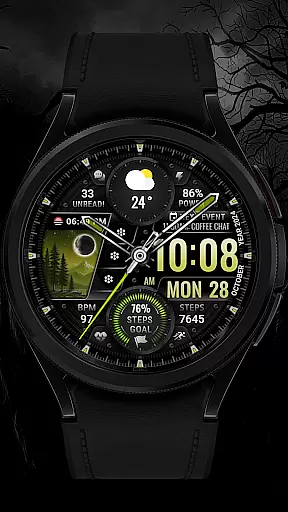
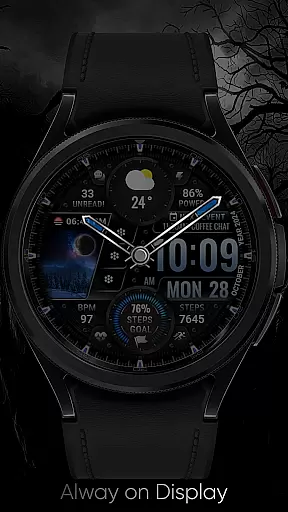
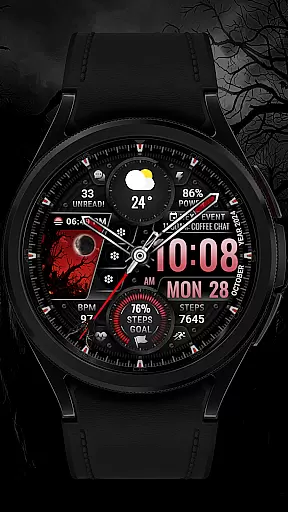
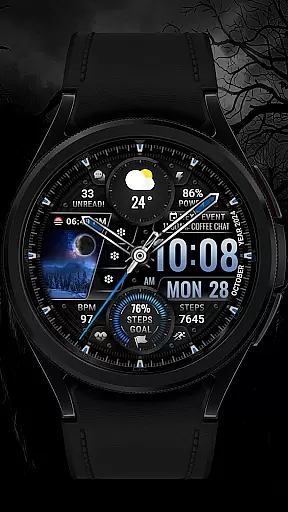
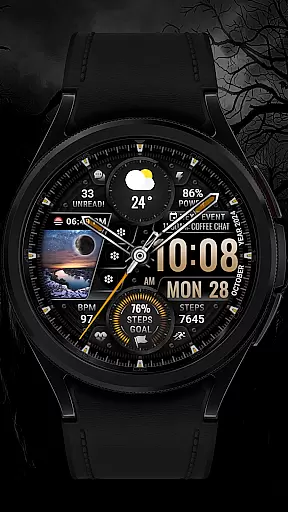
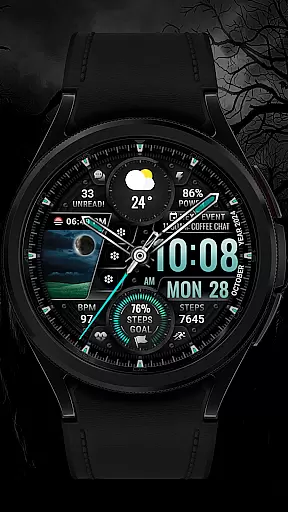
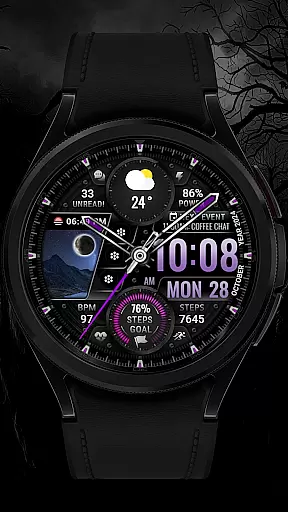
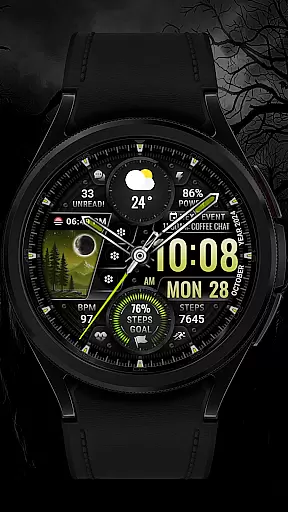
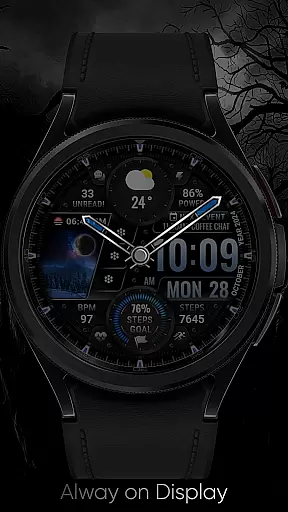
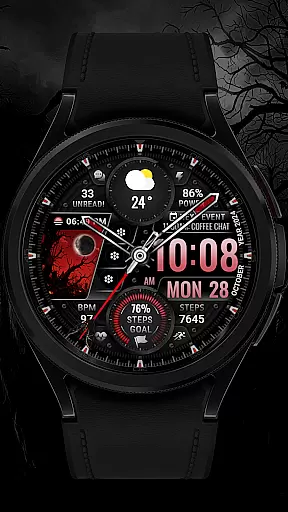
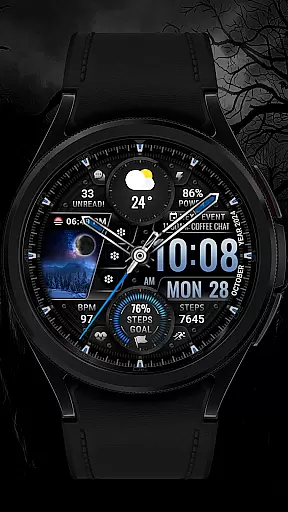
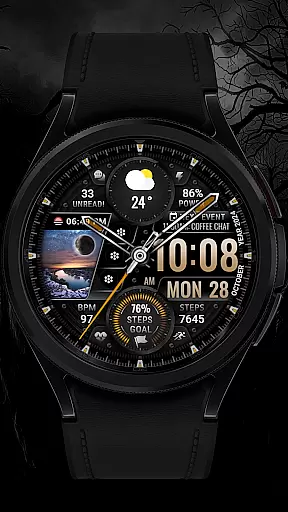
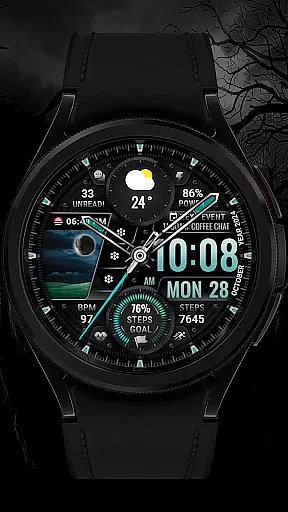
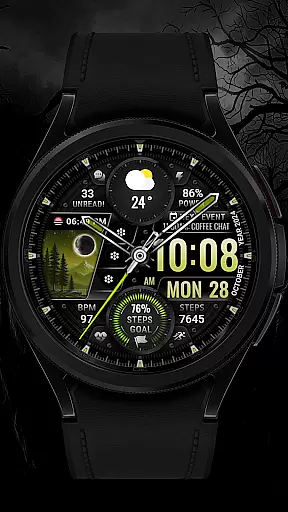
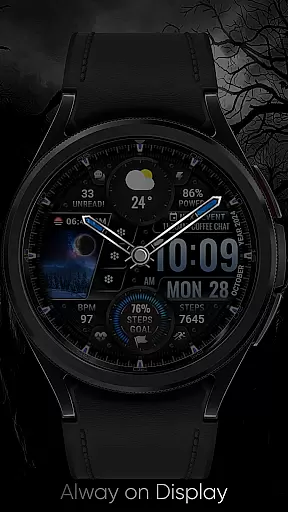
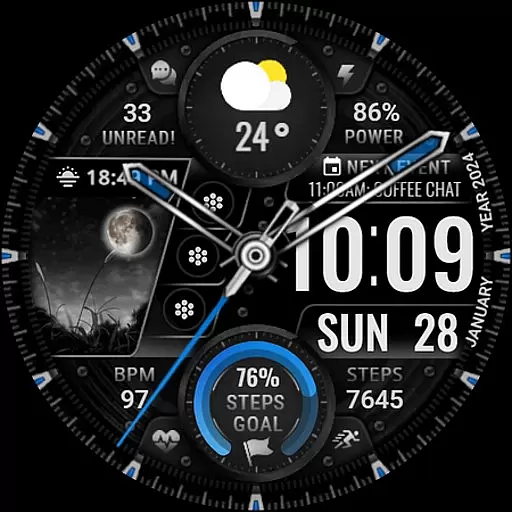
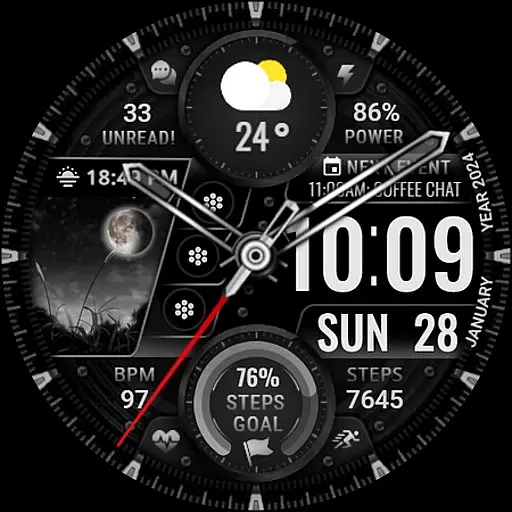
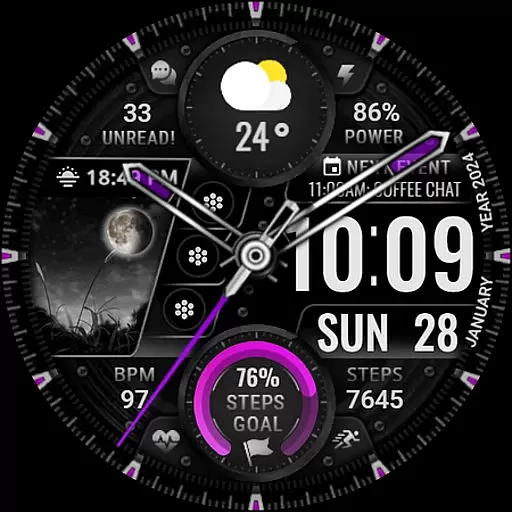
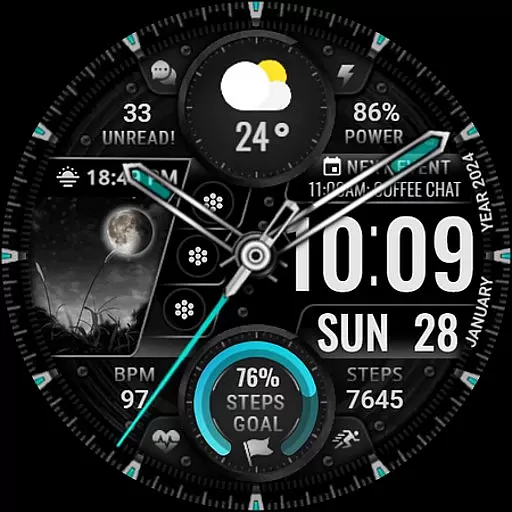
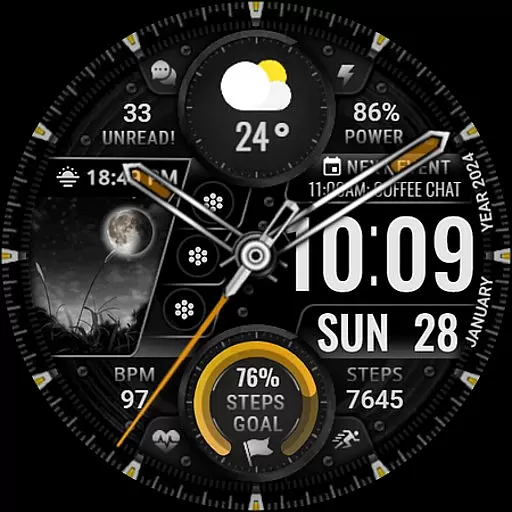
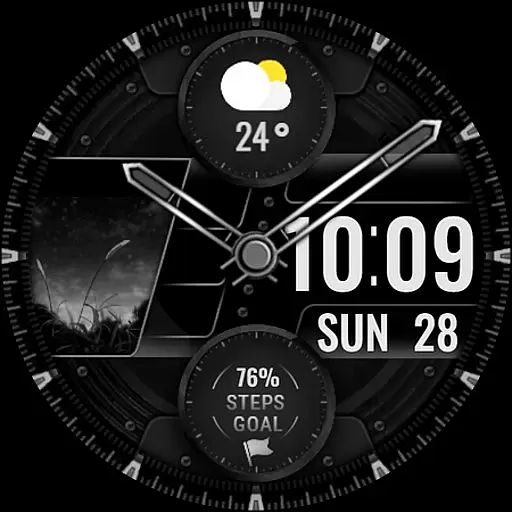
[KNA003] SHADOW is a premium watch face designed specifically for Wear OS devices, representing the perfect fusion of functionality and aesthetics in wearable technology. This sophisticated application transforms your smartwatch into a personalized timepiece that goes beyond mere timekeeping.
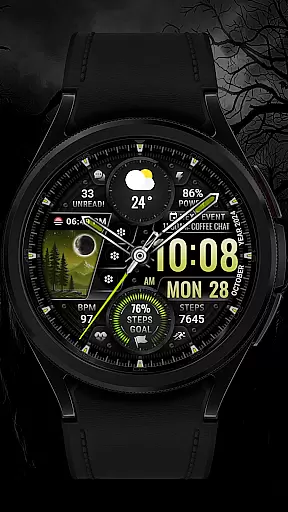
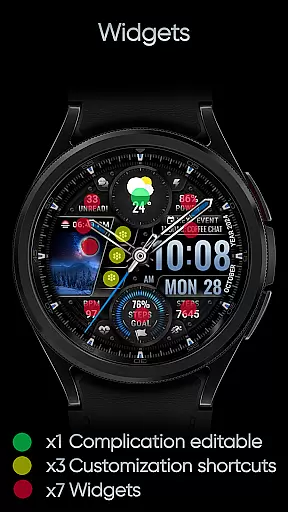
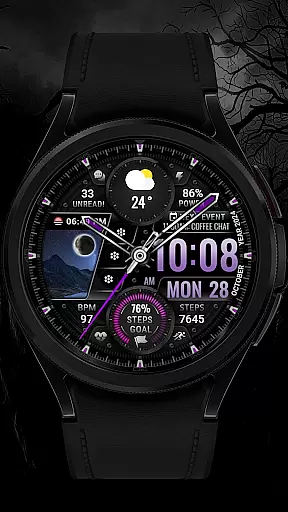
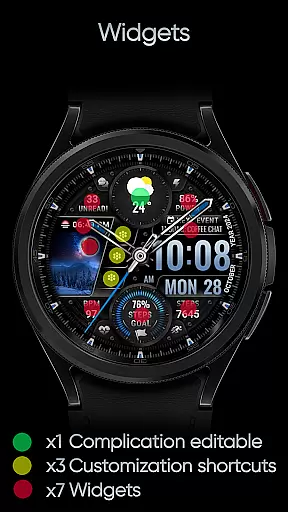
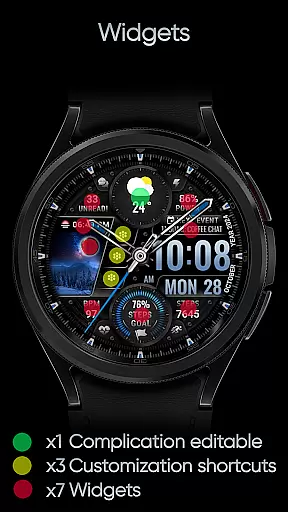
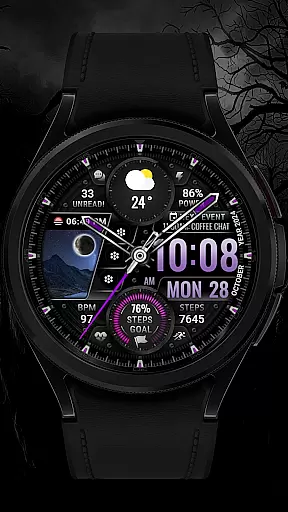
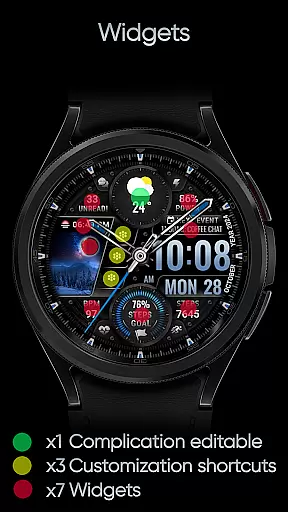
The core strength of [KNA003] SHADOW lies in its exceptional customization capabilities. Users can tailor their watch face experience through multiple complications, including date, day of the week, and month displays. The inclusion of one editable complication alongside three customizable app shortcuts provides quick access to frequently used applications and vital information. Furthermore, the watch face offers five distinct color options for backgrounds, clock hands, and step progress indicators, allowing users to create a truly unique visual experience.
Particularly noteworthy is how [KNA003] SHADOW caters to health-conscious individuals by displaying essential metrics such as step count, heart rate, and battery level directly on the watch face. Additional features like moon phase tracking, unread message counts, and next event notifications make this application invaluable for managing daily activities. The watch face's compatibility with API level 30+ devices, including Google Pixel and Galaxy Watch series, ensures broad accessibility while maintaining optimal performance across supported devices.
[KNA003] SHADOW represents a new era of personalization for Wear OS users. This sophisticated watch face combines both analog and digital elements, offering users multiple ways to view essential information such as date, time, and various health metrics.
The watch face stands out with its extensive customization capabilities. Users can personalize their experience through one editable complication and three app shortcuts. The ability to choose from five different color schemes for backgrounds, clock hands, and step progress indicators allows for a truly unique appearance. Additionally, real-time data displays for steps count, heart rate, battery level, moon phase, unread messages, and upcoming events make this watch face a comprehensive lifestyle companion.
What sets [KNA003] SHADOW apart is its innovative field background animation feature. This dynamic visual element adapts to user interactions and time changes, creating an engaging and personalized viewing experience. The combination of practical information display with aesthetic customization options makes this watch face particularly appealing to design-conscious users who value both form and function in their wearable technology.
In the realm of wearable technology, having a comprehensive suite of creative tools is essential for personalization. The [KNA003] SHADOW watch face offers an impressive array of features that cater to this need. With both analog and digital styles, users can choose their preferred display format while enjoying additional data such as date, day of the week, and month.
One of the standout aspects is its customizable complications. This allows users to tailor the information displayed on their watch face according to their preferences or needs. Whether it's monitoring heart rate during workouts or checking weather updates throughout the day, these editable elements ensure that relevant data is always at hand.
Moreover, with three editable app shortcuts available directly from the main screen, accessing frequently used applications becomes seamless. Coupled with five color options for backgrounds, clock hands, and step progress indicators, wearers have ample opportunity to reflect their personality through design choices. These thoughtful inclusions underscore how [KNA003] SHADOW prioritizes user experience by providing versatile customization capabilities within a single interface.
The ability to adapt and modify visual formats plays a crucial role in enhancing user interaction with smart devices like watches. For [KNA003] SHADOW, canvas/format flexibility means not only aesthetic appeal but also functional utility. By supporting various display typesu2014be it analog or digitalu2014the watch face ensures compatibility across different user preferences and contexts.
Beyond basic timekeeping functions, this product includes practical details such as steps count, battery level indication, moon phase tracking, unread message counts, and upcoming events notifications. Such diverse metrics empower users to stay informed about multiple facets of their daily lives without needing frequent smartphone checks.
Additionally, field background animations add another layer of dynamism to the overall look and feel. Users aren't limited to static visuals; instead, they enjoy engaging transitions that keep the interface fresh over extended periods. Combined with robust support for complicationsu2014including options like world clocks or barometersu2014this level of adaptability makes [KNA003] SHADOW a compelling choice among Wear OS enthusiasts seeking both style and substance in their wearable tech solutions.
Highly Customizable
Real-Time Data
Dynamic Animations
Health Metrics
Cross-Device Support
Limited Compatibility
Complex Setup
Few Custom Options
No Automatic Sync
Occasional Bugs

Download now for a stylish and functional timepiece
 4.5
4.5
Floor Plan Creator lets you create, edit and share floor plans.
4.00
Design your dream room with AI. Get decor ideas & plan home interiors
3.90
AI Assistant, powered by ChatGPT GPT-4 & GPT-4o. Your intelligent companion.
3.50
Photo blender app to create overlay photos & double exposure.
4.40
800+ Drawing, Painting Lessons App to Practice, Sketch & Paint Art.
4.30
Turn your drawings into flipbook-style animations with simple creative tools
4.60
Mobile pixel art editor. Simple. Fast. Portable.
4.80
Experience next-gen icons with a modern liquid glass look.
3.60
Create stunning art with AI.
4.80
Novices can also easily complete diamond painting masters
4.70
Draw Trace image sketch by, AR art projector app, Easy to trace any image.
4.50
Kling AI is an image and video generation and editing studio powered by AI.
4.50
AI generated images & photos, turn your words into drawing, painting & pictures.
4.30
Customizable Outlined Fonts. Watch Face Format. Battery friendly Digital Clock.
4.20
Custom Character Creator & PFP Maker!
4.20
Turning simple sketches into captivating tales filled with life and motion
3.90
Your homescreen as an elegant glass with customized blur, lighting, and visuals.
3.70
A luxurious gold watch face for an elegant and refined look.
4.1


User Reviews