
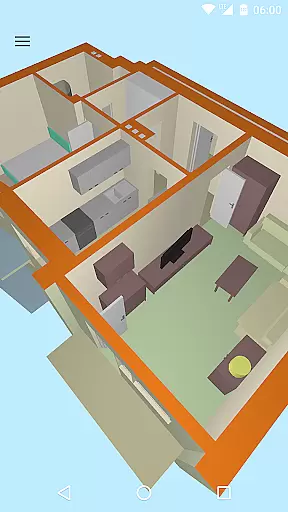
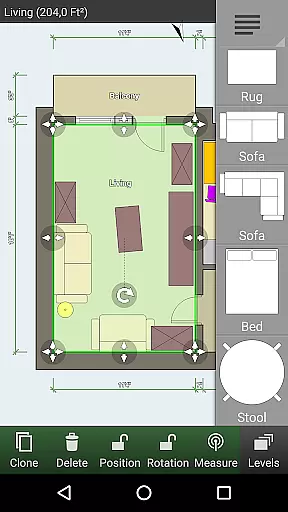
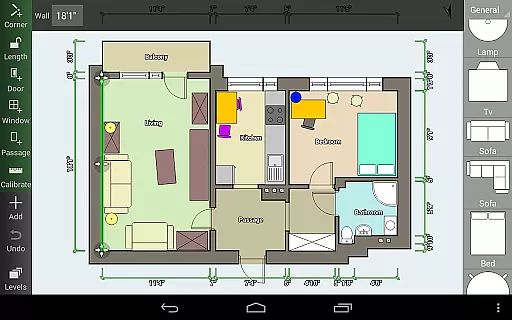
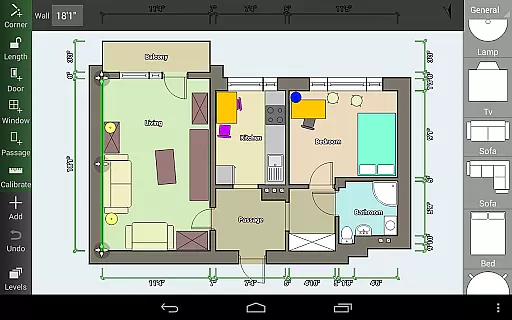
Floor Plan Creator is a comprehensive design tool that allows users to create detailed and precise floor plans with ease. The app supports multiple floors per project, automatic calculations for room dimensions, and includes a 3D tour mode for better visualization. It is particularly useful for homeowners and interior designers who need to plan spaces accurately while shopping for new furniture.
The application stands out with its extensive symbol library including doors, windows, and furniture elements, as well as support for both metric and imperial units. With cloud synchronization, users can backup and share their plans across devices seamlessly. Additionally, the ability to edit plans on a computer enhances its versatility, making it an essential tool for both professional and personal use.
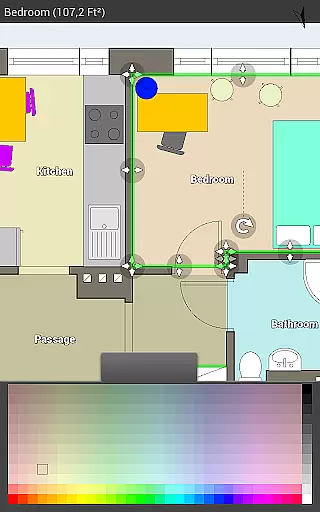
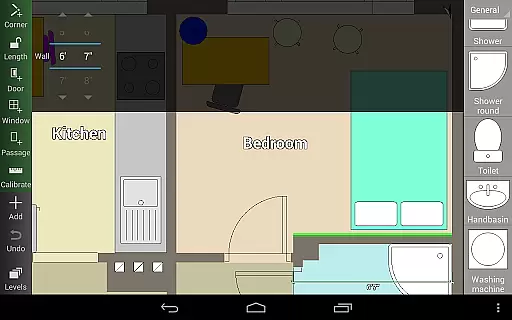
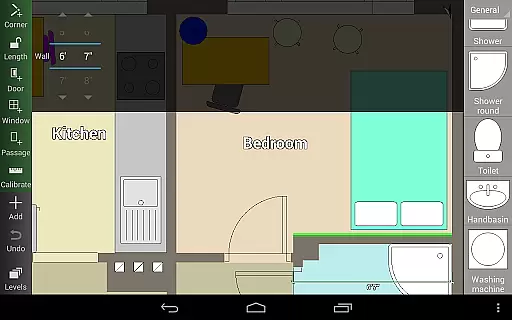
Floor Plan Creator offers a robust set of features tailored for detailed floor planning. Users can design rooms of any shape with straight walls and benefit from automatic calculations of area, perimeter, and symbol counts. The app's support for S-Pen and mouse ensures precision during the design process.
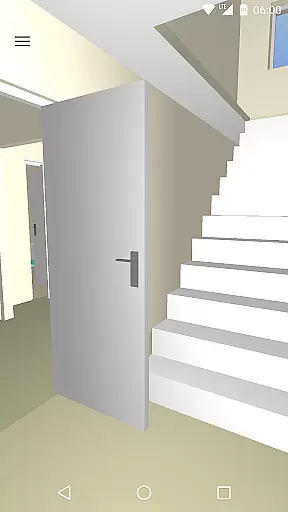
One of the standout features is the 3D tour mode, which provides a realistic view of the planned space. The integrated symbol library includes essential items like doors, windows, and furniture, allowing for complete interior design. Cloud synchronization and cross-device editing capabilities ensure that projects are always up-to-date and accessible, whether on mobile or desktop.
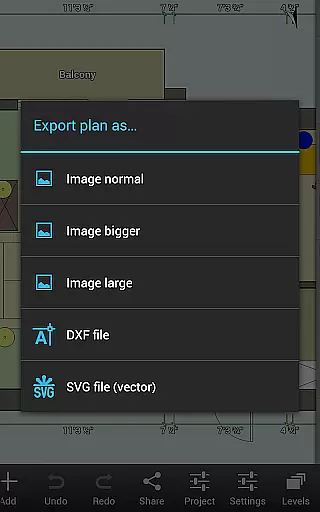
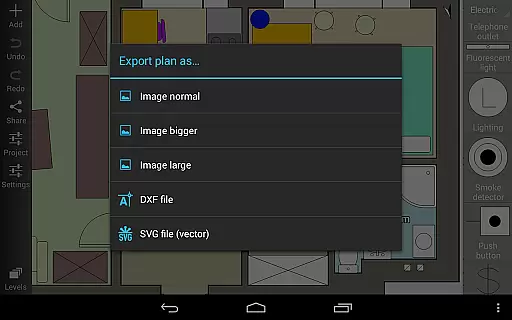
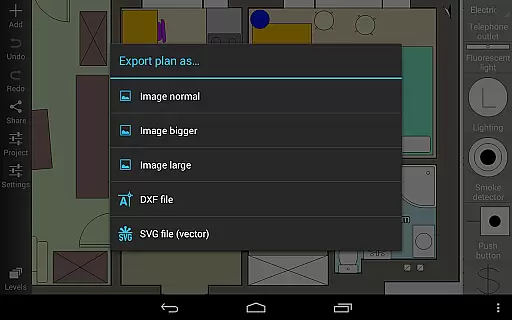
Export options include image, PDF, DXF, and SVG formats, catering to various professional needs. The app also supports several bluetooth laser meters, enhancing its functionality for accurate measurements in real-world settings.
In the realm of Art & Design, Floor Plan Creator stands out with its comprehensive suite of creative tools tailored for designing detailed and precise floor plans.
This application provides users with an extensive symbol library including doors, windows, furniture, electrical, and fire survey elements, ensuring that all aspects of a home's design can be accounted for.
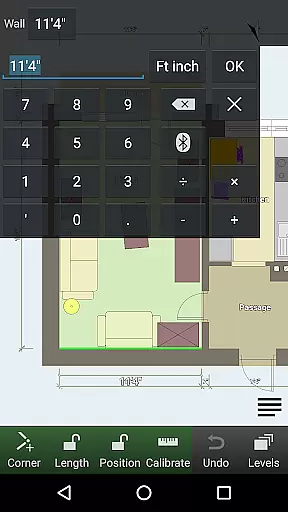
Moreover, the inclusion of user-defined dimension lines allows for meticulous adjustments to distances and sizes, empowering users to craft floor plans that are not only visually appealing but also technically accurate.
The app further enhances creativity by offering S-Pen and mouse support, making the design process both intuitive and efficient.
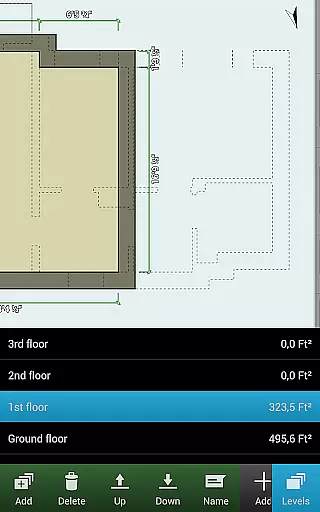
Flexibility in canvas and format options is crucial for art and design applications, and Floor Plan Creator excels in this area by supporting projects with multiple floors and rooms of any shape, albeit with straight walls only.
Users will appreciate the ability to export their creations in various formats such as image, PDF, DXF, and SVG, catering to different professional needs (some features require a paid subscription).
The app's compatibility with both metric and imperial units broadens its appeal across global markets, accommodating diverse measurement standards.
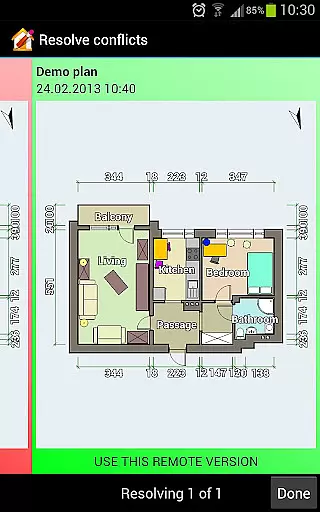
Additionally, cloud synchronization and the option to edit plans on a computer or mobile device at https://floorplancreator.net ensure that users can access and modify their designs from anywhere, enhancing workflow adaptability.
User-friendly interface
Comprehensive symbol library
Cloud synchronization
Multi-platform editing
Supports various units
Paid export features
Limited curved wall design
Advanced tools require learning
Some features need premium
Occasional sync issues

Customizable Outlined Fonts. Watch Face Format. Battery friendly Digital Clock.
 4.20
4.20
Art of Combination Wear OS Watch faces
4.2
Image/ Text to Video Generator
4.40
Remove Background, Magic Eraser, Photo Enhancer, Story Templates, Collage Maker
4.30
Photo blender app to create overlay photos & double exposure.
4.40
Draw beautiful mandala's very easily
4.60
Create stunning video, photo & magic from text with FlixAI GPT video generator.
3.10
Image resizer to resize, crop, rotate, flip, change dpi photo or picture in bulk
4.60
Get creative and make art with your Sesame Friends!
4.00
Make your phone cooler and have a fantastic experience
4.80
Draw on screen: FP sDraw is a simple and lightweight drawing app
4.70
Photo editor for art, avatars, filters & fun transformations.
4.60
Draw, make movies & animate cartoons easily with our 2D animation maker app
4.40
AI generated images & photos, turn your words into drawing, painting & pictures.
4.30
Trace, draw, and create art with AR - from memes to masterpieces!
4.30
Nano Banana AI Image Generator, Anime Filter, AI Portrait, AI Photo Generator
4.30
Create Logos, Tattoos, AI Art & more with our AI Photo Generator & Design Editor
4.20
Design your dream room with AI. Get decor ideas & plan home interiors
3.90
Transform photos into amazing monochrome dither art with professional algorithms
4.2


User Reviews