
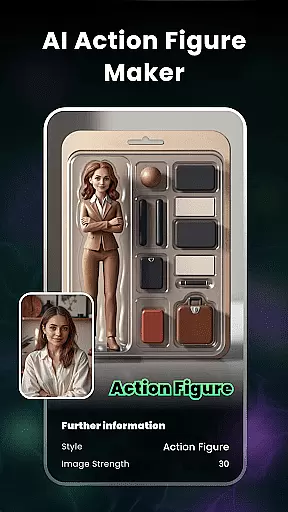
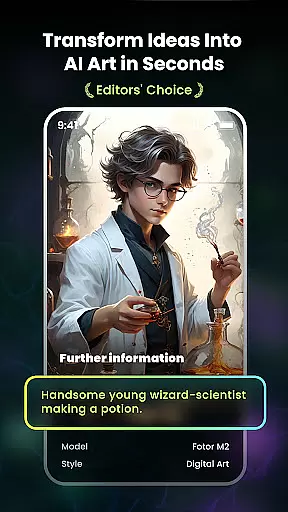
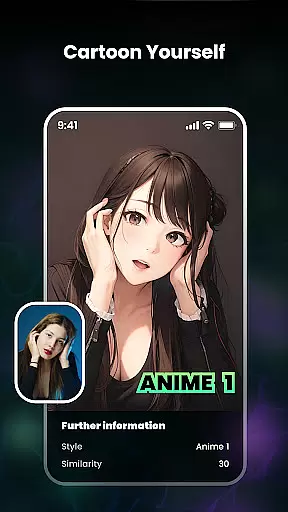
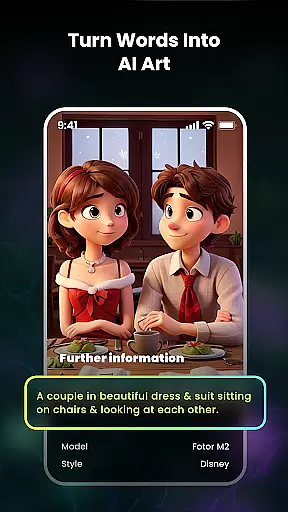
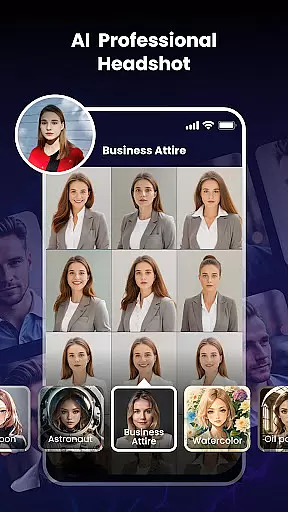
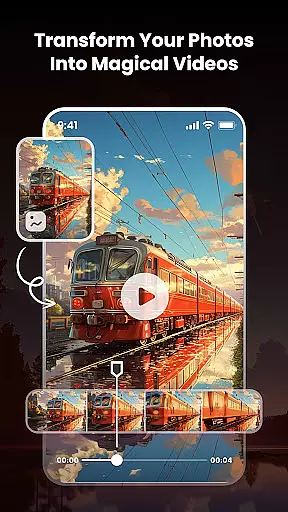
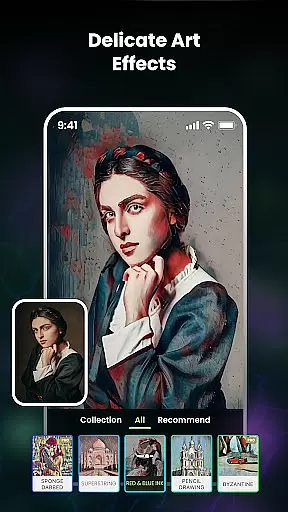
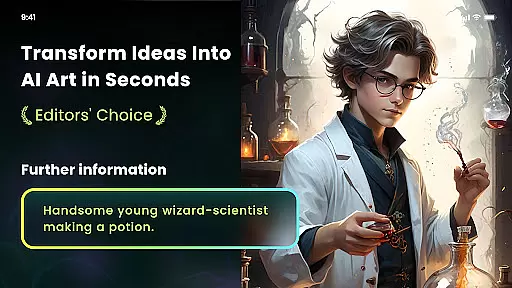
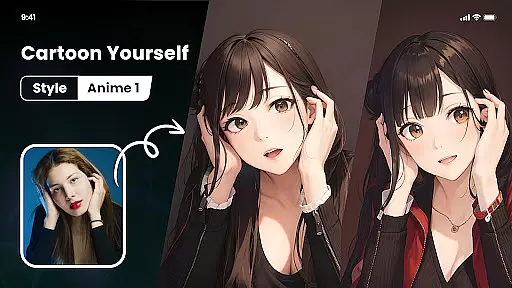
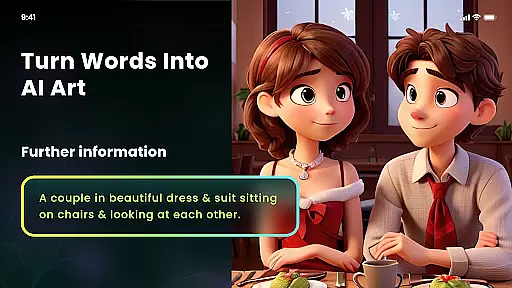
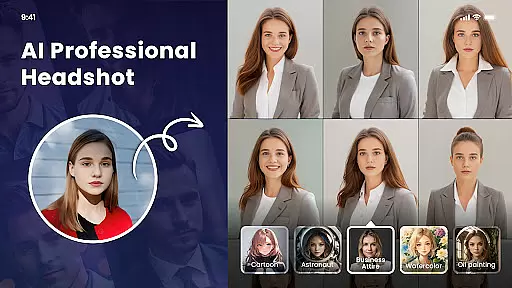
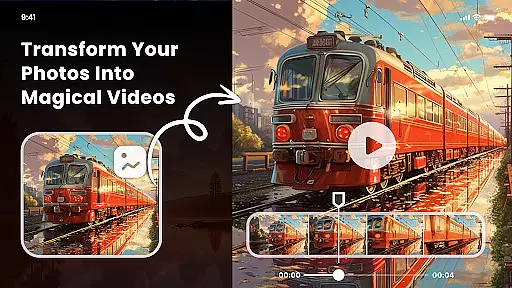
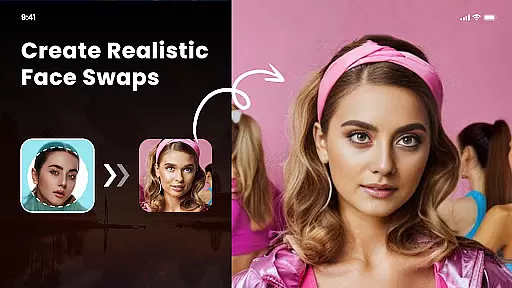
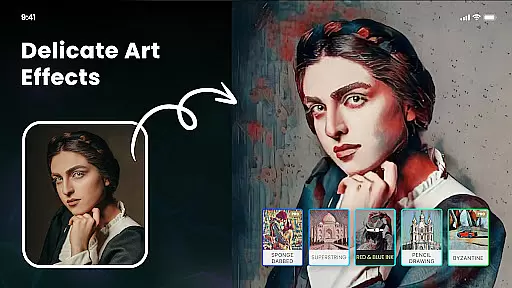
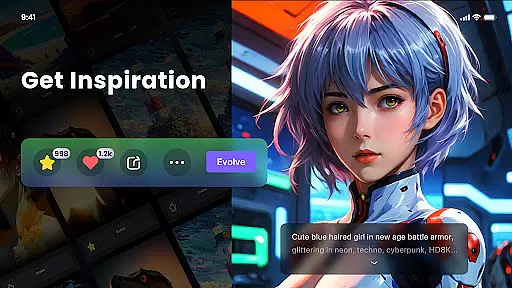
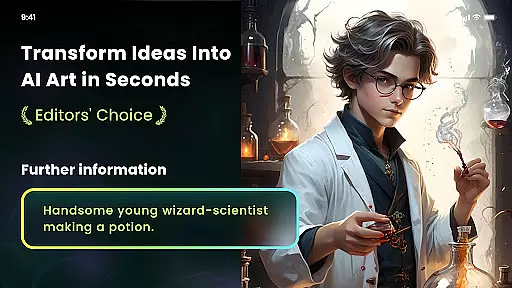
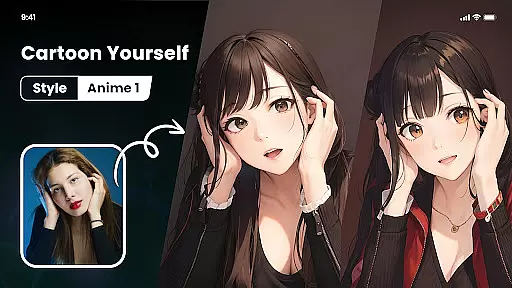
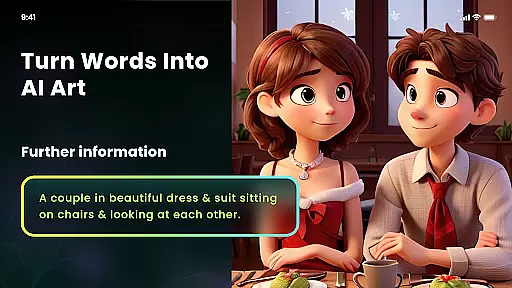
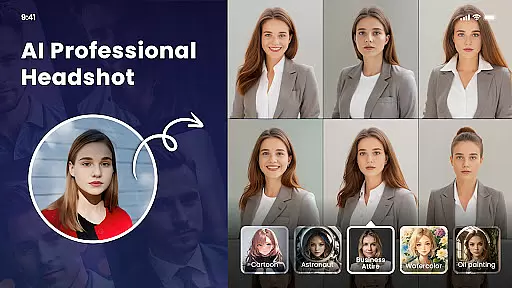
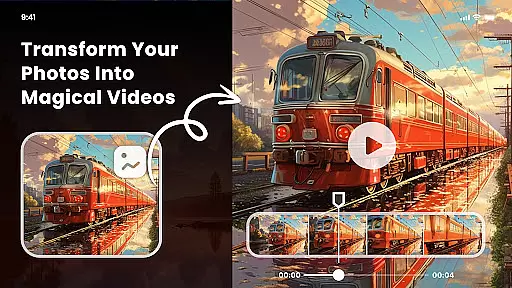
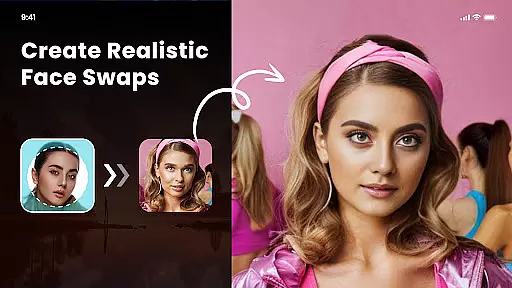
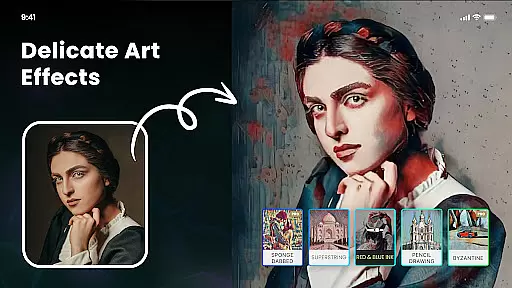
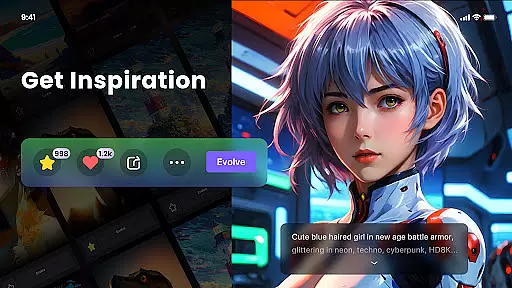
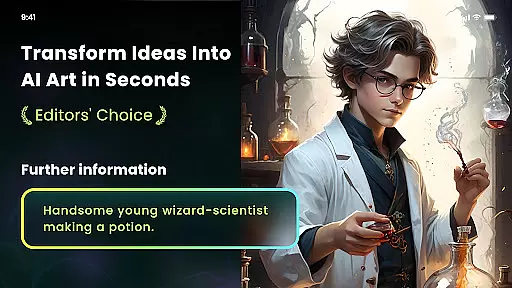
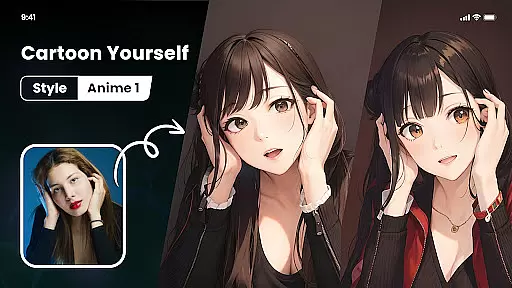
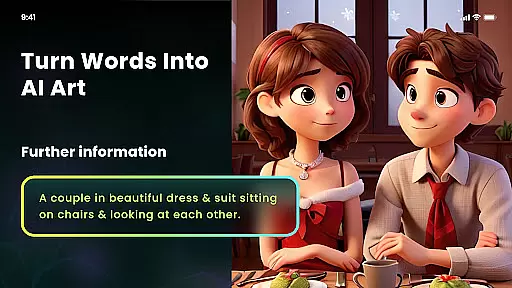
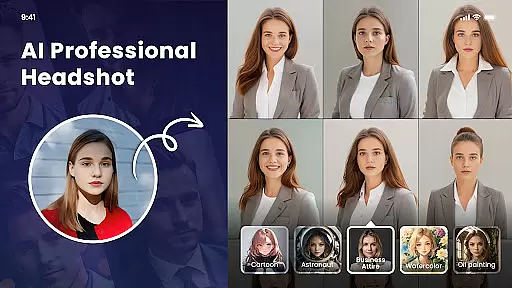
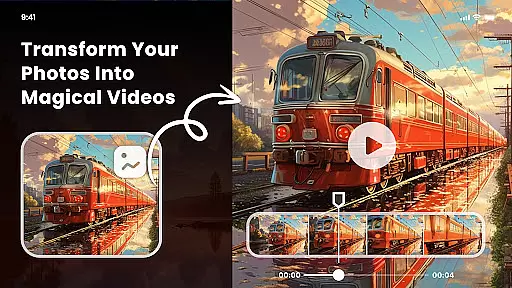
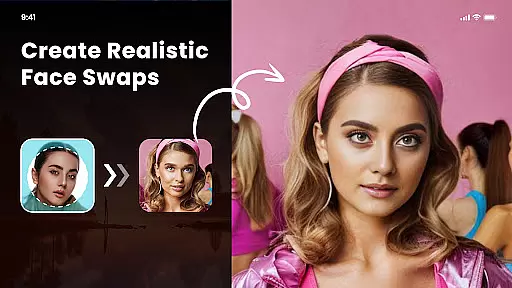
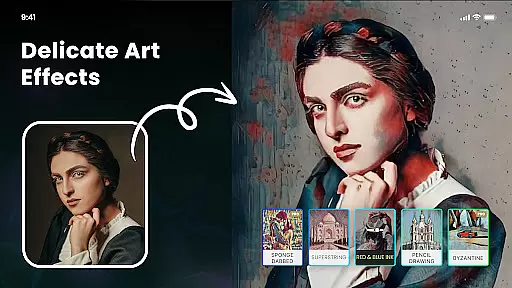
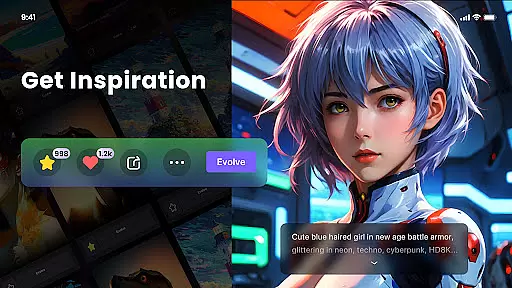
Nano Banana AI Image is a powerful creative tool that transforms your ideas into visually stunning images through text or image prompts. Utilizing advanced Gemini 2.5 Flash Image AI, the app generates sharp, context-aware visuals for both image-to-image and text-to-image creation. Whether you're looking to edit photos naturally or explore effortless image generation, Nano Banana offers an intuitive platform to bring your imagination to life.
With features like Photo Cartoonizer, AI Art From Text, and Multiple Artistic Style Filters, users can create unique artworks in various styles such as anime, surrealism, and classic art forms. The app also supports minting NFTs from AI-generated artwork, making it a versatile choice for digital artists and hobbyists alike.
Nano Banana stands out with its robust set of features tailored for creative expression. The Photo Cartoonizer allows users to turn any photo into a cartoon avatar with just one click, while the Japanese Anime Filter transforms images into anime-style art effortlessly. These tools are not limited to portraits but extend to pets, landscapes, and more.
The AI Art From Text feature lets users generate unique artworks by simply entering text prompts, offering styles ranging from cyberpunk to oil painting. Additionally, the app provides multiple artistic filters inspired by famous artists like Van Gogh and Monet, enabling distinctive creative projects. With support for high-definition exports and easy background adjustments, Nano Banana ensures professional-quality results for all users.
In the realm of digital artistry, having a comprehensive suite of creative tools is paramount. Nano Banana AI Image offers an extensive array of features that cater to both amateur artists and professional designers. The application leverages advanced AI technology, such as Gemini 2.5 Flash Image AI, to facilitate the creation of sharp, context-aware images through both image-to-image and text-to-image functionalities.
Users can explore various artistic expressions with multiple style filters ranging from impressionism to anime, allowing for unique transformations of ordinary photos into extraordinary artworks. Additionally, the inclusion of specialized tools like Photo Cartoonizer and Japanese Anime Filter expands the creative possibilities, enabling users to effortlessly convert personal images into cartoon avatars or anime-style masterpieces.
The app's dedication to providing a complete creative experience is further demonstrated by its support for high-definition outputs and print capabilities. This ensures that users not only have the means to create but also to professionally present their work in physical formats, thus enhancing the overall value proposition for those invested in the art & design domain.
Flexibility in canvas and format options is crucial for unleashing creativity without constraints. Nano Banana AI Image understands this need and provides versatile solutions that adapt to different project requirements. Whether it's adjusting the canvas size or choosing specific output formats, the app equips users with the freedom to customize their creations according to their vision.
Beyond static images, the platform supports dynamic transformations through features like AI Cutout, which allows for background changes and transparent image generation. Such capabilities ensure that artists can seamlessly integrate their work into various media or compositions without being hindered by rigid formatting limitations.
Moreover, the ability to export high-definition pictures with up to 8 megapixels underscores the appu2019s commitment to quality and adaptability. By offering these flexible canvas and format options, Nano Banana empowers creators to push the boundaries of their artistic endeavors while maintaining professional standards across diverse applications.
User-friendly interface
Wide range of artistic styles
High-definition image export
One-click background removal
Supports NFT creation
Subscription fees required
Limited free features
Occasional processing delays
Advanced tools need learning
Export quality varies

Art of Combination Wear OS Watch faces (for Wear OS 5+ devices)
 3.00
3.00
Art of Combination Wear OS Watch faces
4.1
Design your dream room with AI. Get decor ideas & plan home interiors
3.90
Sketch, trace and master AR drawing with awesome anime art!
3.30
Sketch, plan, take notes and illustrate on an infinite canvas.
4.20
Draw Trace image sketch by, AR art projector app, Easy to trace any image.
4.50
Image resizer to resize, crop, rotate, flip, change dpi photo or picture in bulk
4.60
Android 14 style widgets and wallpapers app.
4.0
OneUI 8.5 icons ✨ Smooth, modern & based on the latest Play Store design ??
4.10
Make your phone cooler and have a fantastic experience
4.80
Passport size photo maker, create ID photo and visa photo in seconds
4.80
Stylish letters, Stylish Keyboard, Symbols, Emojis, Cool nickname
4.40
Create and Design Custom Logos in Seconds with AI-Powered Tools!
4.40
AI Face Swap, Video Effects Editor, Realtime Morph, Funny Video FX,AI Filters
3.70
Apply cartoon, caricature, and portrait effects to make your photos stand out!
3.60
Vidu is an AI video generator made for creators and aspiring makers.
3.30
Meet the magic aı 3d photo generator and smart AI video generator app.
3.20
Draw anime easily with AR guidance, sketch templates & trace tools!
3.10
Inky runs Inkscape on Android devices and Chromebooks
2.90


User Reviews