
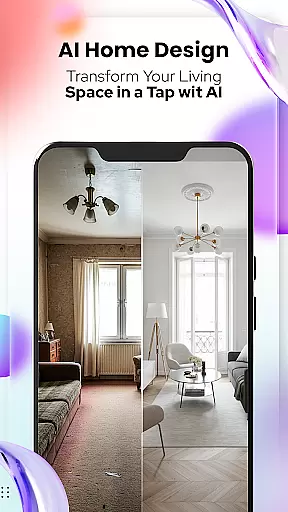
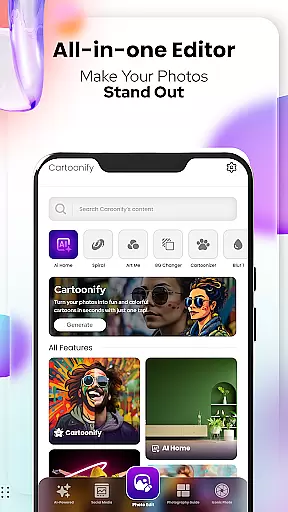
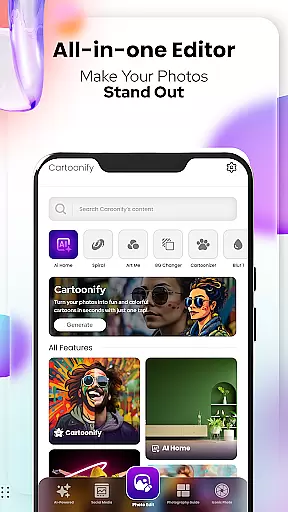
Cartoon Photo Editor - Toon Art is a creative photo editing app designed for art enthusiasts and casual users alike. This powerful tool allows you to transform ordinary photos into stunning cartoon-style artworks with just a few taps. The app features multiple artistic filters, background editing tools, and special effects that give your images a unique comic book appearance.
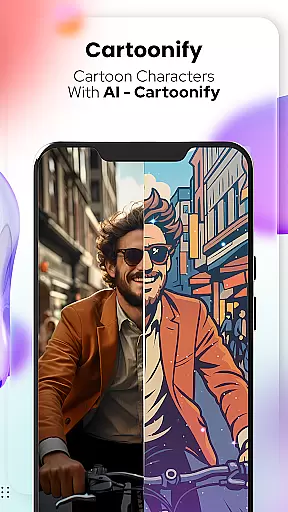
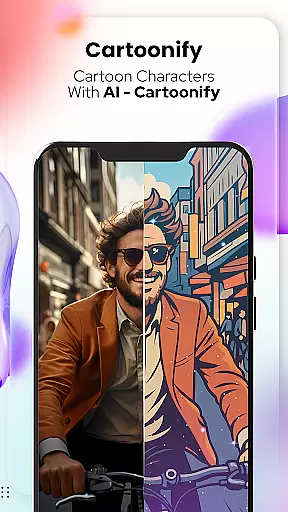
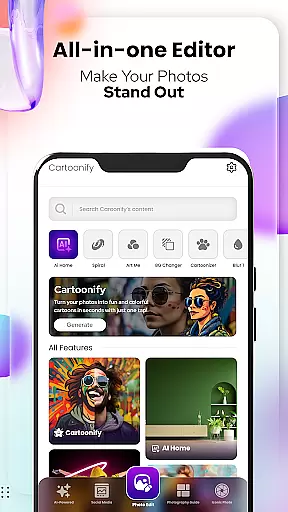
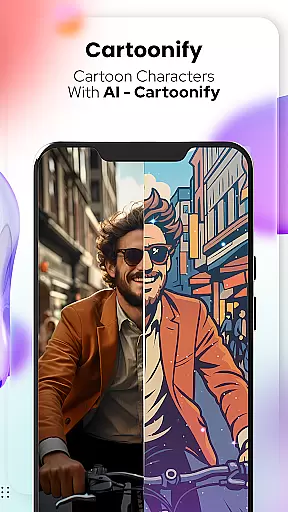
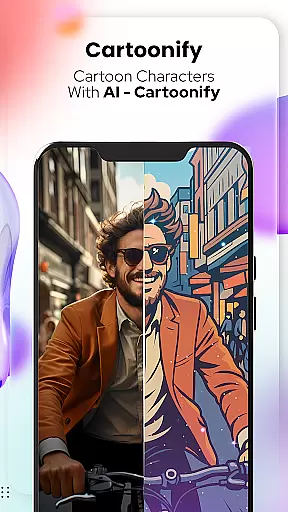
The app's standout feature is Cartoonify, which instantly converts any portrait into a fun cartoon representation. Additional tools like Pet Cartoonizer, Background Changer, and Sketching provide specialized options for different types of images. With its intuitive interface and professional-grade editing capabilities, this app is perfect for enhancing social media posts or creating personalized artwork.
Whether you're looking to create eye-catching profile pictures or want to experiment with digital art styles, Cartoon Photo Editor - Toon Art offers the tools you need to unleash your creativity. The combination of advanced photo manipulation features and user-friendly design makes it an excellent choice for both beginners and experienced photo editors.
Cartoon Photo Editor - Toon Art distinguishes itself through a comprehensive suite of artistic tools. The app's signature Cartoonify feature uses sophisticated algorithms to detect facial features and apply cartoon effects that maintain the subject's likeness while transforming it into a stylized representation. This ensures each converted image retains its unique characteristics while achieving the desired comic effect.
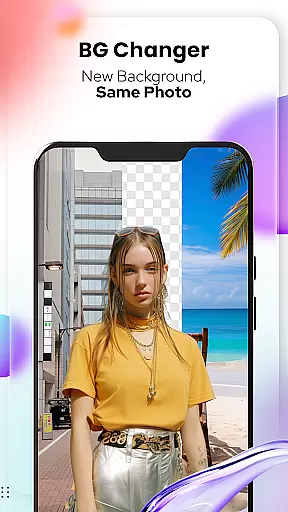
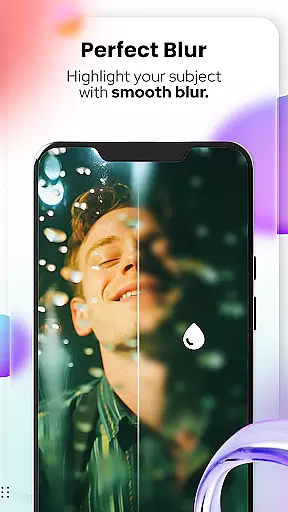
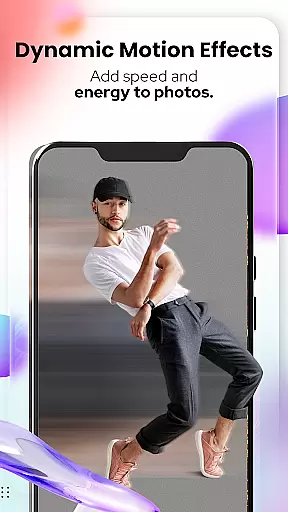
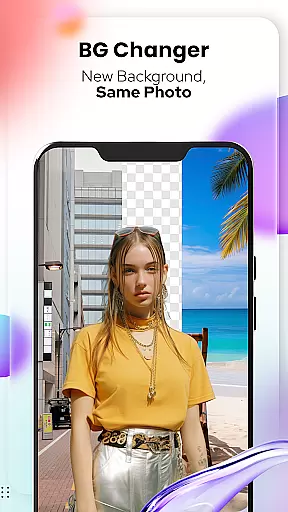
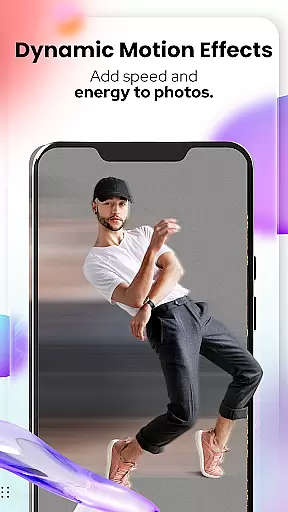
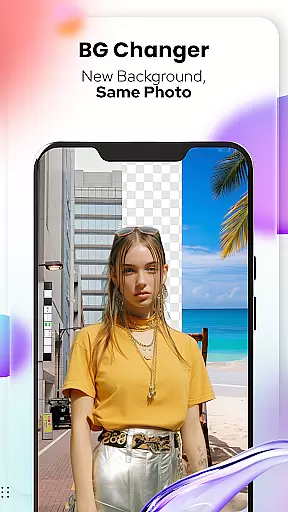
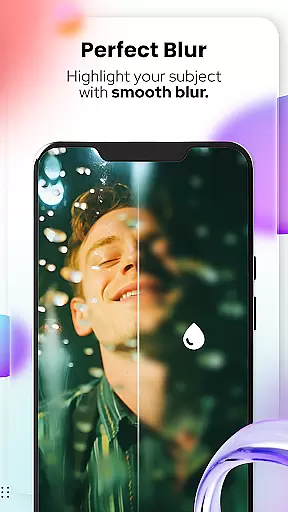
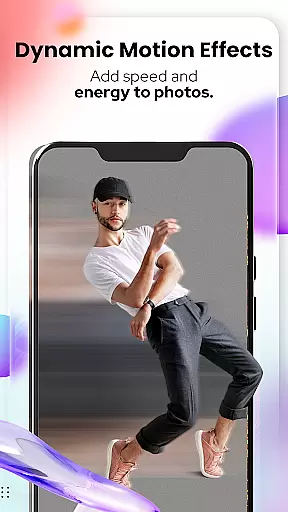
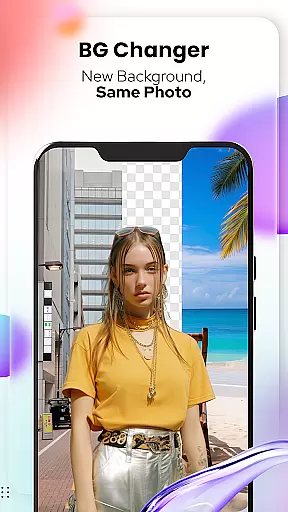
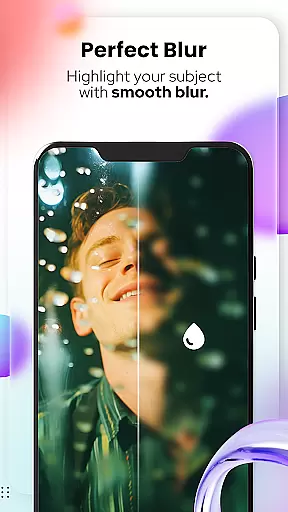
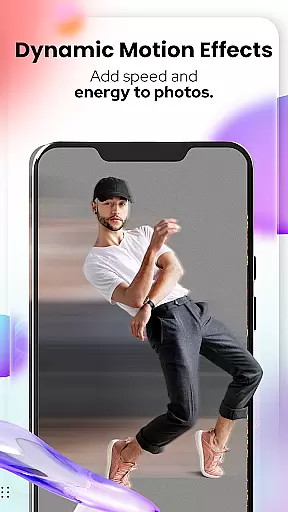
Beyond basic cartoonization, the app offers specialized features like Art Me, which provides various artistic filters inspired by famous painting styles. The Background Changer tool utilizes advanced segmentation technology to accurately separate subjects from their backgrounds, enabling seamless replacement with custom images or solid colors. Professional-grade editing tools include blur effects, motion lines, and color manipulation options.
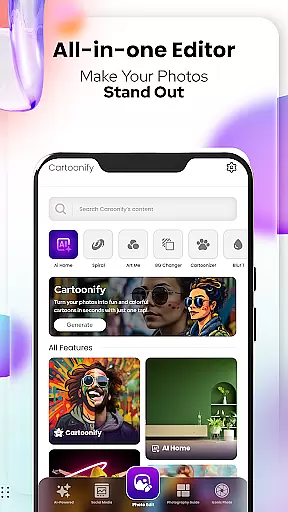
Additional notable features include Pet Cartoonizer, specifically optimized for animal portraits, and Sketching mode that creates realistic pencil-drawn effects. The recently added Photo Edit Tools expand the creative possibilities with effects like spiral distortion, mosaic patterns, and text overlays. These features collectively offer users unprecedented control over their artistic transformations while maintaining professional-quality results.
In the realm of digital artistry, having a comprehensive suite of creative tools is essential for unleashing one's full artistic potential. Cartoon Photo Editoruff0dToon Art offers an extensive array of features that cater to both amateur enthusiasts and professional artists alike.
From the Cartoonify feature that ingeniously transforms any image into a cartoon-style portrait, to the Art Me function which provides stunning art styles for a unique touch, this app ensures you have all you need. The inclusion of Pet Cartoonizer adds another layer of creativity, specifically catering to animal lovers who wish to see their pets in charming caricatures.
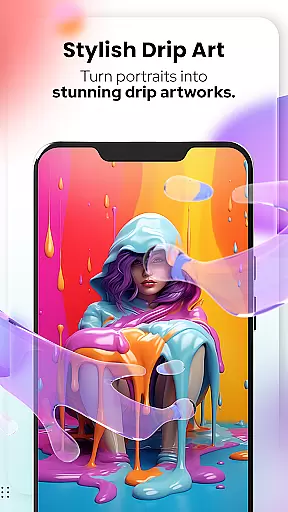
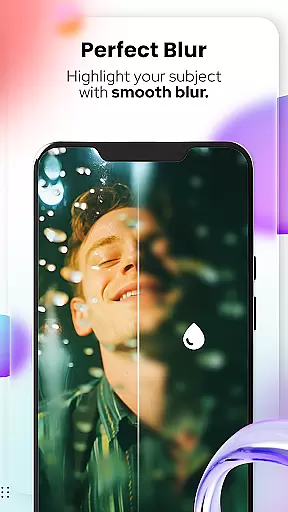
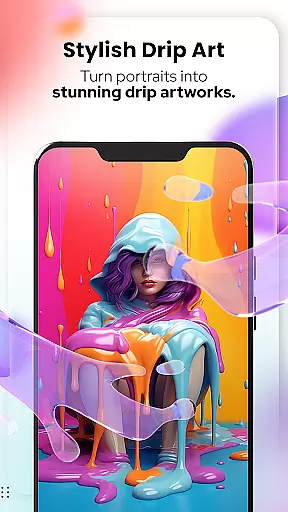
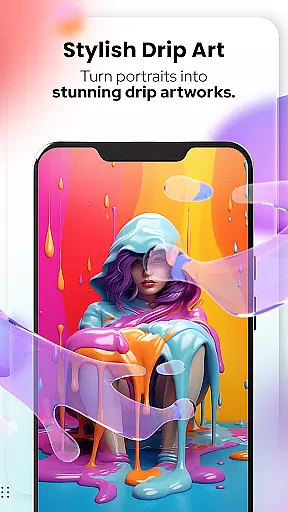
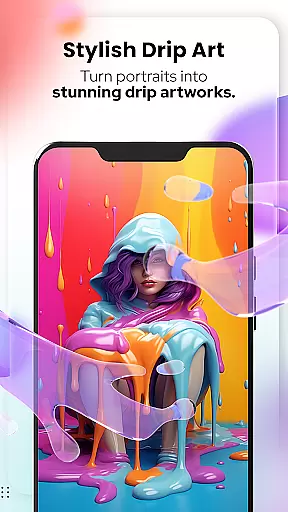
Moreover, practical tools such as Background Changer and Sketching provide additional avenues for customization and personal expression. With NEW! Photo Edit Tools, users can further refine their creations with options like Blur & Motion Effects, Spiral & Drip Effects, and more, making every piece a potential masterpiece.
A versatile canvas is the foundation of any great artwork, allowing creators the freedom to explore various formats and dimensions. Cartoon Photo Editoruff0dToon Art understands this need and delivers a flexible platform where imagination meets limitless possibilities.
The app supports diverse editing requirements through its dynamic canvas options. Whether it's adjusting your artwork to fit specific social media profile pictures or creating large-scale pieces destined for print, Cartoon Photo Editoruff0dToon Art has got you covered.
Additionally, with advanced functionalities such as Crop, Adjust & Overlay, Mosaic, Splash & Brush, and Text & Fit Tools, adapting your work across different mediums becomes effortless. This adaptability not only enhances creative workflow but also guarantees that final outputs are perfectly tailored to their intended platforms or purposes.
User-friendly interface
Wide range of effects
High-quality rendering
Regular updates
Creative freedom
Premium features locked
Ads between edits
Steep learning curve
Occasional crashes
Limited free options

Pose and morph realistic male and female models! 3D poser app
 3.00
3.00
Unleash your drawing and painting potential
4.50
Passport size photo maker, create ID photo and visa photo in seconds
4.80
Convert image to JPG PNG HEIC PDF, support almost all kinds of image formats
4.70
Create stunning video, photo & magic from text with FlixAI GPT video generator.
3.10
Mobile pixel art editor. Simple. Fast. Portable.
4.80
Create and Design Custom Logos in Seconds with AI-Powered Tools!
4.40
Just trace a projected picture on paper and color! Draw & Paint with AR drawing
4.40
An intuitive, high-performance painting app that lets you focus on creating
4.40
Turn your drawings into flipbook-style animations with simple creative tools
4.60
Draw, fidget, and spin glow art! Relax and express your creativity with a finger
4.60
Create neon drawing with magic doodle and fun doodle art effects!
4.50
Create color palette from Image, RGB & RYB Color wheel harmonies, Color Scheme
4.50
AI generated images & photos, turn your words into drawing, painting & pictures.
4.30
Bring One UI 8.5 Icons to life -elegant dark icons with a modern, premium touch.
4.30
Beauty Camera - Selfie Camera is the ultimate beauty camera and selfie app
4.30
Unleash the artist in you with our AR drawing and tracing tool for photo drawing
4.10
Turning simple sketches into captivating tales filled with life and motion
3.90
AI Assistant, powered by ChatGPT GPT-4 & GPT-4o. Your intelligent companion.
3.50


User Reviews