
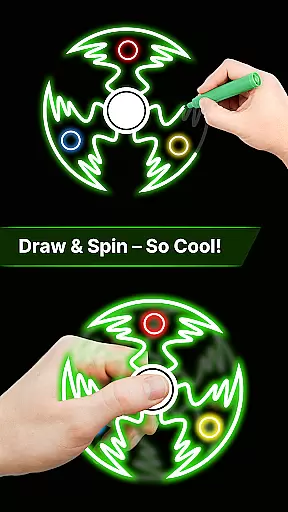
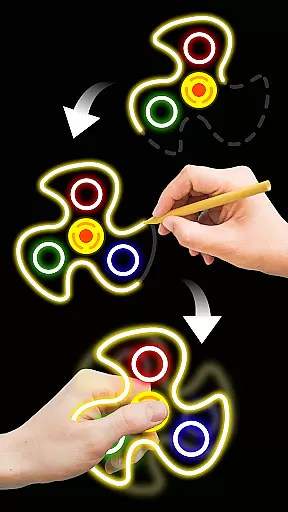
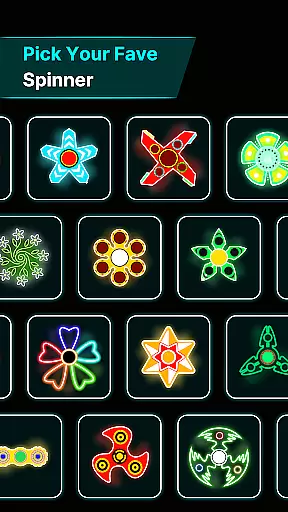
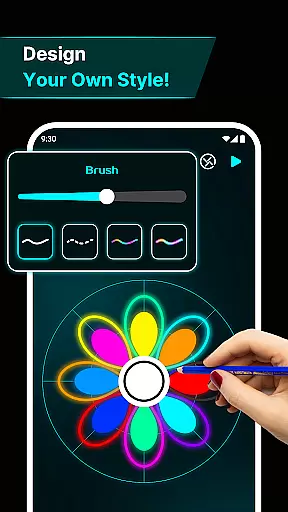
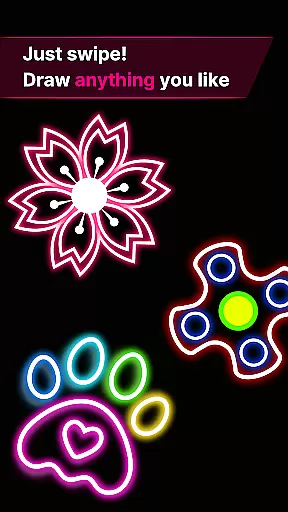
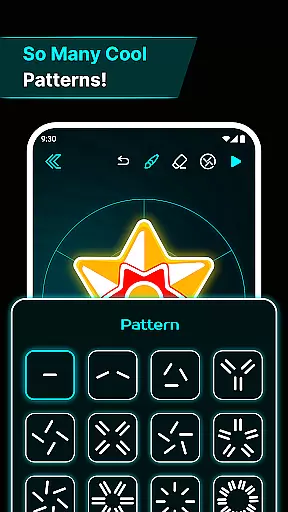
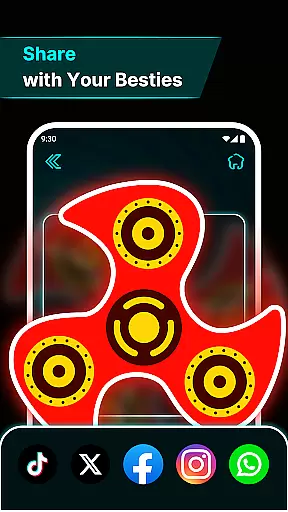
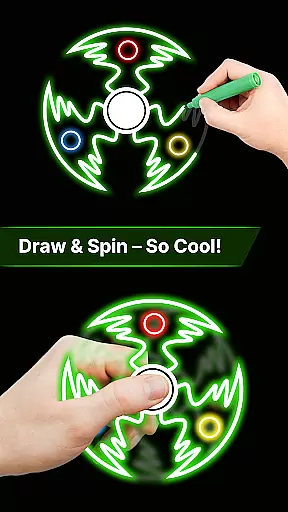
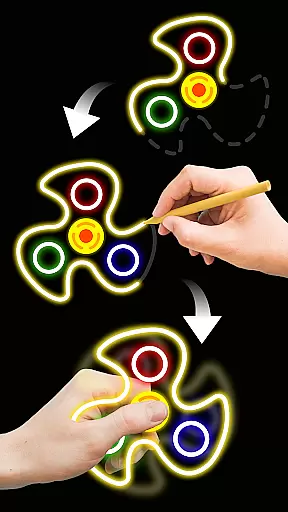
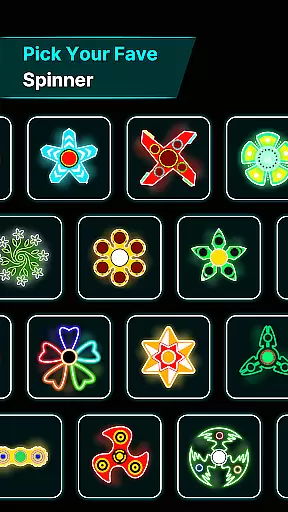
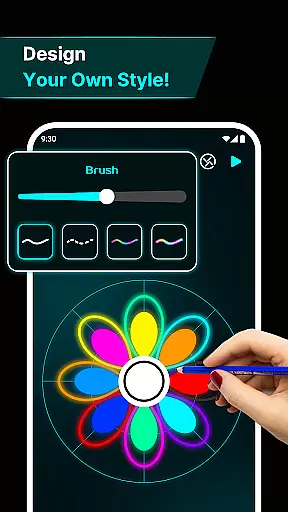

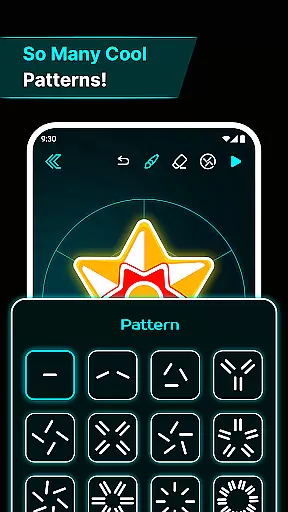
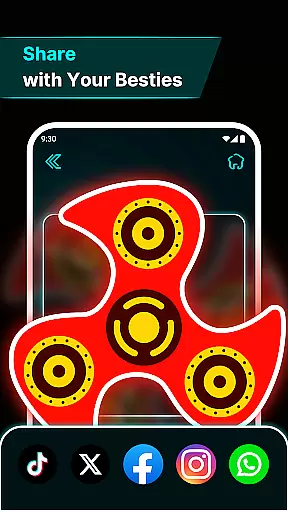
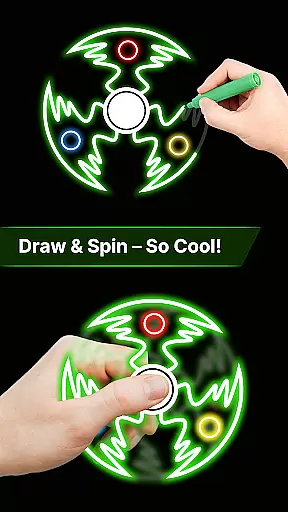
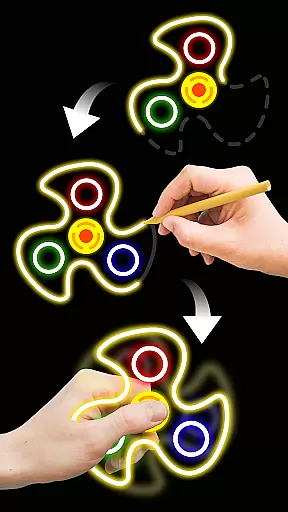
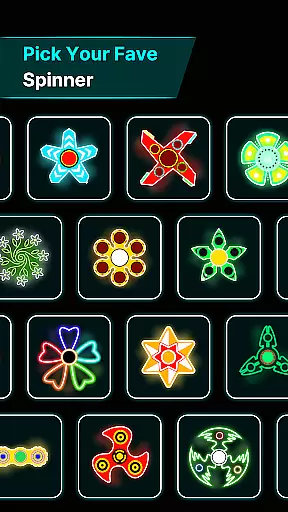
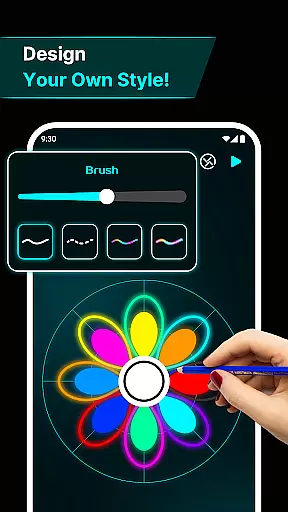
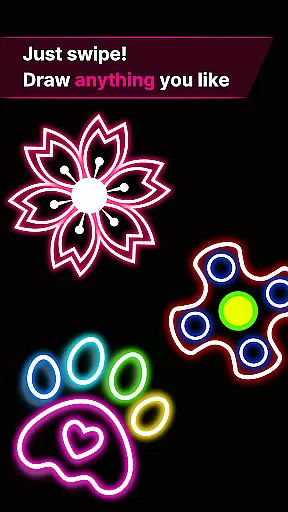
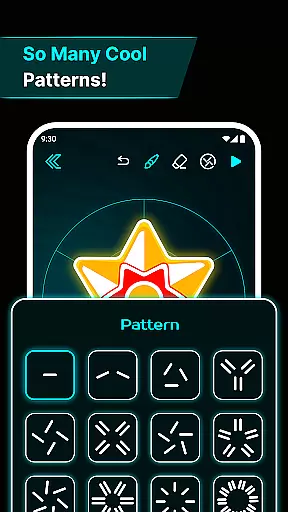
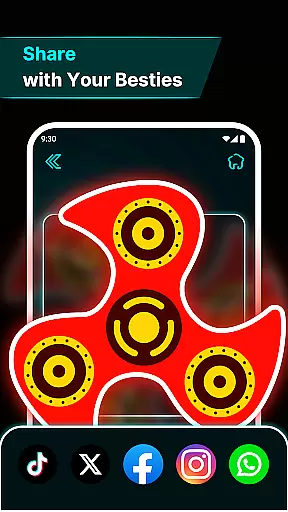
Finger Spinner: Glow Art Draw is an innovative app in the Art & Design category that combines creativity with relaxation. The core functionality allows users to draw glowing designs using their fingers, which can then be spun like fidget spinners. This unique blend of artistic expression and stress relief makes it ideal for those seeking a calming yet engaging digital experience.
The app stands out with its brilliant glow effects, realistic 3D spinner designs, and advanced physics engine that simulates natural spinning motions. Whether creating simple patterns or intricate masterpieces, users can save their creations in a personal gallery and revisit them anytime. This feature-rich app provides both entertainment and a creative outlet, making it valuable for art enthusiasts and casual users alike.
Finger Spinner offers an impressive array of features designed to enhance user experience. One standout aspect is its easy finger drawing capability, where every touch on the screen translates into smooth, glowing lines. Users can experiment with various shapes, from sharp edges to soft curves, each rendered with stunning neon effects.
The app's 3D spinner designs and realistic spin physics elevate the experience further. Powered by a sophisticated physics engine, the spinners move naturally in all directions when flicked, providing a lifelike interaction. Additionally, the 'My Collection' feature lets users build a personal gallery of their creations, ensuring they never lose their favorite pieces. These thoughtful design elements make Finger Spinner not just a tool for creation but also a platform for relaxation and enjoyment.
In the realm of digital creativity, having a comprehensive set of tools is paramount. Finger Spinner: Glow Art Draw offers an impressive array of features that cater to both casual doodlers and serious artists. The app provides easy finger drawing capabilities, allowing users to sketch smooth glowing lines with precision.
One standout aspect is the brilliant glow effects. Artists can experiment with different intensities, from subtle shine to bold brilliance, adding vivid neon touches to their creations. This flexibility ensures that each piece can be as unique and expressive as the creator desires.
Additionally, the inclusion of 3D spinner designs elevates the creative process. Users can transform their 2D sketches into dynamic 3D models, offering depth and realism previously unavailable in traditional drawing apps. These innovative features collectively ensure that Finger Spinner stands out in the Art & Design category.
A versatile canvas is essential for unleashing full artistic potential, and Finger Spinner: Glow Art Draw excels in this area. The app supports various formats, enabling creators to work on different project sizes and dimensions without constraint. Whether crafting small intricate patterns or large elaborate designs, users have complete freedom.
The realistic spin physics further enhance this flexibility. By simulating natural movement through advanced algorithms, every flick and spin behaves authentically, mimicking real-world interactions. This attention to detail enriches the user experience significantly.
Moreover, the soothing interface promotes prolonged creative sessions by minimizing distractions and enhancing focus. With calming visuals and intuitive controls, artists can immerse themselves fully in their work. Overall, Finger Spinner's adaptable canvas and supportive environment make it an ideal choice for diverse artistic endeavors.
Easy-to-use interface
Vivid glow effects
Realistic physics
Creative freedom
Personal gallery
Limited free options
Ads between uses
Learning curve
Battery intensive
Premium cost

Stylish letters, Stylish Keyboard, Symbols, Emojis, Cool nickname
 4.40
4.40
Easy 3D drawing design maker & creator. Model designing, Sculpting. Create&paint
4.00
AI Assistant, powered by ChatGPT GPT-4 & GPT-4o. Your intelligent companion.
3.50
Your Essential Color Theory Guide: Red, Yellow, Blue (RYB)
4.5
Create color palette from Image, RGB & RYB Color wheel harmonies, Color Scheme
4.50
Create stunning video, photo & magic from text with FlixAI GPT video generator.
3.10
Create stunning art with AI.
4.80
Painting, drawing, & sketching
4.50
Multiplayer Drawing game, Coloring, Painting・Sketch, Handwriting・Paint, draw
4.30
Photo stitcher for automatically screenshot stitching into a long screenshot
4.70
Your AI soulmate — meaningful chats, and unique emotional moments
4.70
Turn your drawings into flipbook-style animations with simple creative tools
4.60
Kling AI is an image and video generation and editing studio powered by AI.
4.50
AR Anime Drawing: How to draw anime with AR drawing & sketching apps!
4.00
Paint with oils and sketch with natural tools on a realistic virtual canvas.
3.80
AI Art Generator transforms your words into AI generated art & paintings.
3.70
Experience next-gen icons with a modern liquid glass look.
3.60
Vidu is an AI video generator made for creators and aspiring makers.
3.30
Pose and morph realistic male and female models! 3D poser app
3.00


User Reviews