
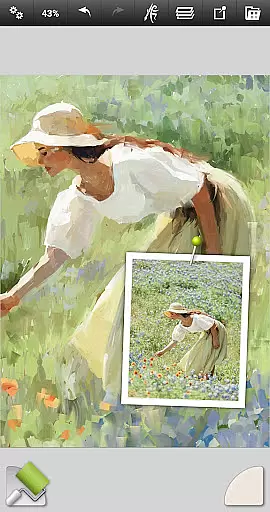
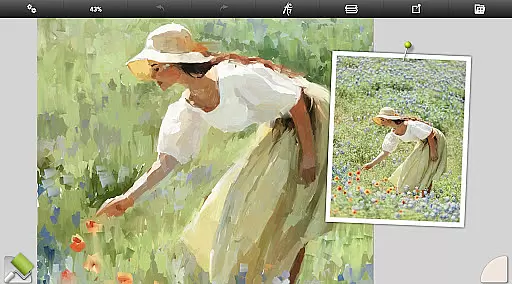
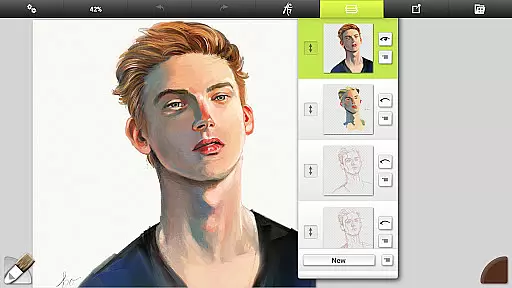
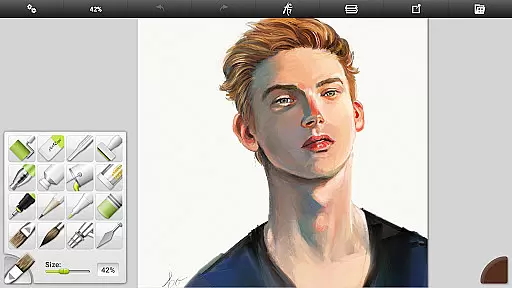
ArtRage Vitae Mobile Painting is a premium natural painting application designed for artists who want to create realistic artwork on mobile devices. The app offers an impressive range of professional-grade tools that mimic real-world art supplies, allowing users to mix oil paints, draw with pencils, and blend watercolors seamlessly. With support for canvas sizes up to 4096px x 4096px and tool sizes up to 500%, it provides ample space and precision for detailed work.
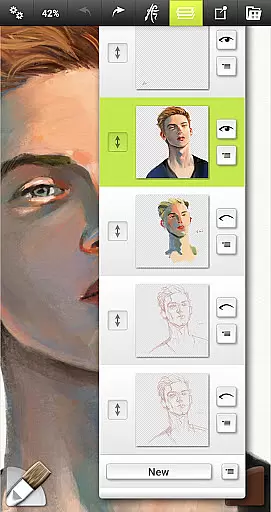
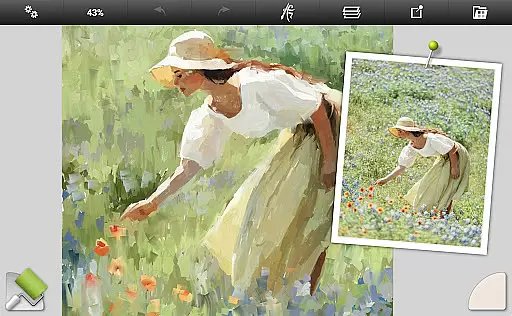
One of the standout features of ArtRage Vitae is its intuitive interface that maximizes creative space while keeping essential functions accessible. Artists can utilize layers, blend modes, tracing images, and custom presets to enhance their workflow. Additionally, the app supports Android sharing systems, enabling users to easily share their creations with friends or export files for further editing on desktop versions of ArtRage.
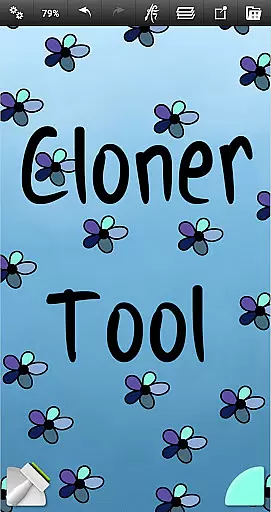
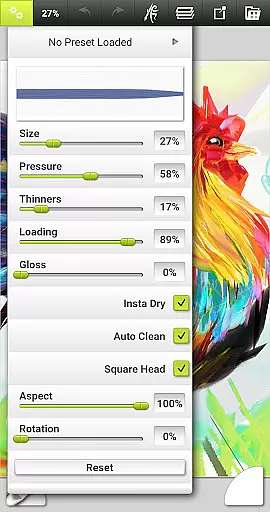
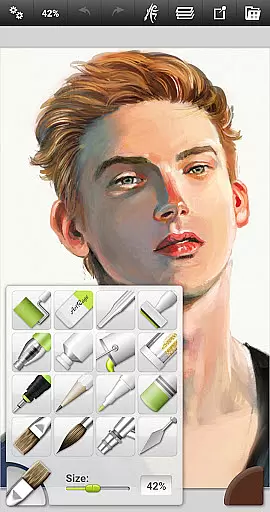
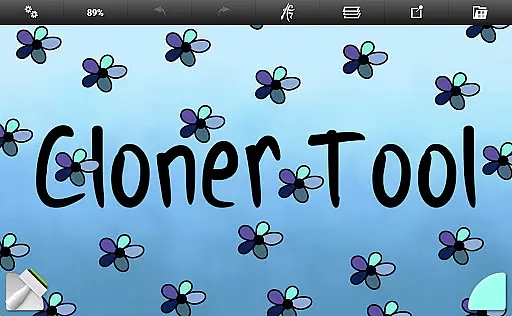
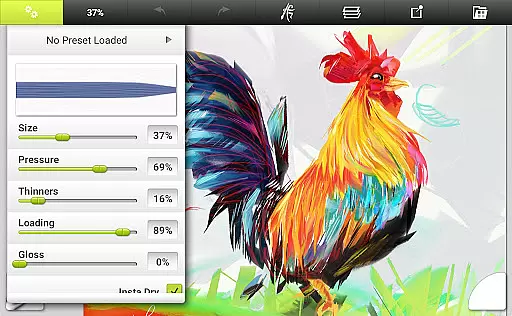
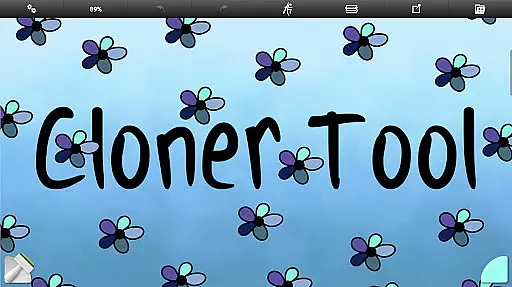
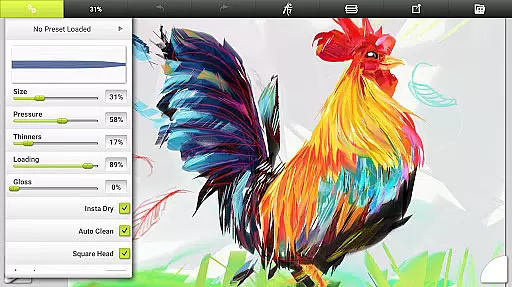
ArtRage Vitae boasts a comprehensive set of features tailored for both amateur and professional artists. It includes 16 tools with countless variations through presets and settings, such as oil brushes, watercolors, airbrushes, pencils, and special effect tools like the Cloner and Glitter Tube. Each tool has adjustable properties like paint thickness and pencil softness, providing a highly customizable experience.
Beyond its natural painting tools, ArtRage Vitae offers powerful digital utilities. Users can take advantage of layers with opacity control, industry-standard blend modes, unlimited undo/redo, and the ability to import images for tracing or reference. The app also supports multi-touch canvas manipulation and stylus-only mode, ensuring a smooth and responsive drawing experience. Furthermore, artists can record scripts of their paintings to playback on desktop versions, adding another layer of functionality.
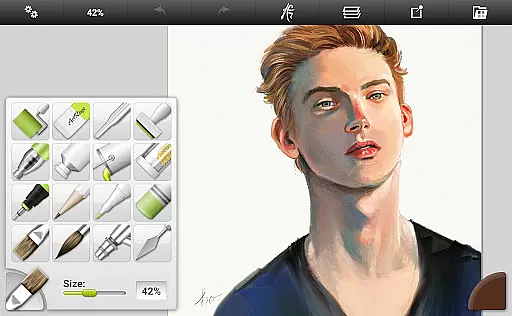
ArtRage Vitae Mobile Painting offers an extensive suite of creative tools that cater to both amateur and professional artists. The application includes 16 diverse tools with countless variations available through presets and settings, ensuring users have everything they need for natural painting and drawing.
From natural painting tools like the Oil Brush, Watercolor, and Palette Knife to sketching and drawing tools such as the Pencil, Airbrush, and various pastels, each tool is designed to mimic its real-world counterpart. This realism extends to utility and special effect tools, providing a comprehensive toolkit for creating stunning artwork on mobile devices.
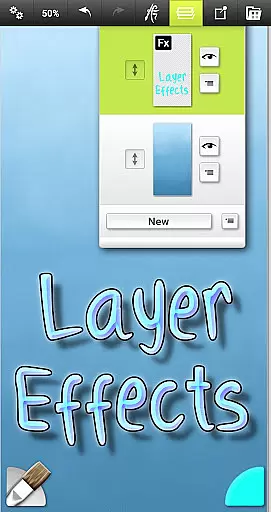
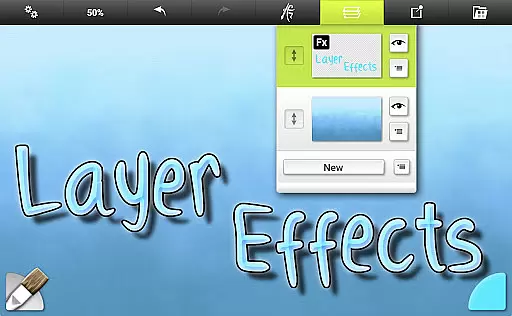
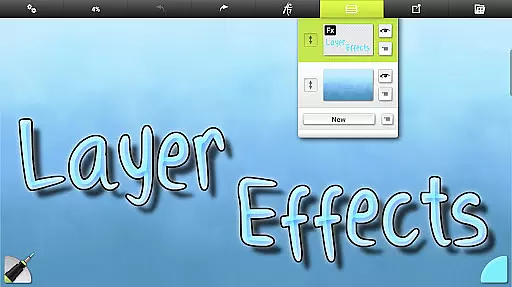
The app's attention to detail in replicating the properties of traditional art materials means that paint thickness, pencil softness, and other characteristics are faithfully represented. Users can also adjust canvas textures, blend colors naturally, and apply layer effects to enhance their creations.
With the ability to store custom presets, import images for tracing or references, and manage paintings within the ArtRage Vitae Gallery, this app empowers artists to work without constraints. Such complete and versatile toolsets make ArtRage Vitae a top choice for unleashing creativity on the go.
Flexibility in canvas and format options is crucial for digital artists, and ArtRage Vitae Mobile Painting excels in this area. The app supports a maximum canvas size of 4096px x 4096px across all devices, allowing for highly detailed work that was previously only possible on desktop applications.
Artists can manipulate the canvas texture to simulate various surfaces, from coarse canvases to smooth papers, enhancing the authenticity of their digital artwork. This adaptability ensures that users can replicate the experience of working with different mediums and surfaces, just as they would in traditional art forms.
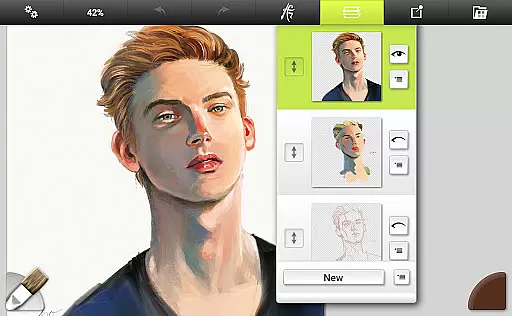
In addition to flexible canvas settings, ArtRage Vitae provides powerful layer management features. Users can add transparent layers with opacity control and utilize industry-standard Layer Blend Modes. These capabilities offer advanced compositing options and give artists precise control over their work's final appearance.
Exporting and sharing artwork is seamless, with support for JPG or PNG formats via Android's sharing system. Furthermore, compatibility with desktop versions of ArtRage allows for a smooth transition between mobile and desktop workflows. This combination of expansive canvas dimensions, customizable formats, and robust export options makes ArtRage Vitae an indispensable tool for artists seeking flexibility in their creative process.
User-friendly interface
Realistic painting tools
Extensive customization options
Powerful digital utilities
Active community support
Higher cost compared to similar apps
Steep learning curve for beginners
Limited free features
Occasional performance issues
Requires significant storage space

AI generated images & photos, turn your words into drawing, painting & pictures.
 4.30
4.30
Art of Combination Wear OS Watch faces
4.3
Logo Generator powered by AI: Create stunning logos effortlessly!
4.70
AI Art Generator transforms your words into AI generated art & paintings.
3.70
Nano Banana AI Image Generator, Anime Filter, AI Portrait, AI Photo Generator
4.30
Draw Trace image sketch by, AR art projector app, Easy to trace any image.
4.50
Minecraft & Roblox Clothes
4.70
Retouch photos. Create or edit images. Endless capabilities.
2.70
Sketch and paint on your device with the feel and freedom of drawing on paper
4.00
See Color, Paint Color
4.90
Draw on screen: FP sDraw is a simple and lightweight drawing app
4.70
Share the joy of painting with ibis Paint! Drawing anime and manga art.
4.50
Image/ Text to Video Generator
4.40
Text to Image, Image to Video & AI Chat
4.20
Turning simple sketches into captivating tales filled with life and motion
3.90
Apply cartoon, caricature, and portrait effects to make your photos stand out!
3.60
Create sweet, cool and unique couple avatars easily, in just a few steps!
3.40
Art of Combination Wear OS Watch Faces
3.30
Android 14 style widgets and wallpapers app.
4.1


User Reviews