
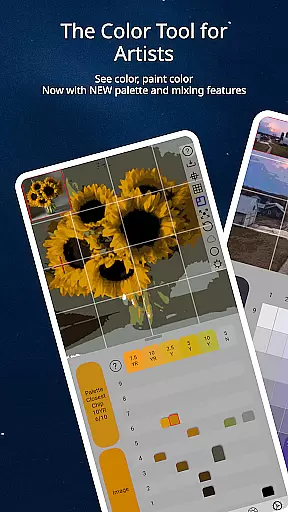
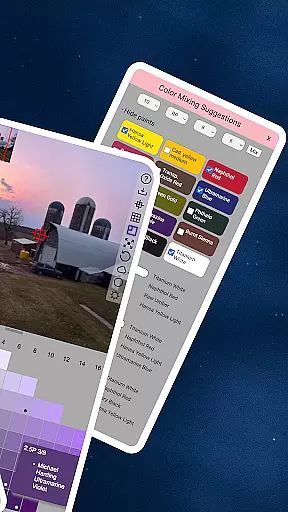
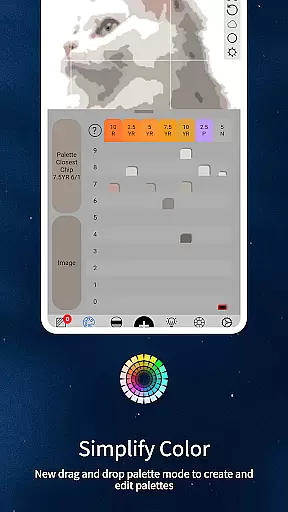
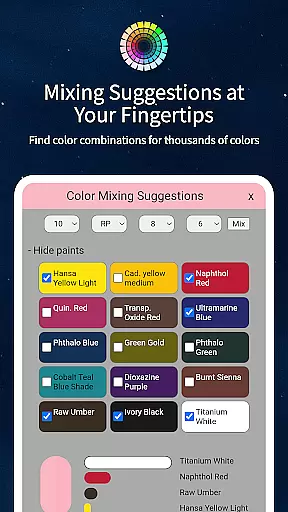
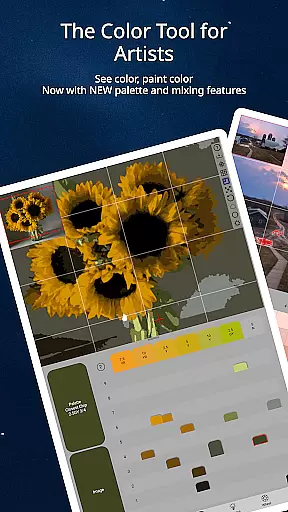
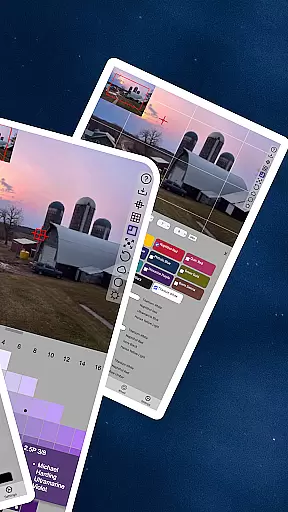
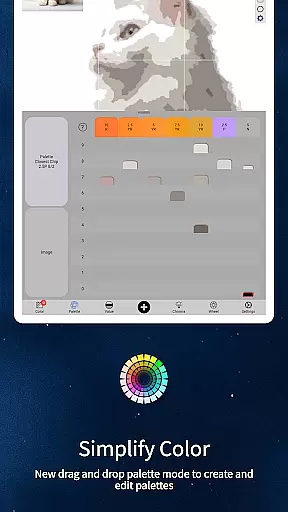
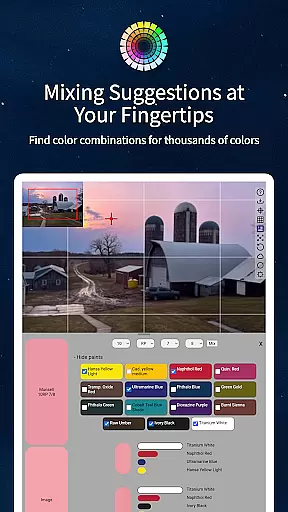
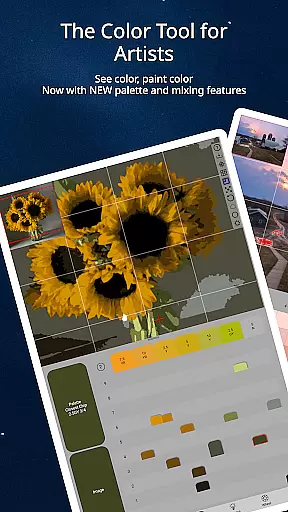
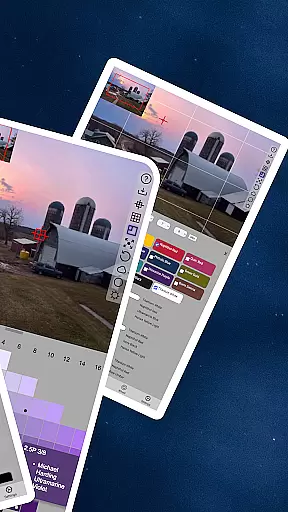
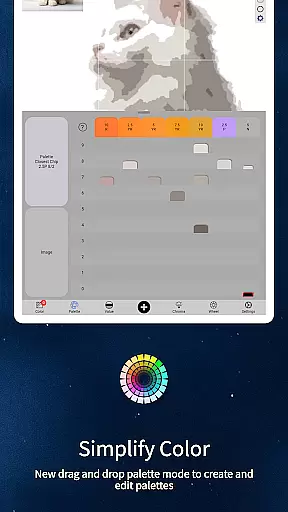
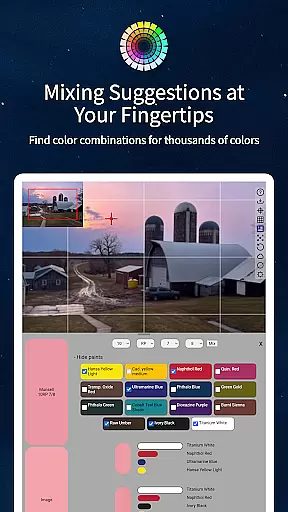
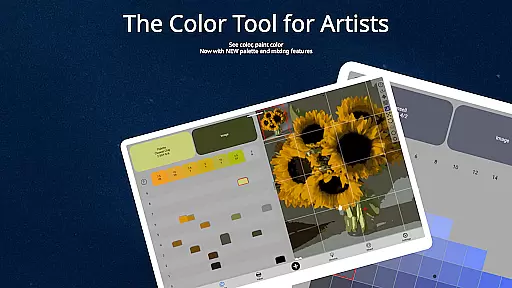
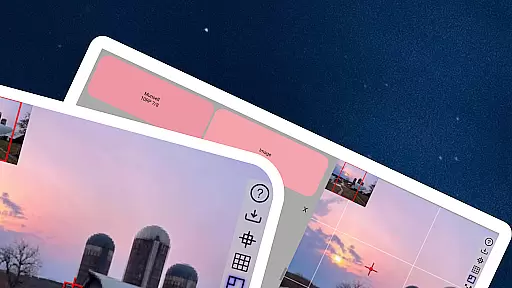
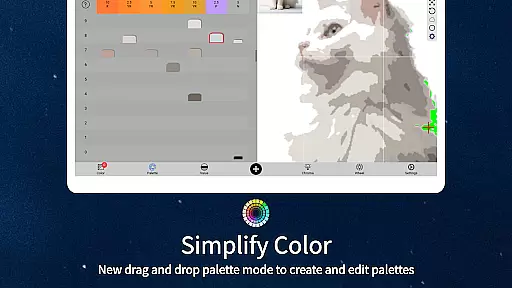
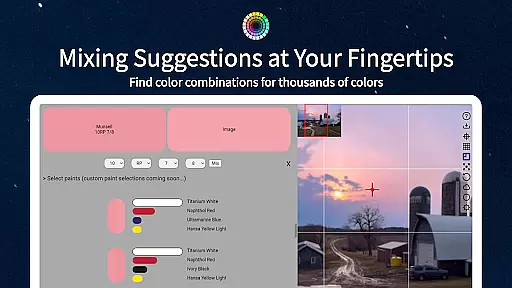
ChromaMagic is an innovative mobile application crafted exclusively for artists seeking mastery over color theory and application. By leveraging the scientifically-backed Munsell color system, it enables painters to deconstruct any visible shade into its fundamental attributes—hue, value, and chroma—with remarkable accuracy.
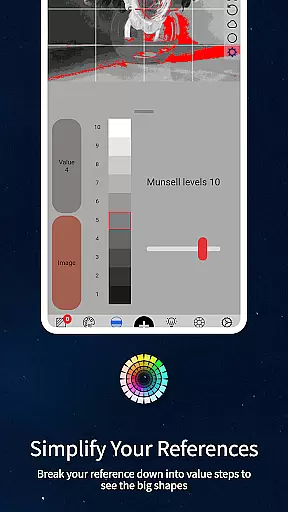
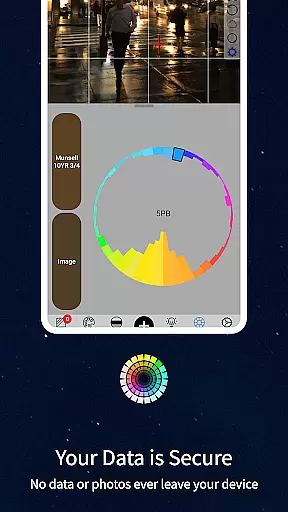
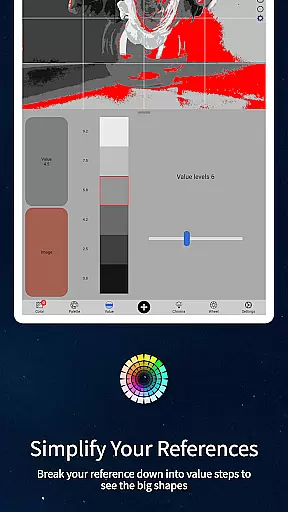
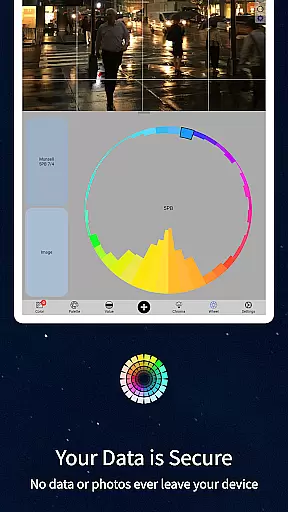
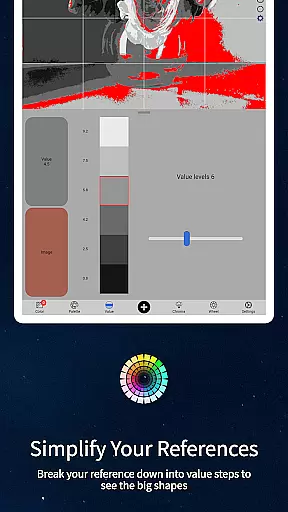
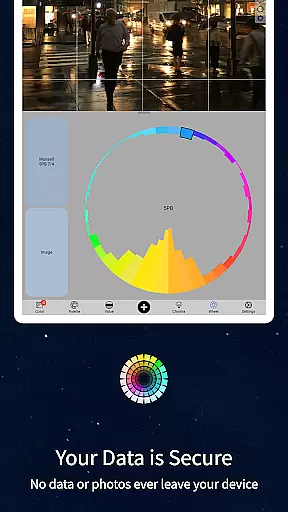
This app stands out due to its comprehensive toolkit, featuring specialized viewing modes such as Value Mode, Grayscale Mode, Saturation Mode, and Color Wheel Distribution. These functionalities allow artists to dissect complex compositions, simplify values, evaluate saturation levels, and map hues across the spectrum—all critical skills for creating convincing artwork.
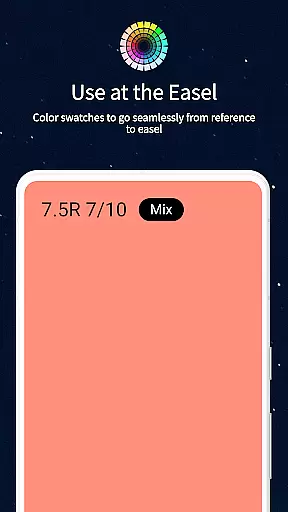
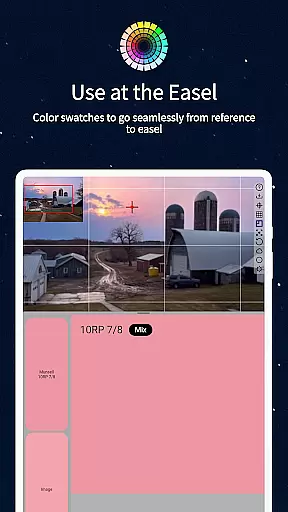
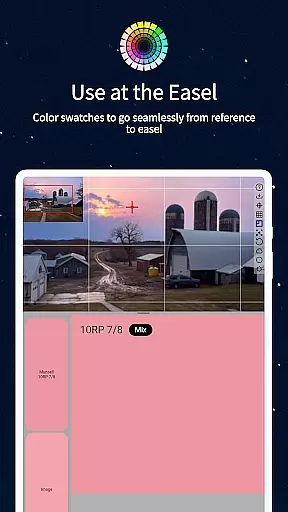
Whether used during plein air sessions atop mountains or studio work under controlled lighting, ChromaMagic bridges the gap between perception and execution. Its robust feature set not only aids professionals but also educates aspiring artists about true color dynamics, making it indispensable for anyone serious about elevating their craft.
ChromaMagic revolutionizes how artists interact with color by offering an intuitive yet powerful suite of tools designed specifically for visual creators. At its core lies the implementation of the Munsell color system, which breaks down any given color into three essential components: hue, value, and chroma.
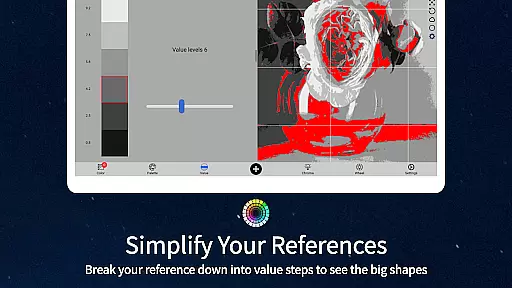
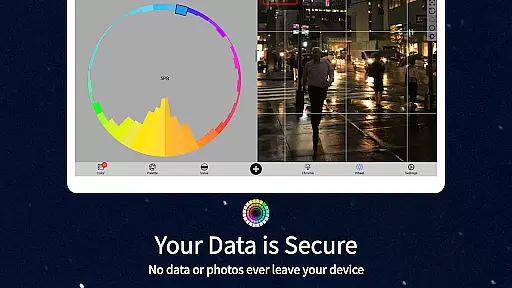
Beyond this foundational feature, ChromaMagic provides five distinct viewing modes tailored to different artistic needs. These include Value Mode for organizing references into major shapes, Grayscale Mode for fine-tuned value observation, Saturation Mode to assess color intensity, and Color Wheel Distribution for identifying relationships between hues. Each mode empowers users to gain deeper insights into their reference materials.
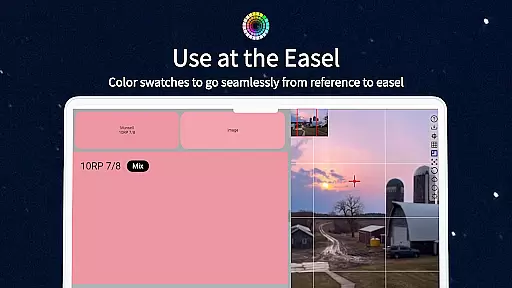
The app further enhances usability with buttery-smooth zoomable and pannable interfaces, offline functionality, drag-and-drop file support, and integration with real-world oil paints. This combination ensures that whether you're mixing colors next to your easel or exploring references miles away from civilization, ChromaMagic adapts seamlessly to your workflow while delivering unparalleled precision.
In the realm of digital artistry, having a comprehensive suite of creative tools is paramount. ChromaMagic stands out by offering artists an all-encompassing color analysis solution. The app provides multiple modes such as Munsell, Value, Grayscale, and Saturation, each designed to dissect and understand color from different perspectives.
These tools are not just varied but also highly specialized for artistic needs. For instance, the Value mode helps in organizing references into major value shapes, which is crucial for creating depth and dimension in artwork. Meanwhile, the Saturation view reveals how vivid or muted colors are, aiding in achieving the right color balance.
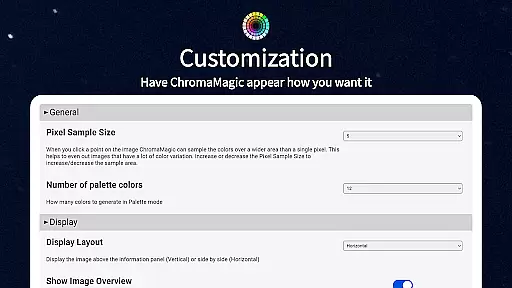
Moreover, ChromaMagic's interface is crafted for seamless interaction. It features buttery smooth zoomable and pannable images, making navigation intuitive and efficient. This ensures that artists can focus on their work without being hindered by cumbersome controls.
Flexibility in canvas and format options is essential for artists who need to adapt their work across various mediums and devices. ChromaMagic excels in this area by providing versatile solutions that cater to diverse artistic requirements. Whether working on a small mobile screen or a larger tablet display, the app maintains high performance and visual clarity.
The ability to drag and drop files directly into the application streamlines the workflow significantly. Artists can quickly import reference images without the hassle of navigating through complex menus or dealing with slow loading times. This feature enhances productivity and allows for a more fluid creative process.
Additionally, ChromaMagic supports a wide array of file formats, ensuring compatibility with different types of digital assets. This flexibility extends to its usage scenarios as well; whether at home, on the bus, or even up a mountain, users can rely on ChromaMagic to deliver consistent results. Such adaptability makes it an indispensable tool for modern artists.
Advanced color analysis
Multiple viewing modes
Offline functionality
Smooth user interface
Oil paint integration
Steep learning curve
Premium price tag
Requires calibration
No beginner tutorials
Interface may overwhelm

Vidu is an AI video generator made for creators and aspiring makers.
 3.30
3.30
Premium version of Shimeji-ee app with no ads & no limit active shimeji
4.0
Create sweet, cool and unique couple avatars easily, in just a few steps!
3.40
The perfect place to start sketching! Use Sketchbook to draw and paint sketches.
4.50
Painting, drawing, & sketching
4.50
A luxurious gold watch face for an elegant and refined look.
4.0
2D animation studio for Android tablets - unlimited layers, infinite timeline
4.70
Kling AI is an image and video generation and editing studio powered by AI.
4.50
Turning simple sketches into captivating tales filled with life and motion
3.90
Logo Generator powered by AI: Create stunning logos effortlessly!
4.70
Your AI soulmate — meaningful chats, and unique emotional moments
4.70
Create color palette from Image, RGB & RYB Color wheel harmonies, Color Scheme
4.50
Share the joy of painting with ibis Paint! Drawing anime and manga art.
4.50
AI Tattoo Generator: Create Tattoo Designs & Get Ideas! Ink & Stencil Maker
4.50
Beauty Camera - Selfie Camera is the ultimate beauty camera and selfie app
4.30
Text to Image, Image to Video & AI Chat
4.20
Create Logos, Tattoos, AI Art & more with our AI Photo Generator & Design Editor
4.20
Sketch and paint on your device with the feel and freedom of drawing on paper
4.00
Inky runs Inkscape on Android devices and Chromebooks
2.90


User Reviews