
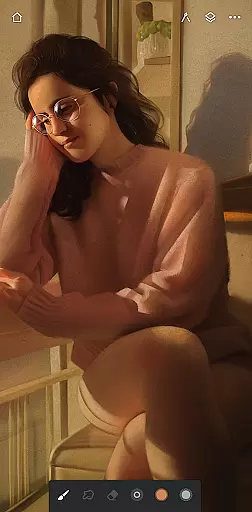
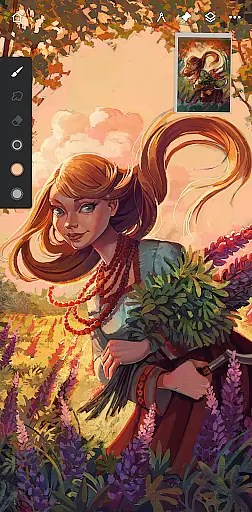
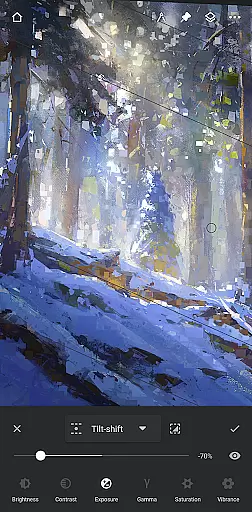
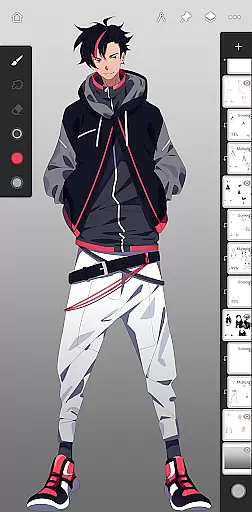
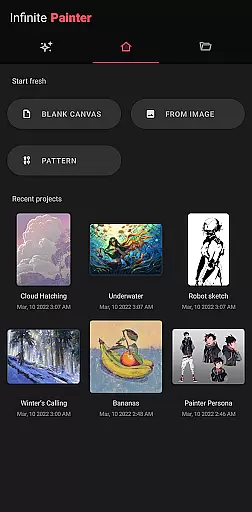
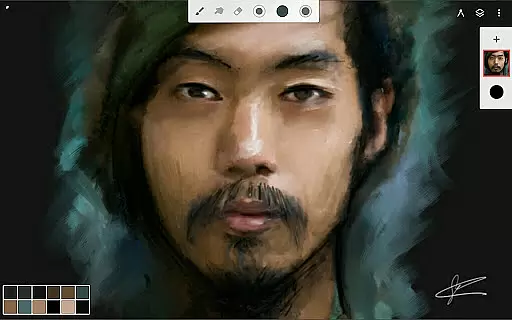
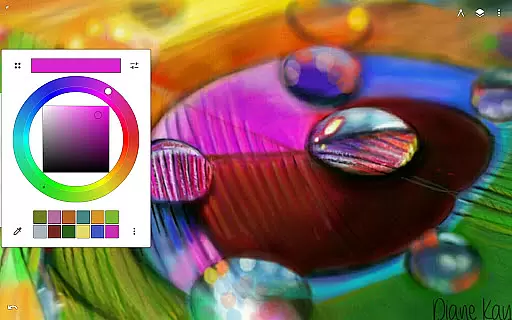
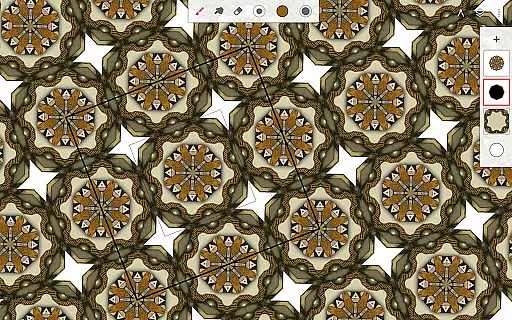
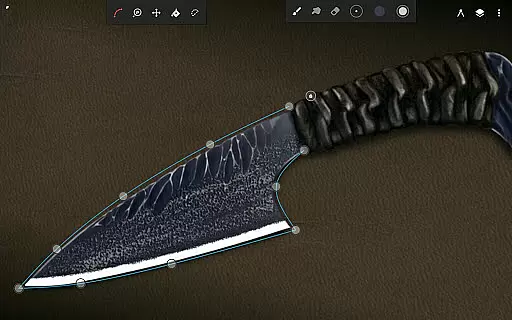
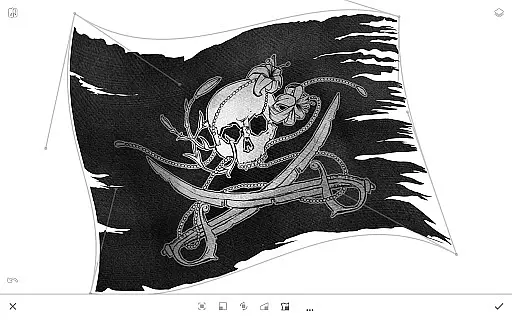
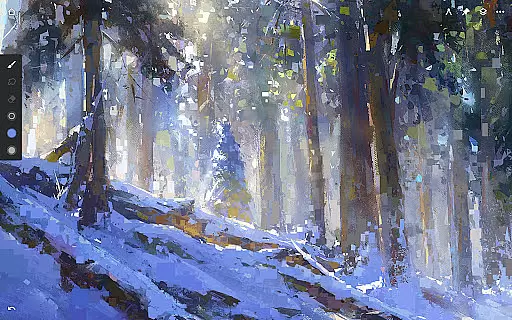
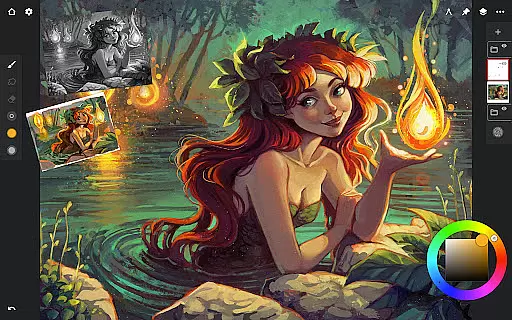
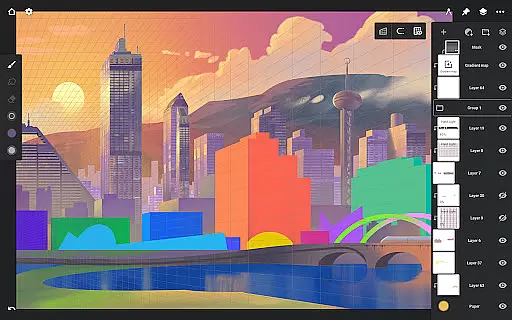
Infinite Painter is a premier digital art application designed for artists seeking professional-grade tools on their mobile devices. This award-winning app offers an extensive range of features including hundreds of customizable brushes, advanced layer support with 30 blend modes, and precise drawing guides. Its intuitive interface ensures ease of use while delivering powerful capabilities like seamless pattern creation, industry-leading transformations, and live filter effects.
Whether you're sketching as a hobby or creating artwork professionally, Infinite Painter provides the tools necessary to bring your visions to life. The app supports stylus devices with full pressure and tilt functionality, making it ideal for detailed work. Additionally, its robust sharing options allow users to export high-quality images in various formats and share timelapse recordings of their creative process.
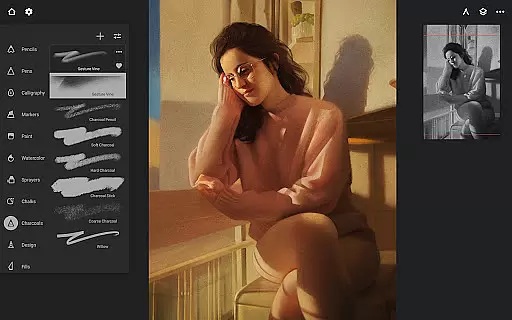
Infinite Painter stands out with its comprehensive suite of artistic tools tailored for both amateur and professional artists. The app includes best-in-class pencils and a minimalistic interface that reduces clutter, allowing more focus on the canvas. With over 100 customizable brush settings and the ability to organize and share favorite brushes, users can personalize their toolset extensively.
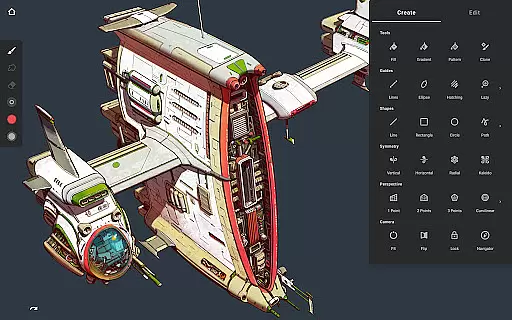
The app's innovative features such as radial or kaleidoscope symmetry, smart shape detection, and perspective guides enable diverse creative expressions. Artists can also benefit from advanced editing capabilities like gradient map adjustments, liquify tools, and focus masking. These functionalities ensure that every piece created within Infinite Painter meets industry standards while offering unparalleled flexibility and control.
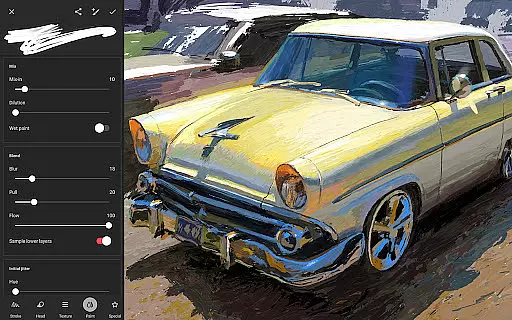
Infinite Painter offers an extensive suite of creative tools that cater to both amateur and professional artists. The app includes hundreds of built-in brushes with realistic brush-to-canvas interactions, offering over 100 customizable settings. This allows users to fine-tune their brushes to match their unique style and technique.
Beyond brushes, the app supports a variety of drawing aids such as guides, shapes, and symmetry tools, which are essential for creating precise and complex artwork. Artists can also leverage powerful layer support with 30 blend modes, masks, and industry-leading color correction features, providing them with everything needed to bring their visions to life.
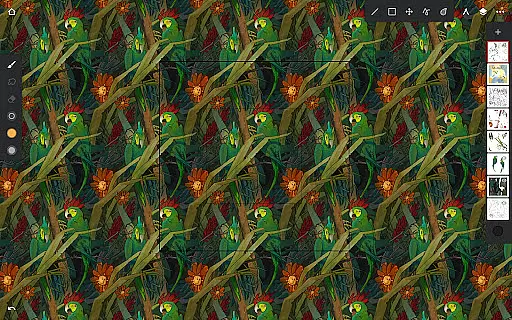
For those focused on pixel-perfect editing, Infinite Painter does not disappoint. It provides selection and masking tools, seamless pattern projects, and gradient fill options. Users can transform multiple layers simultaneously and apply effects like liquify and focus masking, ensuring every detail is exactly where it should be.
The inclusion of professional tools such as perspective guides, cloning tools, and pattern creation utilities further enhances its appeal. These features enable artists to design intricate 3D cityscapes, create game art with isometric perspectives, and even clone parts of their artwork seamlessly. With Infinite Painter, creatives have at their disposal a complete toolkit designed to accelerate workflows while maintaining exceptional quality.
Flexibility in canvas and format options is crucial for digital artists, and Infinite Painter excels in this area. The app supports 64-bit deep color painting, ensuring vibrant and accurate color representation across various devices. Whether you're working on a small mobile screen or a larger tablet display, the colors remain consistent and true to your original vision.
Infinite Painter allows users to customize their workspace extensively, maximizing usable canvas space while minimizing clutter. Features like assigning separate finger functions from the stylus, expanding and collapsing layers with a flick, and docking brush settings for quick edits contribute to a streamlined creative process. Additionally, gesture controls for rotating and flipping the canvas make it easier to work from any angle without disrupting your flow.
The app's ability to handle different file formats adds another layer of versatility. Users can import images from photos, camera rolls, clipboards, or search through a library of over a million royalty-free images. Exporting artwork is equally flexible, supporting formats like JPG, PNG, WEBP, ZIP, layered PSD files, or Painter projects. This ensures compatibility with other software and platforms, making collaboration and sharing effortless.
Moreover, Infinite Painter offers pro features that include HD canvas sizes and numerous layers, depending on the deviceu2019s capabilities. Adjustments and live filter layers give artists additional control over their work, allowing for dynamic changes and enhancements. With these robust canvas and format options, Infinite Painter empowers artists to explore new dimensions in their digital creations.
User-friendly interface
Extensive brush library
Advanced layer support
Real-time collaboration
High customizability
Limited free features
Subscription cost
Steep learning curve
Occasional bugs
Device compatibility issues

Floor Plan Creator lets you create, edit and share floor plans.
 4.00
4.00
Sketch, plan, take notes and illustrate on an infinite canvas.
4.20
AI Face Swap, Video Effects Editor, Realtime Morph, Funny Video FX,AI Filters
3.70
See Color, Paint Color
4.90
2D animation studio for Android tablets - unlimited layers, infinite timeline
4.70
Retouch photos. Create or edit images. Endless capabilities.
2.70
Multiplayer Drawing game, Coloring, Painting・Sketch, Handwriting・Paint, draw
4.30
Unleash your inner artist! Sketchar: AR Drawing for Limitless Creativity
4.40
AI-powered photo & video creation—fast, fun, and effortless with Quick Actions
4.60
Get an overview over all your embroidery threads, projects and more.
4.60
Draw, fidget, and spin glow art! Relax and express your creativity with a finger
4.60
Draw anime & manga drawing, art with templates to create stunning picture!
4.50
AI generated images & photos, turn your words into drawing, painting & pictures.
4.30
Trace, draw, and create art with AR - from memes to masterpieces!
4.30
Remove Background, Magic Eraser, Photo Enhancer, Story Templates, Collage Maker
4.30
800+ Drawing, Painting Lessons App to Practice, Sketch & Paint Art.
4.30
Art of Combination Wear OS Watch faces (for Wear OS 5+ devices)
3.90
Vidu is an AI video generator made for creators and aspiring makers.
3.30
Art of Combination Wear OS Watch faces
4.5


User Reviews