
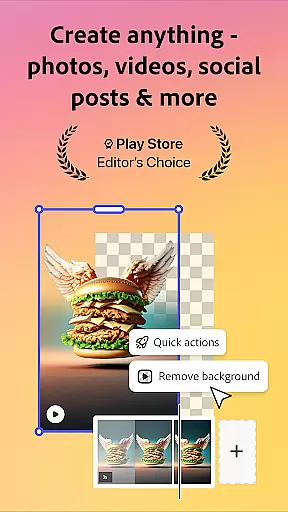
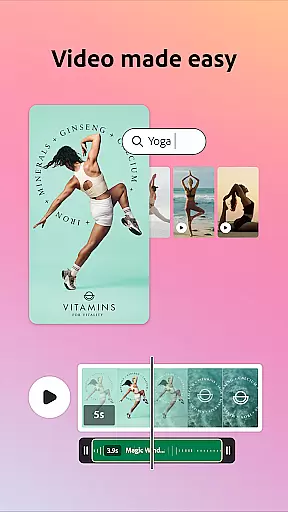
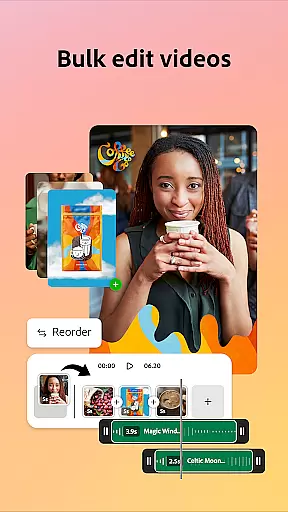
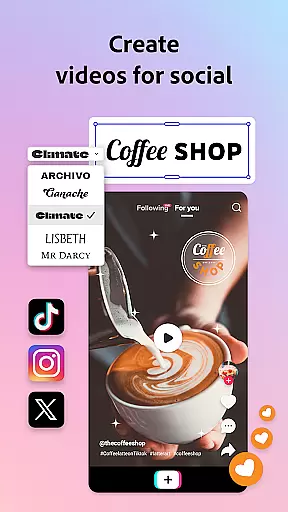

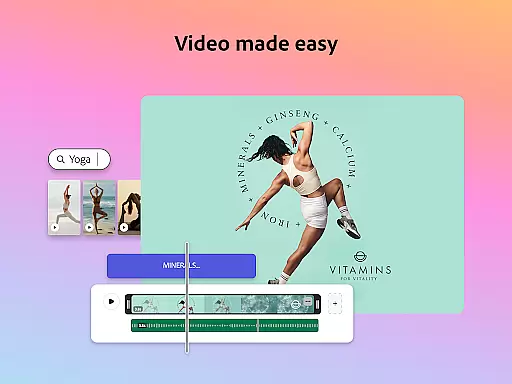
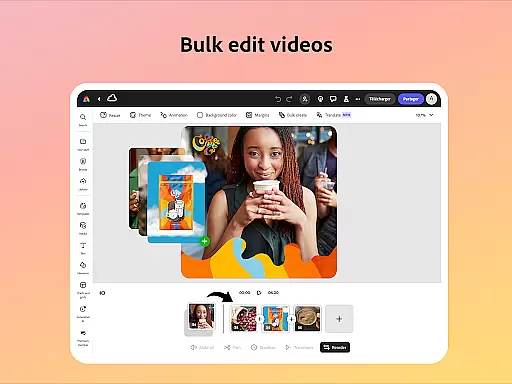
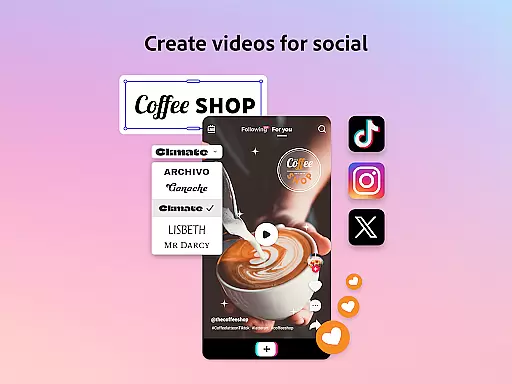
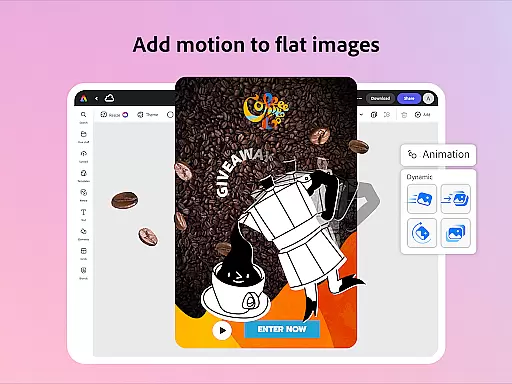
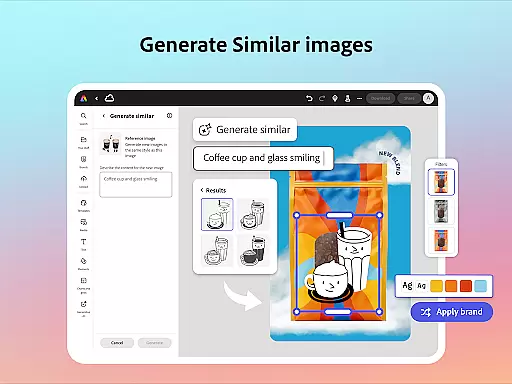
Adobe Express is a versatile design application tailored for both beginners and experienced creators. It enables users to produce high-quality marketing materials while maintaining brand consistency. The app offers an array of features including video editing, photo enhancement, background removal, and QR code generation, all within a user-friendly interface.
One standout feature is its customizable templates that streamline the creation process. Users can easily trim and combine footage, add text and music, and even remove video backgrounds. For photos, Adobe Express provides intuitive tools powered by AI, allowing users to apply filters and generate unique art effortlessly. These capabilities ensure that businesses can create impactful content across various platforms.
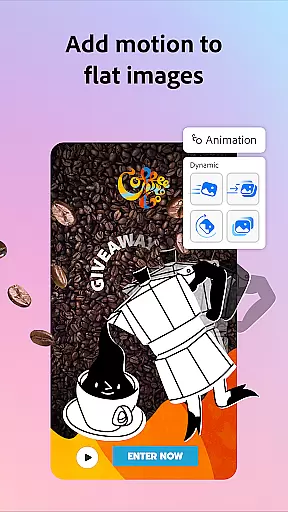
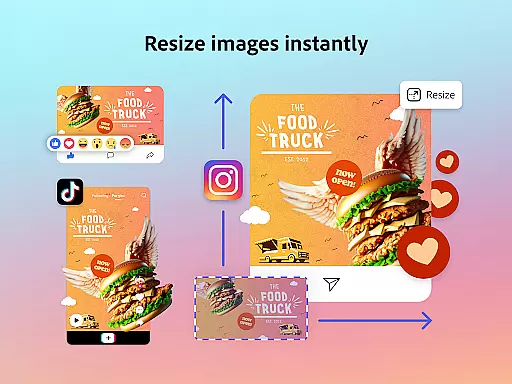
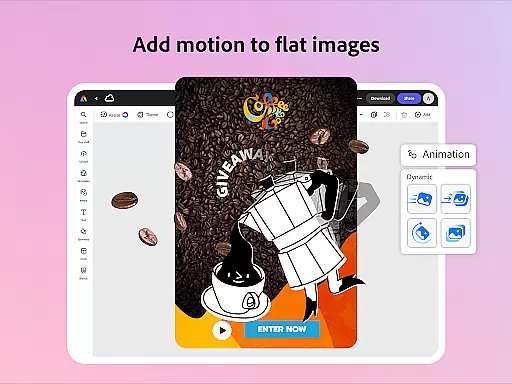
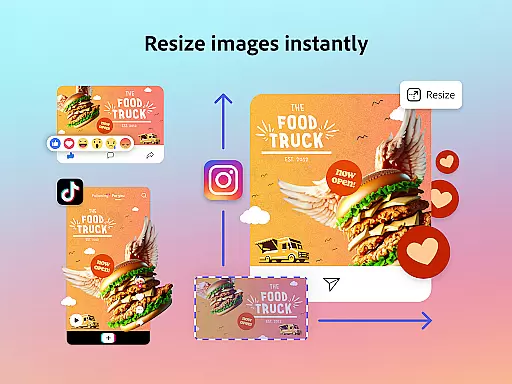
The app's Brand Kits functionality ensures that all designs adhere to brand guidelines by storing fonts, colors, and logos for easy application. With Quick Action tools, users can resize designs, convert images, and animate characters with minimal effort. Whether creating social media posts or editing PDFs, Adobe Express equips users with everything needed to produce professional-grade content efficiently.
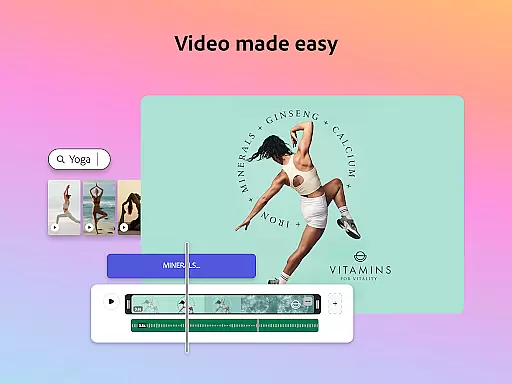
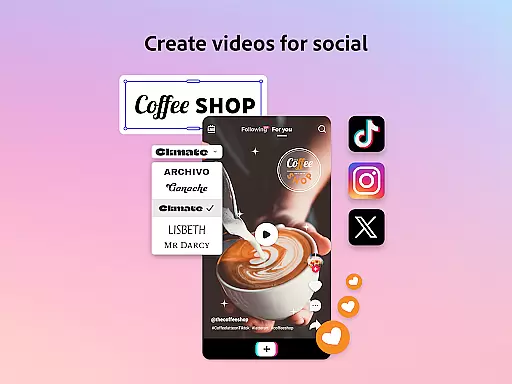
Adobe Express stands out with its comprehensive suite of creative tools designed to simplify content creation. Video editing is made accessible through customizable templates where users can upload clips, trim footage, and add transitions and sound effects seamlessly. The app also supports automatic captioning and reframing for different social channels, enhancing accessibility and engagement.
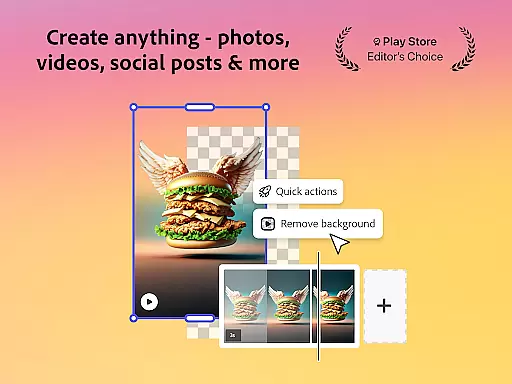
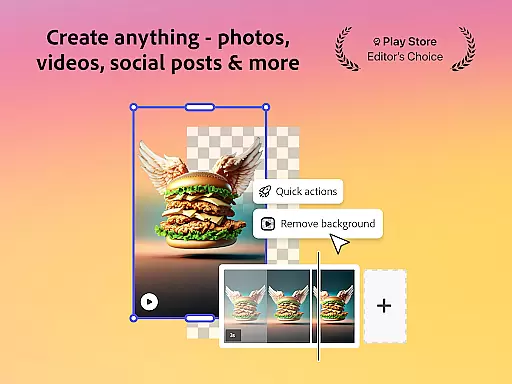
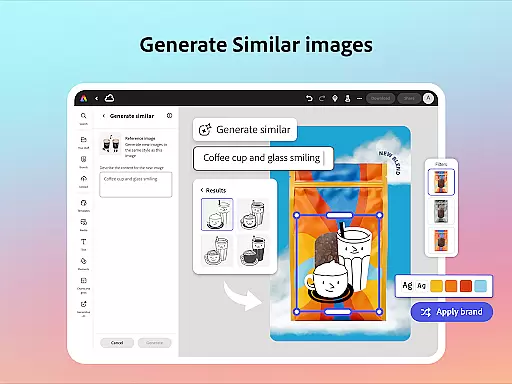
For photo editing, Adobe Express leverages AI technology to offer powerful yet easy-to-use tools. Users can enhance images with Photoshop-powered filters, remove unwanted objects, or generate artistic renditions using the AI photo generator. Additionally, the app excels in removing backgrounds from photos and videos quickly, making it ideal for creating clean, professional visuals without hassle.
Another notable feature is the ability to generate stylish QR codes that align with brand aesthetics. Coupled with robust PDF editing capabilities, Adobe Express allows users to update layouts, swap images, and refine documents effortlessly. These diverse functionalities empower teams to maintain brand consistency while producing varied types of content efficiently.
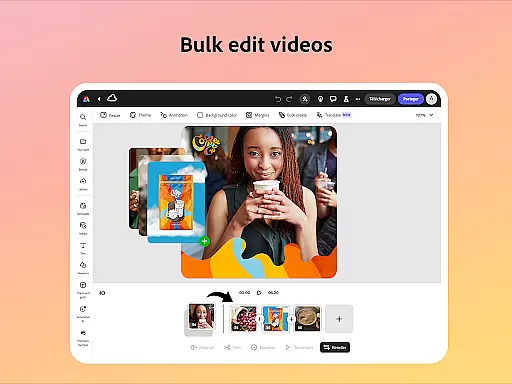
Adobe Express offers a comprehensive suite of creative tools that cater to both beginners and seasoned creators. The app provides customizable templates for video editing, allowing users to trim and combine footage, add text, music, transitions, and sound effects effortlessly.
In photo editing, Adobe Express leverages AI technology to enhance images with intuitive tools. Users can apply Photoshop-powered filters, generate stunning photo art, and even add or remove objects seamlessly. This ensures that every user, regardless of skill level, can produce professional-quality visuals.
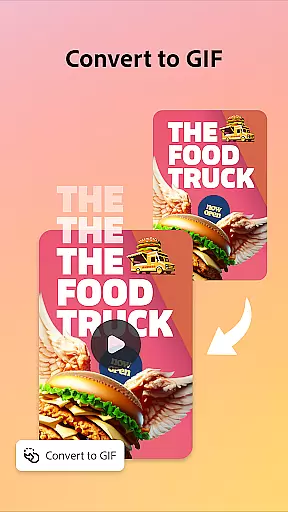
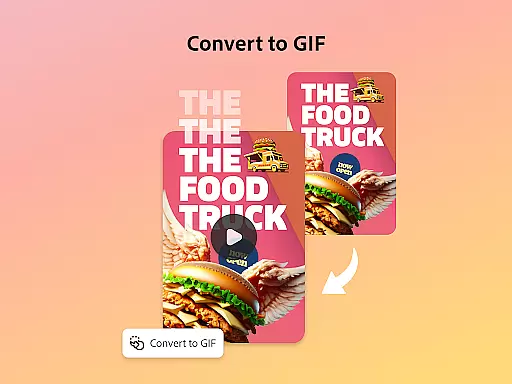
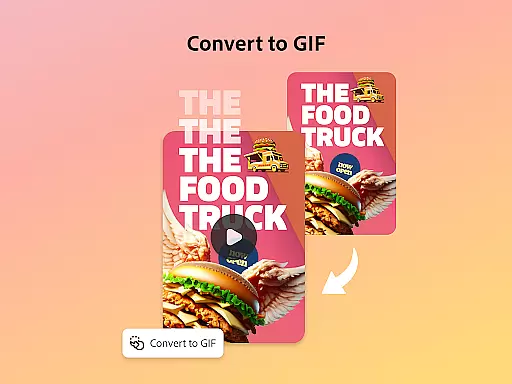
The app also includes Quick Actions, enabling users to perform tasks like removing backgrounds from photos or videos, converting images to GIFs, and resizing content with a single tap. These features collectively ensure that Adobe Express is a one-stop solution for all creative needs, empowering users to produce high-quality marketing and business materials while maintaining brand consistency.
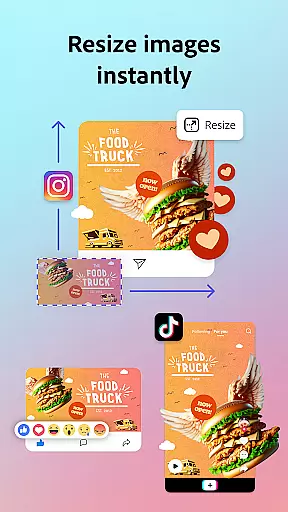
Adobe Express excels in providing canvas and format flexibility, ensuring that users can create content tailored to various platforms and channels. With the ability to trim and resize designs, crop photos, and convert image files, users can effortlessly adapt their creations to fit different specifications and requirements.
The app supports converting content to GIFs from both images and videos, adding an extra layer of versatility. Additionally, Adobe Express allows users to import PDFs and update their content, swap images, refine layouts, or add brand-specific colors, fonts, and visuals with just a few clicks.
This flexibility extends to brand kits, which enable users to maintain a cohesive look across all designs by keeping fonts, colors, and logos ready to drop into any project. Whether creating videos, editing photos, or generating QR codes, Adobe Express ensures that users can achieve their desired outcomes without being constrained by format limitations.
User-friendly interface
AI-powered enhancements
Customizable templates
Brand consistency tools
Comprehensive editing suite
Limited free features
Premium subscription cost
Device compatibility issues
Occasional bugs
Learning curve for new users

Transform photos into amazing monochrome dither art with professional algorithms
 4.2
4.2
Learn how to draw with step-by-step tutorials, fun lessons & multiplayer drawing
4.70
Sketch, trace and master AR drawing with awesome anime art!
3.30
Passport size photo maker, create ID photo and visa photo in seconds
4.80
The perfect place to start sketching! Use Sketchbook to draw and paint sketches.
4.50
Draw glowing spinners, relax, and spin your creative art
4.60
Novices can also easily complete diamond painting masters
4.70
Create Logos, Tattoos, AI Art & more with our AI Photo Generator & Design Editor
4.20
How to draw anime step by step for beginner easily by AR drawing sketch & paint.
3.60
Create stunning art with AI.
4.80
Create color palette from Image, RGB & RYB Color wheel harmonies, Color Scheme
4.50
Painting, drawing, & sketching
4.50
800+ Drawing, Painting Lessons App to Practice, Sketch & Paint Art.
4.30
Text to Image, Image to Video & AI Chat
4.20
OneUI 8.5 icons ✨ Smooth, modern & based on the latest Play Store design ??
4.10
Paint with oils and sketch with natural tools on a realistic virtual canvas.
3.80
AI Art Generator transforms your words into AI generated art & paintings.
3.70
Draw anime easily with AR guidance, sketch templates & trace tools!
3.10
Art of Combination Wear OS Watch faces (for Wear OS 5+ devices)
3.00


User Reviews