
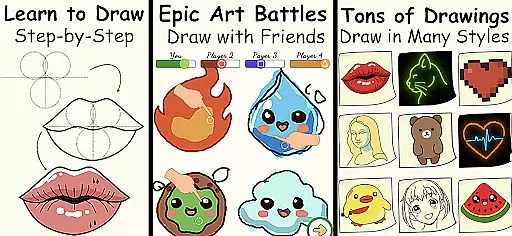
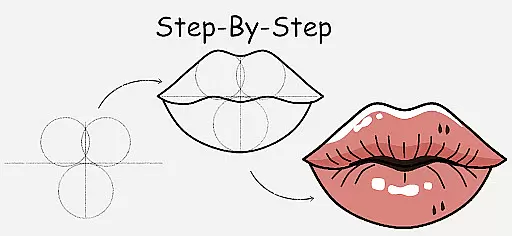
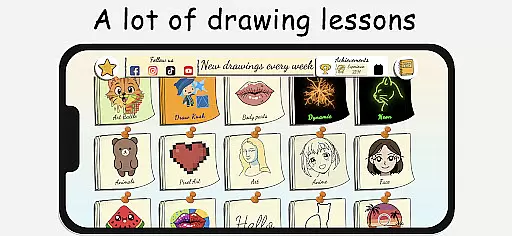
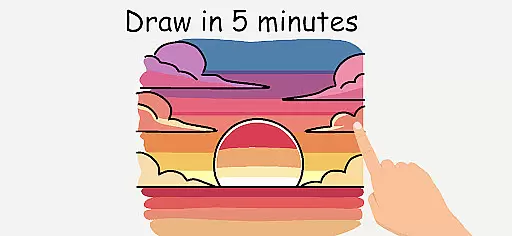
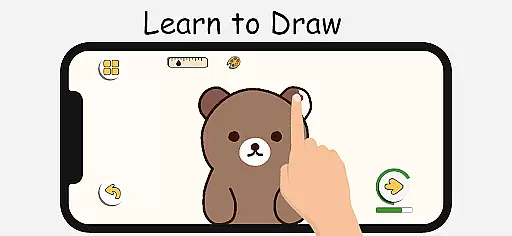
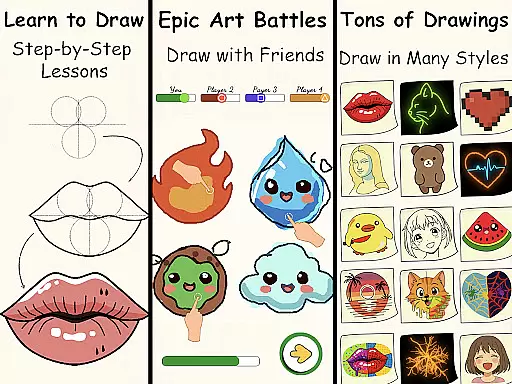
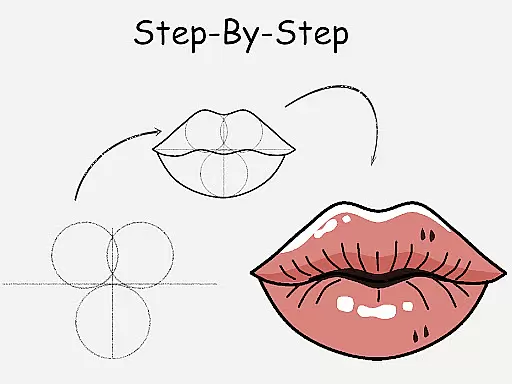
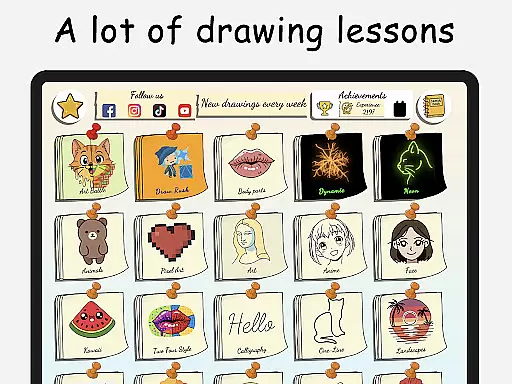
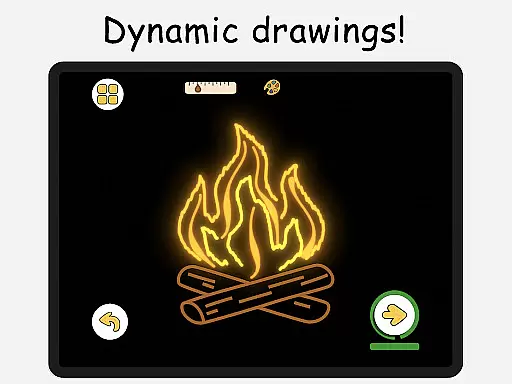
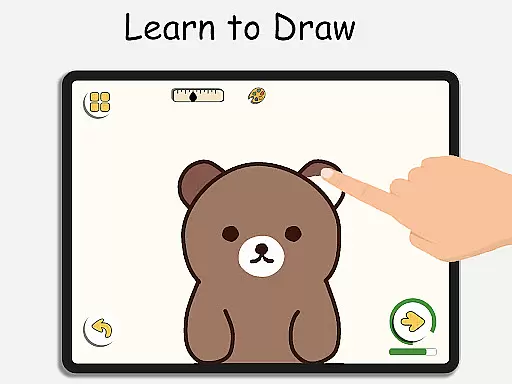
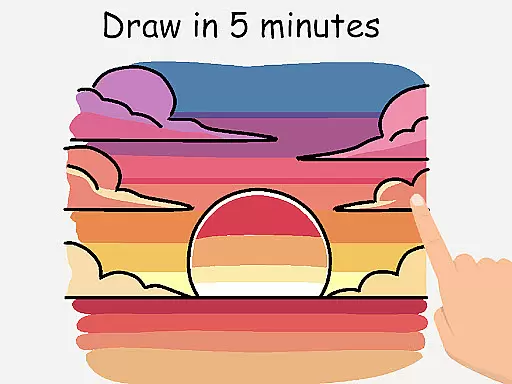
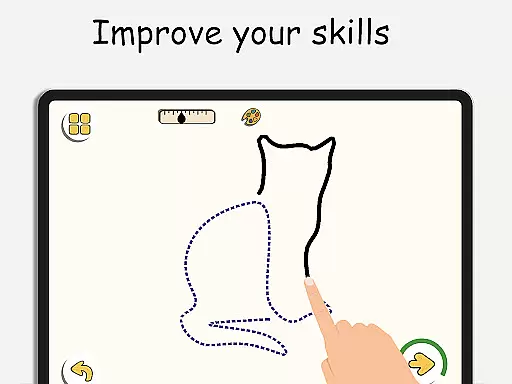
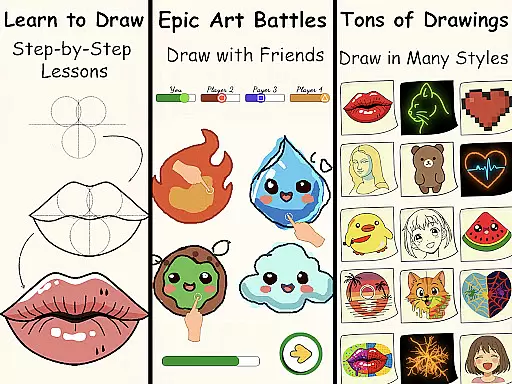
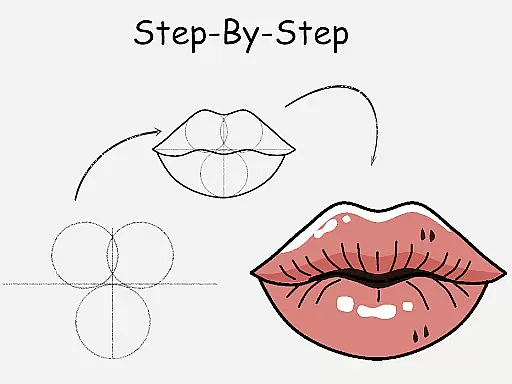
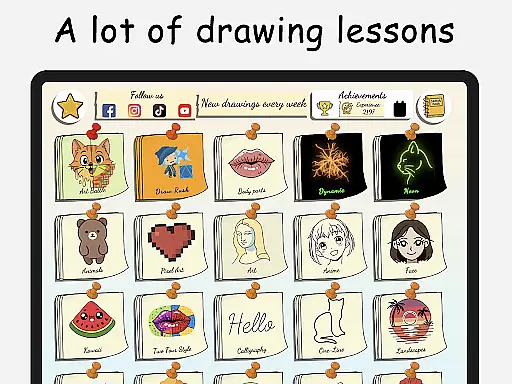
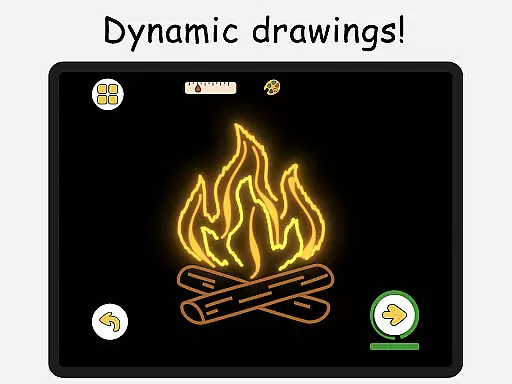
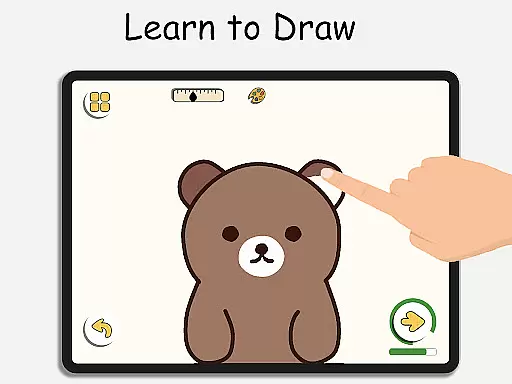
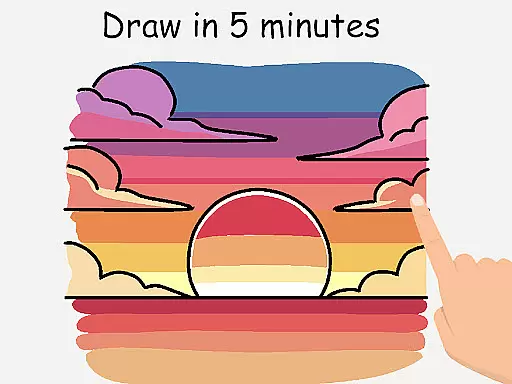
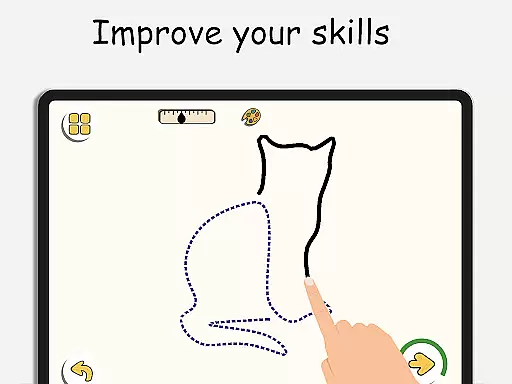
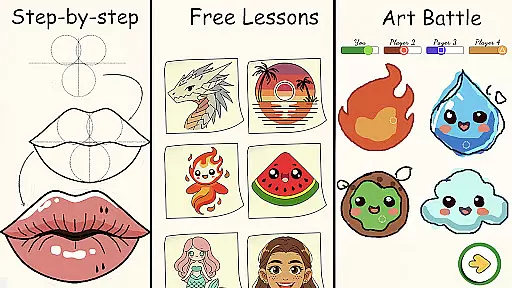
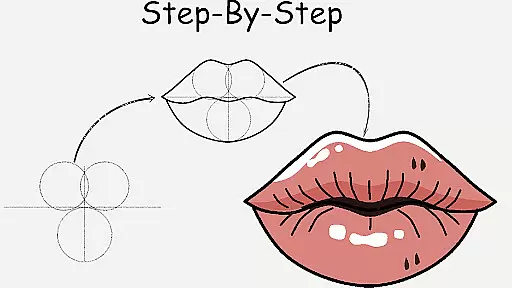
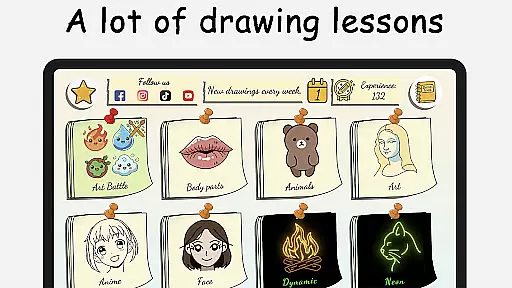
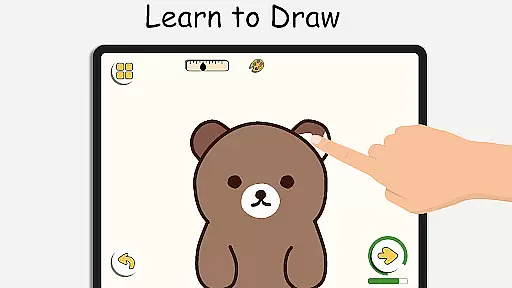
ArtLoop is a comprehensive drawing application designed to help users of all skill levels learn and improve their art techniques. The app offers step-by-step lessons covering various subjects, including characters, animals, food, people, emojis, anime, and more. Each tutorial provides clear instructions that guide beginners through the basics while also offering advanced tutorials for experienced artists looking to refine their skills.
In addition to structured lessons, ArtLoop features interactive challenges and multiplayer drawing games, allowing users to engage with friends or other artists in real-time competitions. These battles not only enhance drawing accuracy and speed but also keep users motivated throughout their learning journey. With tailored learning paths, intuitive drawing tools, and offline functionality, ArtLoop ensures an accessible and enjoyable experience for both kids and adults.
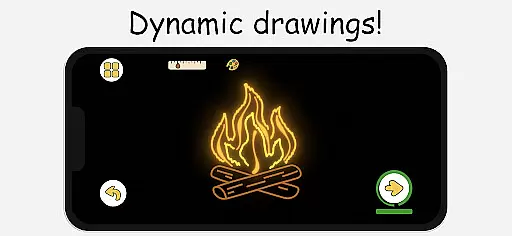
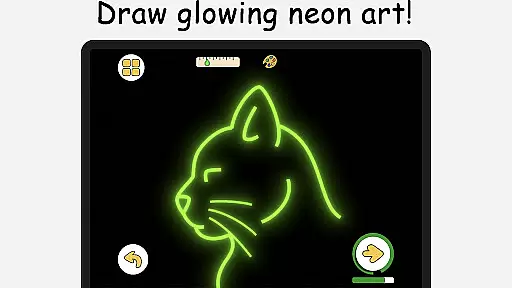
The app's unique features like Pixel Art Mode, Neon Drawing, and Quick Draw Challenges provide diverse artistic expressions. Users can create retro-style pixel art, electric neon strokes, and participate in timed sketch rounds. ArtLoop fosters artistic freedom and creativity, making it one of the best free drawing apps available for mobile users who want to explore styles from anime to realistic art.
ArtLoop stands out with its rich set of features designed to cater to artists at every level. One of the key highlights is the step-by-step drawing lessons that cover a wide range of topics, ensuring that users can find tutorials that match their interests and skill levels. These lessons are complemented by interactive challenges that encourage practice and improvement in a fun and engaging way.
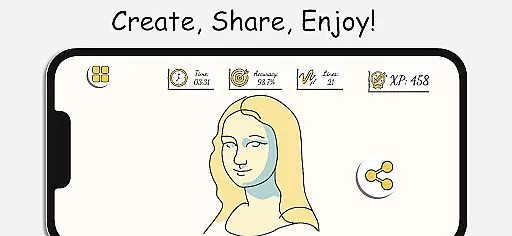
Another notable feature is the Multiplayer Drawing Battles, where users can compete against friends or random players. This competitive aspect not only makes learning more enjoyable but also pushes users to enhance their speed and accuracy. Additionally, the app includes smart evaluation tools that track progress over time, providing valuable feedback on drawing accuracy and flow.
ArtLoop also offers unique modes such as Pixel Art Mode for creating grid-perfect pixel drawings and Neon Drawing for luminous brush effects. The inclusion of Quick Draw & Speed Draw Challenges adds an element of urgency and excitement, ideal for warm-ups or competitive sessions. With its intuitive interface and powerful tools, ArtLoop provides a complete package for anyone looking to learn how to draw digitally.
ArtLoop offers a comprehensive suite of creative tools that cater to both beginners and advanced artists. The app includes step-by-step drawing lessons, multiplayer drawing battles, and various tutorials covering different art styles.
Users can explore pixel art mode with grid-perfect drawing tools, neon drawing with luminous brushes, and quick draw challenges for improving accuracy. These features ensure that artists have everything they need to create stunning digital artwork.
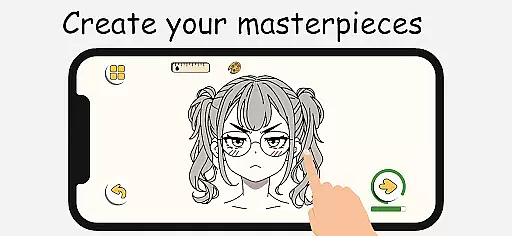
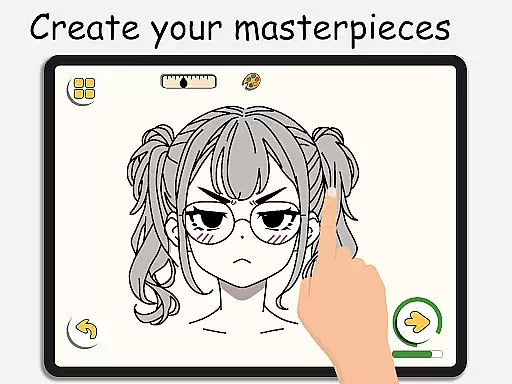
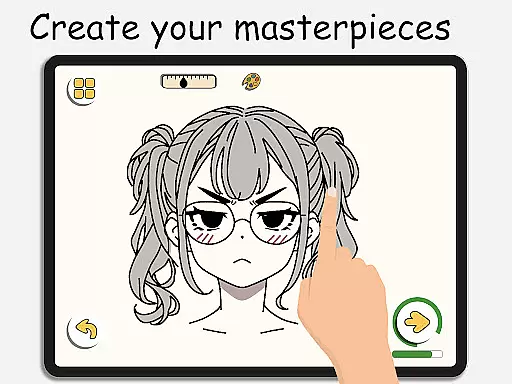
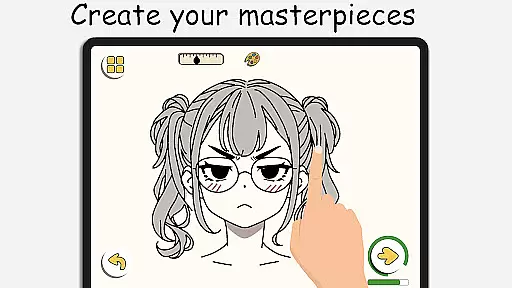
The inclusion of smooth, responsive drawing tools and detailed editing features provides an intuitive experience. This makes ArtLoop one of the best free drawing apps available, allowing users to easily sketch, doodle, and color their creations.
ArtLoop stands out with its flexible canvas options and format support, enabling artists to work on various projects seamlessly. Whether you're sketching simple doodles or creating complex artworks, the app adapts to your needs.
With offline drawing capabilities, users can create art without needing an internet connection. This flexibility ensures that inspiration is never lost, whether you're at home or on the go.
Additionally, ArtLoop supports multiple drawing styles, including anime, cartooning, and realistic art. Artists can choose from different categories like cute animals, food, flowers, and more, making it versatile for all types of creative projects.
User-friendly interface
Comprehensive drawing lessons
Multiplayer drawing games
Offline drawing capability
Diverse artistic modes
Limited advanced tools
Occasional bugs reported
Ads may disrupt workflow
Some features require purchase
Learning curve for new users

Vidu is an AI video generator made for creators and aspiring makers.
 3.30
3.30
AI generated images & photos, turn your words into drawing, painting & pictures.
4.30
The ultimate tool for creating animations
4.60
Art of Combination Wear OS Watch faces
4.0
Make your phone cooler and have a fantastic experience
4.80
Your AI soulmate — meaningful chats, and unique emotional moments
4.70
Video AI: Revolutionize Your Content Creation with Advanced Video Generation
4.50
Explore future self face age filter & remove background image for a unique look.
3.50
Unleash your inner artist! Sketchar: AR Drawing for Limitless Creativity
4.40
Castle is social media for creating and playing games!
4.60
Get an overview over all your embroidery threads, projects and more.
4.60
Draw, fidget, and spin glow art! Relax and express your creativity with a finger
4.60
Everything you need to create hand drawn animation, anywhere you go!
4.40
Bring One UI 8.5 Icons to life -elegant dark icons with a modern, premium touch.
4.30
Customizable Outlined Fonts. Watch Face Format. Battery friendly Digital Clock.
4.20
OneUI 8.5 icons ✨ Smooth, modern & based on the latest Play Store design ??
4.10
AR Anime Drawing: How to draw anime with AR drawing & sketching apps!
4.00
Apply cartoon, caricature, and portrait effects to make your photos stand out!
3.60
Create trending AI photos & videos with powerful effects and 3D styles.
3.20


User Reviews