
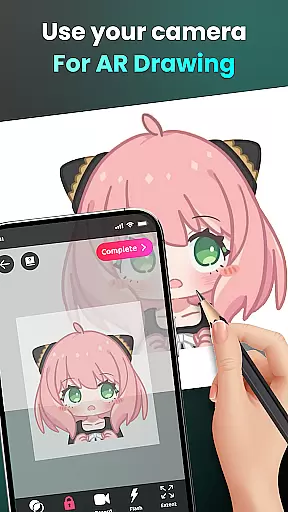
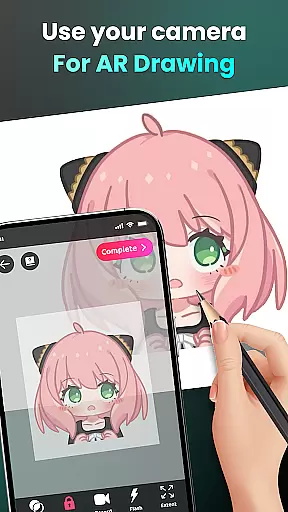
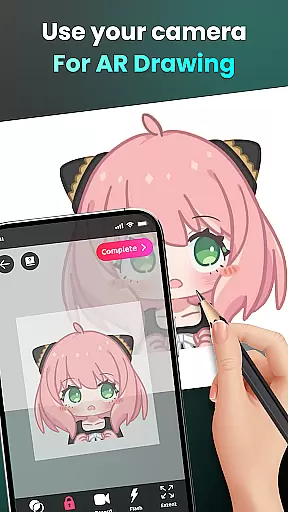
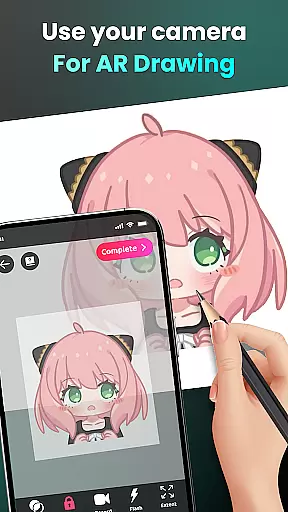
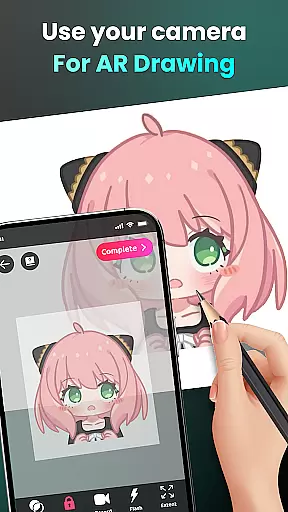
AR Drawing - Sketchar App represents a breakthrough in the Art & Design category, offering users an innovative way to learn and create art through augmented reality. This app allows both beginners and experienced artists to draw by using their device's camera, transforming any real-world surface into a canvas for creativity.
The application provides advanced AR technology that enables users to sketch everything from sample photos to surrounding objects and entire scenes. With features like opacity adjustment, video recording of the drawing process, and zoom functionality, AR Drawing ensures an immersive and customizable artistic experience. The ability to trace complex images with simplified outlines makes it especially valuable for skill development.
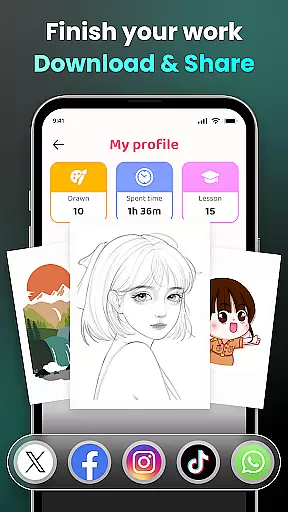
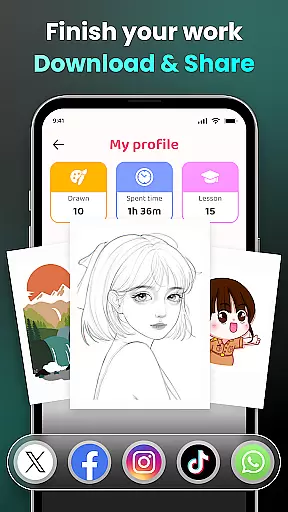
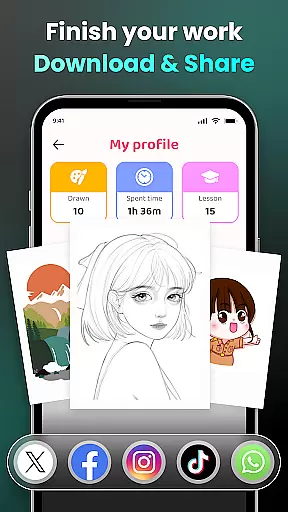
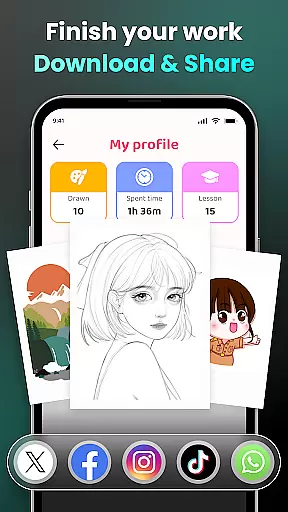
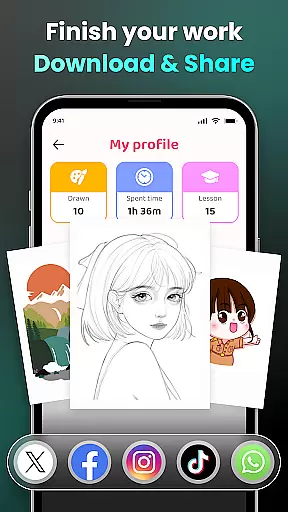
Whether you're interested in anime, cartoons, animals, or landscapes, this app caters to diverse artistic interests. Users can share their creations with a global community, track their progress, and access personalized content to enhance their skills over time.
AR Drawing stands out with its comprehensive set of features tailored for artists of all levels. The app's core functionality lies in its camera-based drawing system, which lets users sketch live scenes or imported images with remarkable precision. This feature is particularly useful for those looking to practice figure drawing or capture real-world subjects.
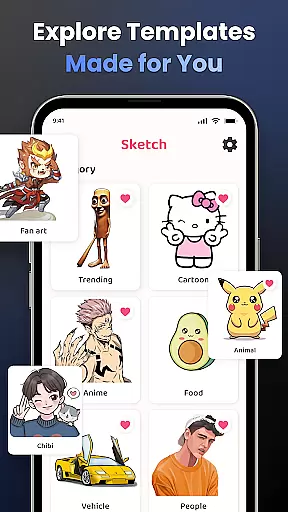
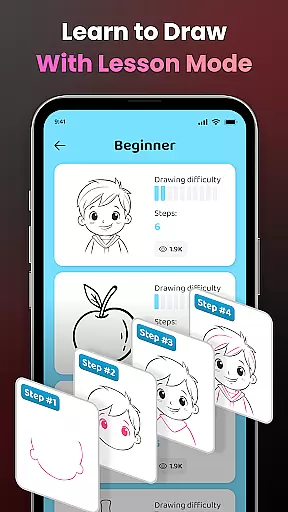
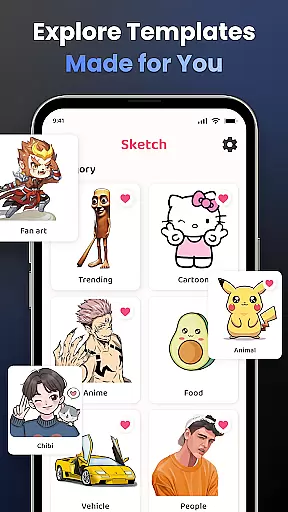
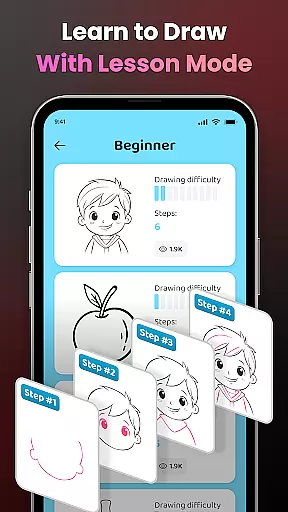
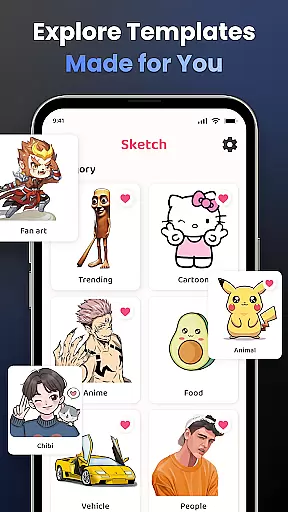
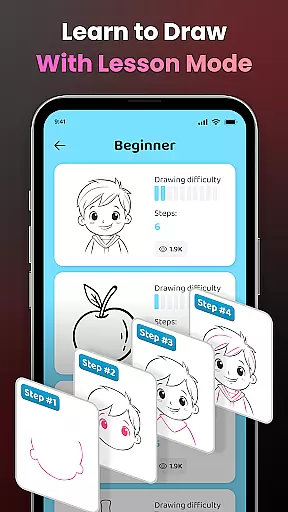
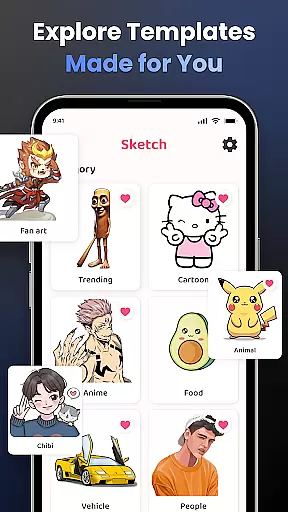
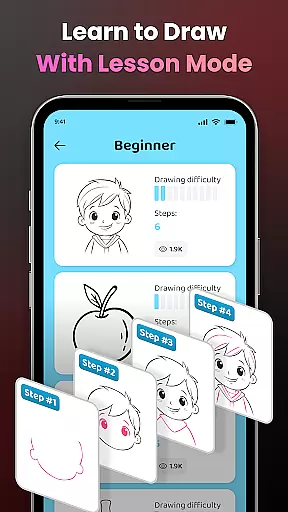
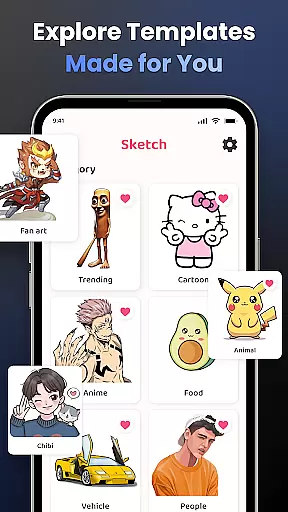
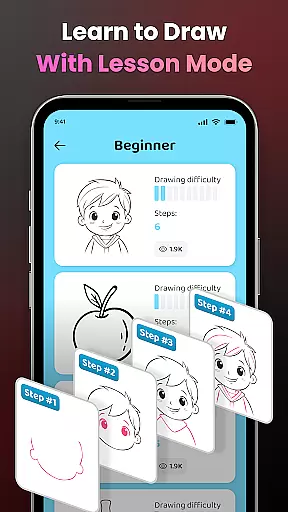
One of the most notable aspects is the structured learning path, offering lessons across three difficulty levels. These tutorials help users gradually improve their skills while exploring various art styles. Additionally, the app includes a vast library of samples covering popular themes such as anime, fan art, and nature, ensuring endless creative possibilities.
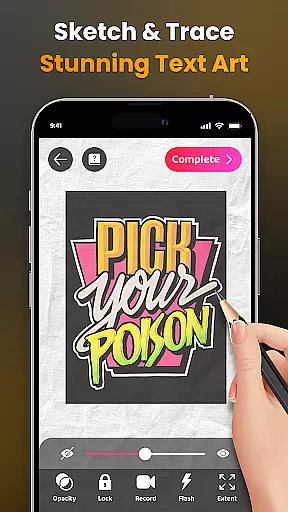
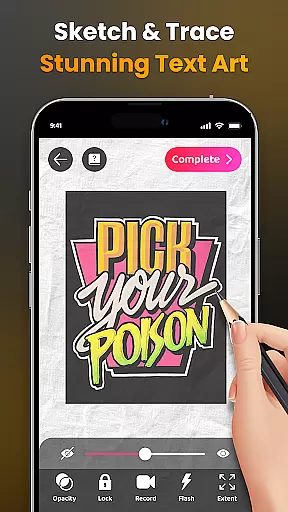
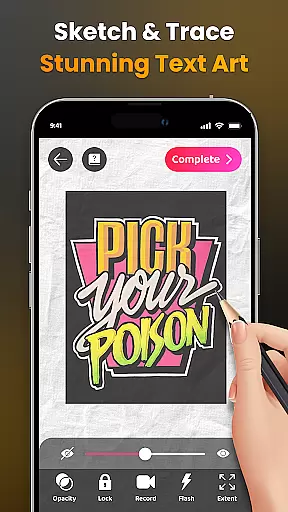
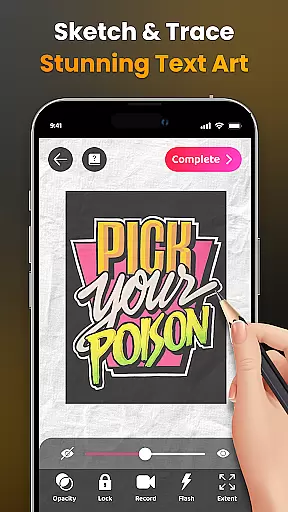
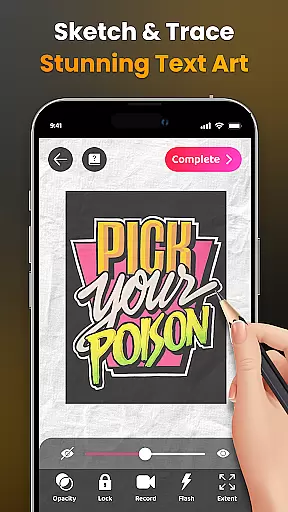
Advanced tools like adjustable opacity, flash control, and image extension provide professional-grade capabilities. The inclusion of video tutorials for specific drawings and the ability to record your creative process make this app not just a drawing tool but also an educational platform for aspiring artists.
AR Drawing - Sketchar App offers an extensive suite of creative tools that cater to both novice and professional artists. The app leverages advanced Augmented Reality (AR) technology, allowing users to transform any real-world surface into a canvas for their artwork.
With features such as drawing through the camera, users can sketch anything from sample photos to entire scenes in their environment. This functionality not only enhances creativity but also provides a unique way to learn and practice drawing skills by tracing outlines of complex images.
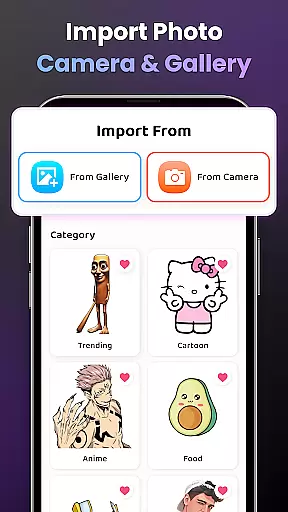
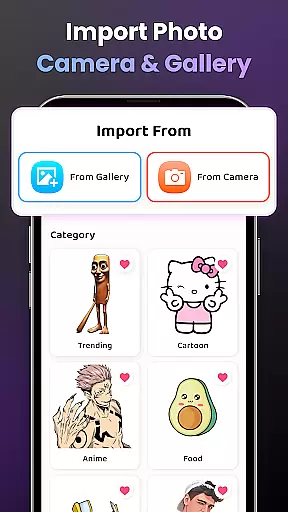
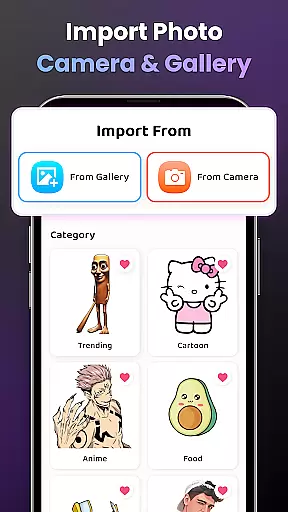
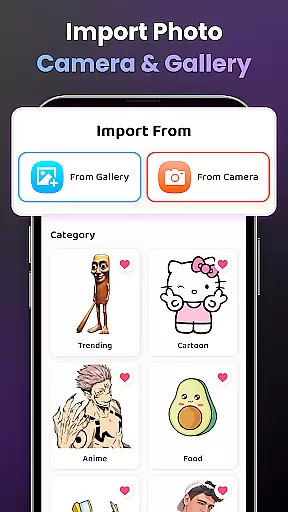
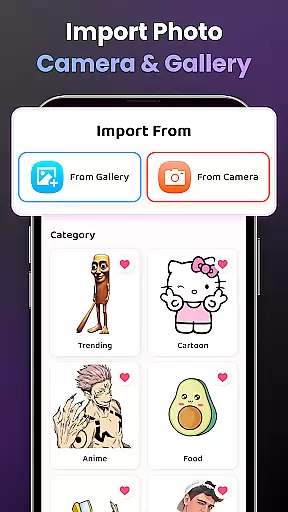
The app includes a diverse library of samples and supports importing personal photos, giving users unlimited possibilities for their creations. Additional options like adjusting opacity, zooming, and controlling the flash further enrich the drawing experience, ensuring every artist can customize their process to suit their style.
Moreover, AR Drawing offers video tutorials for beginners, making it easier to grasp the basics and improve over time. These comprehensive tools ensure that users have everything they need to explore their artistic potential fully.
One of the standout features of AR Drawing - Sketchar App is its remarkable canvas and format flexibility, which empowers users to create art without limitations. Artists can draw on any surface using their phone's camera, effectively turning the world around them into their canvas.
This flexibility extends to the types of content users can draw, ranging from popular themes like Anime, Cartoon, and Animals to more specific subjects such as Chibi, Food, and Fanart. The ability to import personal photos adds another layer of versatility, enabling users to trace and draw anything they desire.
Additionally, the app provides various customization options, including image opacity adjustments, zoom controls, and flash settings, allowing for precise and comfortable drawing experiences. Users can also record their drawing process, offering a dynamic way to share their creative journey with others.
By combining these flexible canvas and format options with powerful AR technology, AR Drawing ensures that every user can express their creativity in a personalized and unrestricted manner.
User-friendly interface
Wide range of drawing categories
Augmented reality integration
Customizable drawing options
Active community support
Requires stable internet connection
Premium features may be costly
Steep learning curve for beginners
Limited offline functionality
Device compatibility issues

Learn how to draw with step-by-step tutorials, fun lessons & multiplayer drawing
 4.70
4.70
Custom Character Creator & PFP Maker!
4.20
Digital Drawing: Draw & Paint
4.10
AI Face Swap, Video Effects Editor, Realtime Morph, Funny Video FX,AI Filters
3.70
The perfect place to start sketching! Use Sketchbook to draw and paint sketches.
4.50
Get creative and make art with your Sesame Friends!
4.00
Your homescreen as an elegant glass with customized blur, lighting, and visuals.
3.70
Share the joy of painting with ibis Paint! Drawing anime and manga art.
4.50
All-in-One art, logo & collage maker. Design photos and edit video backgrounds
4.80
Your AI soulmate — meaningful chats, and unique emotional moments
4.70
Photo stitcher for automatically screenshot stitching into a long screenshot
4.70
Unleash your drawing and painting potential
4.50
Painting, drawing, & sketching
4.50
AI Tattoo Generator: Create Tattoo Designs & Get Ideas! Ink & Stencil Maker
4.50
Draw, make movies & animate cartoons easily with our 2D animation maker app
4.40
Design your dream room with AI. Get decor ideas & plan home interiors
3.90
Powerful home decoration & house design that allows you to design dream home.
3.80
Create stunning video, photo & magic from text with FlixAI GPT video generator.
3.10
Art of Combination Wear OS Watch faces (for Wear OS 5+ devices)
3.00


User Reviews