
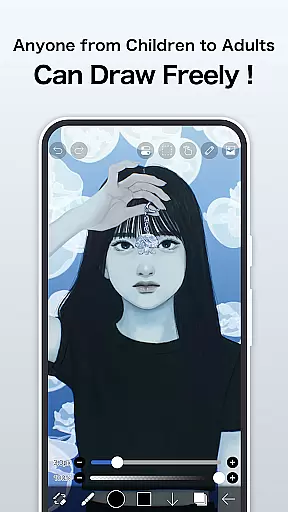
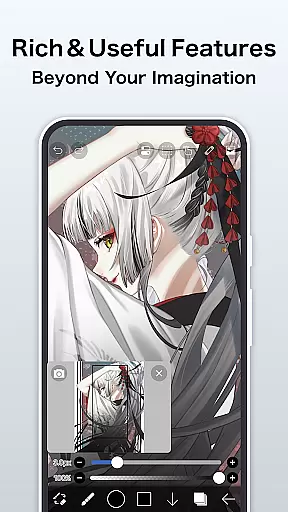
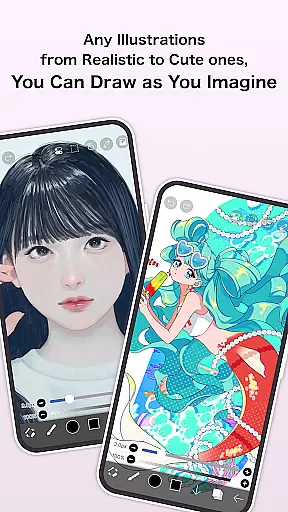
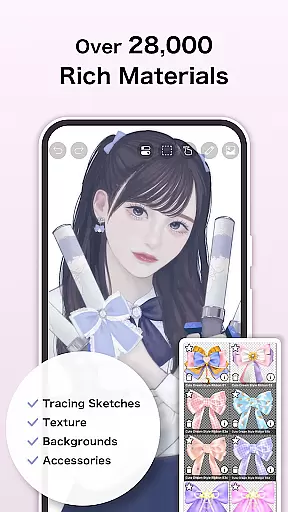
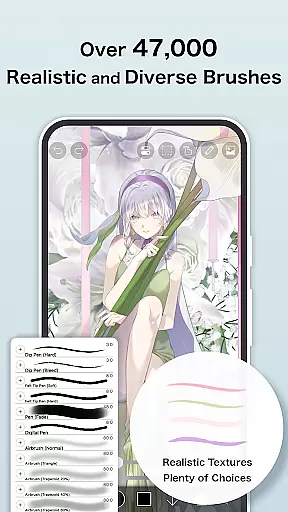
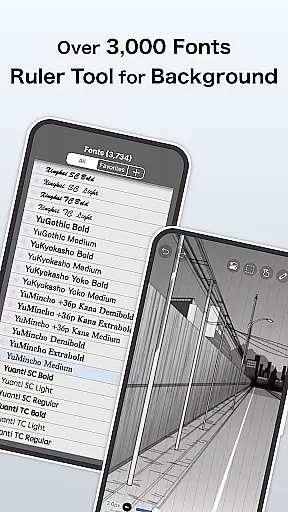
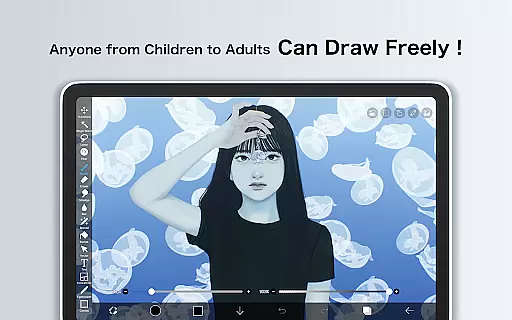
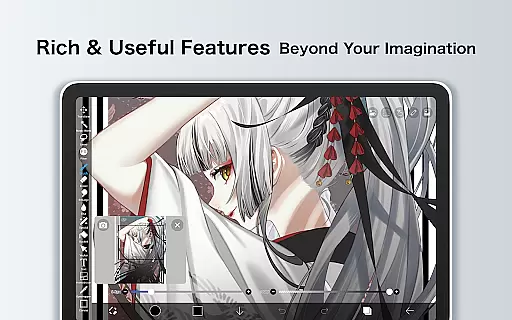
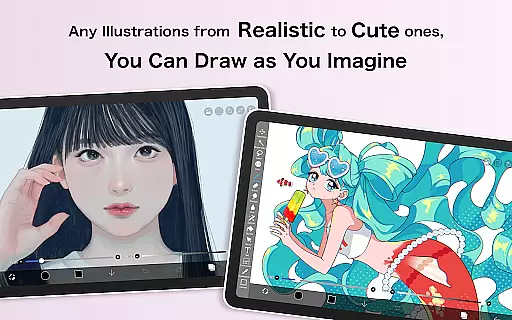
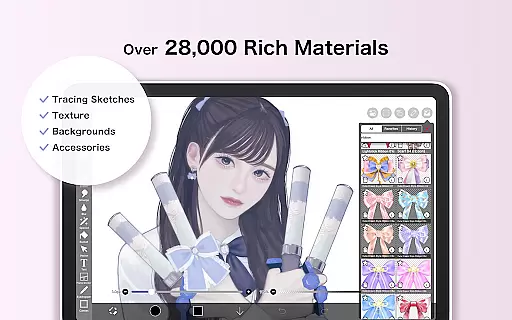
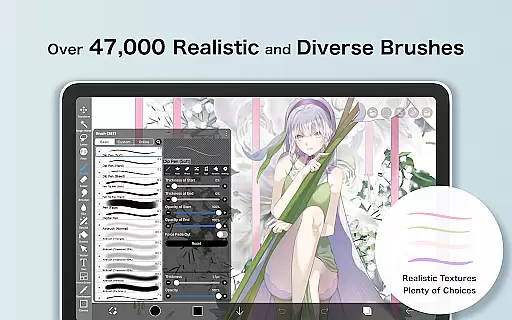
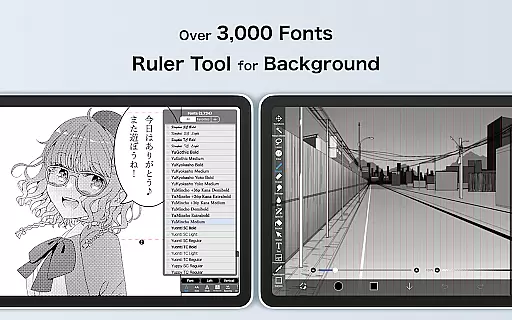
ibis Paint is a premier digital art studio designed for both amateur and professional artists. This app offers an extensive suite of creative tools including over 47,000 brushes, 2,700 materials, and 2,100 fonts, enabling users to produce highly detailed artwork directly on their mobile devices. With advanced features like stroke stabilization, various rulers, and blending modes, it ensures precision and versatility in every creation.
The app also includes unique functionalities such as process recording, screentones, and filters that enhance the drawing experience. Whether you're sketching, painting, or crafting manga, ibis Paint provides all necessary instruments within a user-friendly interface. Its sharing capabilities allow artists to connect and learn from each other by exchanging drawing processes.
One of the standout aspects of ibis Paint is its vast array of customization options. Users can choose from thousands of brushes categorized into dip pens, airbrushes, oil brushes, and more, each offering distinct textures and effects. The layer functionality is robust, allowing unlimited layers with individual settings for opacity, blending modes, and specialized commands like inversion and rotation.
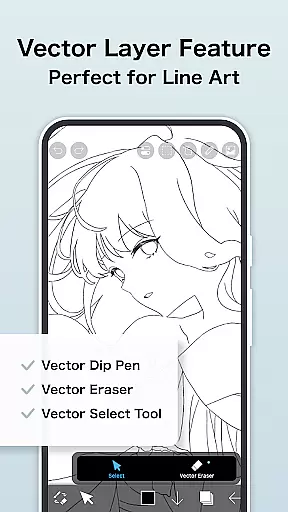
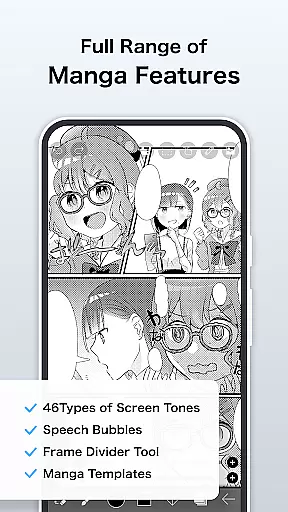
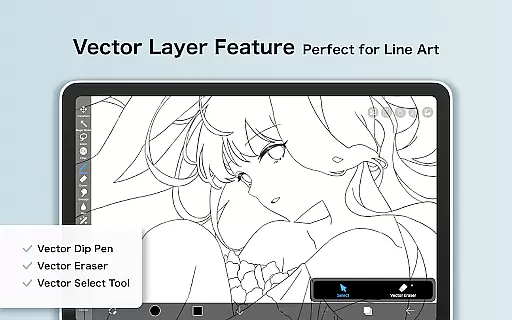
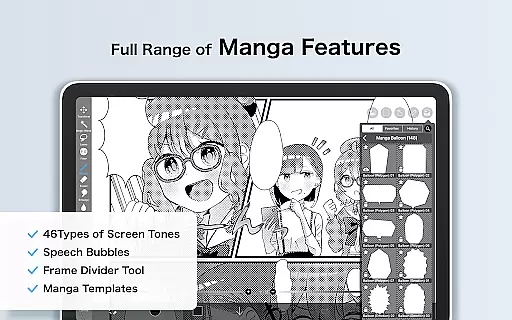
In addition to its impressive brush and layer features, ibis Paint excels in manga creation tools. It includes an advanced text tool with vertical and horizontal writing options, font selection, and multi-text functions. For those seeking premium features, Prime Membership unlocks exclusive content such as vector tools, additional cloud storage, and specialized filters. These comprehensive tools make ibis Paint suitable for intricate artwork and professional projects.
In the realm of digital art, ibis Paint stands as a paragon of creative tool completeness. This application offers over 47000 brushes, including dip pens, felt tip pens, and oil brushes, catering to an expansive range of artistic styles and preferences.
Layer functionality is equally impressive, allowing artists unlimited layers with individual settings for opacity, blending modes, and more. The inclusion of advanced manga features, such as vertical and horizontal text tools, further enhances its appeal to comic creators.
For those seeking prime membership, additional exclusive features like vector tools and AI disturbance become available, pushing the boundaries of creativity even further. These comprehensive tools ensure that artists have everything they need at their fingertips.
The true value lies in empowering users to bring their visions to life without compromise. Whether crafting detailed illustrations or designing manga, ibis Paint's complete suite of creative tools supports every step of the artistic journey.
Canvas and format flexibility are crucial for digital artists, and ibis Paint excels in this domain. Users can work on canvases with custom dimensions, ensuring their artwork fits perfectly within desired parameters, whether it's for print or digital media.
The app provides a variety of canvas papers and formats, including options exclusive to Prime Members. These include specialized canvas types that mimic traditional mediums, enhancing the authenticity of digital creations.
Moreover, ibis Paint allows importing original brush patterns, giving artists unparalleled control over texture and style. This level of customization ensures that each piece remains unique and true to the creatoru2019s vision.
By offering extensive flexibility in canvas size, format, and texture, ibis Paint enables artists to adapt their workspace to any project requirement, thus fostering a seamless transition from concept to completion.
User-friendly interface
Extensive brush library
Advanced layer options
Premium manga tools
Active community sharing
Prime Membership cost
Initial learning curve
Limited free version
High device storage use
Occasional bugs reported

Create trending AI photos & videos with powerful effects and 3D styles.
 3.20
3.20
Sketch, trace and master AR drawing with awesome anime art!
3.30
Remove Background, Magic Eraser, Photo Enhancer, Story Templates, Collage Maker
4.30
Unleash your drawing and painting potential
4.50
The perfect place to start sketching! Use Sketchbook to draw and paint sketches.
4.50
Painting, drawing, & sketching
4.50
Create cute cat emojis & PFPs! Fun, custom avatars for cat lovers.
3.70
Just trace a projected picture on paper and color! Draw & Paint with AR drawing
4.40
AI Tattoo Generator: Create Tattoo Designs & Get Ideas! Ink & Stencil Maker
4.50
Minecraft & Roblox Clothes
4.70
Draw glowing spinners, relax, and spin your creative art
4.60
The ultimate tool for creating animations
4.60
Digital illustration drawing & painting pad app to paint Anime and Manga art
4.50
Draw Trace image sketch by, AR art projector app, Easy to trace any image.
4.50
Stylish letters, Stylish Keyboard, Symbols, Emojis, Cool nickname
4.40
Create and Design Custom Logos in Seconds with AI-Powered Tools!
4.40
800+ Drawing, Painting Lessons App to Practice, Sketch & Paint Art.
4.30
Customizable Outlined Fonts. Watch Face Format. Battery friendly Digital Clock.
4.20
Sketch, plan, take notes and illustrate on an infinite canvas.
4.20


User Reviews