
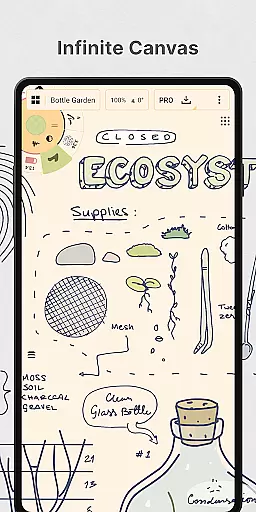
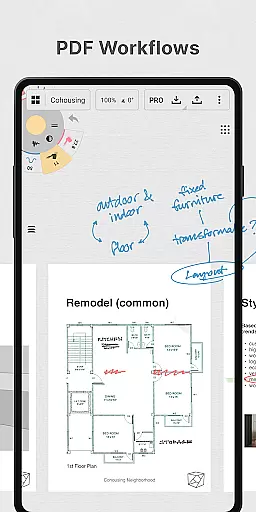
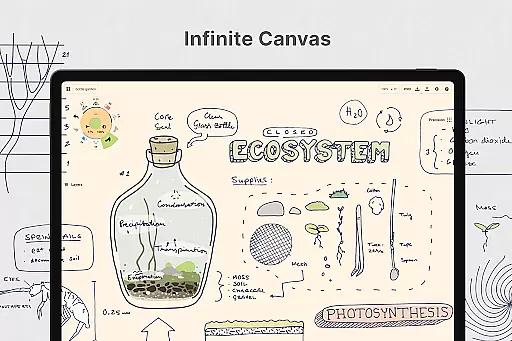
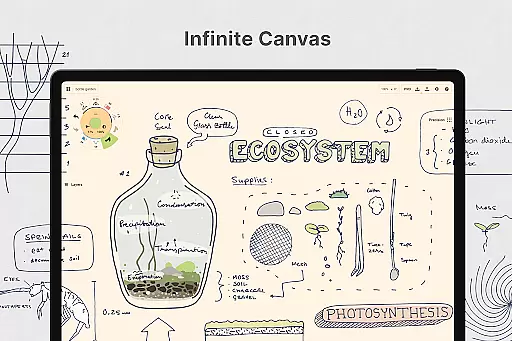
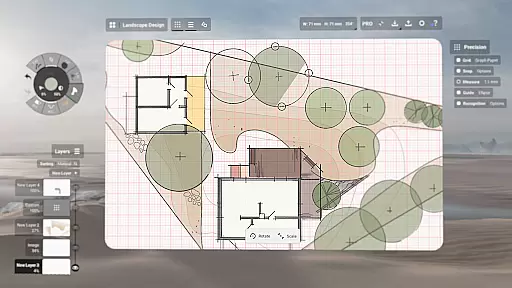
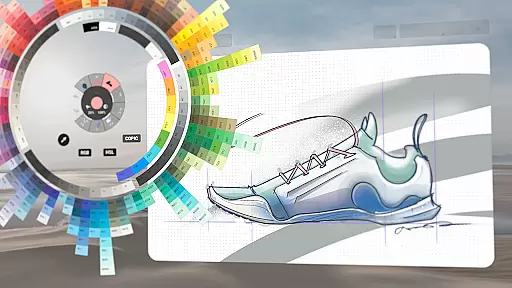
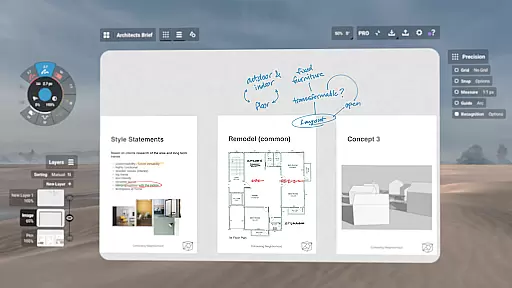
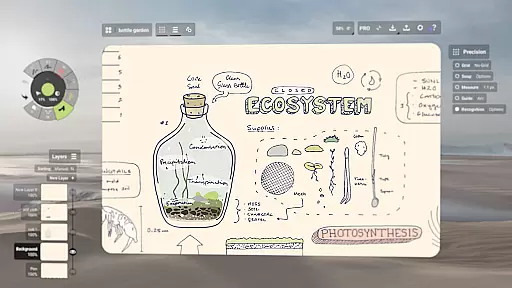
Concepts is a versatile vector-based creative workspace designed for artists, designers, and creators to bring their ideas to life. This digital sketchpad offers an infinite canvas where users can sketch plans, create storyboards, draw product designs, and even make mind maps. Its flexibility allows every stroke to be editable and scalable, making it ideal for both quick sketches and detailed design work.
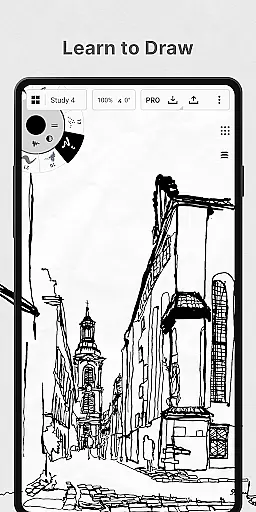
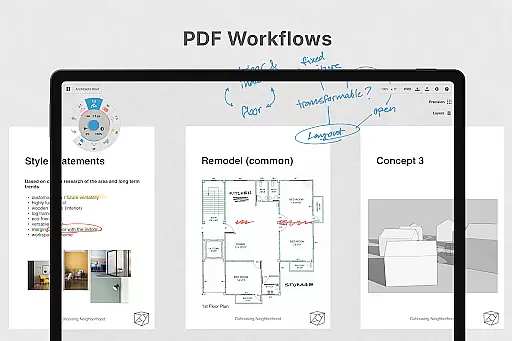
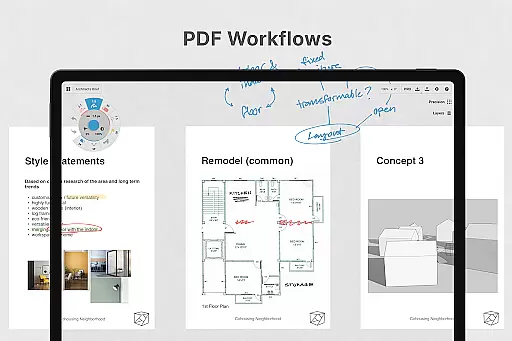
The app provides realistic drawing tools that respond to pressure, tilt, and velocity, with adjustable live smoothing for precision work. Creators can personalize their workspace by customizing the tool wheel, canvas types, and layers. With support for professional workflows including PDFs and vectors, Concepts bridges the gap between ideation and production seamlessly.
Whether you're a professional designer working on complex projects or an artist capturing quick ideas, Concepts adapts to your needs. It's optimized for pen-enabled devices and Chrome OS, ensuring smooth responsiveness. The app's ability to export high-quality images and vector files makes it perfect for sharing work with clients or incorporating into larger creative pipelines.
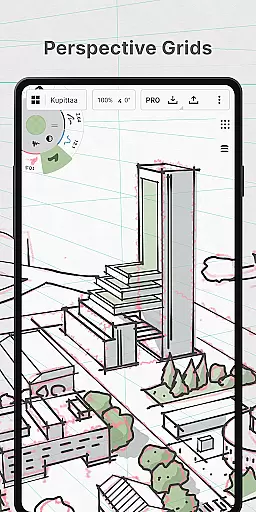
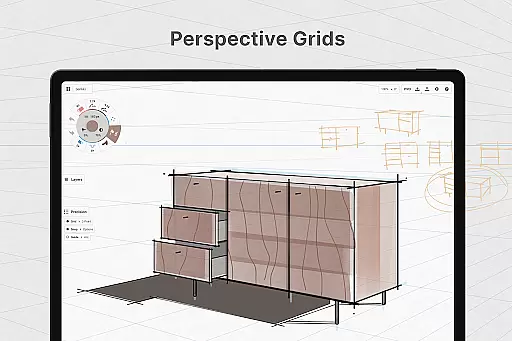
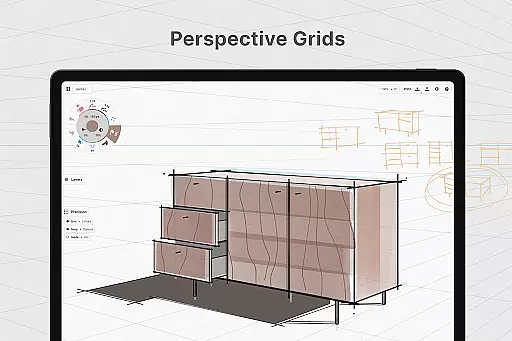
Concepts stands out with its powerful vector-based engine that supports infinite scalability and editing. The app includes advanced tools like Nudge, Slice, and Select, allowing users to modify any element without redrawing. With customizable paper types, grids, and brushes, creators have complete control over their workspace setup.
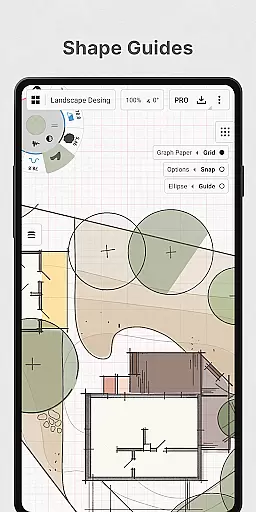
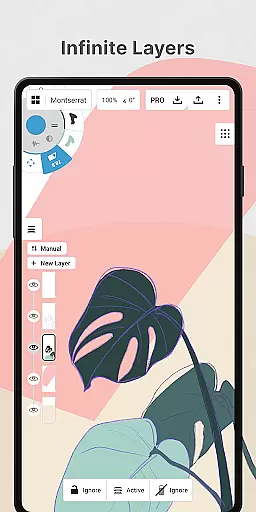
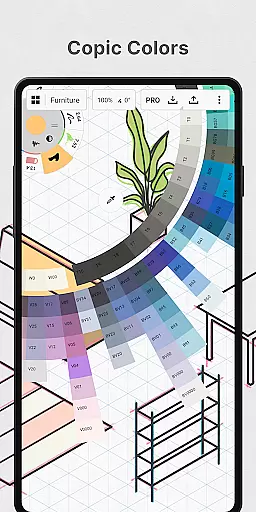
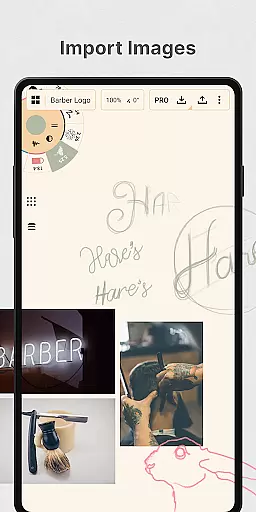
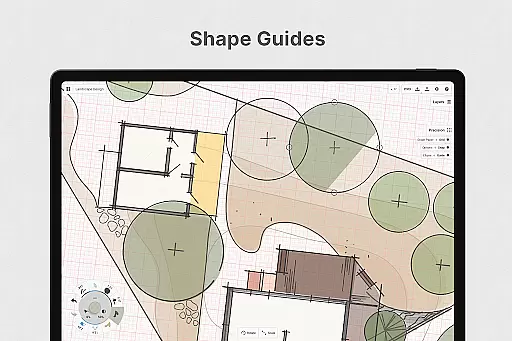
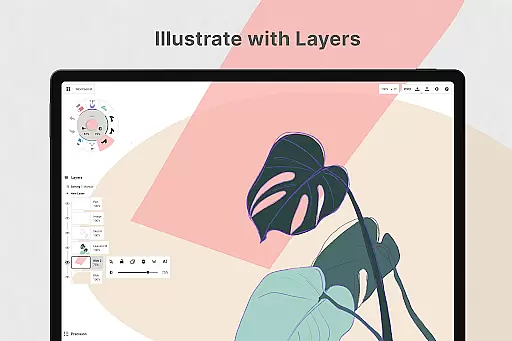
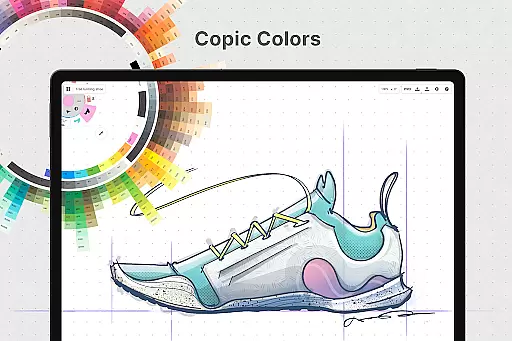
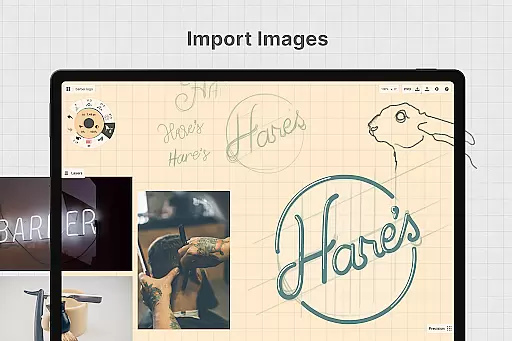
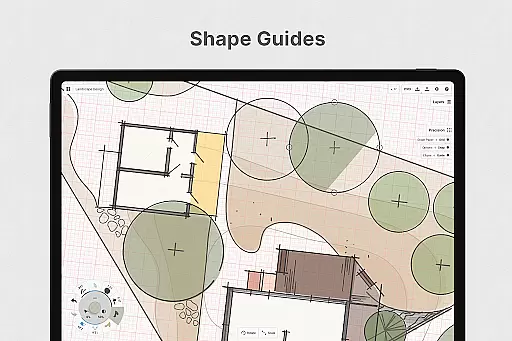
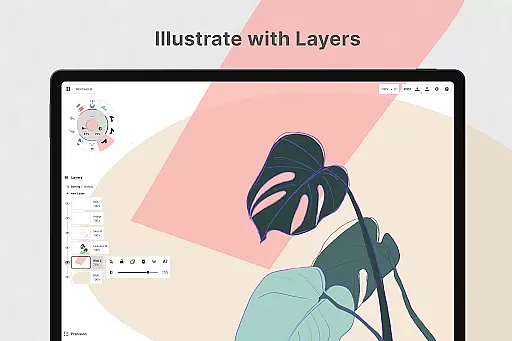
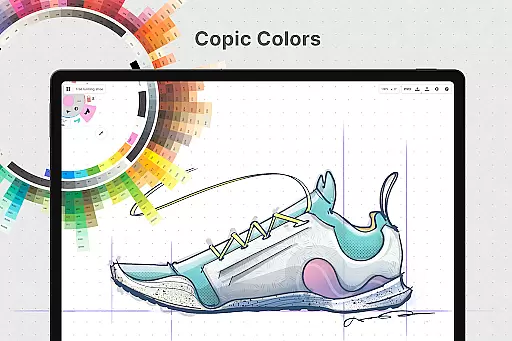
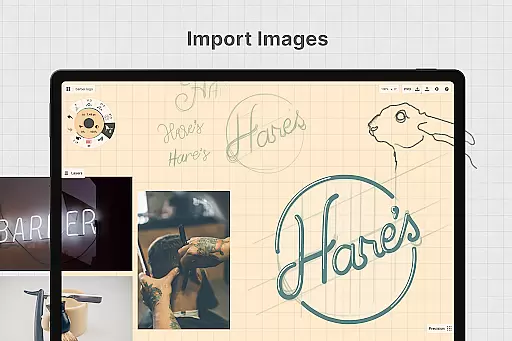
The app features an intuitive layering system with automatic sorting and adjustable opacity, enabling complex artwork organization. Users can leverage shape guides, live snap, and measurement tools for precise drawings. The inclusion of HSL, RGB, and COPIC color wheels ensures harmonious color selection, while drag-and-drop functionality simplifies importing reference images.
Premium features unlock professional capabilities including infinite layers, custom grids, and various export options like PNG, PSD, SVG, and DXF. Concepts also offers cross-platform support, allowing seamless work across Android, ChromeOS, iOS, and Windows devices. These robust features make it a comprehensive solution for creative professionals seeking flexibility and power in their digital workspace.
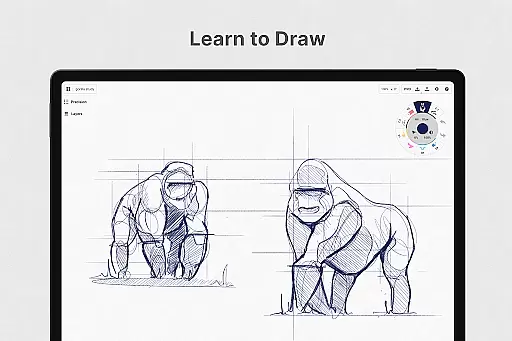
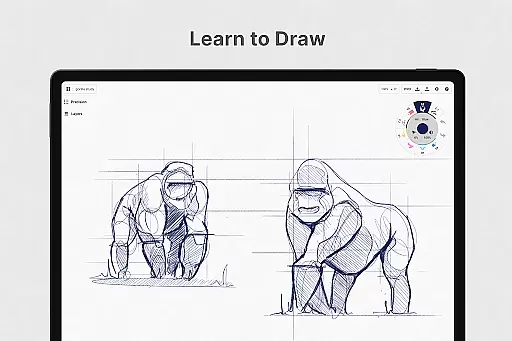
In the realm of digital art and design, having a comprehensive set of creative tools is paramount. Concepts offers an extensive array of instruments that cater to every artist's needs. The app provides realistic pencils, pens, and brushes that respond to pressure, tilt, and velocity, with adjustable live smoothing to refine your strokes.
Moreover, Concepts boasts an infinite canvas with various paper types and custom grids, allowing creators the freedom to explore vast creative landscapes without constraints. This feature is particularly beneficial for professionals who require flexibility in their workflow, enabling them to switch between different styles and formats effortlessly.
The inclusion of a customizable tool wheel or bar ensures that users can tailor their workspace according to personal preferences, enhancing productivity and comfort while working on intricate projects. With an infinite layering system and advanced color selection options like HSL, RGB, and COPIC wheels, artists have unparalleled control over their creations.
By offering these sophisticated features, Concepts empowers designers and illustrators to bring their visions to life with precision and ease, making it an indispensable asset in the Art & Design category.
A flexible canvas and format options are essential for unleashing creativity without boundaries. Concepts excels in this area by providing an infinite canvas where ideas can flow freely without worrying about space limitations. Artists can choose from multiple paper types and create custom grids tailored to specific project requirements.
This level of canvas/format flexibility supports diverse artistic endeavors, whether sketching out plans, creating storyboards, or designing products. Users can easily adjust their workspace to accommodate different tasks, ensuring that each piece maintains its intended style and proportion throughout the creative process.
Furthermore, Concepts allows seamless integration with other applications through versatile export options such as images, PDFs, and vectors. This interoperability enhances collaboration and feedback loops between clients and peers, streamlining the revision process and improving overall efficiency.
Ultimately, Concepts' adaptable environment fosters innovation and experimentation, empowering artists to push boundaries and achieve exceptional results within the Art & Design domain.
User-friendly interface
Highly customizable tools
Cross-platform compatibility
Realistic drawing experience
Professional export options
Steep learning curve
Basic features only in free version
Subscription required for full access
Performance varies on older devices
Limited offline functionality

Premium version of Shimeji-ee app with no ads & no limit active shimeji
 4.2
4.2
Pose and morph realistic male and female models! 3D poser app
3.00
Art of Combination Wear OS Watch faces (for Wear OS 5+ devices)
3.00
Castle is social media for creating and playing games!
4.60
Create stunning art with AI.
4.80
OneUI 8.5 icons ✨ Smooth, modern & based on the latest Play Store design ??
4.10
Create cute cat emojis & PFPs! Fun, custom avatars for cat lovers.
3.70
Create amazing pictures and unleash your creative genius with AR Drawing Sketch
4.40
AI-powered photo & video creation—fast, fun, and effortless with Quick Actions
4.60
See Color, Paint Color
4.90
Turn your drawings into flipbook-style animations with simple creative tools
4.60
Digital illustration drawing & painting pad app to paint Anime and Manga art
4.50
Share the joy of painting with ibis Paint! Drawing anime and manga art.
4.50
AI Tattoo Generator: Create Tattoo Designs & Get Ideas! Ink & Stencil Maker
4.50
Stylish letters, Stylish Keyboard, Symbols, Emojis, Cool nickname
4.40
800+ Drawing, Painting Lessons App to Practice, Sketch & Paint Art.
4.30
Customizable Outlined Fonts. Watch Face Format. Battery friendly Digital Clock.
4.20
Download now for a stylish and functional timepiece
4.4
Art of Combination Wear OS Watch faces
4.5


User Reviews