
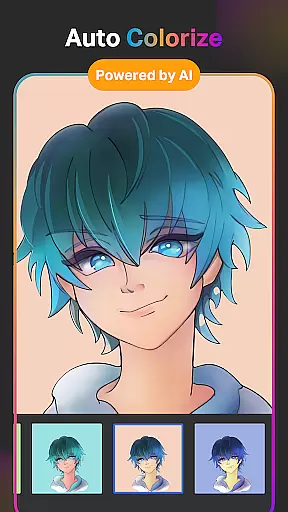
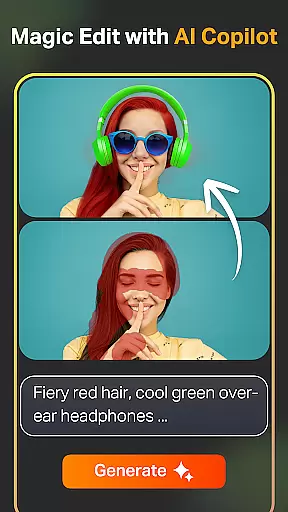
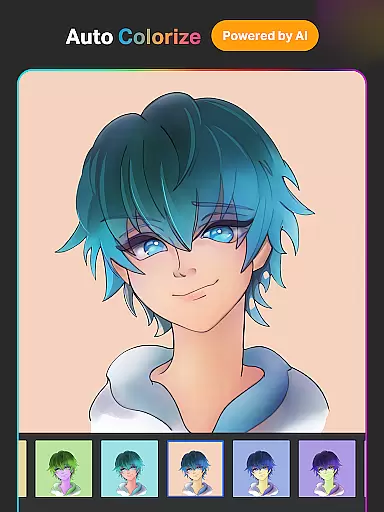
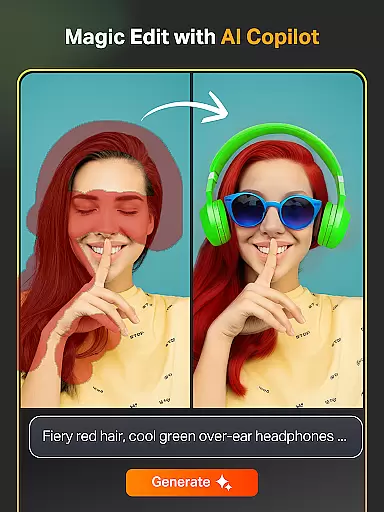
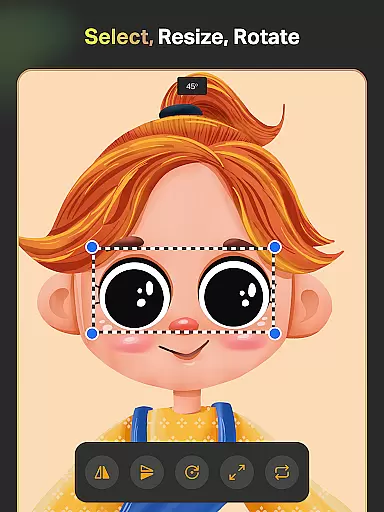
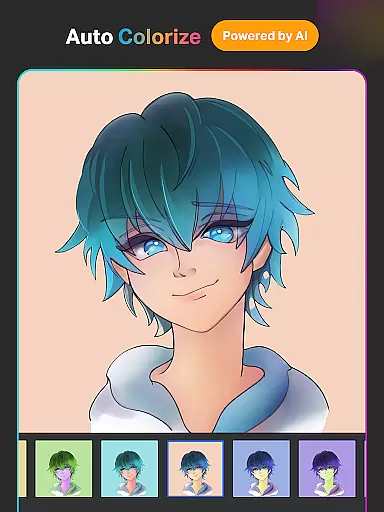
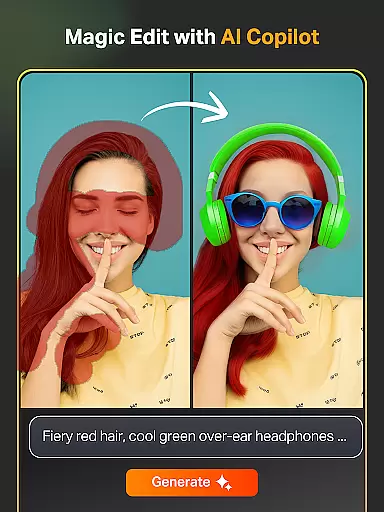
SketchPro is a professional-grade digital art application tailored for creative professionals, including graphic designers, illustrators, and comic artists. The app offers advanced AI tools that significantly enhance the creative workflow of digital artists. With features like Text to Image AI, Sketch to Image AI, and Magic Edit AI, users can effortlessly create and transform artwork using simple prompts. These innovative tools allow artists to expand their canvas seamlessly, add or replace objects, and auto-color sketches with precision.
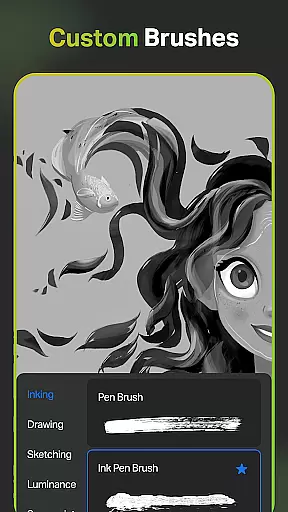
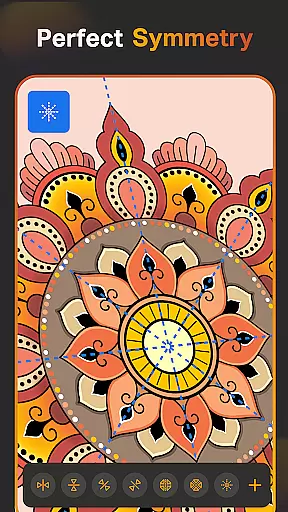
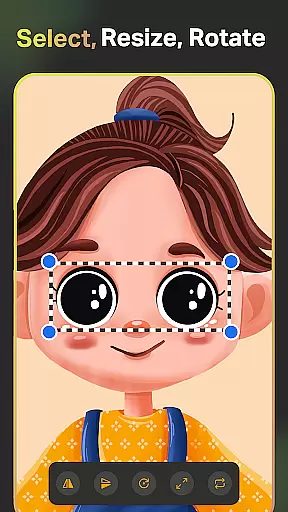
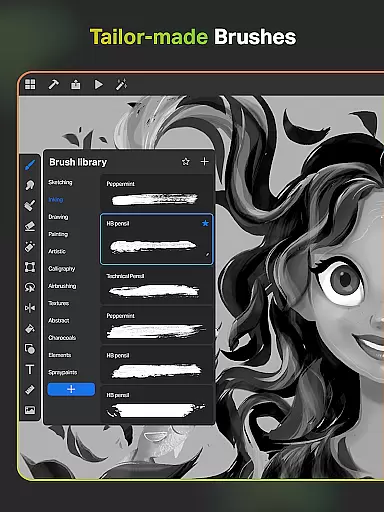
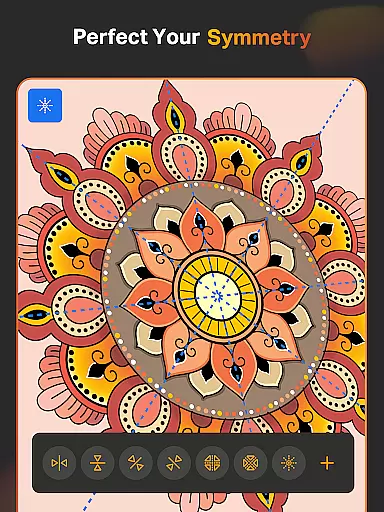
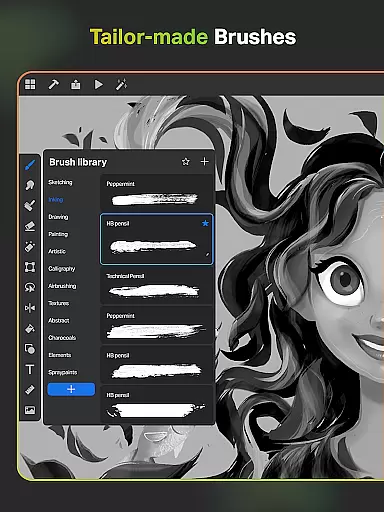
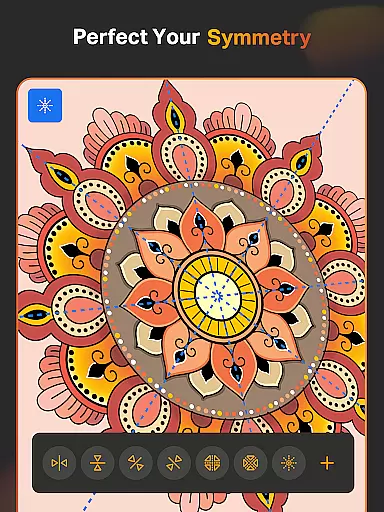
The app provides an extensive range of customizable brushes and professional drawing tools, making it ideal for sketching, painting, and illustrating. Additionally, SketchPro includes smart shapes, symmetry tools, gradient options, and layer systems that speed up the drawing process while maintaining creative control. Artists can organize their work efficiently with automatic saving, cloud syncing, and time-lapse playback features. Whether you're a professional illustrator or a hobbyist, SketchPro transforms your tablet or phone into a powerful digital art studio.
SketchPro stands out with its comprehensive suite of professional drawing features designed for digital artists. The app includes customizable brushes for sketching, painting, and illustrating, along with a free roller brush offering 100+ patterns for diverse artistic needs. Its advanced AI tools, such as Text to Image, Sketch to Image, and Magic Edit, enable effortless creation and transformation of artwork through simple prompts. These tools help artists revamp colors, textures, and compositions while expanding their canvas without compromising quality.
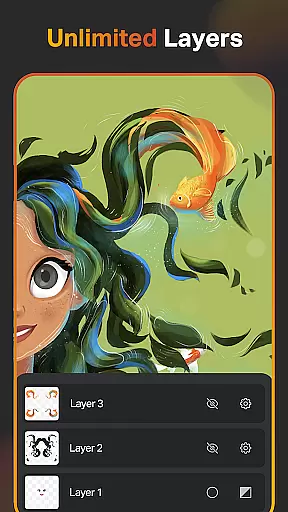
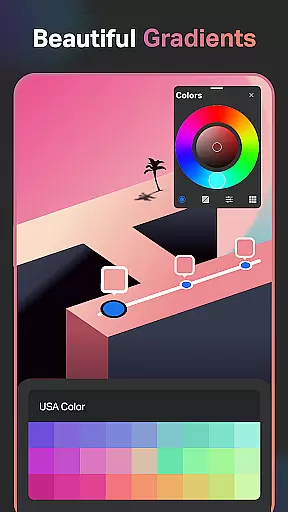
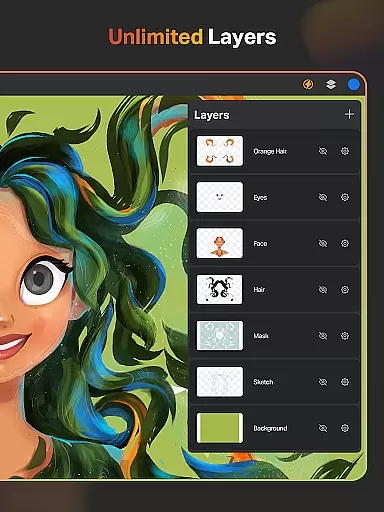
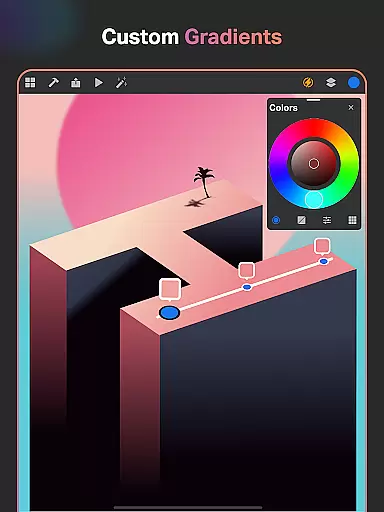
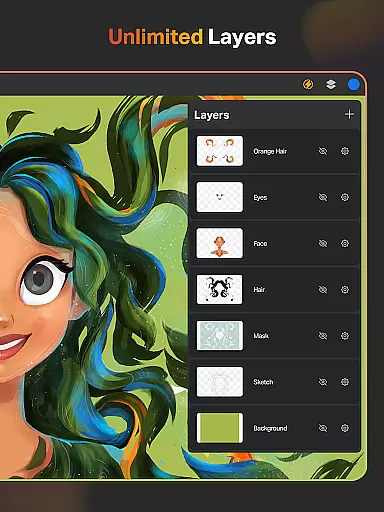
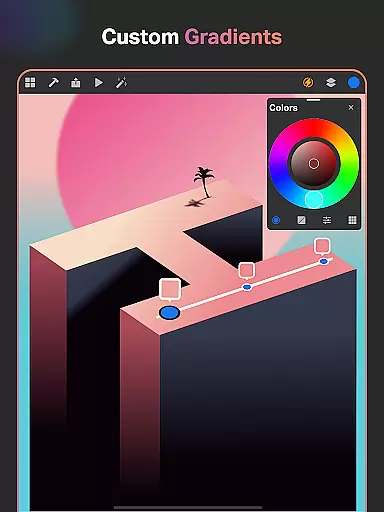
Beyond AI capabilities, SketchPro offers practical tools like Smart Shapes, Symmetry Tools, and Gradient Options that streamline the creative process. The layer system supports unlimited layers with options to rasterize, duplicate, merge, and lock layers, providing complete control over complex designs. Additional features include an extensive color palette, text tools with customizable fonts, and a library of 15+ shape categories. With cloud syncing, automatic saving, and time-lapse playback, SketchPro ensures a seamless and organized workflow for all digital art projects.
SketchPro offers an extensive suite of creative tools that cater to the needs of professional digital artists. The application includes customizable brushes, advanced AI drawing tools, and a comprehensive layer system. These features collectively ensure that all aspects of digital art creation are covered.
The app provides professional-grade brushes for sketching, painting, and illustrating, which can be customized to suit individual preferences. Additionally, it incorporates AI-driven tools like Text to Image, Sketch to Image, and Magic Edit, which significantly enhance the creative workflow by simplifying complex tasks.
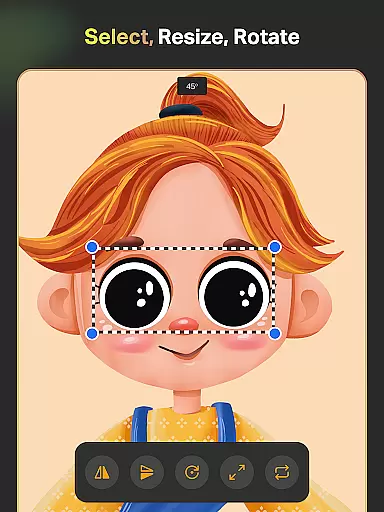
For graphic designers and illustrators, SketchPro includes smart shapes, symmetry tools, and gradient options. These tools not only speed up the drawing and designing process but also add a level of precision and professionalism to the artwork. The inclusion of an extensive shapes library further expands the creative possibilities.
Ultimately, the completeness of SketchPro's toolset empowers artists to bring their visions to life with ease and efficiency. By integrating traditional drawing techniques with cutting-edge AI technology, SketchPro stands out as a comprehensive solution for both amateur and professional digital artists.
SketchPro excels in providing canvas and format flexibility, allowing artists to work without constraints. The app supports custom canvases, enabling users to define their own dimensions and resolutions, which is crucial for creating high-quality digital art.
In addition to flexible canvas options, SketchPro offers a robust layer system with unlimited layers for digital painting and drawing. Artists can rasterize, duplicate, and merge layers, providing unparalleled control over their projects. This flexibility ensures that even the most complex designs can be managed effectively.
The app also includes various design tools such as text customization, color palettes, and shape libraries. These features allow artists to experiment with different styles and formats, ensuring that their creative vision is fully realized. Importing colors from photos and images further enhances the creative possibilities.
By offering a versatile platform that adapts to various artistic needs, SketchPro ensures that artists can focus on their creativity without being limited by technical restrictions. This adaptability makes SketchPro an ideal choice for professionals seeking a flexible digital art solution.
User-friendly interface
Advanced AI tools
Customizable brushes
Comprehensive layer system
Cloud syncing feature
Steep learning curve
Premium subscription required
High device requirements
Limited offline functionality
Occasional performance lags

Design your dream room with AI. Get decor ideas & plan home interiors
 3.90
3.90
Art of Combination Wear OS Watch Faces
4.4
Draw beautiful mandala's very easily
4.60
Unleash Your Creativity with Draw Cartoon - AR Drawing App
4.10
Novices can also easily complete diamond painting masters
4.70
Image resizer to resize, crop, rotate, flip, change dpi photo or picture in bulk
4.60
Art of Combination Wear OS Watch Faces
3.30
Create and Design Custom Logos in Seconds with AI-Powered Tools!
4.40
Draw, fidget, and spin glow art! Relax and express your creativity with a finger
4.60
Draw glowing spinners, relax, and spin your creative art
4.60
Share the joy of painting with ibis Paint! Drawing anime and manga art.
4.50
Trace, draw, and create art with AR - from memes to masterpieces!
4.30
Remove Background, Magic Eraser, Photo Enhancer, Story Templates, Collage Maker
4.30
Easy 3D drawing design maker & creator. Model designing, Sculpting. Create&paint
4.00
Experience next-gen icons with a modern liquid glass look.
3.60
Vidu is an AI video generator made for creators and aspiring makers.
3.30
Pose and morph realistic male and female models! 3D poser app
3.00
Transform photos into amazing monochrome dither art with professional algorithms
4.2
Android 14 style widgets and wallpapers app.
4.4


User Reviews