
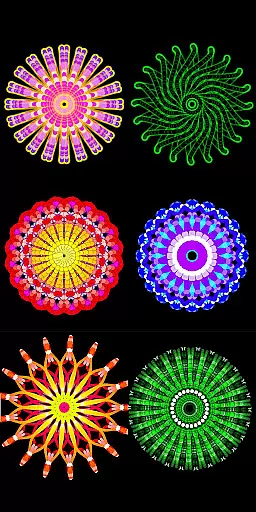
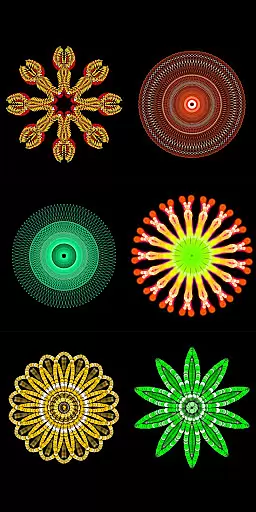
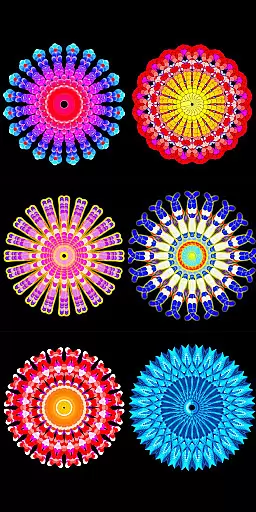
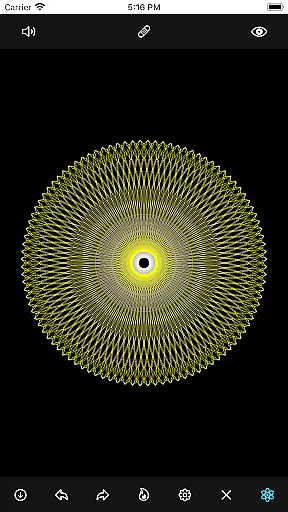
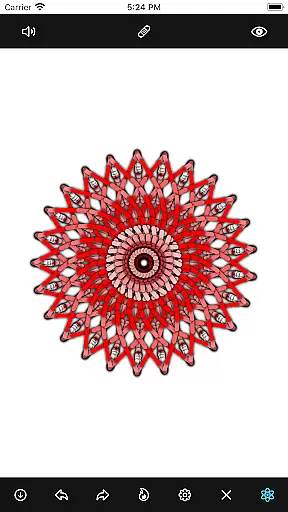
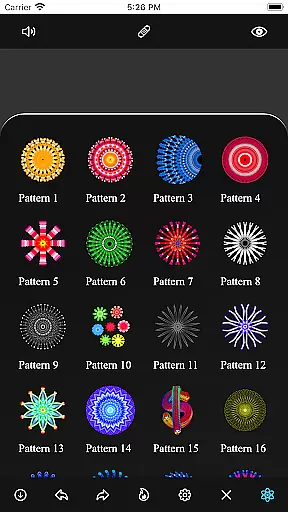
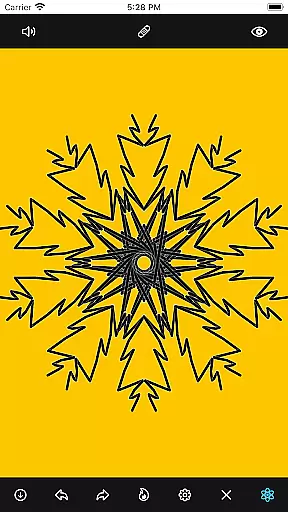
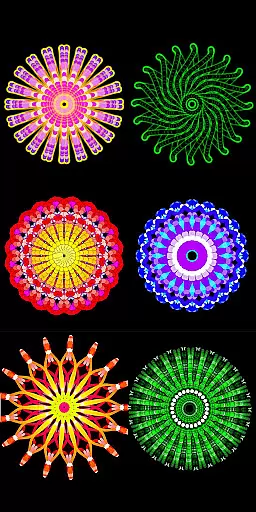
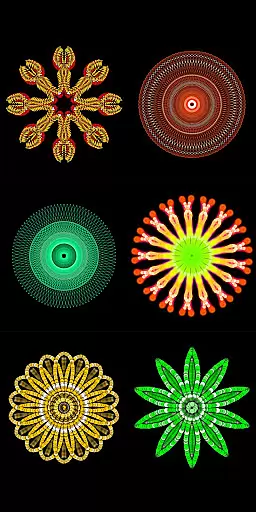
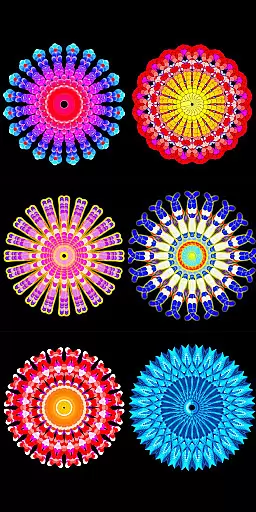
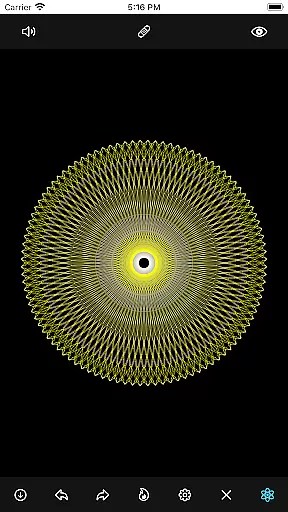
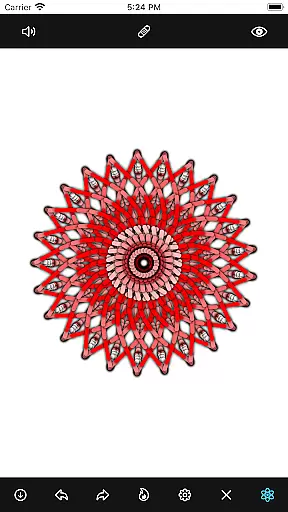
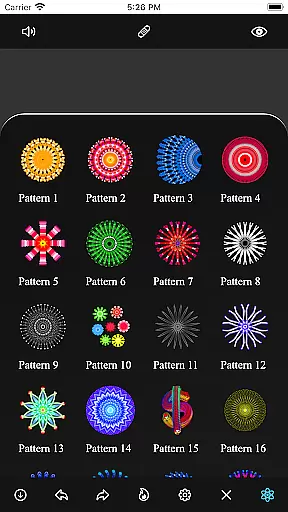
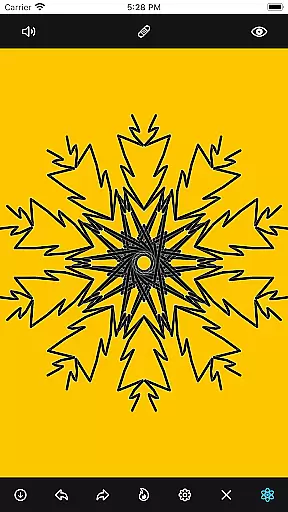
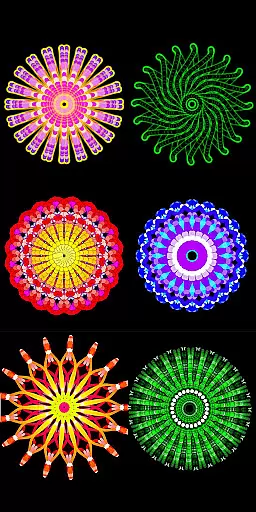
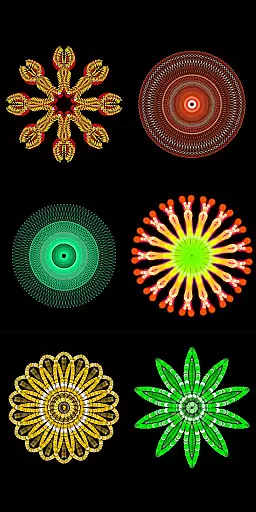
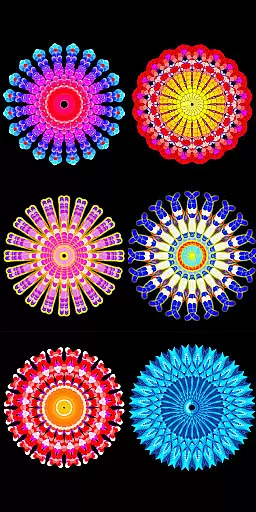
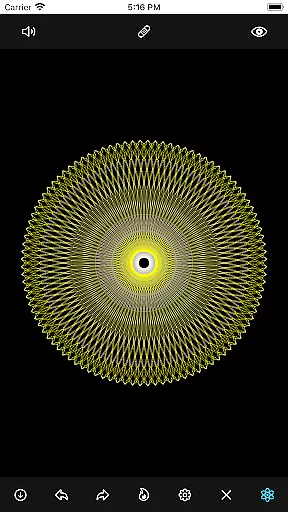
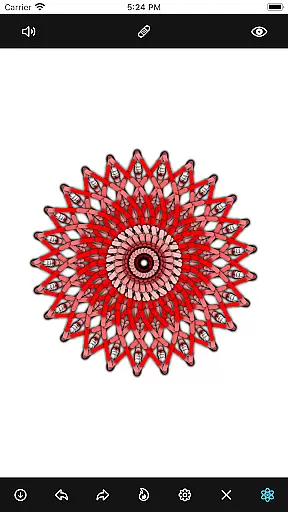
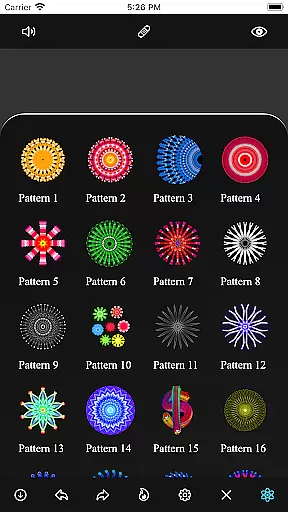
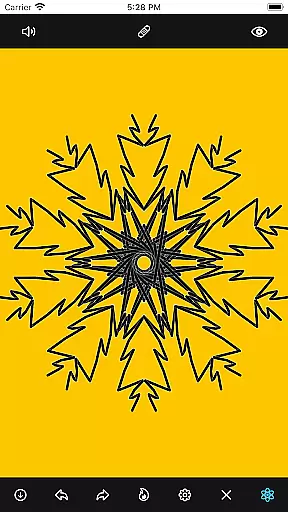
Mandala Maker 360 is an innovative art and design application that allows users to create stunning mandala drawings with remarkable ease. The app offers a comprehensive set of customization options, enabling artists to modify canvas symmetry, background color, brush settings, and even apply shadows. With predefined patterns and over 50 images available for drawing, the creative possibilities are virtually limitless.
Whether you're a professional artist or simply enjoy casual drawing, Mandala Maker 360 provides the tools needed to produce intricate designs. Its user-friendly interface makes it accessible for all skill levels, while its advanced features cater to more experienced users seeking detailed control over their artwork. This app transforms your mobile device into a powerful artistic tool, perfect for creating mandalas anywhere, anytime.
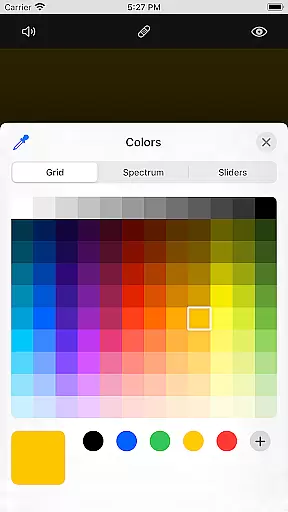
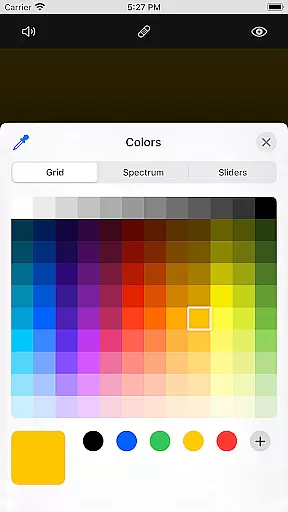
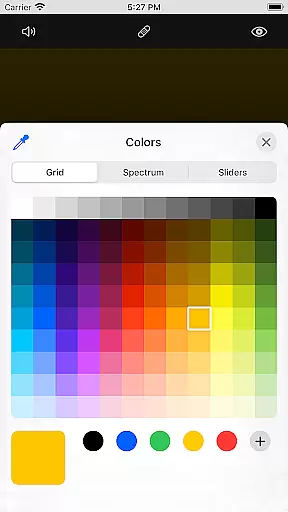
Mandala Maker 360 stands out with its extensive feature set tailored for mandala creation. The app's canvas customization capabilities allow users to adjust background colors, change canvas centers, enable touch-based centering, and utilize canvas mirroring. These features provide complete control over the drawing surface, ensuring each piece is perfectly symmetrical and visually appealing.
The app also excels in brush customization, offering multiple brush styles, various color types, random color selection, and adjustable brush sizes/types. For those who prefer working with images, Mandala Maker 360 includes over 50 images that can be resized and dimensioned as needed. Additionally, the shadow properties feature lets users apply random shadows with customizable sizes and colors, adding depth and dimension to their creations.
Predefined patterns further enhance the creative process, providing multiple options to inspire new designs. These features collectively make Mandala Maker 360 a versatile tool for both beginners and experienced artists looking to explore the intricate world of mandala art.
Mandala Maker 360 offers an extensive suite of creative tools that cater to both beginners and advanced artists. The application provides a rich set of features for canvas customization, including options to change the background color, adjust the canvas center, and apply mirroring effects.
Brush customization is another highlight, allowing users to choose from multiple brush styles, select different color types, and even enable random color selection. With adjustable brush sizes and types, the app ensures precision and variety in every stroke.
The app also includes image customization capabilities, offering over 50 images that can be used to draw mandalas. Users can modify image size and dimensions, providing flexibility in design.
Additionally, Mandala Maker 360 incorporates shadow properties and predefined patterns, enhancing the depth and intricacy of mandala drawings. These features collectively ensure a complete and satisfying creative experience.
One of the standout features of Mandala Maker 360 is its exceptional canvas and format flexibility, which empowers users to bring their artistic visions to life with ease. The app allows for comprehensive canvas customization, enabling changes to the background color, canvas center positioning, and touch-based center alignment.
Users can experiment with various symmetrical designs through canvas mirroring, creating balanced and harmonious artwork. This flexibility extends to brush settings, where multiple styles, sizes, and types are available, along with the option for random color selection.
The app supports drawing with more than 50 predefined images, each of which can be resized and dimensioned to fit specific artistic needs. Shadow properties add another layer of customization, with options for random shadows and varied shadow sizes and colors.
With its combination of versatile canvas adjustments and adaptable formats, Mandala Maker 360 provides an unparalleled platform for creative expression in mandala art.
User-friendly interface
Extensive customization options
Over 50 images for drawing
Multiple brush styles
Predefined patterns included
Limited to mandala designs
No advanced layer support
Some features may overwhelm beginners
Occasional performance issues
In-app purchases for additional content

Download now for a stylish and functional timepiece
 4.0
4.0
Transform photos into amazing monochrome dither art with professional algorithms
4.3
Sketch, trace and master AR drawing with awesome anime art!
3.30
Sketch, plan, take notes and illustrate on an infinite canvas.
4.20
Custom Character Creator & PFP Maker!
4.20
Text to Image, Image to Video & AI Chat
4.20
Nano Banana AI Image Generator, Anime Filter, AI Portrait, AI Photo Generator
4.30
How to draw anime step by step for beginner easily by AR drawing sketch & paint.
3.60
AI-powered photo & video creation—fast, fun, and effortless with Quick Actions
4.60
Make your phone cooler and have a fantastic experience
4.80
Mobile pixel art editor. Simple. Fast. Portable.
4.80
Digital illustration drawing & painting pad app to paint Anime and Manga art
4.50
Bring One UI 8.5 Icons to life -elegant dark icons with a modern, premium touch.
4.30
Turning simple sketches into captivating tales filled with life and motion
3.90
AI Art Generator transforms your words into AI generated art & paintings.
3.70
Experience next-gen icons with a modern liquid glass look.
3.60
Art of Combination Wear OS Watch Faces
3.30
Art of Combination Wear OS Watch Faces
4.1
A luxurious gold watch face for an elegant and refined look.
4.2


User Reviews