
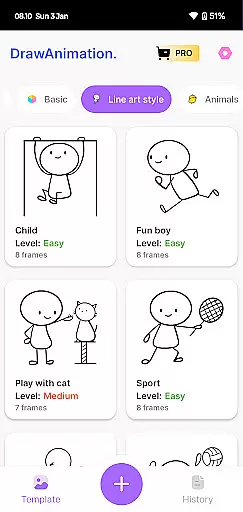
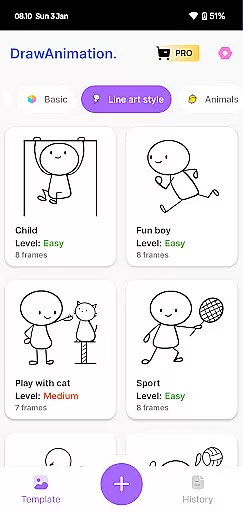
Draw Animation Maker is a powerful creative tool that transforms simple doodles into dynamic animations. This app serves as an ultimate animation companion, offering users an enchanting journey into the world of storytelling through easy and fun animation creation.
The application allows users to craft flipbook-style animations frame by frame directly on their mobile devices. With features tailored for both beginners and experienced animators, it provides a platform to breathe life into stickman characters and create captivating animated stories.
Whether you're looking to explore your creative potential or produce professional-quality animations, Draw Animation Maker delivers a delightful experience. Save your work as GIFs or MP4 files and share your animated masterpieces with others, making it perfect for artists and hobbyists alike.
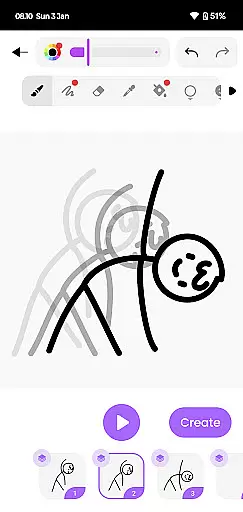
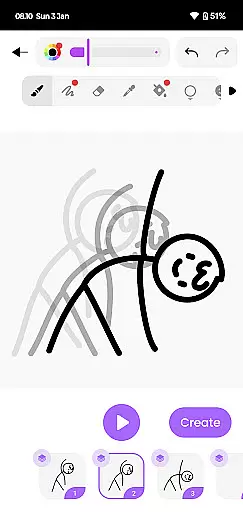
Draw Animation Maker stands out with its comprehensive set of animation tools designed for all skill levels. The app's intuitive interface lets users easily create frame-by-frame animations, mimicking traditional flipbook techniques in a digital format.
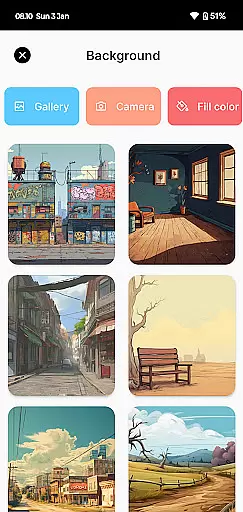
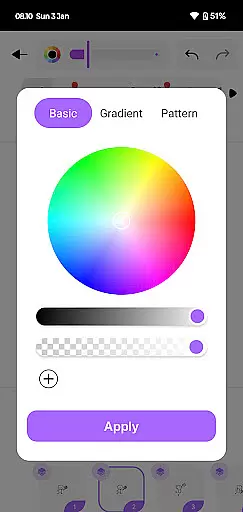
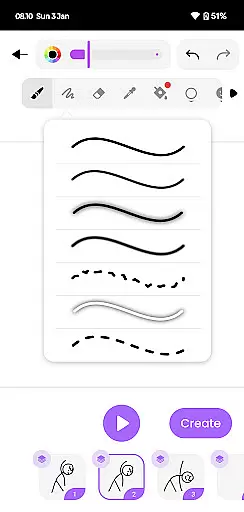
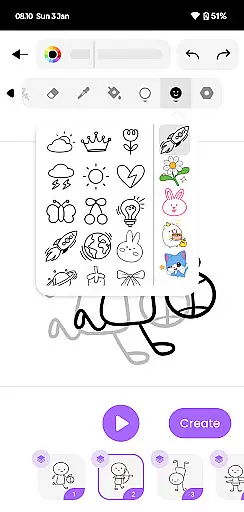
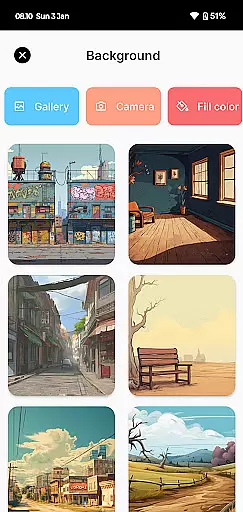
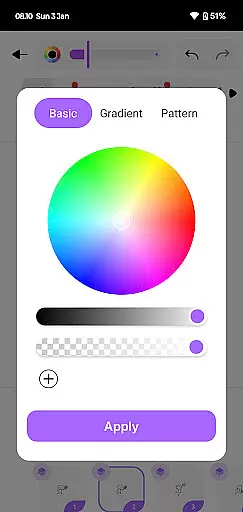
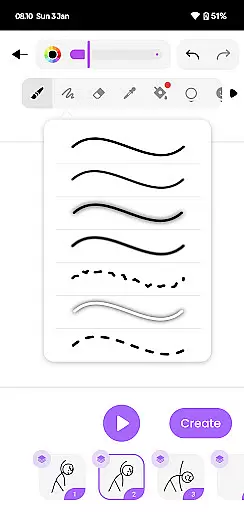
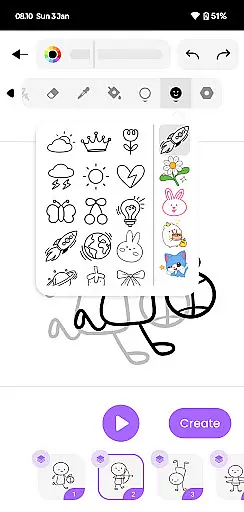
One of the key features is its robust drawing toolkit, which includes various brushes, colors, and customization options. Users can meticulously design each frame, adding intricate details to their stickman characters and backgrounds, resulting in professional-grade animations.
Additionally, the app offers seamless exporting capabilities. Animations can be saved as high-quality GIFs or MP4 files, allowing creators to share their work across multiple platforms. This feature ensures that your animated stories reach a wider audience while maintaining excellent visual fidelity.
In the realm of digital artistry, having a comprehensive suite of creative tools is paramount. Draw Animation Maker stands out by offering an extensive array of features that cater to both budding and experienced animators. The app provides everything from basic drawing tools to advanced frame-by-frame animation capabilities, ensuring users have all they need to bring their visions to life.
The inclusion of flipbook-style animation allows creators to weave unique stories with each frame, mimicking traditional animation techniques in a digital format. This approach not only enhances the authenticity of the animation process but also offers a nostalgic nod to classic animation methods. Users can meticulously craft each scene, adding depth and motion to their characters with precision.
Moreover, the ability to save creations in multiple formats such as GIFs and MP4 files broadens the scope of sharing and publishing options. Whether it's for social media or professional portfolios, artists can seamlessly export their work and reach wider audiences without compromising on quality.
By integrating these robust functionalities, Draw Animation Maker empowers users to explore various artistic avenues, thus fostering creativity and innovation within the Art & Design category.
Flexibility in canvas and format options is crucial for unleashing full creative potential. Draw Animation - Anim Creator excels in this aspect by providing versatile canvas settings that adapt to different project requirements. Artists can customize dimensions and resolutions, ensuring their animations retain clarity and detail across various devices and platforms.
The app supports a range of formats, enabling users to experiment with diverse visual styles and techniques. From simple doodles to complex character designs, creators have the freedom to choose the best format that suits their artistic vision. This adaptability not only enhances workflow efficiency but also encourages experimentation and refinement of skills.
Additionally, the capability to export animations in universally compatible formats like GIFs and MP4 ensures seamless integration into other projects or presentations. This feature is particularly beneficial for professionals who require high-quality outputs for client deliverables or collaborative ventures.
Overall, Draw Animation Maker's commitment to canvas and format flexibility underscores its dedication to supporting artists at every stage of their creative journey, making it a valuable asset in the Art & Design landscape.
User-friendly interface
Comprehensive drawing tools
Frame-by-frame animation
Export to GIF/MP4
Ideal for all skill levels
Limited advanced features
Occasional performance lag
In-app purchases required
Steep learning curve
Basic sharing options

The ultimate tool for creating animations
 4.60
4.60
Floor Plan Creator lets you create, edit and share floor plans.
4.00
Make your phone cooler and have a fantastic experience
4.80
Painting, drawing, & sketching
4.50
Turn your drawings into flipbook-style animations with simple creative tools
4.60
Powerful home decoration & house design that allows you to design dream home.
3.80
Mobile pixel art editor. Simple. Fast. Portable.
4.80
Retouch photos. Create or edit images. Endless capabilities.
2.70
AI Tattoo Generator: Create Tattoo Designs & Get Ideas! Ink & Stencil Maker
4.50
Logo Generator powered by AI: Create stunning logos effortlessly!
4.70
Draw on screen: FP sDraw is a simple and lightweight drawing app
4.70
Novices can also easily complete diamond painting masters
4.70
Draw beautiful mandala's very easily
4.60
Draw glowing spinners, relax, and spin your creative art
4.60
Unleash your drawing and painting potential
4.50
Create color palette from Image, RGB & RYB Color wheel harmonies, Color Scheme
4.50
800+ Drawing, Painting Lessons App to Practice, Sketch & Paint Art.
4.30
Sketch, trace and master AR drawing with awesome anime art!
3.30
Pose and morph realistic male and female models! 3D poser app
3.00


User Reviews