
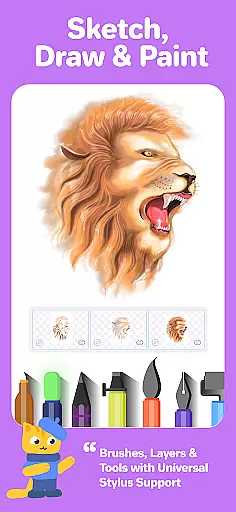
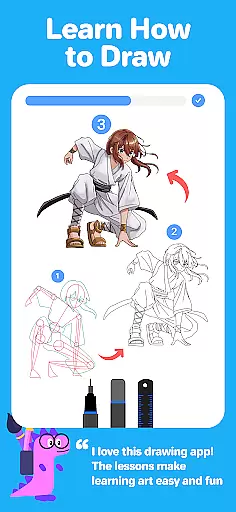

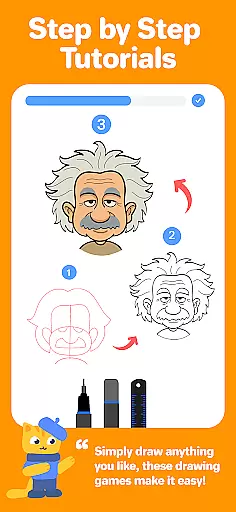

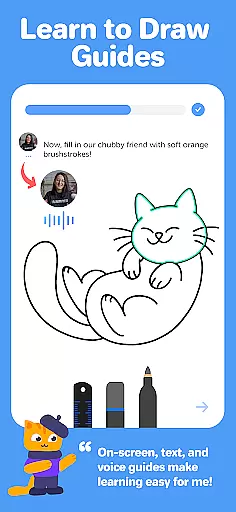

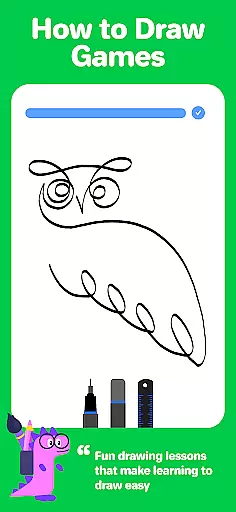
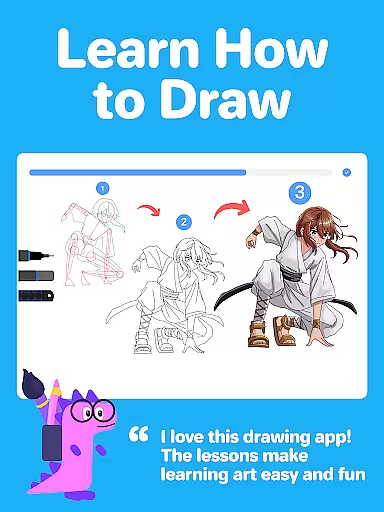
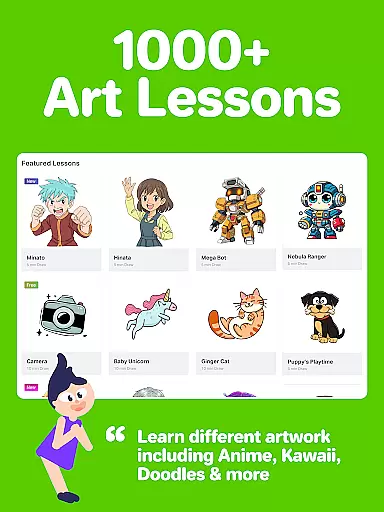

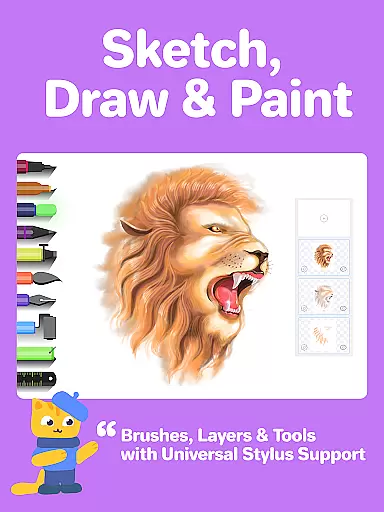
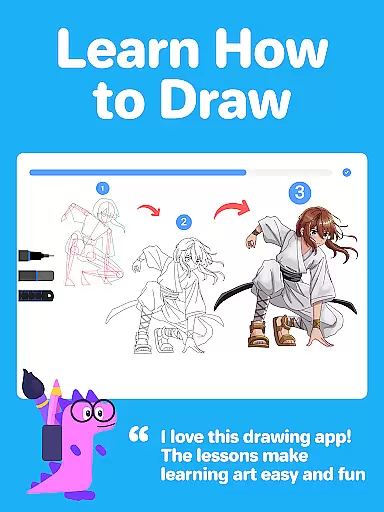
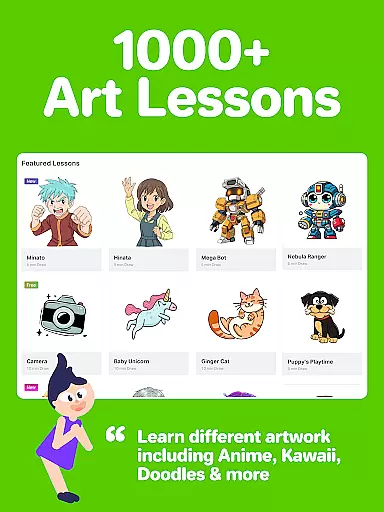
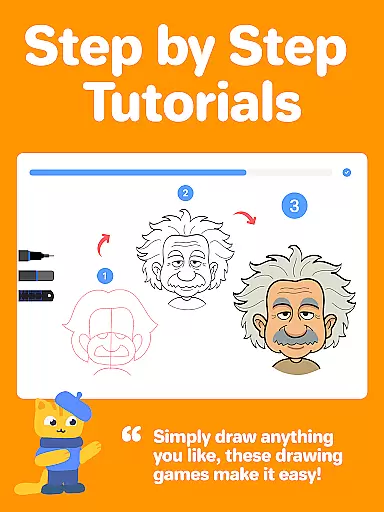
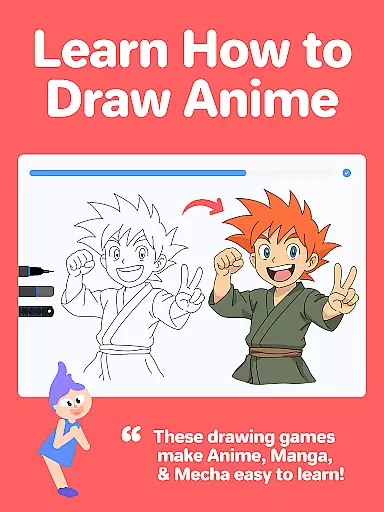

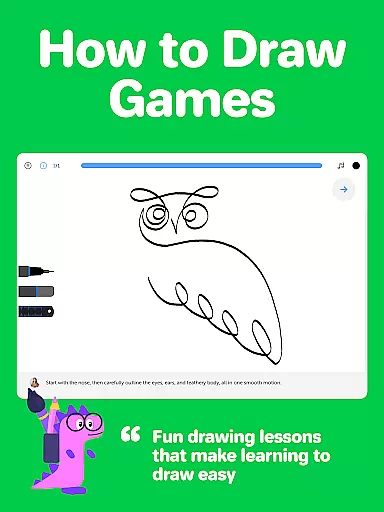
Drawing Desk is a premier digital art application designed for both beginners and advanced artists. With over 70 million users globally, this app offers an extensive suite of drawing and painting tools including pencils, crayons, watercolor brushes, and more. It stands out with its structured learning paths and masterclasses conducted by professional artists, making it ideal for anyone looking to enhance their artistic skills.
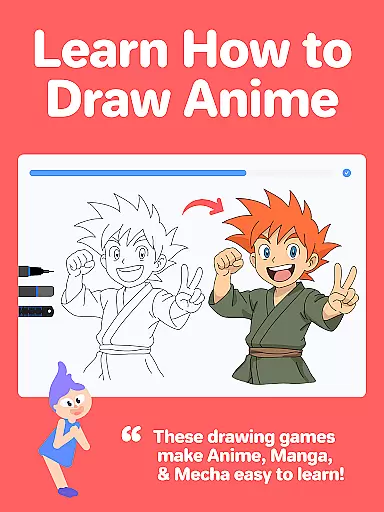
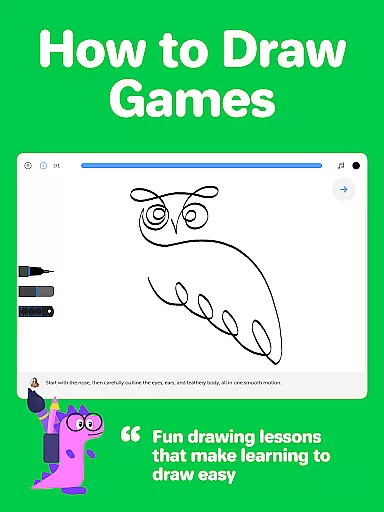
The app provides interactive drawing lessons across various styles such as Anime, Manga, and Art Therapy, ensuring a comprehensive learning experience. Additionally, Drawing Desk incorporates AI-powered tools like Sketch to Art and Auto Colorize, which streamline the creative process and offer innovative ways to engage with art.
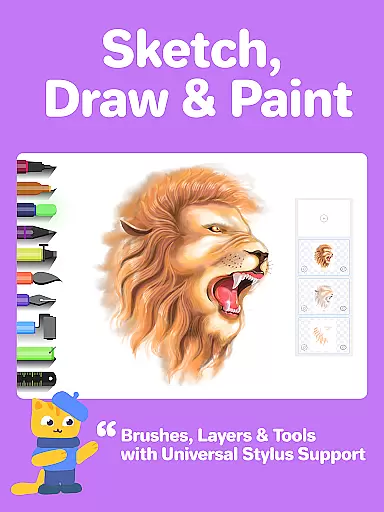
Drawing Desk boasts an impressive array of features tailored to meet the needs of digital artists. The app includes over 25 sketch tools such as pens, pencils, and watercolor brushes, alongside advanced functionalities like unlimited layers and symmetry tools. These features enable users to create detailed and professional-quality artwork directly on their mobile devices.
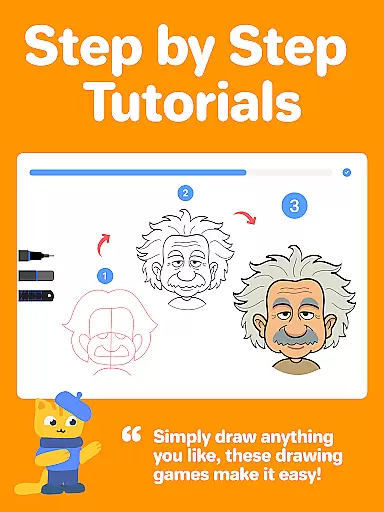
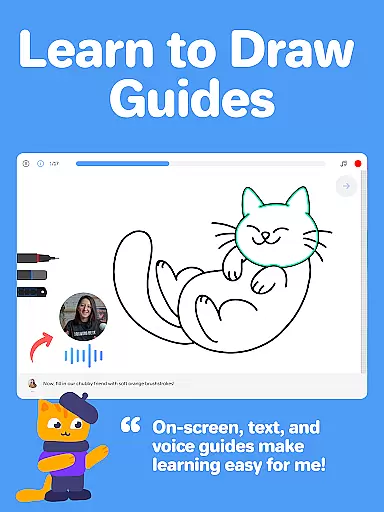
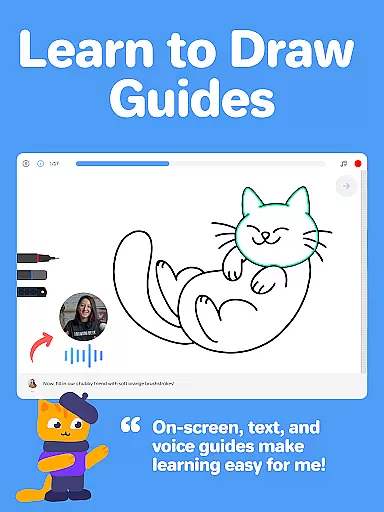
One of the standout aspects of Drawing Desk is its collection of masterclasses. These classes provide step-by-step video guides, text and voice instructions, and access to all necessary digital drawing tools within a single platform. Furthermore, the AI-powered tools, including background removal and auto colorization, significantly enhance the user's ability to experiment and refine their creations efficiently.
In the realm of digital art, having a comprehensive set of creative tools is essential for unleashing one's artistic potential. Drawing Desk rises to the occasion by offering an impressive arsenal of over 25 sketch tools that cater to various drawing styles and techniques. These include classic options such as pen, pencil, and crayon, alongside more specialized choices like neon, watercolor brush, ink, smudge, eraser, and fill bucket.
Moreover, the app provides unique features that enhance the creative process, such as the ability to draw quick shapes, use a symmetry tool for balanced creations, and access more than 200 instant shapes for those who require a little extra inspiration. With color palettes, gradients for painting, and a fill bucket tool equipped with 125+ textures, artists can add depth and vibrancy to their work with ease.
The inclusion of AI-powered tools further elevates the experience by introducing innovative functionalities. Users can transform sketches into artworks using Sketch to Art AI or generate visuals from textual descriptions through Text to Art AI. Additionally, practical AI utilities allow for swift background removal and object elimination from photos and drawings, streamlining the editing process.
This extensive toolkit not only supports traditional drawing methods but also embraces modern technology to offer a versatile platform where both budding artists and seasoned professionals can thrive.
A canvas in the digital world should be as flexible and adaptive as its physical counterpart, if not more so. Drawing Desk understands this need and offers users the ability to draw and paint on various canvas sizes, which is particularly beneficial when using a tablet or larger device. This feature allows artists to customize their workspace according to the demands of each project, ensuring that they have enough room to express their creativity without constraint.
Beyond size variations, the app also supports unlimited layersu2014a critical component for complex artwork that requires meticulous attention to detail. Layers enable artists to work on different elements of their piece separately, providing greater control over edits and refinements while maintaining the integrity of the overall composition.
Furthermore, Drawing Desk caters to diverse formats, accommodating everything from simple sketches to intricate designs. Whether you're looking to create quick doodles or elaborate digital illustrations, the app's adaptable framework ensures that your vision can be realized without being hindered by technical limitations.
By prioritizing canvas and format flexibility, Drawing Desk empowers creators to push boundaries and explore new artistic horizons, making it an indispensable companion for anyone passionate about art and design.
User-friendly interface
Extensive toolset
Interactive learning modules
AI-powered enhancements
Professional artist tutorials
Some features may require in-app purchases
Advanced tools can be complex for beginners
Limited offline functionality
Occasional performance lags
High storage requirements

Premium version of Shimeji-ee app with no ads & no limit active shimeji
 4.3
4.3
Transform photos into amazing monochrome dither art with professional algorithms
4.1
Learn how to draw with step-by-step tutorials, fun lessons & multiplayer drawing
4.70
Digital, Abstract, Classic - all types of color wheels in one app!
4.60
Create stunning art with AI.
4.80
Art of Combination Wear OS Watch Faces
3.30
Sketch and paint on your device with the feel and freedom of drawing on paper
4.00
Explore future self face age filter & remove background image for a unique look.
3.50
All-in-One art, logo & collage maker. Design photos and edit video backgrounds
4.80
Convert image to JPG PNG HEIC PDF, support almost all kinds of image formats
4.70
Castle is social media for creating and playing games!
4.60
Everything you need to create hand drawn animation, anywhere you go!
4.40
Just trace a projected picture on paper and color! Draw & Paint with AR drawing
4.40
Unleash the artist in you with our AR drawing and tracing tool for photo drawing
4.10
Floor Plan Creator lets you create, edit and share floor plans.
4.00
Get creative and make art with your Sesame Friends!
4.00
Design your dream room with AI. Get decor ideas & plan home interiors
3.90
Design unique, funny and adorable cat stickers that reflect your own style!
3.80
Create sweet, cool and unique couple avatars easily, in just a few steps!
3.40


User Reviews