
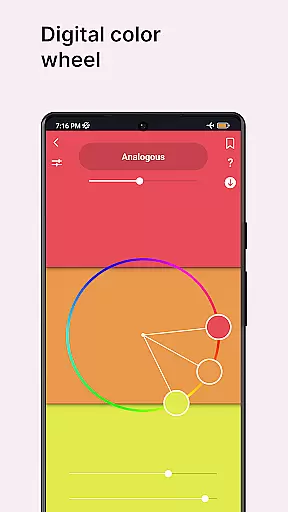
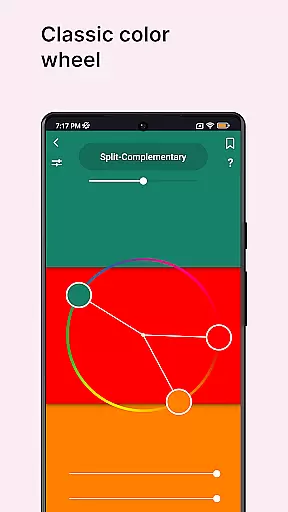
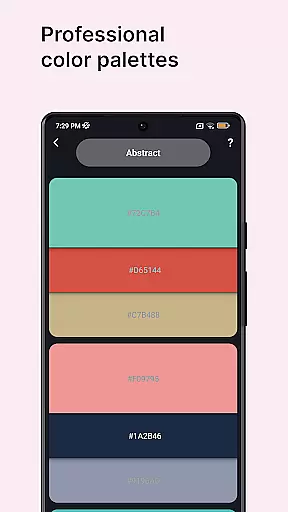
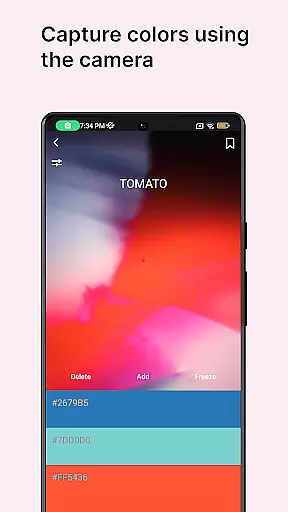
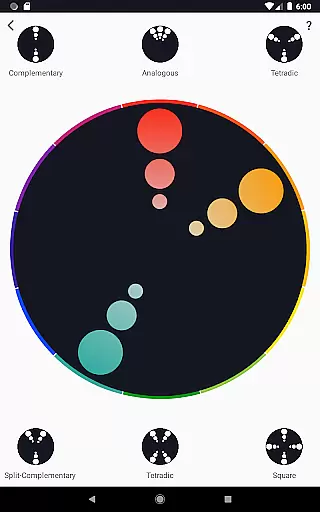
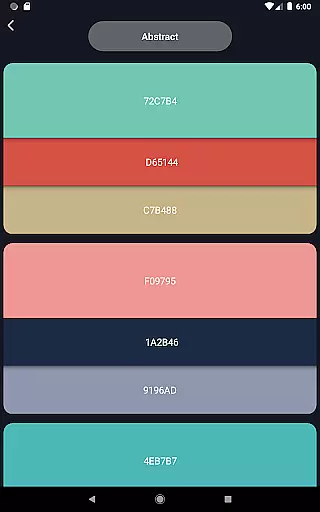
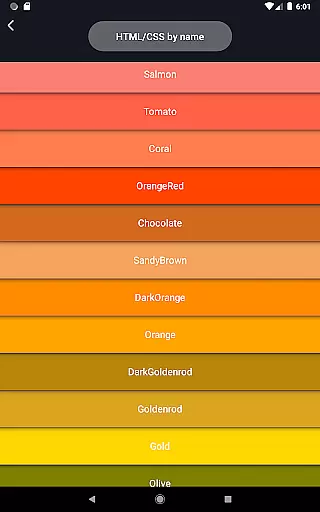
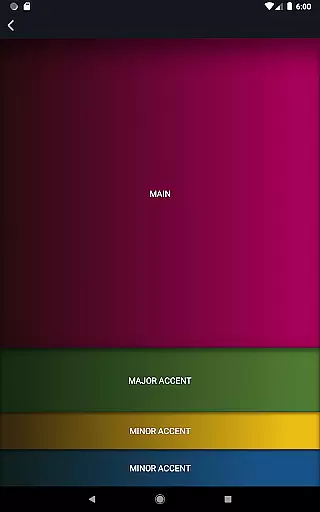
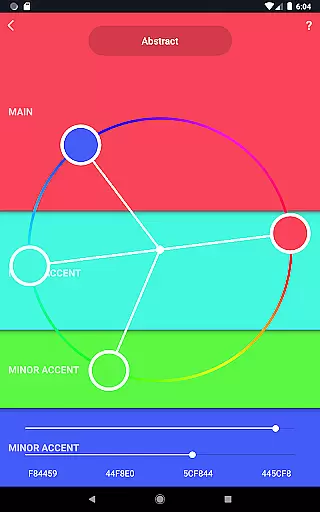
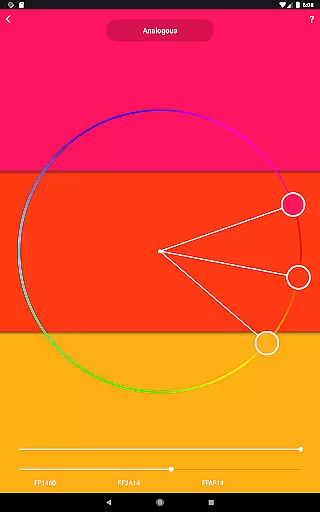
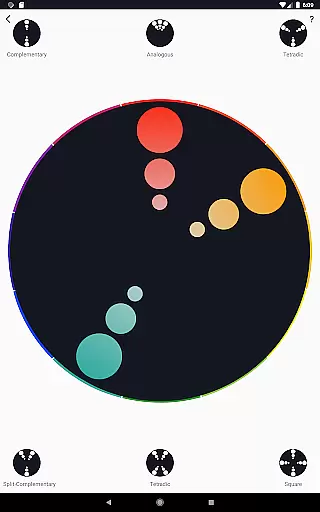
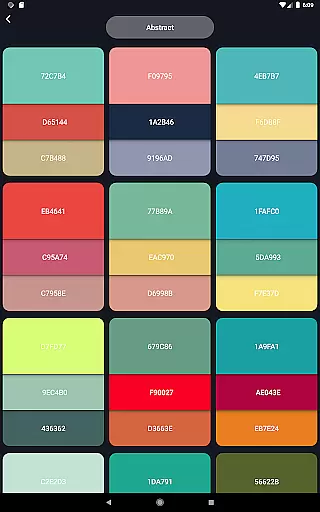
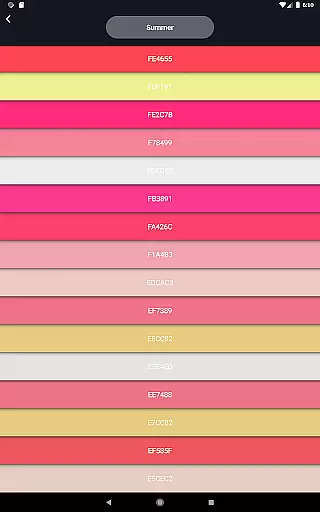
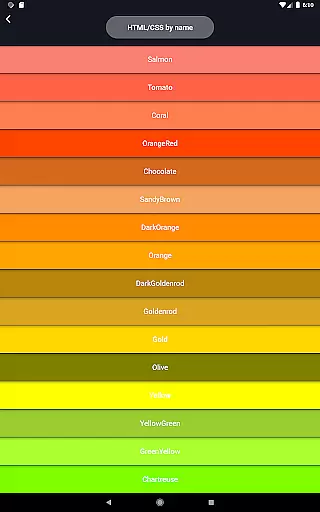
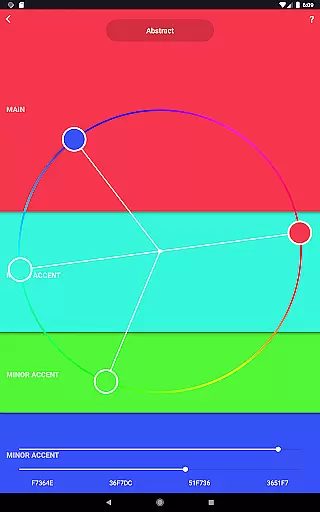
Color Wheel is an all-in-one application that brings together various types of color wheels, catering to the needs of graphic designers, painters, and artists. The app features digital, abstract, and classic color wheels, each serving a unique purpose in design and art projects. With specialized tools like color combinations, color picker, image colors, color swatches, grayscale, value checker, and value breaker, it offers a comprehensive suite for creative professionals.
The app's standout feature is its ability to assist users in selecting perfect color palettes for both digital design and abstract art. Whether you're a professional designer or a beginner painter, Color Wheel provides essential tools that simplify the process of choosing and working with colors. Its versatility makes it suitable for a wide range of artistic endeavors, ensuring that users can achieve the right balance of hues and values in their work.
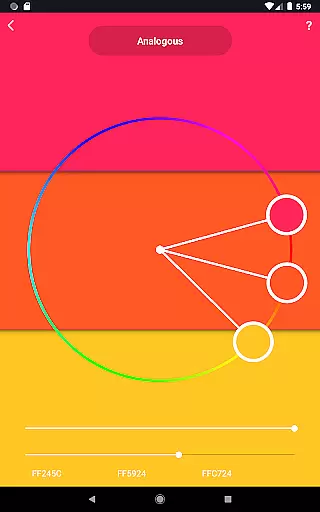
Color Wheel stands out with its diverse set of features tailored for creative professionals. The digital color wheel serves as an indispensable tool for graphic designers, enabling them to create visually appealing designs. The abstract color wheel caters to abstract painting, offering specialized color choices that inspire creativity and experimentation.
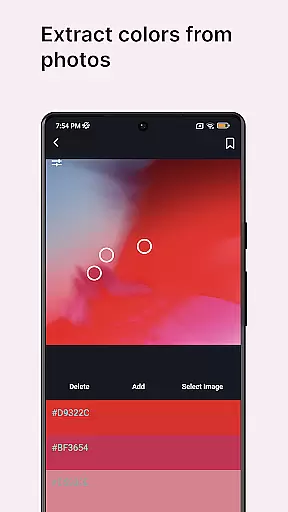
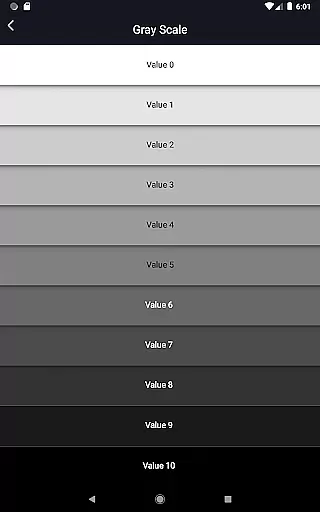
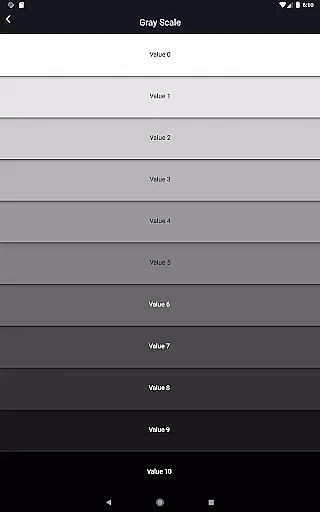
In addition to the classic color wheel, which provides a versatile option for various artistic needs, the app includes practical tools such as color combinations, color picker, and image colors. These features allow users to extract colors from images or the environment, facilitating accurate color selection. Furthermore, the grayscale and value checker tools help users ensure proper balance in their artwork, while the value breaker simplifies painting by breaking images into distinct values, making it especially useful for beginners.
In the realm of digital art and design, having a comprehensive set of tools is paramount. Color Wheel offers an extensive suite that caters to various needs within the Art & Design category. The app includes a digital color wheel for graphic designers, an abstract color wheel for painters looking for specialized palettes, and a classic color wheel for those preferring versatility.
Additionally, users can explore numerous professional color combinations ideal for both digital projects and abstract art pieces. With features like the color picker, which extracts colors from the camera, and image colors that derive palettes from existing images, this app ensures every artist's vision can be realized with precision.
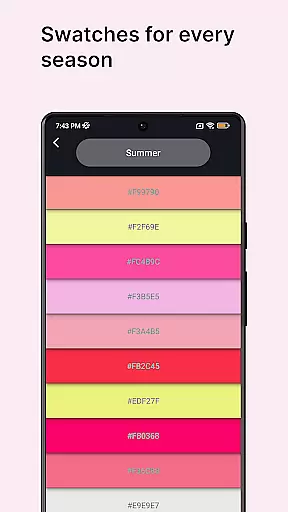
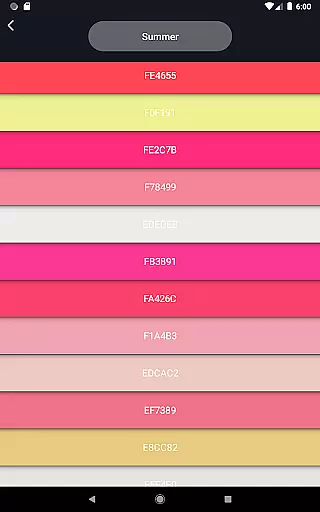
The inclusion of color swatches allows selection based on seasons or mood, providing further customization options. For those focused on mastering value in their work, tools such as grayscale, value checker, and value breaker simplify complex tasks while ensuring balance and correctness in painting techniques.
Flexibility in canvas and format options is crucial for artists who need to adapt their work across different mediums and sizes. Color Wheel addresses this by offering adaptable solutions that cater to a wide array of artistic requirements. Whether working on digital designs or traditional paintings, the ability to customize your workspace enhances creativity and efficiency.
This application supports diverse approaches through its varied functionalities. For instance, it provides tools like the color picker and image colors which are essential when adapting artwork across multiple formats. These features ensure seamless transitions between physical and digital canvases without losing any detail or vibrancy in your creations.
Moreover, additional utilities such as grayscale and value checkers help maintain consistency regardless of format changes. By breaking down images into distinct values, even beginners can grasp advanced concepts more easily. This level of adaptability makes Color Wheel an indispensable asset for anyone involved in art and design.
User-friendly interface
Comprehensive color tools
Versatile design options
Beginner-friendly features
Professional-grade palettes
Limited advanced options
No real-time collaboration
Occasional bugs reported
Interface can feel cluttered
Some features require learning

Create neon drawing with magic doodle and fun doodle art effects!
 4.50
4.50
AI Face Swap, Video Effects Editor, Realtime Morph, Funny Video FX,AI Filters
3.70
See Color, Paint Color
4.90
Unleash Your Creativity with Draw Cartoon - AR Drawing App
4.10
AR Anime Drawing: How to draw anime with AR drawing & sketching apps!
4.00
Painting, drawing, & sketching
4.50
Turn your drawings into flipbook-style animations with simple creative tools
4.60
Art of Combination Wear OS Watch faces (for Wear OS 5+ devices)
3.90
Photo stitcher for automatically screenshot stitching into a long screenshot
4.70
Create stunning art with AI.
4.80
Photo editor for art, avatars, filters & fun transformations.
4.60
800+ Drawing, Painting Lessons App to Practice, Sketch & Paint Art.
4.30
Beauty Camera - Selfie Camera is the ultimate beauty camera and selfie app
4.30
Create Logos, Tattoos, AI Art & more with our AI Photo Generator & Design Editor
4.20
AI Art Generator transforms your words into AI generated art & paintings.
3.70
AI Assistant, powered by ChatGPT GPT-4 & GPT-4o. Your intelligent companion.
3.50
Create sweet, cool and unique couple avatars easily, in just a few steps!
3.40
Meet the magic aı 3d photo generator and smart AI video generator app.
3.20
Inky runs Inkscape on Android devices and Chromebooks
2.90


User Reviews