
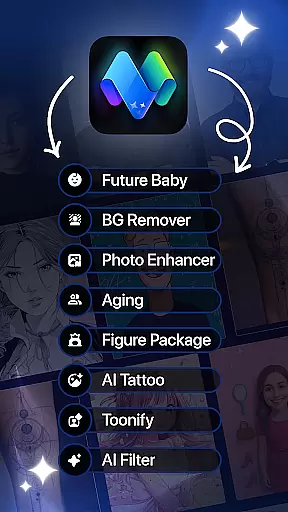
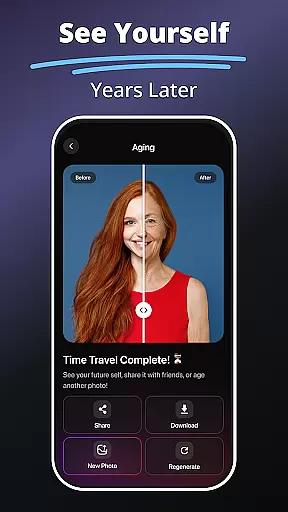
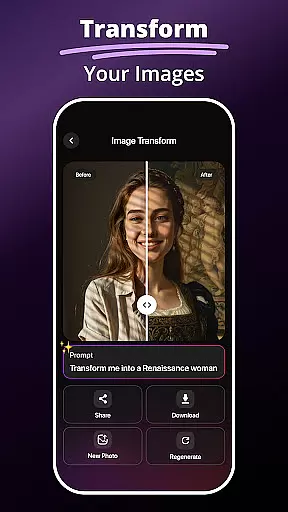
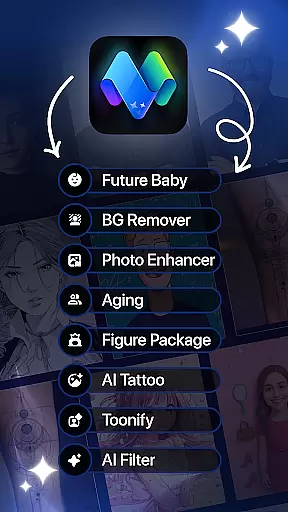
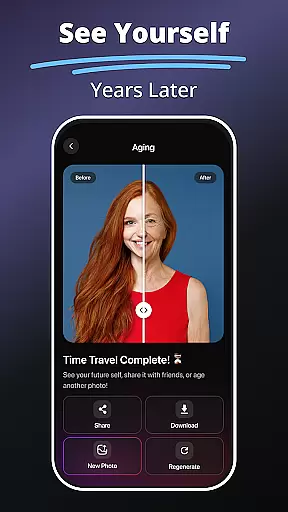
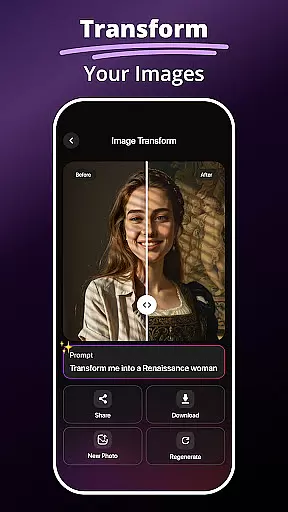
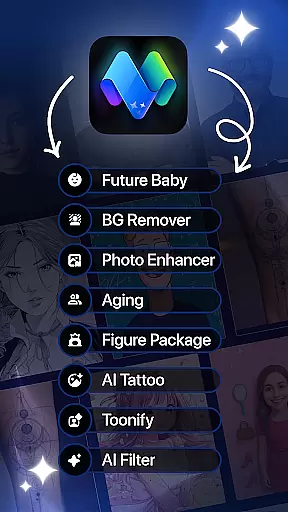
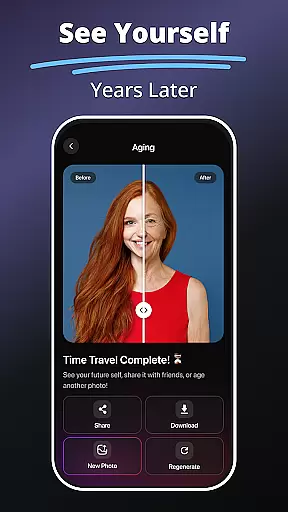
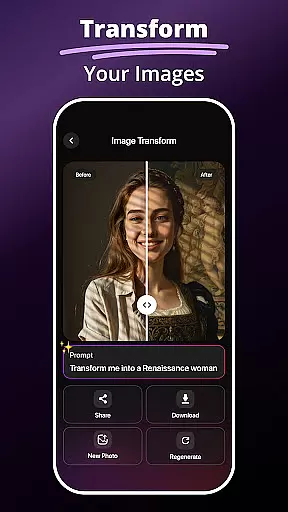
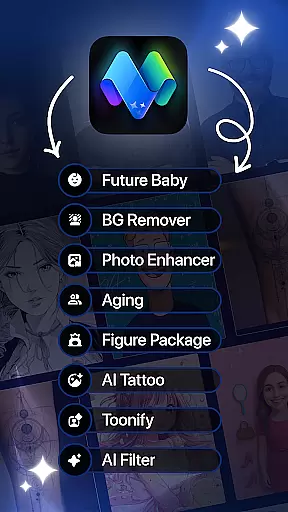
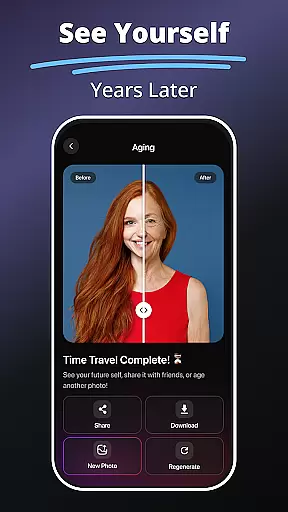
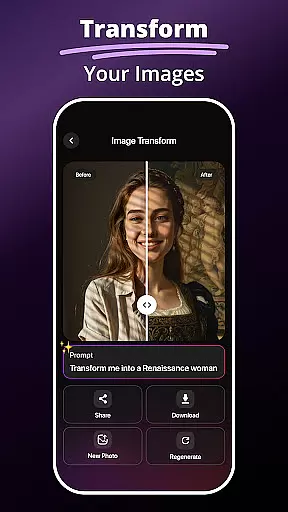
MePic is a comprehensive AI-powered photo editor designed to transform your selfies into stunning digital art. This all-in-one application offers an extensive suite of editing tools, including advanced features like Text to Image generation, Future Baby Generator, and AI Photo Editor with filters. Whether you're looking to enhance portraits, create imaginative visuals, or experiment with new styles, MePic provides the resources to edit, design, and explore creatively.
The app's standout feature is its ability to generate unique images from text descriptions, allowing users to bring their ideas to life in seconds. Additionally, it includes fun tools such as the Future Baby Generator, which predicts what your child might look like, and practical utilities like the Background Remover and Object Editing. These capabilities make MePic suitable for both casual users wanting to enhance their photos and professionals seeking creative solutions.
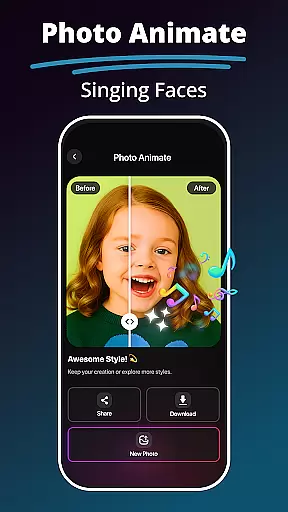
With MePic, users can easily adjust colors, remove unwanted objects, and apply various artistic filters. The app also supports avatar creation in multiple styles, hair and beard changes, and photo animation, making it versatile for different creative needs. Its intuitive interface ensures that users of all skill levels can achieve professional-quality results, enhancing both personal and professional projects.
MePic stands out with its diverse range of innovative features tailored for creative photo editing. One of its most notable tools is the Text to Image generator, which uses AI to convert textual descriptions into high-quality, unique images. This feature is perfect for artists, designers, and anyone interested in exploring their creativity by visualizing concepts instantly.
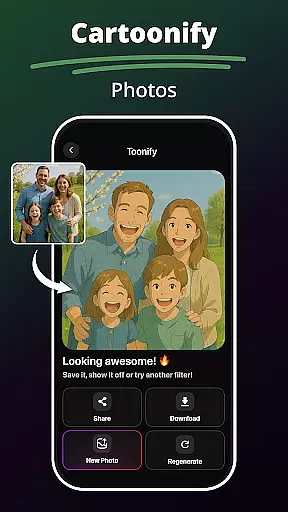
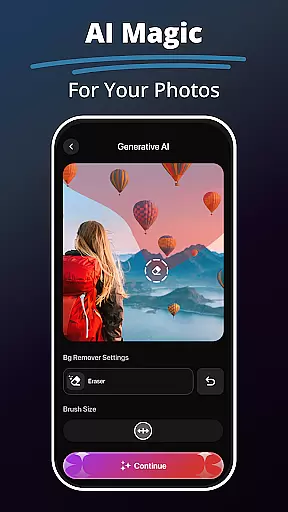
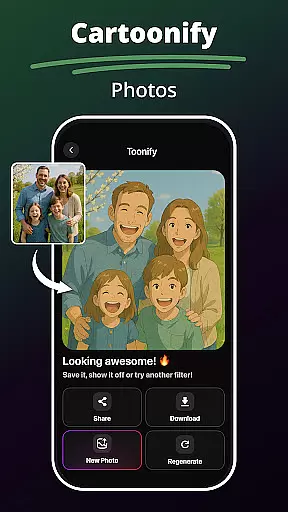
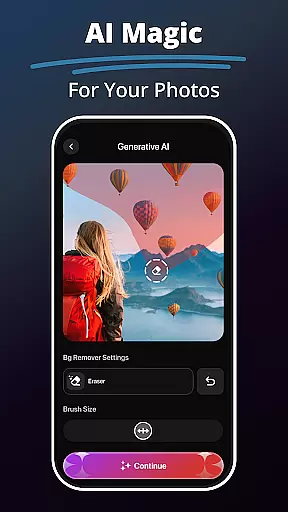
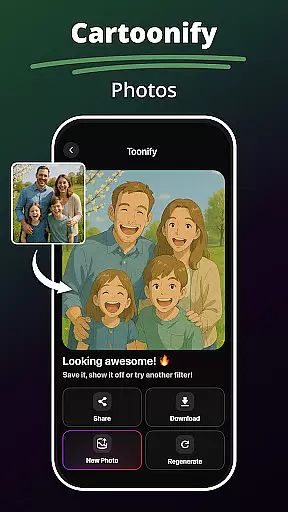
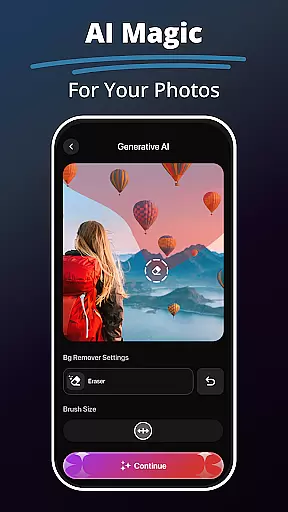
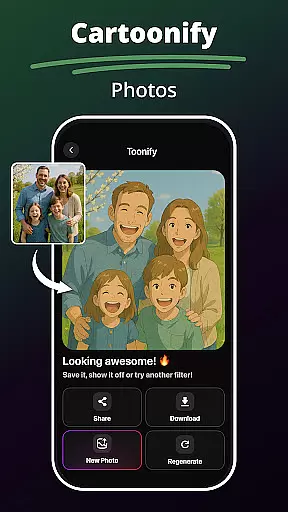
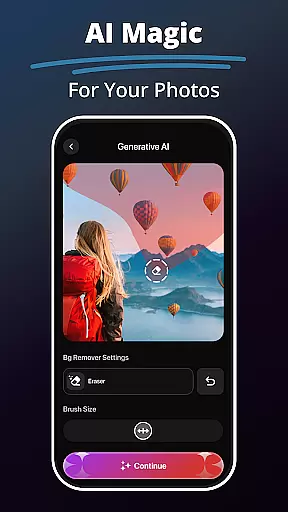
In addition to image generation, MePic offers specialized tools like the Future Baby Generator, allowing users to upload photos and see potential future offspring. The AI Photo Editor provides a library of filters and effects, from cartoon transformations to digital painting styles, ensuring endless creative possibilities. Users can also enjoy practical features such as the Background Remover and Object Editing, which simplify tasks like removing unwanted items or replacing backgrounds.
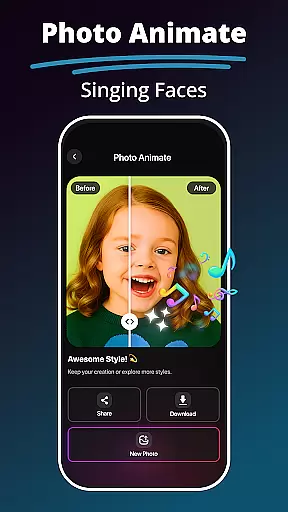
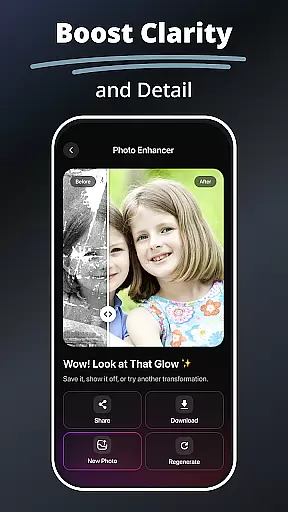
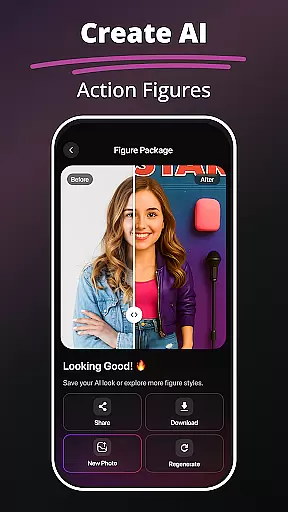
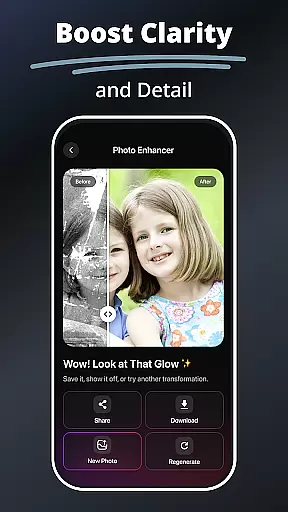
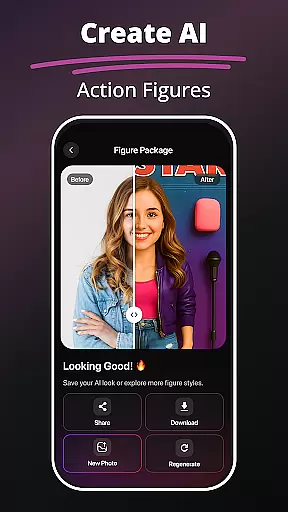
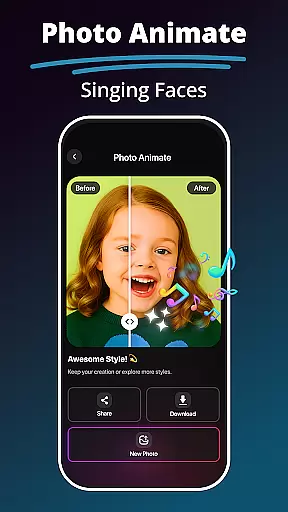
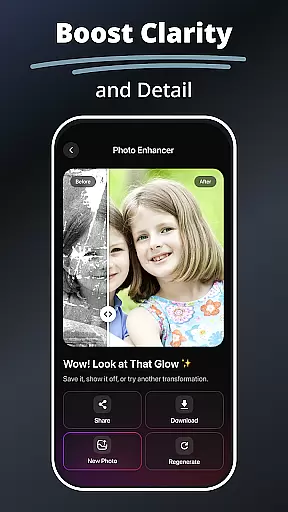
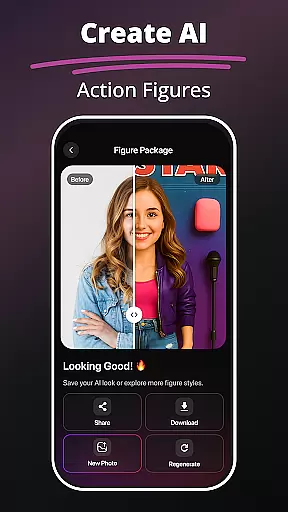
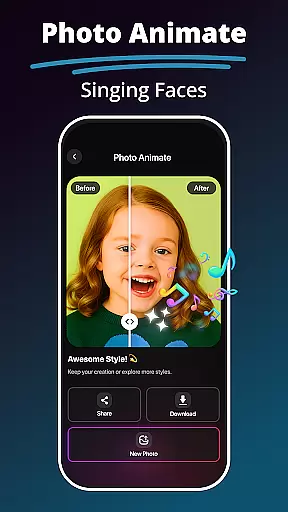
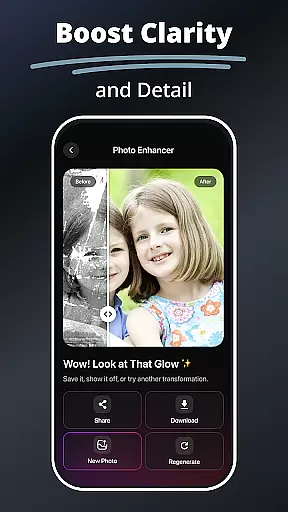
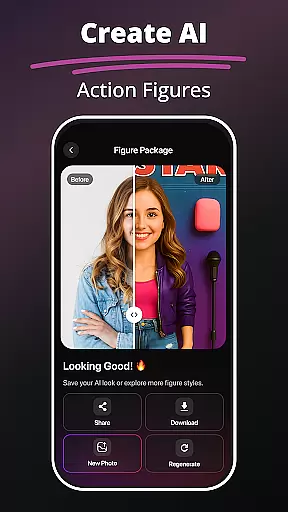
Other key features include the Avatar Creator, where users can design personalized avatars in various styles, and the Hair & Beard Changer, enabling experimentation with different hairstyles and facial hair without commitment. The Photo Enhancer Tools improve image quality through smart enhancements, while the Photo Animate feature brings static images to life with motion effects. Together, these features offer a complete package for transforming ordinary photos into extraordinary works of art.
In the realm of digital artistry, having a comprehensive suite of creative tools is paramount. MePic stands out by offering an extensive array of features that cater to both amateur enthusiasts and professional designers. The application includes functionalities such as Text to Image transformation, which leverages advanced AI to convert descriptive text into visually stunning graphics, opening up new avenues for creative expression.
Moreover, MePic doesn't stop at static image creation; it extends its capabilities to avatar customization, allowing users to craft personalized avatars in diverse styles ranging from whimsical cartoons to sophisticated professional looks. This level of personalization is further enhanced by the Hair & Beard Changer feature, enabling experimentation with different hairstyles and facial hair without any real-world commitment.
The inclusion of a Background Remover and Object Editing tool adds another layer of versatility, empowering users to manipulate their images with precision. Whether it's removing unwanted elements or replacing backgrounds, these tools ensure that every photo can be refined to meet exacting standards. With such a robust set of creative instruments, MePic truly embodies the essence of complete artistic freedom within an all-in-one photo editing platform.
Flexibility in canvas and format options is crucial for artists who demand control over their creative workspace. MePic addresses this need by providing adaptable solutions that accommodate various project requirements. Users can seamlessly switch between different canvas sizes and aspect ratios, ensuring that their work fits perfectly whether destined for social media profiles, print publications, or digital galleries.
Beyond just dimensions, MePic supports a multitude of file formats, making it easy to import and export projects without worrying about compatibility issues. From standard JPEGs and PNGs to more specialized formats used in professional design workflows, the app ensures that your creations are always ready for their next step.
Additionally, the Photo Enhancer Tools within MePic offer smart adjustments tailored to each specific format, optimizing image quality regardless of the output medium. By combining flexible canvas settings with broad format support and intelligent enhancement features, MePic delivers a dynamic environment where creativity knows no bounds, and every artist can find their perfect setup.
User-friendly interface
Wide range of creative tools
High-quality AI-generated images
Versatile editing options
Fun and engaging features
Some features may require premium access
Occasional processing delays
Limited offline functionality
Advanced tools may overwhelm beginners
Subscription costs for full access

Art of Combination Wear OS Watch faces
 4.3
4.3
Photo blender app to create overlay photos & double exposure.
4.40
Draw beautiful mandala's very easily
4.60
Design unique, funny and adorable cat stickers that reflect your own style!
3.80
Powerful home decoration & house design that allows you to design dream home.
3.80
Your homescreen as an elegant glass with customized blur, lighting, and visuals.
3.70
Photo stitcher for automatically screenshot stitching into a long screenshot
4.70
Multiplayer Drawing game, Coloring, Painting・Sketch, Handwriting・Paint, draw
4.30
All-in-One art, logo & collage maker. Design photos and edit video backgrounds
4.80
Passport size photo maker, create ID photo and visa photo in seconds
4.80
Learn how to draw with step-by-step tutorials, fun lessons & multiplayer drawing
4.70
Convert image to JPG PNG HEIC PDF, support almost all kinds of image formats
4.70
Novices can also easily complete diamond painting masters
4.70
Create neon drawing with magic doodle and fun doodle art effects!
4.50
Share the joy of painting with ibis Paint! Drawing anime and manga art.
4.50
Nano Banana AI Image Generator, Anime Filter, AI Portrait, AI Photo Generator
4.30
Easy 3D drawing design maker & creator. Model designing, Sculpting. Create&paint
4.00
Resize photos and print photos in exact size with our powerful photo printer!
3.80
Retouch photos. Create or edit images. Endless capabilities.
2.70


User Reviews