
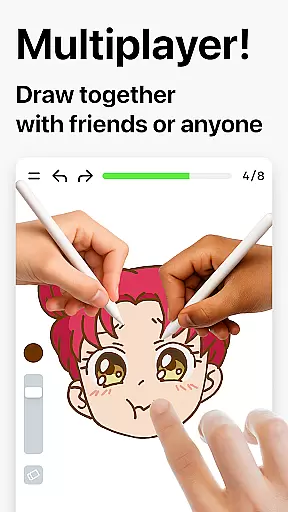
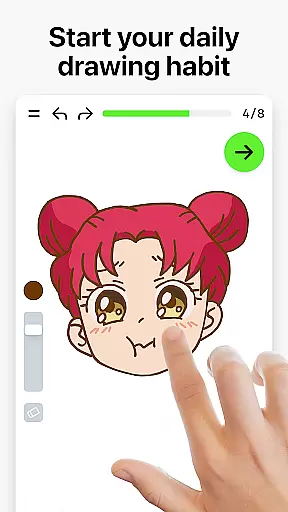

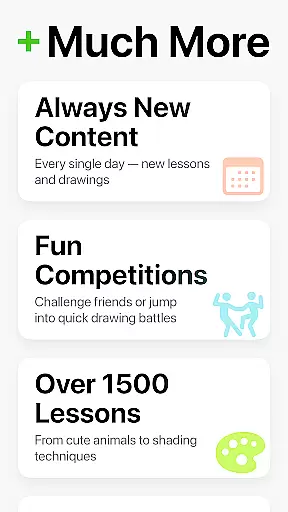
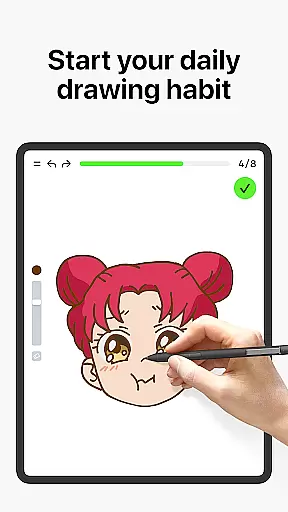
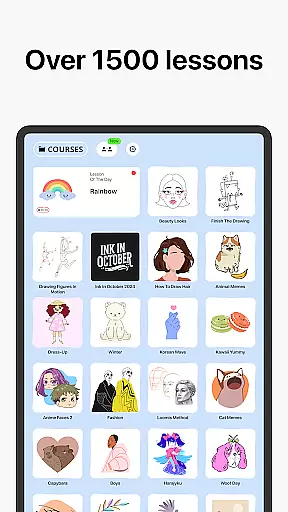

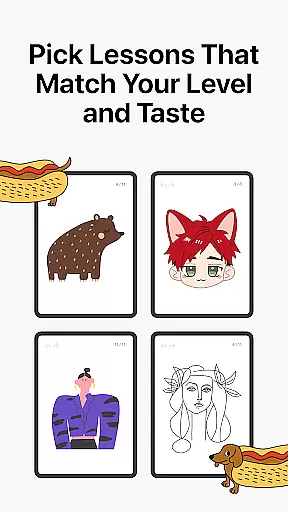
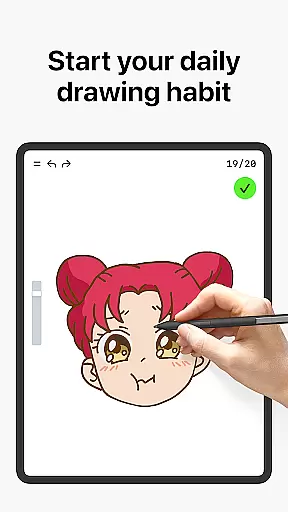
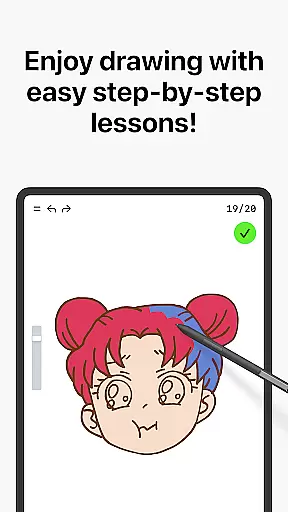
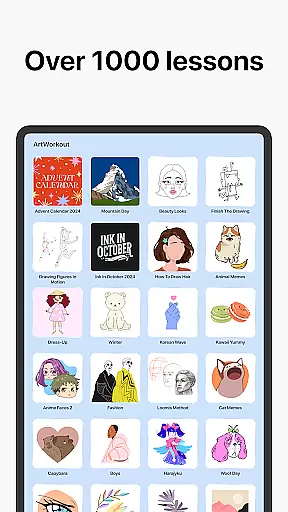


Learn how to draw is an innovative drawing and painting trainer app designed for art enthusiasts of all skill levels. The app offers over 1000 step-by-step tutorials that cater to both beginners and experienced artists, making it a comprehensive learning tool. With its unique multiplayer mode, users can now draw and trace together with friends or other artists in real time, creating a collaborative creative space.
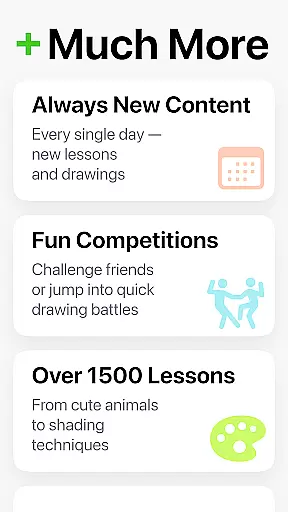
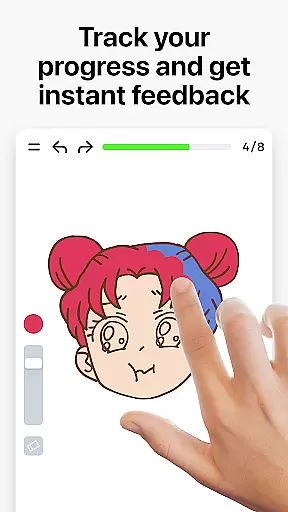
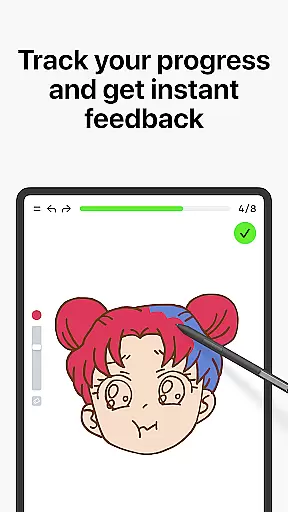
Beyond basic tutorials, the app features an intelligent scoring system that tracks user progress and provides clear evidence of improvement. It evaluates not only accuracy but also the quality of each stroke, offering detailed feedback to help refine techniques. The app covers various art forms including doodling, sketching, drawing, painting, and handwriting through interactive courses. Regular updates introduce new lessons weekly, often inspired by global cultures and time-limited holiday events.
This app is perfect for anyone looking to learn drawing techniques, practice regularly, or simply enjoy a creative outlet. By combining structured lessons with practical exercises, Learn how to draw ensures an engaging and rewarding experience that helps users develop their artistic skills effectively.
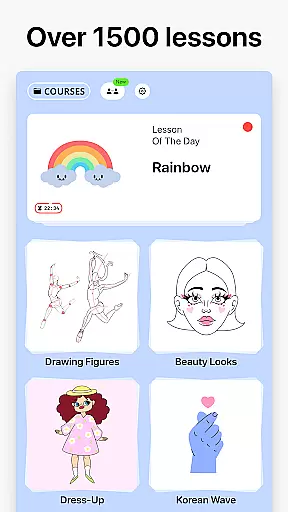
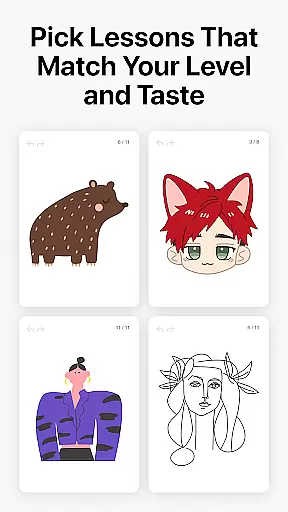
Learn how to draw stands out with its diverse range of features tailored to enhance the drawing and learning experience. One of its core features is the dynamic tutorials section, where each lesson is broken down into 10-30 simple steps. This allows users to easily follow along and master different techniques at their own pace. The app's extensive library includes themed courses covering almost any topic, ensuring there's something for everyone.
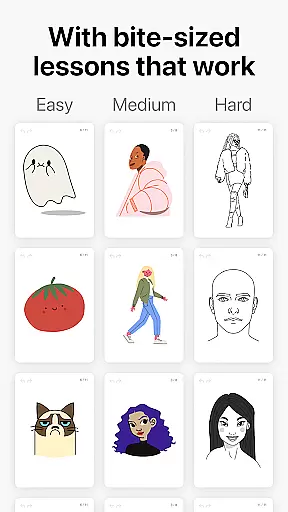
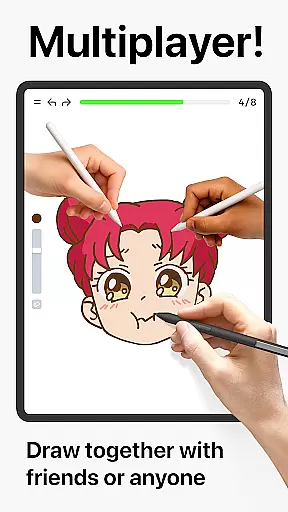
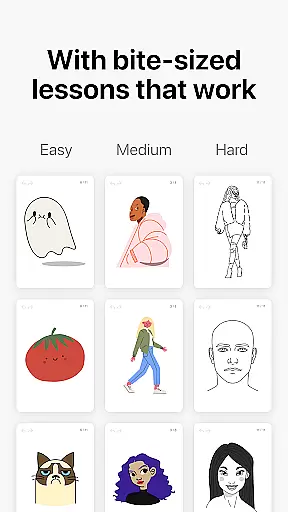
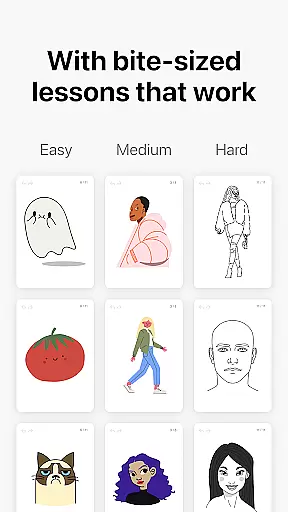
A key highlight is the brand-new multiplayer mode, enabling users to draw together with others worldwide. Whether participating in friendly challenges or co-learning sessions, this feature fosters community engagement and makes learning more interactive. Additionally, the app incorporates a stress-free approach by offering bite-sized lessons that are easy to follow, allowing users to relax while they learn.
The scoring system is another standout feature, providing measurable progress tracking. It evaluates both the accuracy and quality of strokes, giving users insights into areas for improvement. Designed for all ages and skill levels, Learn how to draw serves as a versatile tool for beginners to gain experience and for pros to use as a daily warmup exercise. The combination of theory and hands-on practice ensures quick and effective skill development.
ArtWorkout provides a comprehensive suite of creative tools designed to cater to artists of all skill levels. With over 1000 step-by-step tutorials, users can explore various drawing and painting techniques in a structured manner.
The app's unique algorithm tracks user progress, offering valuable feedback on accuracy and stroke quality. This feature-rich platform ensures that whether you're a beginner learning the basics or an experienced artist refining your skills, ArtWorkout has the tools necessary for artistic growth.
Additionally, the introduction of multiplayer mode allows real-time collaboration with friends or other users globally. This innovative approach not only enhances creativity but also fosters a sense of community among users who can now draw and trace together, making it more than just an art application.
ArtWorkout stands out by offering remarkable canvas and format flexibility, accommodating different styles and preferences. Users can choose from a wide array of interactive courses covering Doodling, Sketching, Drawing, Painting, and Handwriting, ensuring there is something for everyone.
Each lesson is broken down into manageable steps, allowing users to follow along easily. The bite-sized pieces make it stress-free and easy to learn at oneu2019s own pace, whether tracing photos or painting cultural themes.
Moreover, the app supports continuous learning through its weekly release of new lessons inspired by global cultures and time-limited holiday events. This dynamic content keeps the experience fresh and engaging, encouraging users to return regularly and explore new artistic challenges.
User-friendly interface
Comprehensive tutorials
Real-time multiplayer
Detailed progress tracking
Regular content updates
Limited advanced techniques
Occasional performance issues
In-app purchases required
Steep learning curve
Basic UI design

Sketch, plan, take notes and illustrate on an infinite canvas.
 4.20
4.20
Draw anime & manga drawing, art with templates to create stunning picture!
4.50
Art of Combination Wear OS Watch faces
4.2
Your AI soulmate — meaningful chats, and unique emotional moments
4.70
Get an overview over all your embroidery threads, projects and more.
4.60
Retouch photos. Create or edit images. Endless capabilities.
2.70
Create Logos, Tattoos, AI Art & more with our AI Photo Generator & Design Editor
4.20
Just trace a projected picture on paper and color! Draw & Paint with AR drawing
4.40
Draw, make movies & animate cartoons easily with our 2D animation maker app
4.40
See Color, Paint Color
4.90
Learn how to draw with step-by-step tutorials, fun lessons & multiplayer drawing
4.70
Everything you need to create hand drawn animation, anywhere you go!
4.40
Bring One UI 8.5 Icons to life -elegant dark icons with a modern, premium touch.
4.30
OneUI 8.5 icons ✨ Smooth, modern & based on the latest Play Store design ??
4.10
Design your dream room with AI. Get decor ideas & plan home interiors
3.90
Create trending AI photos & videos with powerful effects and 3D styles.
3.20
Create stunning video, photo & magic from text with FlixAI GPT video generator.
3.10
Download now for a stylish and functional timepiece
4.2
Art of Combination Wear OS Watch faces
4.1


User Reviews