
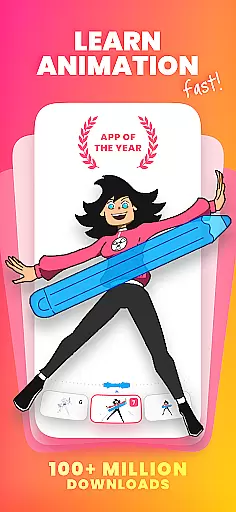
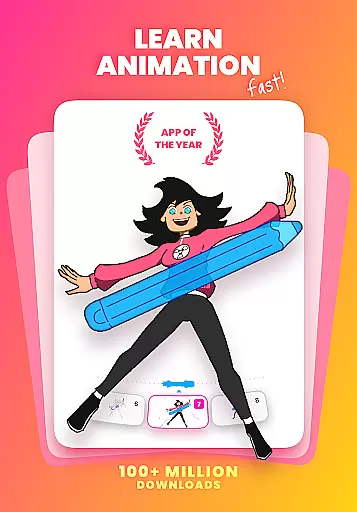
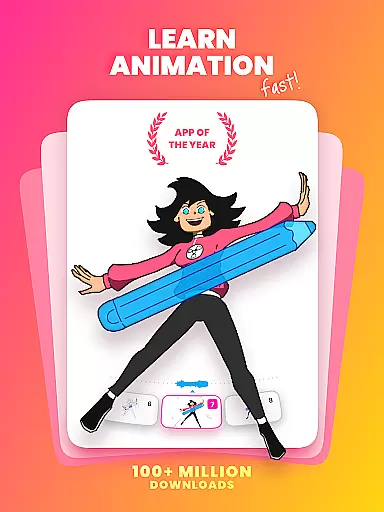
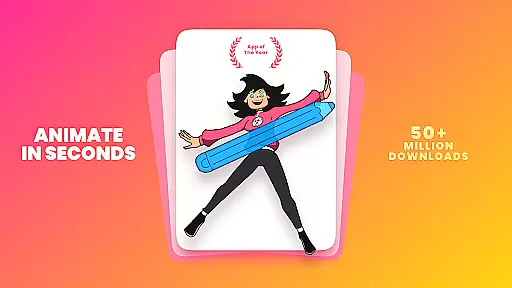
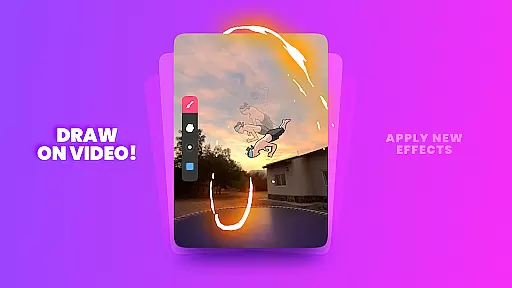
FlipaClip is a leading 2D animation app designed for both beginners and professionals in the Art & Design category. This powerful tool allows users to create frame-by-frame animations, cartoons, anime, and storyboards with remarkable ease. The app offers an intuitive interface that combines the simplicity of flipbook-style animation with advanced professional-grade features.
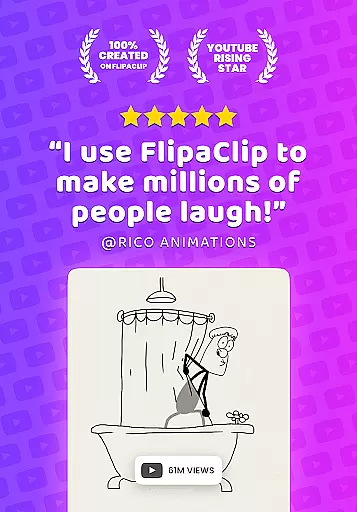
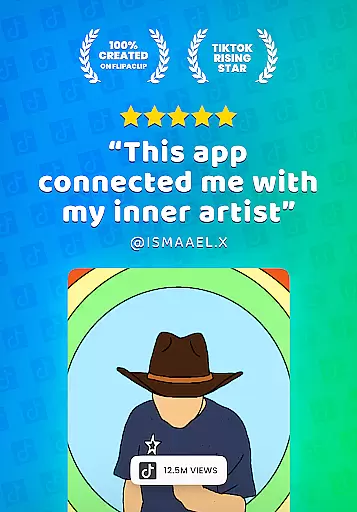
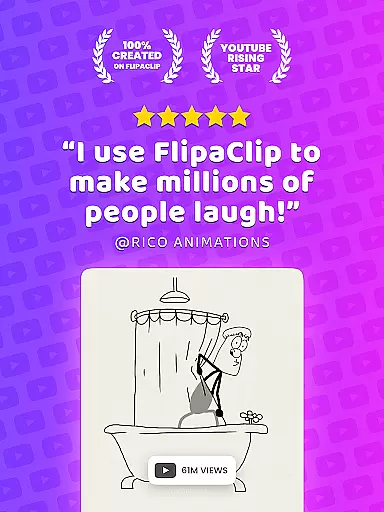
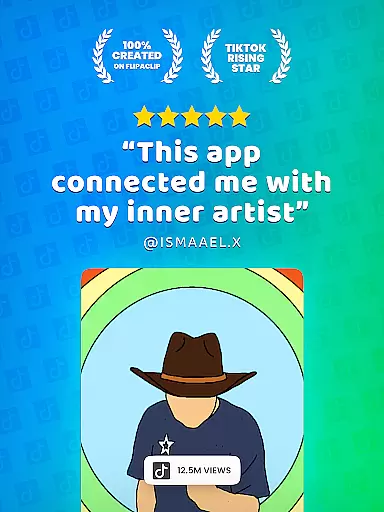
With over 80 million monthly active users, FlipaClip has become a favorite among influencers, YouTubers, and TikTok creators. Its comprehensive suite of drawing tools includes brushes, layers, onion skinning, and AI-powered features like Magic Cut. Users can export their creations as MP4 videos or GIFs, making it perfect for sharing on social media platforms.
The app's versatility makes it suitable for various creative projects, from simple doodles to complex animations. Whether you're learning basic animation techniques or producing professional-quality content, FlipaClip provides all necessary tools to bring your artistic vision to life while fostering a supportive creative community.
FlipaClip distinguishes itself through its robust set of animation tools specifically designed for artists of all skill levels. The app's frame-by-frame animation timeline gives creators precise control over their work, while onion skinning enables smooth transitions between frames. With support for up to 10 layers (3 free), users can build complex scenes and experiment with different elements.
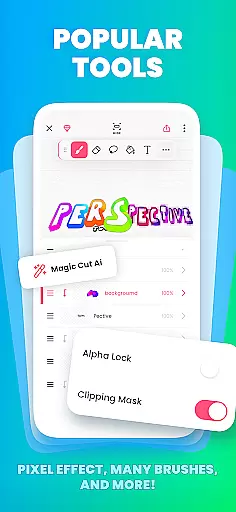
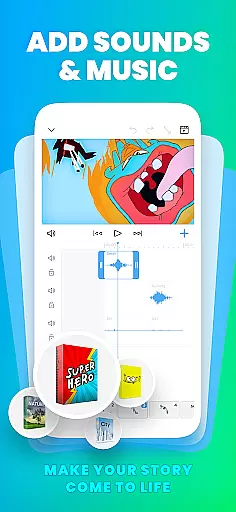
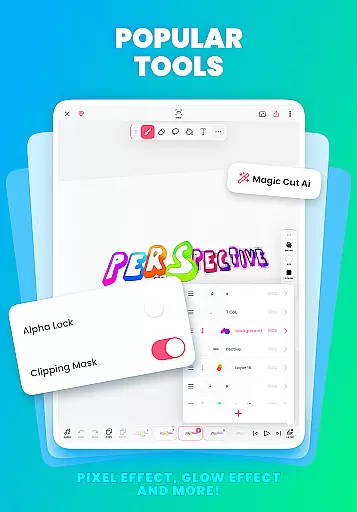
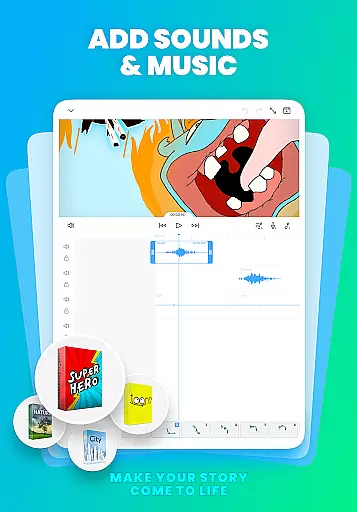
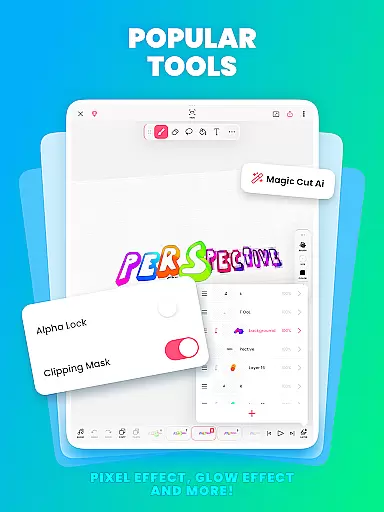
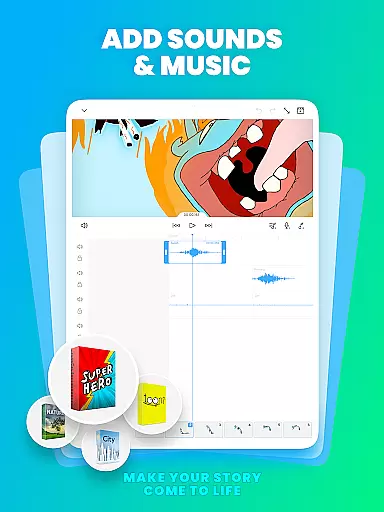
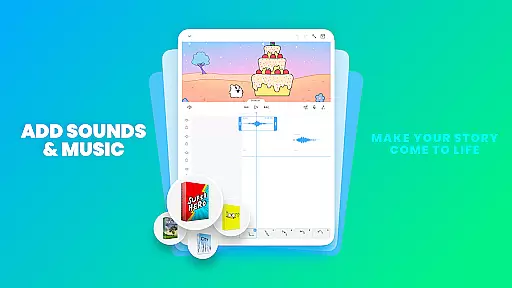
Advanced features include pressure-sensitive stylus support (compatible with Samsung S Pen and SonarPen), AI-powered Magic Cut for object removal, and various blending modes. The app also offers audio integration capabilities, allowing users to add up to 6 audio tracks, import custom sound effects, and synchronize them perfectly with animations.
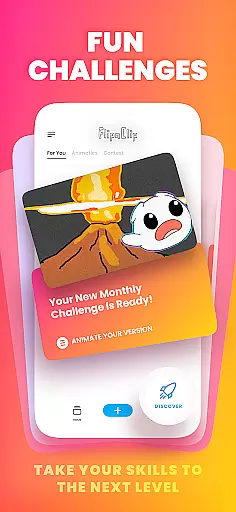
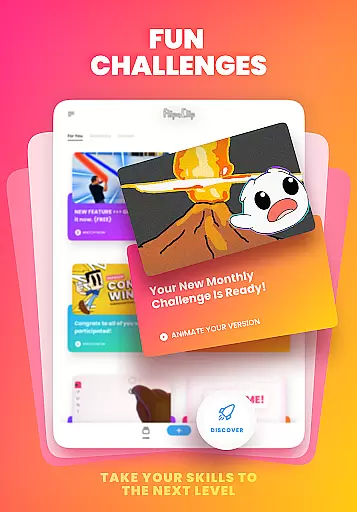
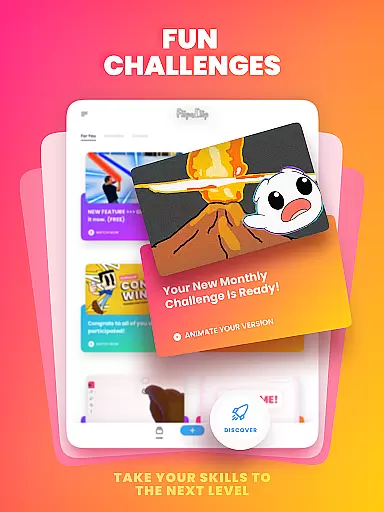
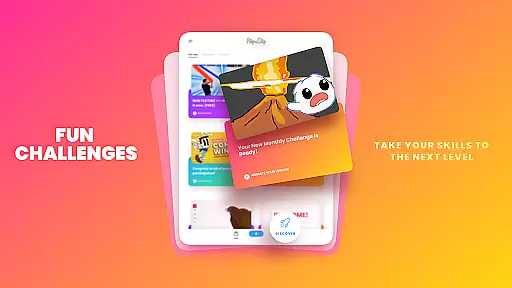
What sets FlipaClip apart is its commitment to accessibility and learning. The app hosts weekly animation challenges, seasonal contests, and in-app events that help users improve their skills. Its integration with social media platforms and the #MadeWithFlipaClip community creates an ecosystem where artists can share their work and grow together, making it more than just an animation tool.
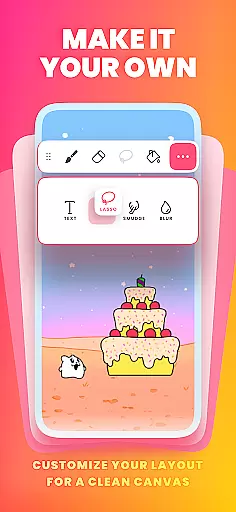
FlipaClip stands out as a comprehensive creative suite for both budding and professional artists. The app offers an extensive range of drawing tools including brushes, fill, lasso, eraser, ruler, text, and shape tools that cater to various artistic needs. These tools enable users to sketch their ideas with precision and creativity.
One of the key features is its support for pressure-sensitive stylus devices like Samsung S Pen and SonarPen, which makes drawing precise and natural. This feature enhances the user experience by allowing nuanced control over line thickness and opacity based on the applied pressure, mimicking traditional drawing techniques in a digital format.
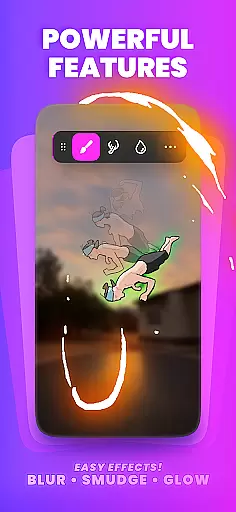
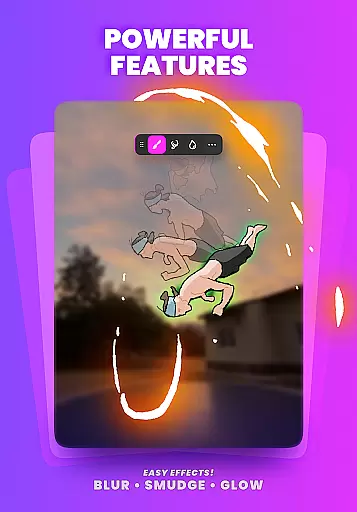
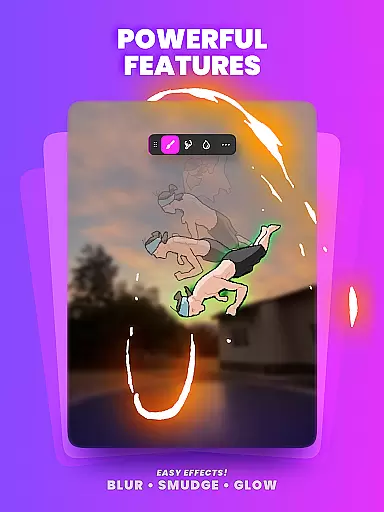
Additionally, FlipaClip provides advanced animation tools such as frame-by-frame animation timelines, onion skinning for smooth transitions, up to 10 layers (with 3 free), glow effects, blending modes, and AI-powered Magic Cut for instant object slicing. These capabilities ensure that every detail can be meticulously crafted and animated, providing a complete toolkit for creating complex animations.
The ability to import photos or videos for rotoscope animations and export projects in MP4, GIF, or PNG sequences with transparency further enriches the creative process. With these robust features, FlipaClip empowers users to bring their drawings, cartoons, anime, and stories to life effortlessly.
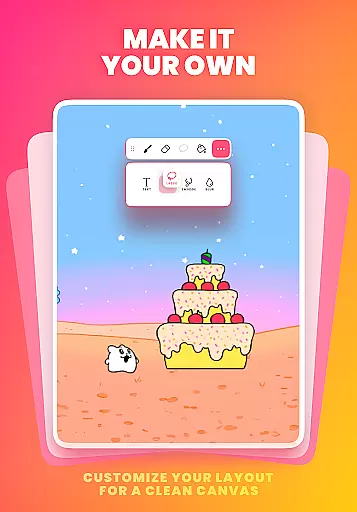
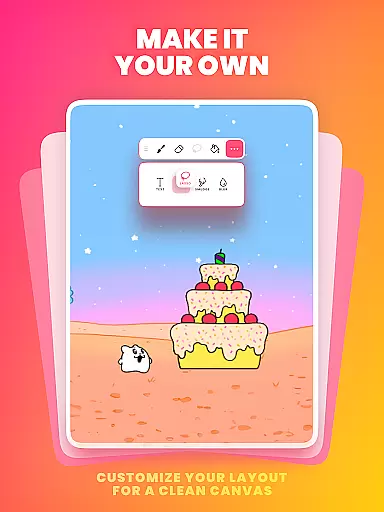
Flexibility in canvas size and format options is crucial for accommodating diverse artistic visions, and FlipaClip excels in this area. Users have the freedom to paint on custom canvas sizes, enabling them to create frame-by-frame animations that feel alive and dynamic. This adaptability ensures that creators are not constrained by predefined dimensions, allowing for more personalized and varied artwork.
Moreover, FlipaClip supports multiple export formats including MP4, GIF, and PNG sequences with transparency. This versatility allows artists to share their work across different platforms seamlessly. Whether it's for social media, professional presentations, or personal archives, the ability to export in various formats caters to different use cases and audience preferences.
The inclusion of AI-powered tools like Magic Cut adds another layer of flexibility. By instantly slicing images and objects from frames, users can manipulate their artwork with unprecedented ease and accuracy. This feature is particularly beneficial when working on intricate designs where precision is paramount.
Overall, FlipaClipu2019s flexible canvas and format options empower creators to experiment with different styles and techniques without limitations. From simple doodles to professional scenes, the app provides the necessary tools to realize any creative vision effectively.
User-friendly interface
Powerful animation tools
Active creative community
Regular feature updates
Cross-platform sharing
Limited free layers
Premium features locked
Occasional bugs
High learning curve
Export quality limits

Pose and morph realistic male and female models! 3D poser app
 3.00
3.00
Easy 3D drawing design maker & creator. Model designing, Sculpting. Create&paint
4.00
Create neon drawing with magic doodle and fun doodle art effects!
4.50
Logo Generator powered by AI: Create stunning logos effortlessly!
4.70
Your Essential Color Theory Guide: Red, Yellow, Blue (RYB)
4.3
Art of Combination Wear OS Watch faces
4.3
Your AI soulmate — meaningful chats, and unique emotional moments
4.70
Get an overview over all your embroidery threads, projects and more.
4.60
AI Tattoo Generator: Create Tattoo Designs & Get Ideas! Ink & Stencil Maker
4.50
Draw on screen: FP sDraw is a simple and lightweight drawing app
4.70
Turn your drawings into flipbook-style animations with simple creative tools
4.60
Draw anime & manga drawing, art with templates to create stunning picture!
4.50
Digital illustration drawing & painting pad app to paint Anime and Manga art
4.50
Beauty Camera - Selfie Camera is the ultimate beauty camera and selfie app
4.30
OneUI 8.5 icons ✨ Smooth, modern & based on the latest Play Store design ??
4.10
Get creative and make art with your Sesame Friends!
4.00
Draw anime easily with AR guidance, sketch templates & trace tools!
3.10
Download now for a stylish and functional timepiece
4.2
Transform photos into amazing monochrome dither art with professional algorithms
4.2


User Reviews