
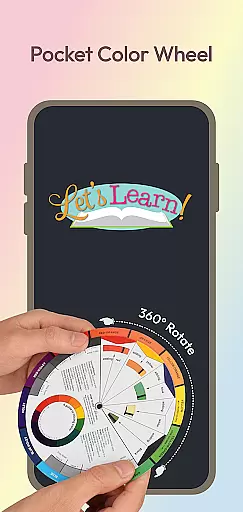
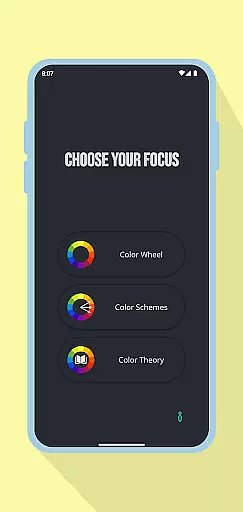
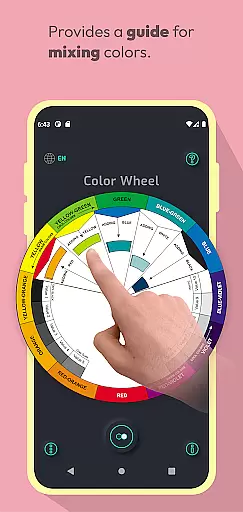
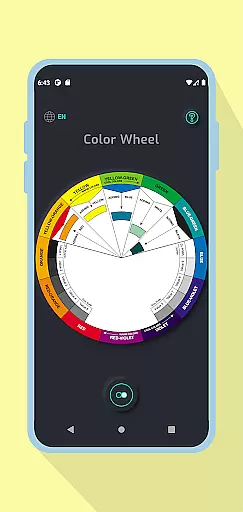
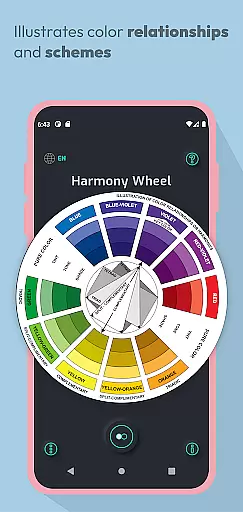
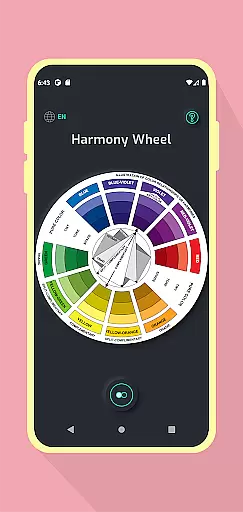
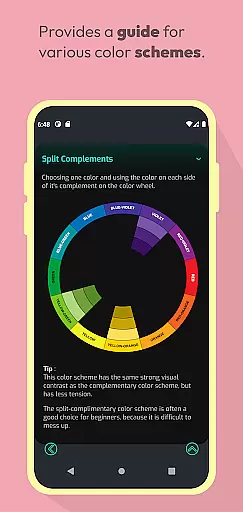
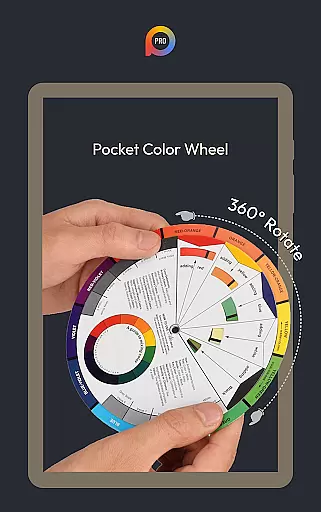
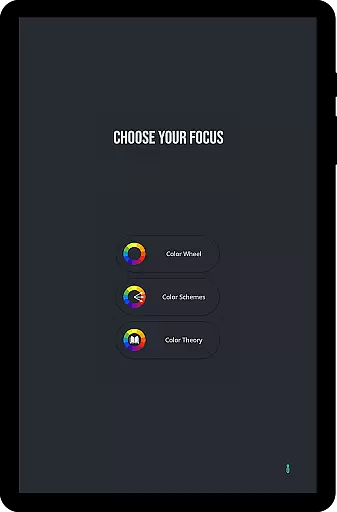
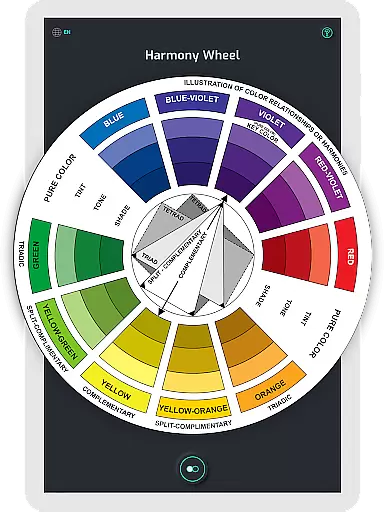
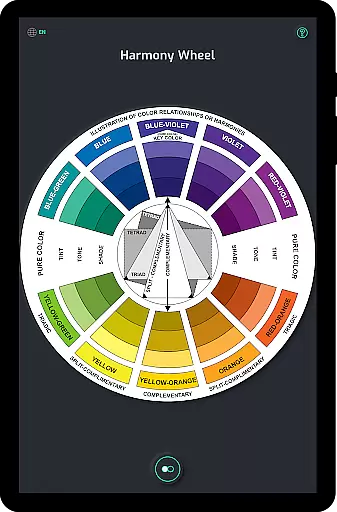
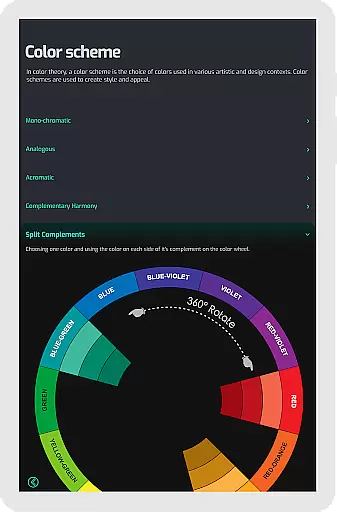
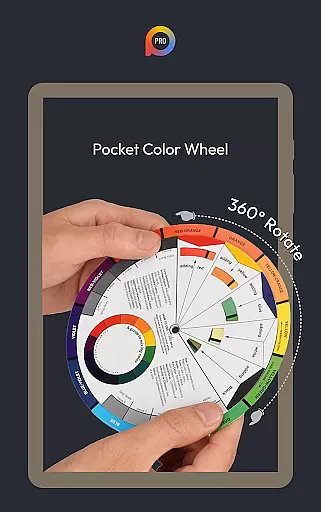
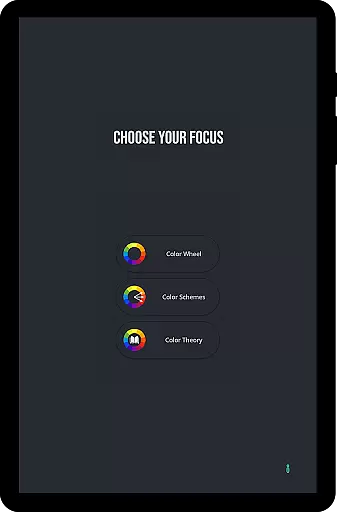
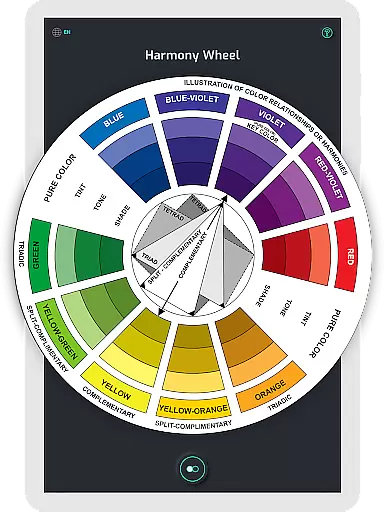
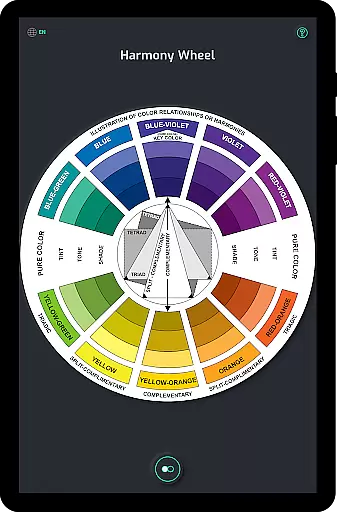
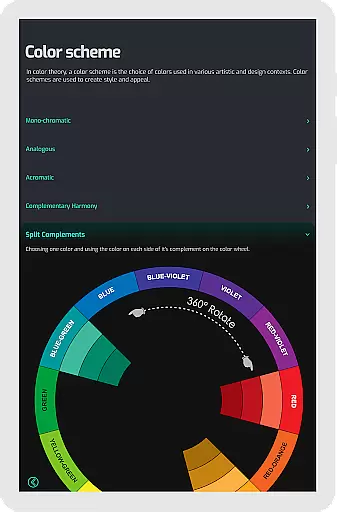
Pocket Color Wheel Pro is an essential reference tool for mastering color theory on the go. Designed for students, artists, and designers, this app simplifies complex concepts like color mixing, relationships, and harmonies through an interactive and visually intuitive interface. With features such as the Color Schemes Tool, users can explore 12 or 18 color wheel options to create schemes like monochromatic, complementary, and triadic combinations.
One standout feature of the Pro version is its offline functionality, allowing users to access all tools without an internet connection. Whether you're designing in a remote location or traveling, Pocket Color Wheel Pro ensures uninterrupted access to its comprehensive suite of features. This makes it an ideal companion for creative professionals who need reliable tools at their fingertips.
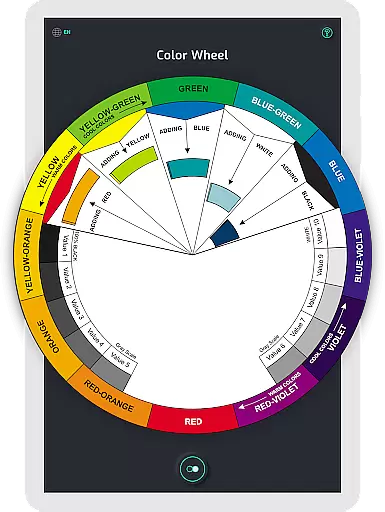
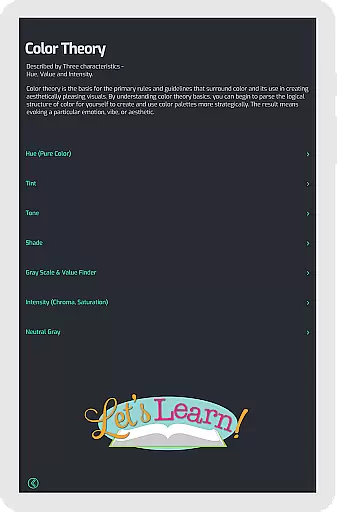
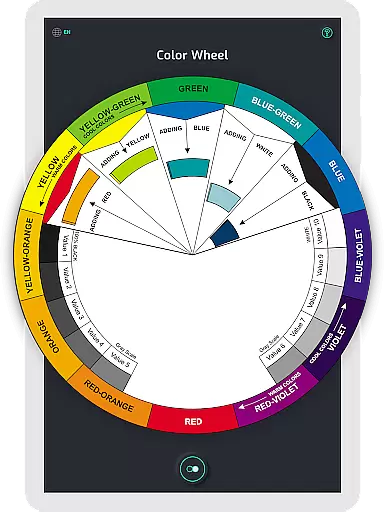
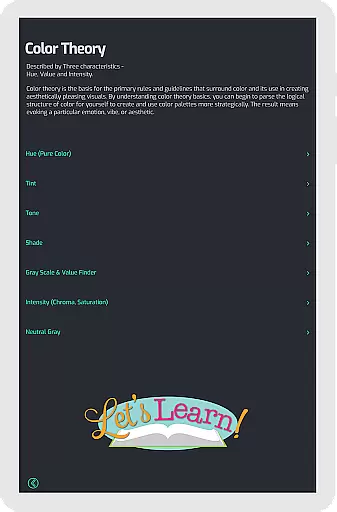
The app's ability to visualize tone, shade variations, and grayscale further enhances its utility. By offering clear examples of tints and shades alongside common color terms, it empowers users to make informed design decisions. Whether creating artwork, developing designs, or studying color theory, Pocket Color Wheel Pro provides both practical value and educational insight.
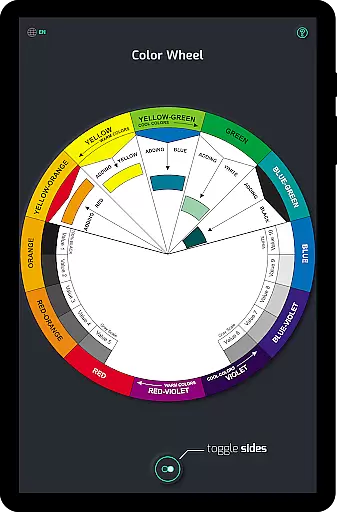
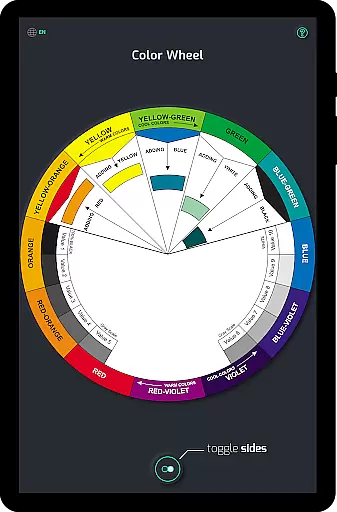
Pocket Color Wheel Pro stands out with its robust set of features tailored for creative professionals. The app includes an interactive color wheel that allows users to rotate and explore various color relationships, such as complementary, triadic, and analogous combinations. This hands-on approach helps users understand how different colors interact, making it easier to craft visually appealing designs.
A key highlight is the Color Schemes Tool available in the Pro version, which offers expanded options with 12 or 18 color wheels. This enables deeper exploration of hues and blends, perfect for advanced projects. Additionally, the app provides instant visualization of complete color schemes, helping users experiment with harmonious palettes effortlessly.
Offline access is another significant advantage, ensuring seamless performance regardless of connectivity. Coupled with tools for understanding tints, tones, shades, and grayscale, Pocket Color Wheel Pro delivers a comprehensive solution for anyone looking to refine their grasp of color theory while enjoying maximum flexibility.
In the realm of digital art and design, having a comprehensive set of tools is paramount. Pocket Color Wheel Pro stands out by offering an extensive suite of features that cater to colour theory mastery. This includes an interactive colour wheel for exploring relationships between colours, enabling users to effortlessly create harmonious combinations.
The app simplifies complex processes such as colour mixing, allowing artists to see immediate results of their blends. With options for creating diverse colour schemes like monochromatic, analogous, complementary, and more, it supports both 12 and 18 colour wheel configurations. This versatility empowers designers and students to experiment with broader palettes and sophisticated blends.
Additionally, understanding variations in tone and shade is crucial for creating depth in artwork. The app provides clear examples of tints, tones, and shades directly on the wheel, alongside a grey scale for neutral tones. These features collectively ensure that whether you're designing, painting, or studying, Pocket Color Wheel Pro equips you with everything needed to excel in colour application.
Flexibility in canvas and format options is essential for creative professionals who need to adapt their work across various mediums and dimensions. Pocket Color Wheel Pro addresses this by providing complete offline access, ensuring that all its features are available without an internet connection. This allows users to work seamlessly in any environment, be it while traveling or in remote areas, without worrying about network availability.
The app's ability to function fully offline enhances its reliability as a go-to reference tool. Artists and designers can explore colour schemes, mix hues, and visualize harmonies anytime, anywhere. This independence from connectivity constraints underscores the app's commitment to supporting creativity without boundaries.
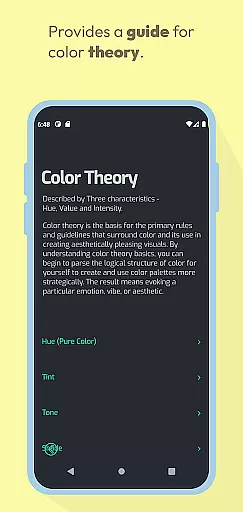
Furthermore, the inclusion of common terms and easy-to-understand definitions within the app enriches the user experience. By integrating these educational elements, Pocket Color Wheel Pro not only aids in practical applications but also fosters a deeper understanding of colour theory concepts. This dual focus on functionality and education makes it an indispensable companion for creative projects.
Comprehensive color tools
Offline functionality
User-friendly interface
Versatile color schemes
Educational insights
Limited free features
No advanced tutorials
Premium price tag
Basic grayscale options
Design-focused only

AI generated images & photos, turn your words into drawing, painting & pictures.
 4.30
4.30
Design your dream room with AI. Get decor ideas & plan home interiors
3.90
Meet the magic aı 3d photo generator and smart AI video generator app.
3.20
Apply cartoon, caricature, and portrait effects to make your photos stand out!
3.60
Logo Generator powered by AI: Create stunning logos effortlessly!
4.70
Paint with oils and sketch with natural tools on a realistic virtual canvas.
3.80
Turn your drawings into flipbook-style animations with simple creative tools
4.60
Resize photos and print photos in exact size with our powerful photo printer!
3.80
Turning simple sketches into captivating tales filled with life and motion
3.90
Make your phone cooler and have a fantastic experience
4.80
Your AI soulmate — meaningful chats, and unique emotional moments
4.70
Create neon drawing with magic doodle and fun doodle art effects!
4.50
Photo blender app to create overlay photos & double exposure.
4.40
Beauty Camera - Selfie Camera is the ultimate beauty camera and selfie app
4.30
Create Logos, Tattoos, AI Art & more with our AI Photo Generator & Design Editor
4.20
Easy 3D drawing design maker & creator. Model designing, Sculpting. Create&paint
4.00
Create cute cat emojis & PFPs! Fun, custom avatars for cat lovers.
3.70
Vidu is an AI video generator made for creators and aspiring makers.
3.30
Art of Combination Wear OS Watch faces
4.1


User Reviews