
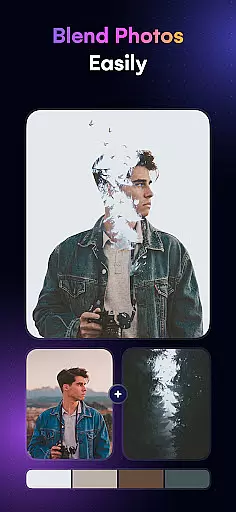
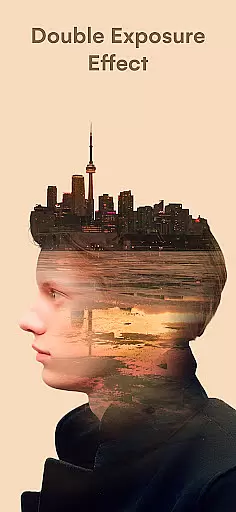
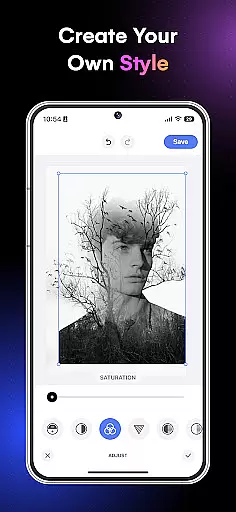
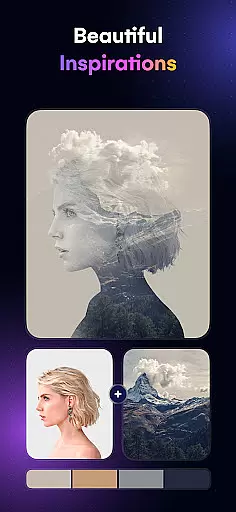
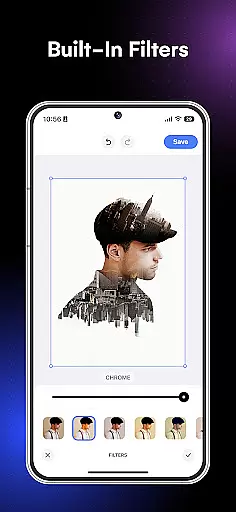
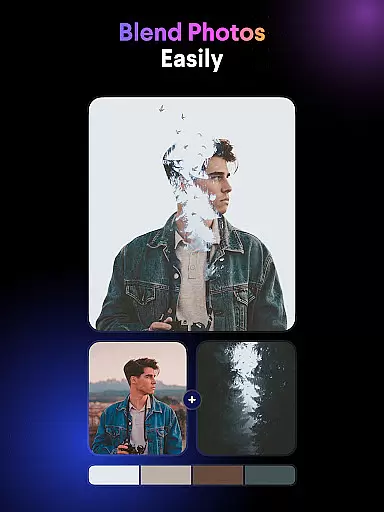
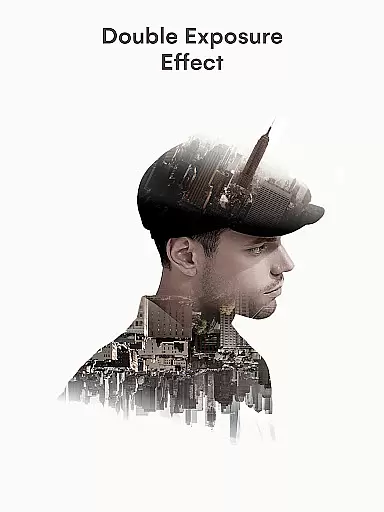
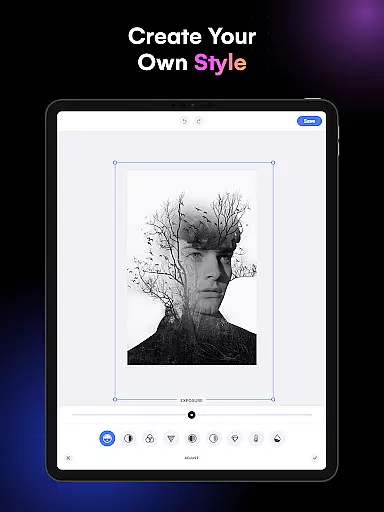
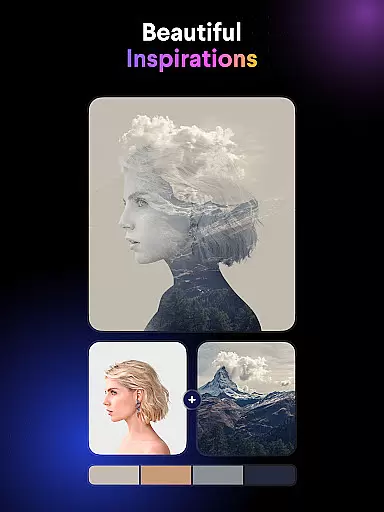
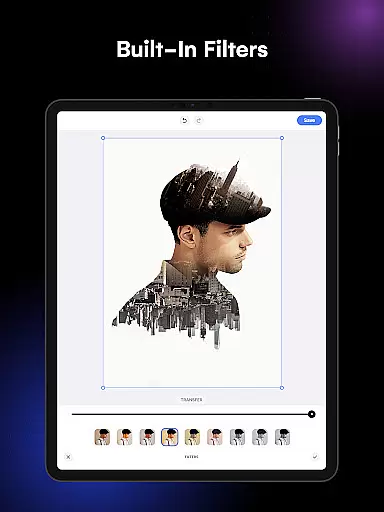
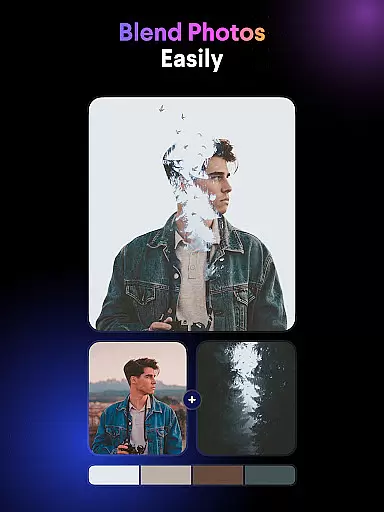
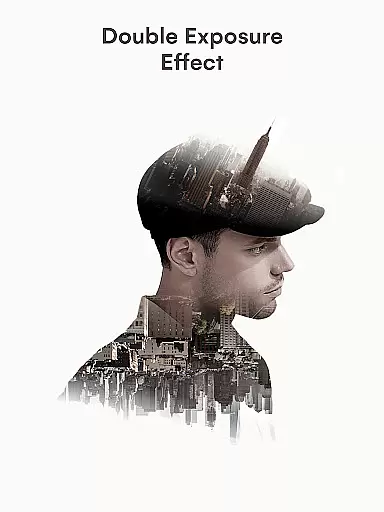
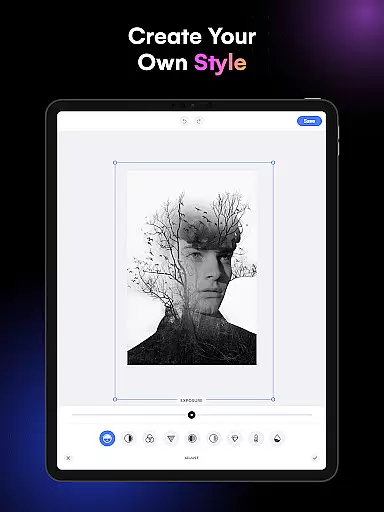
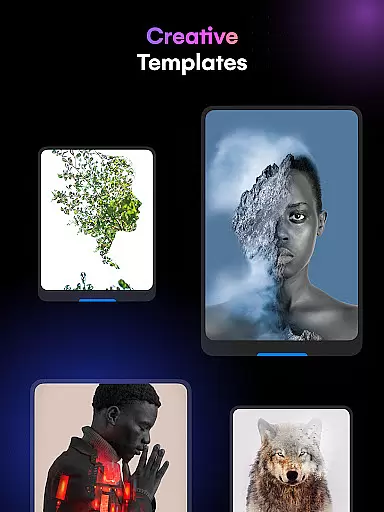
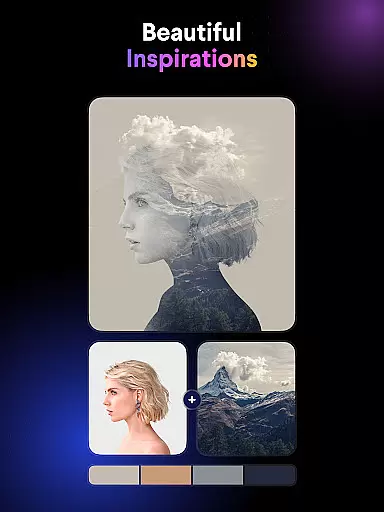
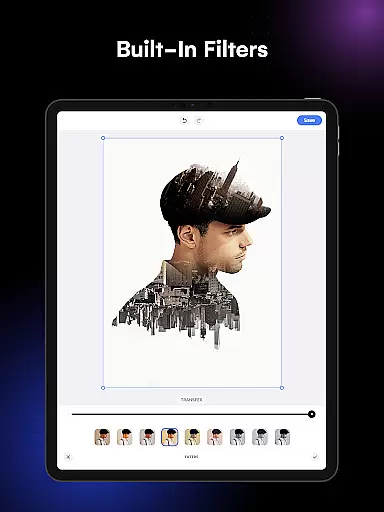
Blend Photos is a powerful photo editing application designed for creative professionals and hobbyists alike. This app specializes in blending images with beautiful effects, enabling users to create stunning double exposure images effortlessly. With its comprehensive suite of features, Blend Photos offers everything from basic editing tools like cropping and rotating to advanced functionalities such as automatic background removal and gradient blending.
The app stands out with its intuitive interface and smart AI technology that simplifies complex photo mixing tasks. Whether you're looking to craft professional-grade blended images or simply experiment with artistic overlays, Blend Photos provides the tools necessary to unleash your creativity. Its clutter-free design ensures a seamless user experience, making it an ideal choice for both beginners and experienced editors.
Blend Photos is particularly useful for social media enthusiasts and digital artists who need to produce high-quality content quickly. The ability to save and share creations in HD resolution directly from the app makes it perfect for those who want to showcase their work on various platforms without compromising on quality.
Blend Photos boasts an impressive array of features that cater to diverse photo editing needs. One of its standout capabilities is the automatic background removal tool, which utilizes smart AI technology to simplify the process of creating double exposure images. This feature allows users to focus on their creative vision without getting bogged down by technical details.
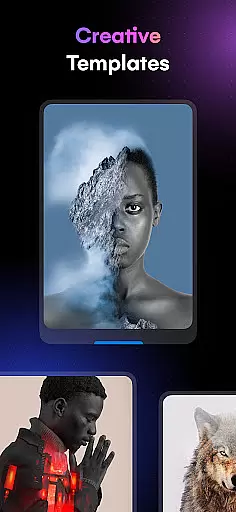
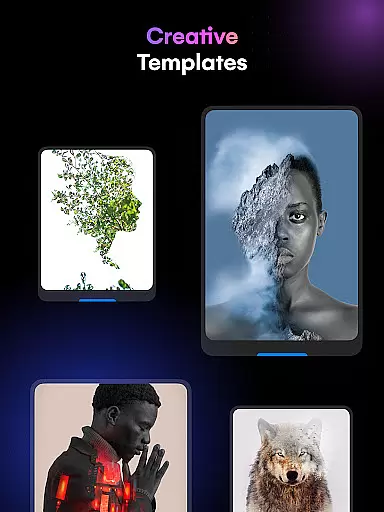
The app offers various customizable templates and adjustment options, giving users complete control over their photo blending projects. From adding shape masks for picture overlays to creating gradient blends, each feature is designed to enhance the artistic potential of every image. Additionally, the app supports essential editing functions like crop and rotation, ensuring that users can refine their compositions with precision.
Another notable aspect of Blend Photos is its seamless sharing functionality. Users can quickly export their creations in HD quality and share them directly to social media platforms or with friends. This combination of powerful editing tools and convenient sharing options makes Blend Photos an indispensable tool for anyone looking to elevate their photo editing game while maintaining an efficient workflow.
In the realm of digital artistry, having a comprehensive suite of creative tools is paramount. Blend Photos rises to this occasion by offering an extensive array of features that cater to both novice and professional artists alike. The application includes fundamental tools such as cropping and rotating, which are essential for any photo editing task.
Moreover, it ventures into more sophisticated territories with functionalities for creating double exposure images and picture overlays. These advanced features empower users to experiment with complex compositions and push the boundaries of their artistic expression. With Blend Photos, every tool needed to transform a simple image into a work of art is readily accessible.
The true value of these capabilities lies in their ability to streamline the creative process. Users can swiftly transition from basic adjustments to intricate designs without missing a beat. This seamless integration of varied tools ensures that artists can maintain their flow and bring their visions to life with minimal interruption.
Flexibility in canvas and format options is crucial for accommodating diverse artistic visions. Blend Photos excels in this area by providing highly customizable settings that allow users to tailor their workspace according to specific project requirements. Whether it's adjusting dimensions or selecting aspect ratios, the app offers the freedom to mold the canvas as per individual preferences.
In addition to customizable canvases, the app supports various file formats, ensuring compatibility across different platforms and devices. Artists can import and export files without worrying about format restrictions, thus facilitating a smooth workflow. This versatility is further enhanced by the option to save and share creations in HD resolution, preserving the quality of the artwork during distribution.
By prioritizing canvas and format flexibility, Blend Photos not only meets but exceeds the expectations of its users. The ability to fine-tune these aspects contributes significantly to the overall user experience, making it an indispensable tool for anyone looking to explore the depths of digital art creation.
User-friendly interface
Advanced AI technology
HD saving capability
Quick sharing options
Comprehensive editing tools
Limited free features
Occasional performance lag
Subscription required
Ads in free version
Learning curve for beginners

Floor Plan Creator lets you create, edit and share floor plans.
 4.00
4.00
Sketch, trace and master AR drawing with awesome anime art!
3.30
Meet the magic aı 3d photo generator and smart AI video generator app.
3.20
Digital illustration drawing & painting pad app to paint Anime and Manga art
4.50
Digital, Abstract, Classic - all types of color wheels in one app!
4.60
Photo editor for art, avatars, filters & fun transformations.
4.60
Turn your drawings into flipbook-style animations with simple creative tools
4.60
Powerful home decoration & house design that allows you to design dream home.
3.80
Inky runs Inkscape on Android devices and Chromebooks
2.90
Draw on screen: FP sDraw is a simple and lightweight drawing app
4.70
Image resizer to resize, crop, rotate, flip, change dpi photo or picture in bulk
4.60
Painting, drawing, & sketching
4.50
Kling AI is an image and video generation and editing studio powered by AI.
4.50
AI Tattoo Generator: Create Tattoo Designs & Get Ideas! Ink & Stencil Maker
4.50
Sketch, plan, take notes and illustrate on an infinite canvas.
4.20
Create sweet, cool and unique couple avatars easily, in just a few steps!
3.40
Create stunning video, photo & magic from text with FlixAI GPT video generator.
3.10
Art of Combination Wear OS Watch faces
4.1
Android 14 style widgets and wallpapers app.
4.2


User Reviews