
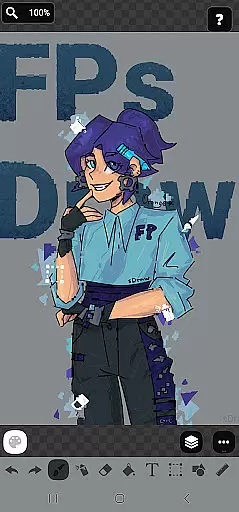
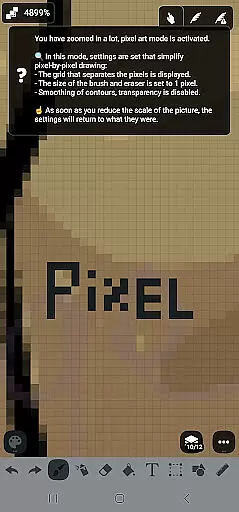
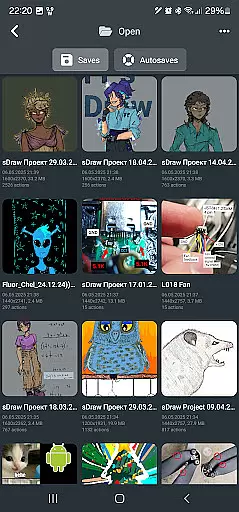
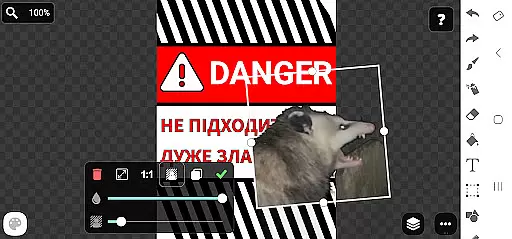
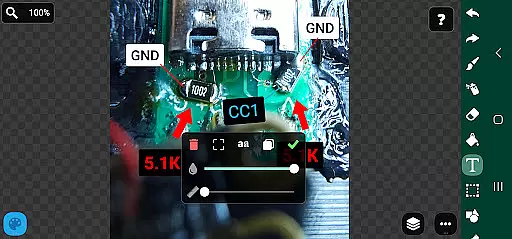
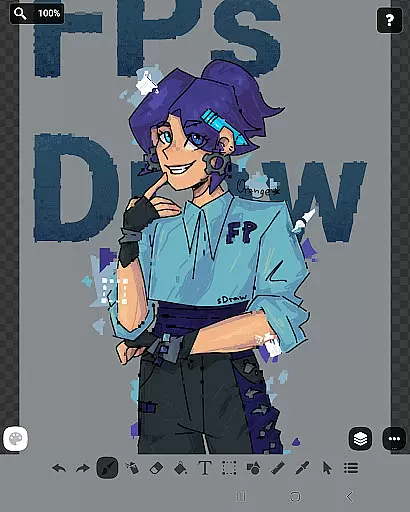
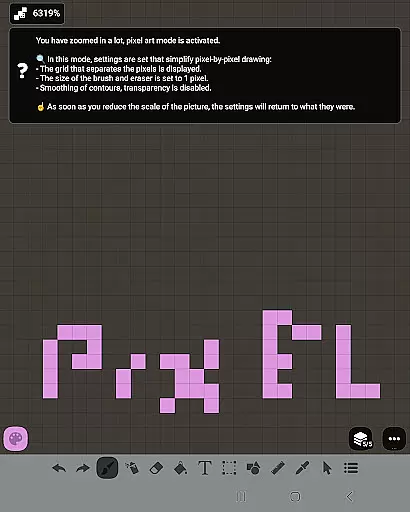
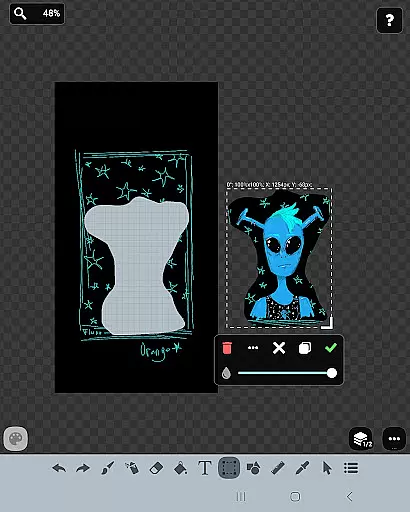
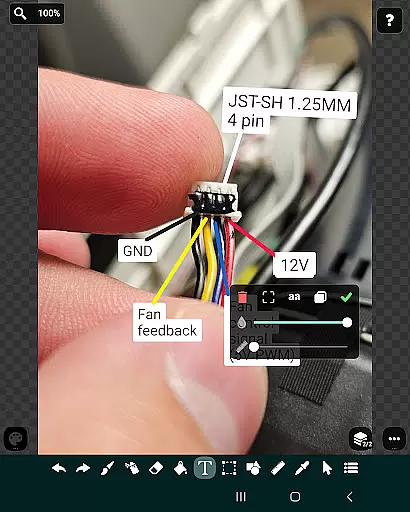
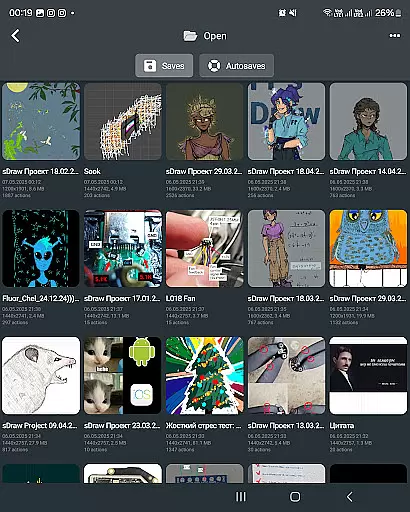
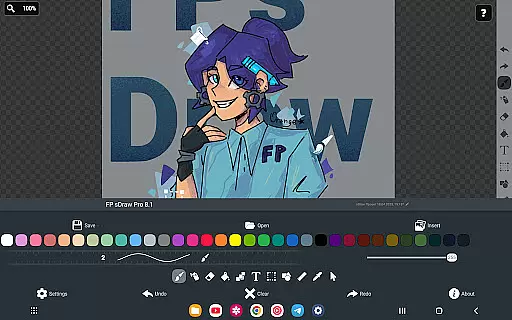
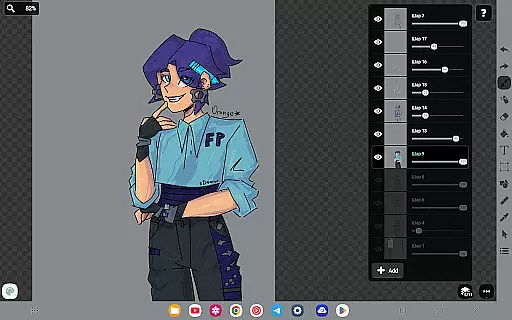
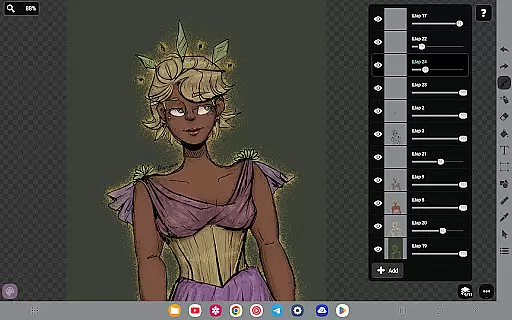
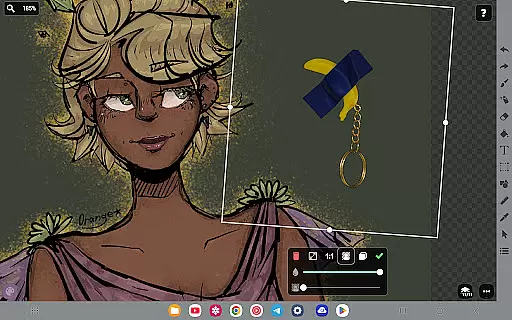
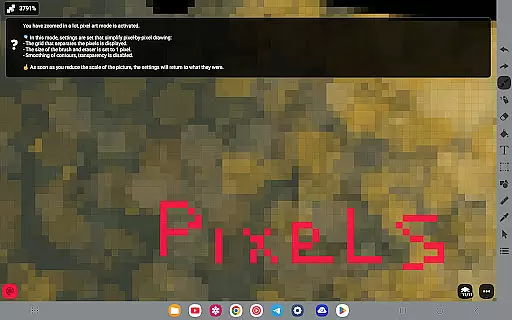
FP sDraw Pro is a streamlined drawing application tailored for users seeking simplicity and efficiency in their creative tasks. Designed with minimalism in mind, this app allows users to dive straight into drawing without the distraction of ads or unnecessary clutter. It's an ideal choice for quick sketching needs, such as creating memes, adding annotations to photos, or jotting down ideas.
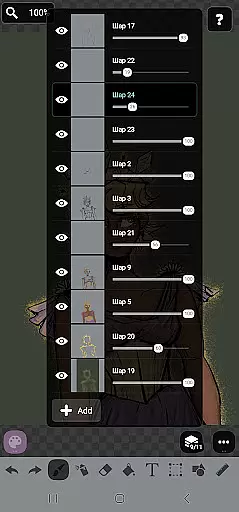
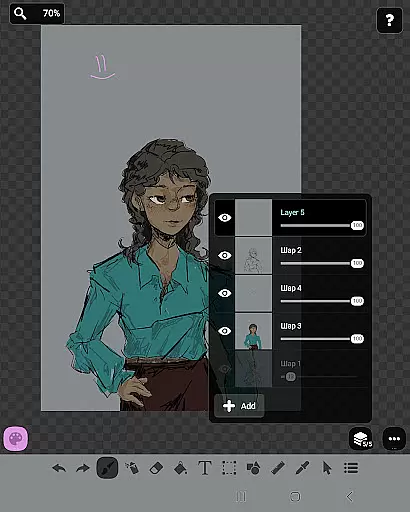
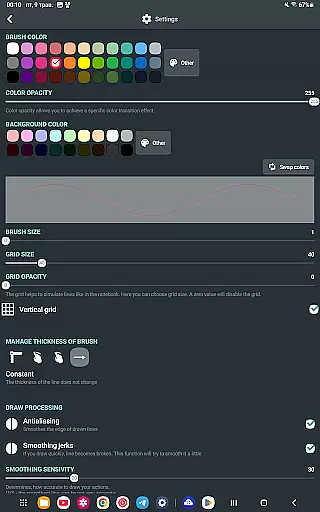
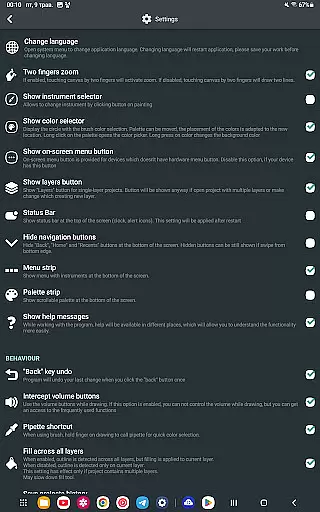
The app boasts a variety of drawing tools including layers, brushes, text options, and shapes, catering to both casual doodlers and those requiring more precision in their work. Its lightweight nature ensures compatibility even with older devices, while features like automatic backups and stylus support enhance its utility. With customizable UI elements and helpful tips that appear only when necessary, FP sDraw Pro offers a user-friendly experience without compromising on functionality.
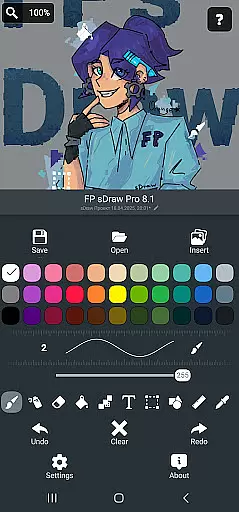
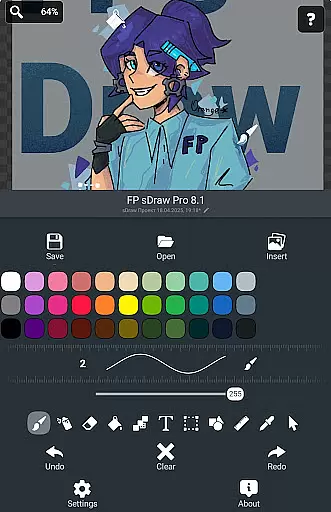
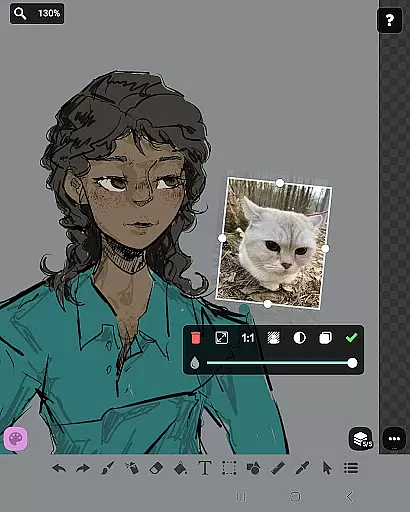
FP sDraw Pro stands out with its comprehensive yet uncluttered feature set. The inclusion of layers enables users to organize complex sketches efficiently, while the ability to insert images from the gallery expands creative possibilities. Tools such as brush, eraser, airbrush, fill, text, selection, shapes, ruler, eyedropper, mosaic, and precision brush cater to diverse artistic needs.
Additional functionalities include stylus support for devices like sPen and Active Pen, automatic backup for peace of mind, and the option to trigger quick actions via volume buttons. The free version is fully functional, ensuring accessibility, while the Pro version offers extras such as removing the 'sDraw' label from saved images and eliminating promotional reminders. This balance of essential tools and optional enhancements makes FP sDraw Pro a versatile choice for digital artists.
In the realm of digital art, having a comprehensive set of creative tools is essential for artists to fully express their visions. FP sDraw Pro stands out by offering an extensive array of drawing instruments that cater to both amateur doodlers and professional designers alike.
From basic brushes and erasers to advanced features like layers, airbrush effects, text insertion, and shape tools, this application ensures that all your artistic needs are covered. The inclusion of a precision brush and mosaic effect further expands the creative possibilities, allowing users to experiment with different styles and techniques without limitation.
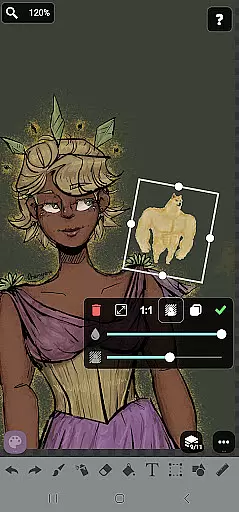
Moreover, the app supports importing images from the gallery, providing a canvas for augmentation or transformation. This feature-rich toolbox does not only enhance productivity but also stimulates creativity, making FP sDraw Pro an indispensable companion for anyone interested in digital art.
The true test of any art and design application lies in its ability to offer flexible canvas options and format compatibility. FP sDraw Pro excels in this area by ensuring that creators are not constrained by fixed dimensions or rigid formats.
Artists can customize their workspace with ease, adjusting canvas sizes to fit their project requirements perfectly. Whether it's creating a small sketch or working on a detailed masterpiece, the app accommodates various scales and resolutions without compromising performance.
Additionally, FP sDraw Pro provides stylus support including sPen and Active Pen, enhancing control and precision during creation. With such adaptable features at their disposal, users can seamlessly transition between different types of projects while maintaining complete creative freedom over their work.
User-friendly interface
No ads or distractions
Lightweight and fast
Customizable UI elements
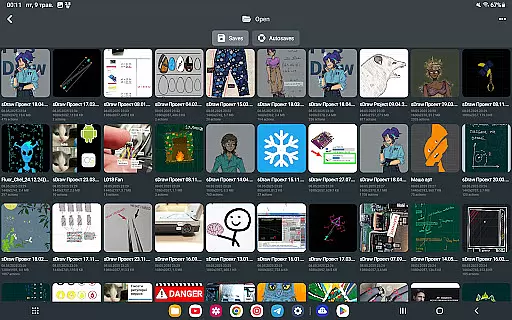
Automatic backup feature
Limited advanced features
Basic UI design
Fewer filters/effects
No cloud sync
Small community

Vidu is an AI video generator made for creators and aspiring makers.
 3.30
3.30
Art of Combination Wear OS Watch faces
4.2
Unleash your drawing and painting potential
4.50
Paint with oils and sketch with natural tools on a realistic virtual canvas.
3.80
Art of Combination Wear OS Watch faces
4.0
AI Art Generator transforms your words into AI generated art & paintings.
3.70
Design unique, funny and adorable cat stickers that reflect your own style!
3.80
AR Anime Drawing: How to draw anime with AR drawing & sketching apps!
4.00
Minecraft & Roblox Clothes
4.70
Convert image to JPG PNG HEIC PDF, support almost all kinds of image formats
4.70
Novices can also easily complete diamond painting masters
4.70
Your AI soulmate — meaningful chats, and unique emotional moments
4.70
2D animation studio for Android tablets - unlimited layers, infinite timeline
4.70
Kling AI is an image and video generation and editing studio powered by AI.
4.50
Draw, make movies & animate cartoons easily with our 2D animation maker app
4.40
AI generated images & photos, turn your words into drawing, painting & pictures.
4.30
Resize photos and print photos in exact size with our powerful photo printer!
3.80
Your homescreen as an elegant glass with customized blur, lighting, and visuals.
3.70
Your Essential Color Theory Guide: Red, Yellow, Blue (RYB)
4.2


User Reviews