
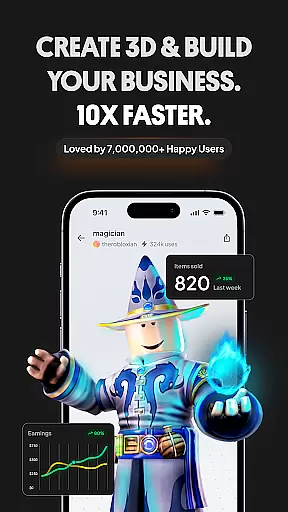
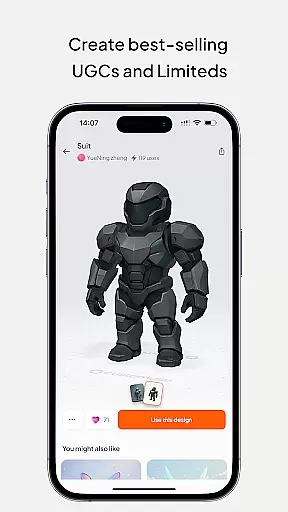
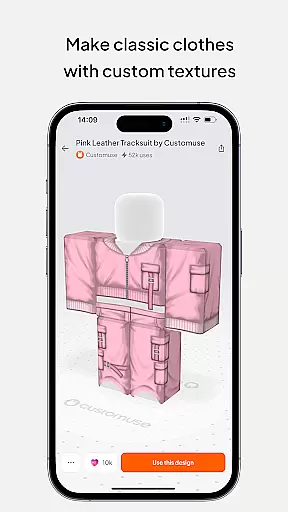
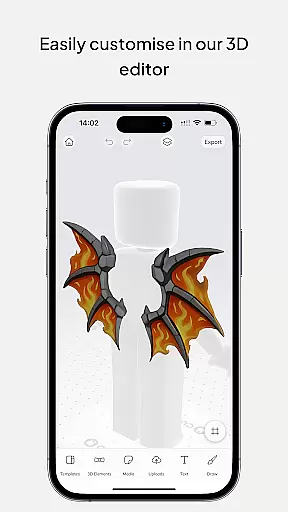
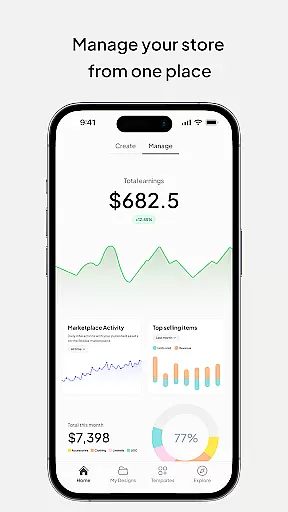
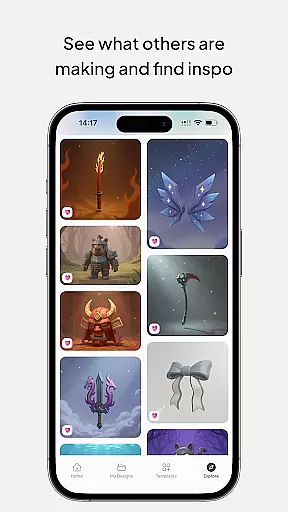
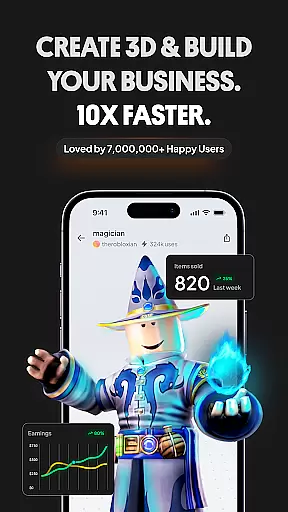
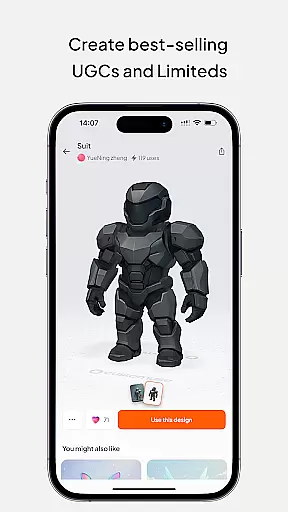
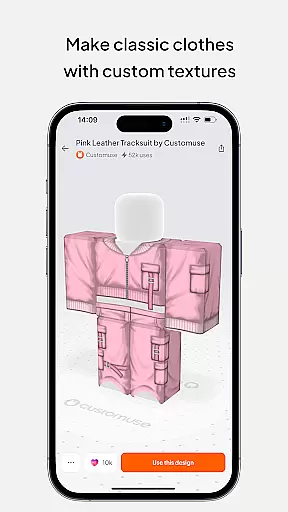
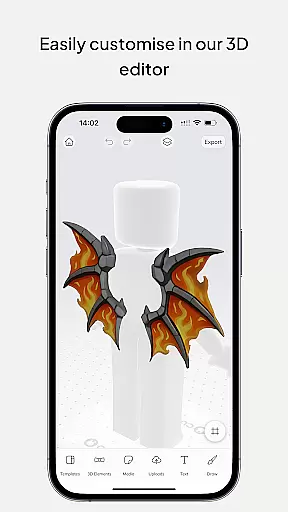
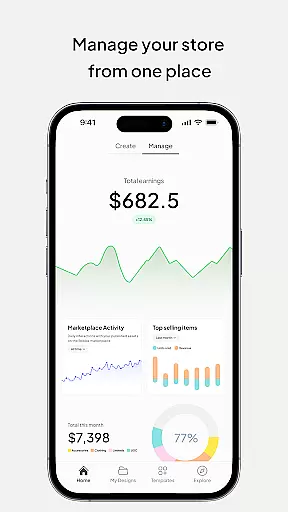
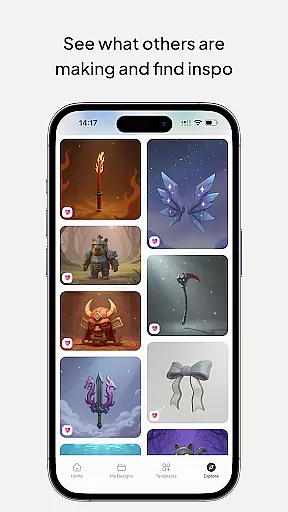
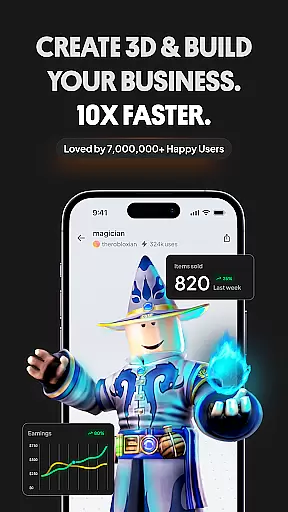
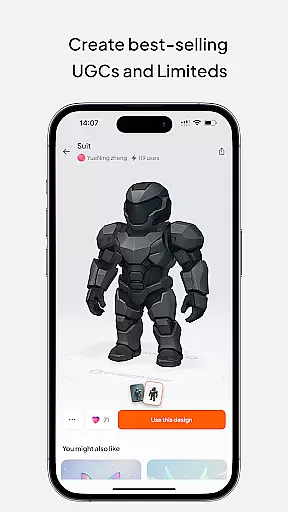
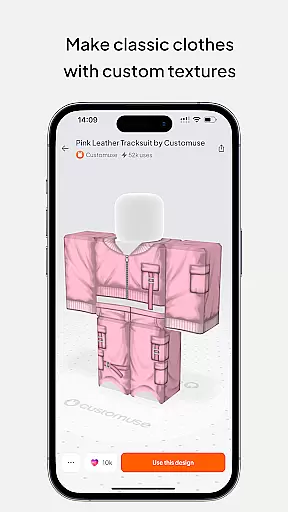
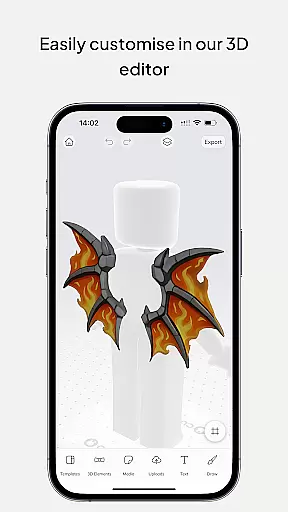
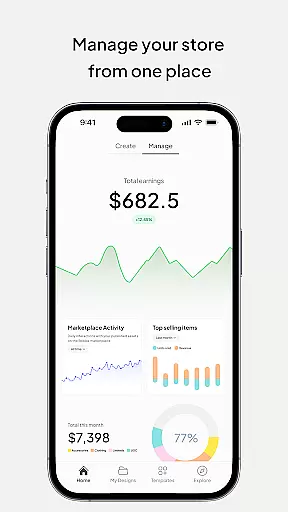
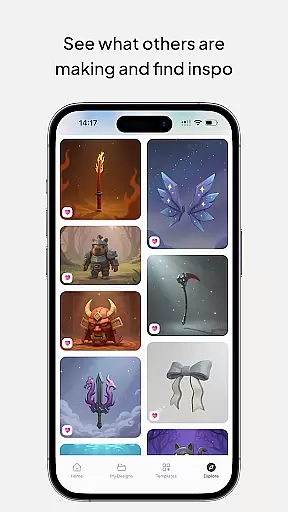
Customuse is a powerful 3D design tool tailored for creators and designers, offering an extensive range of features to enhance digital creativity. With over 2 million users, this app allows you to create unique designs for platforms like Roblox, Minecraft, and Zepeto, while also customizing AR filters for social media.
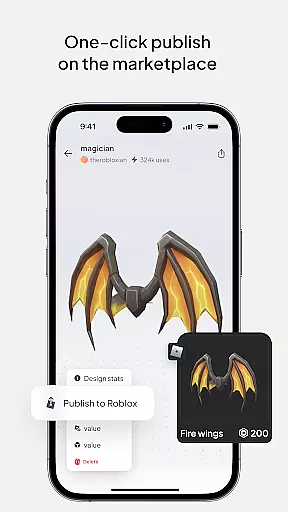
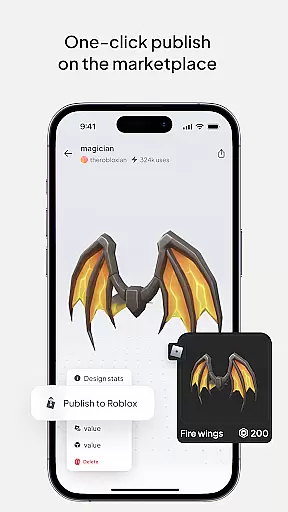
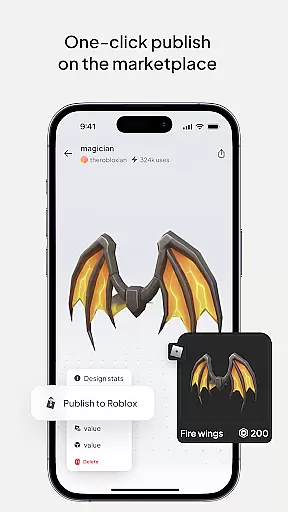
The app's core functionality lies in its versatile design capabilities. Users can craft custom Roblox skins using thousands of templates or start from scratch, publish directly to Roblox, and even monetize their creations by earning Robux. Additionally, it supports designing Minecraft skins, Zepeto outfits, and AR filters for TikTok, Snapchat, and Instagram, making it a one-stop solution for creative expression.
Whether you're a beginner or a professional designer, Customuse adapts to your skill level with AI-assisted tools that simplify complex tasks. Its virtual try-on feature and branding options make it ideal for fashion enthusiasts and aspiring designers looking to explore new realms of creativity.
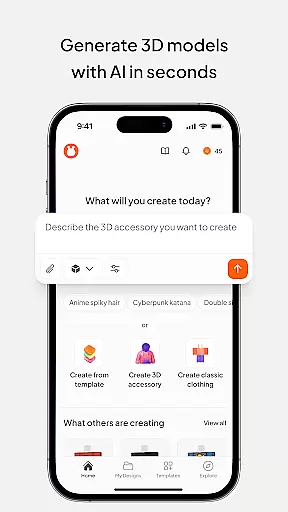
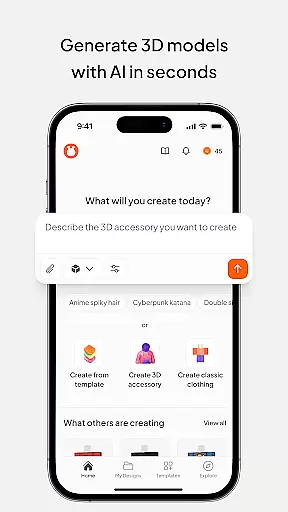
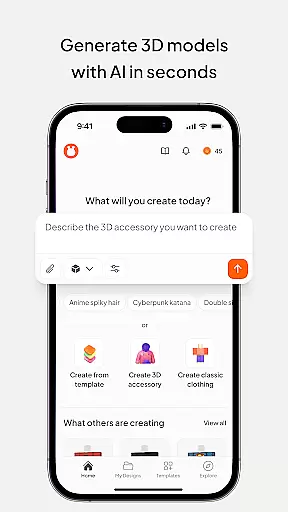
Customuse stands out with its diverse set of innovative features designed to cater to various creative needs. One of its key highlights is the ability to generate Roblox skins effortlessly using AI tools. These tools provide tailored design suggestions, enabling users to create unique clothing items that can be sold on the Roblox marketplace for profit.
Beyond gaming platforms, Customuse extends its utility to social media by allowing users to design custom AR filters for Instagram, Snapchat, and TikTok. The AI-powered face filter generator ensures dynamic posts that capture attention across platforms. Furthermore, the app includes advanced graphic design tools for creating 3D clothing mockups, complete with branding options such as logos and prints.
Additional functionalities include multi-device compatibility (iPhone, Desktop, iPad), making it accessible for all types of users. Whether you're enhancing your Minecraft avatar or crafting Zepeto outfits, Customuse provides intuitive controls and sophisticated features that streamline the creative process while maintaining high-quality output.
In the realm of digital design, having a comprehensive suite of creative tools is essential for unleashing one's full artistic potential. Customuse rises to this occasion by offering an extensive array of features tailored for designers and creators alike. With capabilities ranging from crafting unique Roblox skins to designing Zepeto clothes, and even creating Minecraft avatars, the app stands as a versatile ally in the creative process.
Customuse doesn't just stop at gaming platforms; it extends its utility to social media by allowing users to customize filters for TikTok, Snapchat, and Instagram. The inclusion of AI tools further enriches the experience, enabling users to generate designs through simple prompts and receive personalized suggestions. This fusion of traditional design methods with cutting-edge AI assistance ensures that every creator has the necessary instruments to bring their visions to life.
The true value of Customuse lies in its ability to cater to both novices and professionals. Beginners can leverage ready-made templates and intuitive design interfaces to quickly produce content, while seasoned designers have advanced options at their disposal for intricate projects. By bridging the gap between different skill levels, Customuse fosters a community where creativity knows no bounds, empowering users to explore new horizons in 3D modeling and beyond.
Flexibility in canvas and format options is crucial for designers who wish to express their creativity without technical limitations. Customuse addresses this need by providing a dynamic platform where users can manipulate various formats with ease. Whether it's adjusting dimensions for a Roblox skin or fine-tuning details on a Zepeto outfit, the app offers precise control over every aspect of the design process.
Beyond static creations, Customuse supports animated content and AR filters, making it an ideal choice for those looking to enhance their social media presence with engaging visuals. Users can experiment with different styles and fabrics in 3D, perfecting their designs before sharing them across multiple platforms. This adaptability not only streamlines workflows but also encourages experimentation and innovation.
Moreover, the app's compatibility across devicesu2014be it iPhone, desktop, or iPadu2014ensures that creators are not tethered to a single workspace. This mobility allows for seamless transitions between environments, granting designers the freedom to work wherever inspiration strikes. By prioritizing canvas and format flexibility, Customuse empowers artists to push boundaries and redefine what's possible in digital artistry.
User-friendly interface
AI-driven design tools
Multi-platform support
Monetization opportunities
Versatile customization
Requires learning curve
Premium features locked
Limited free templates
Occasional bugs
High system requirements

AI generated images & photos, turn your words into drawing, painting & pictures.
 4.30
4.30
Floor Plan Creator lets you create, edit and share floor plans.
4.00
Apply cartoon, caricature, and portrait effects to make your photos stand out!
3.60
Art of Combination Wear OS Watch faces
4.2
Draw beautiful mandala's very easily
4.60
Create stunning art with AI.
4.80
Draw glowing spinners, relax, and spin your creative art
4.60
Experience next-gen icons with a modern liquid glass look.
3.60
Photo stitcher for automatically screenshot stitching into a long screenshot
4.70
Logo Generator powered by AI: Create stunning logos effortlessly!
4.70
Unleash your drawing and painting potential
4.50
Video AI: Revolutionize Your Content Creation with Advanced Video Generation
4.50
AI Tattoo Generator: Create Tattoo Designs & Get Ideas! Ink & Stencil Maker
4.50
Everything you need to create hand drawn animation, anywhere you go!
4.40
AR Anime Drawing: How to draw anime with AR drawing & sketching apps!
4.00
Sketch and paint on your device with the feel and freedom of drawing on paper
4.00
Turning simple sketches into captivating tales filled with life and motion
3.90
Your Essential Color Theory Guide: Red, Yellow, Blue (RYB)
4.2
Android 14 style widgets and wallpapers app.
4.3


User Reviews