
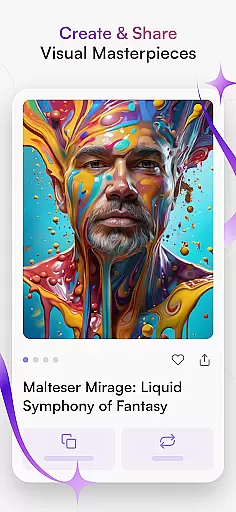
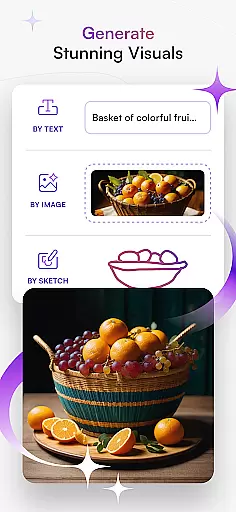
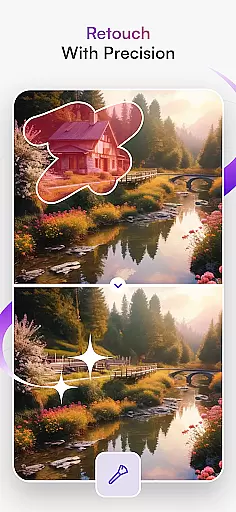
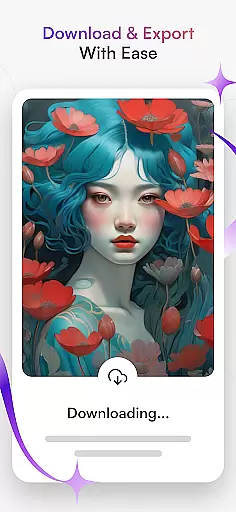
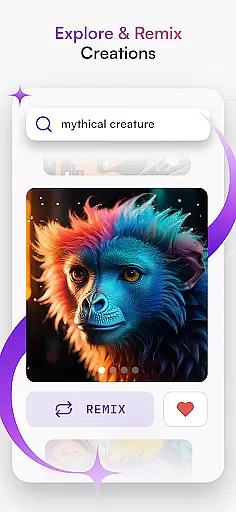
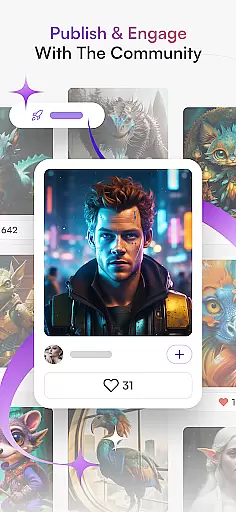
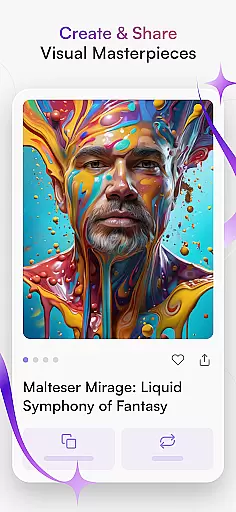
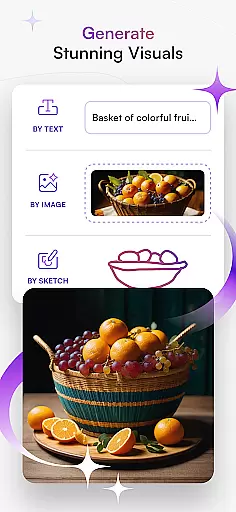
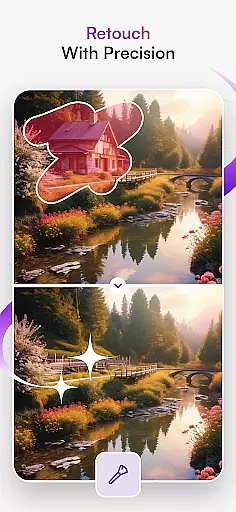
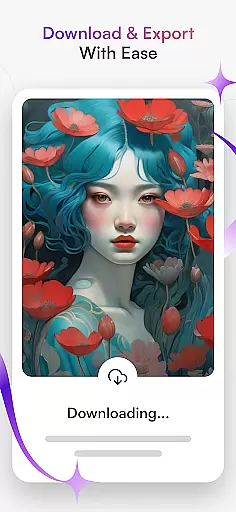
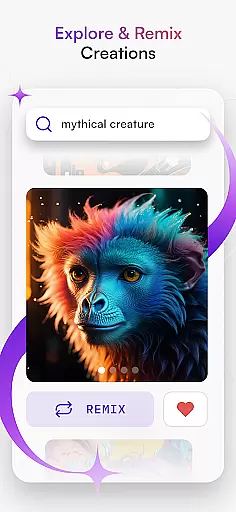
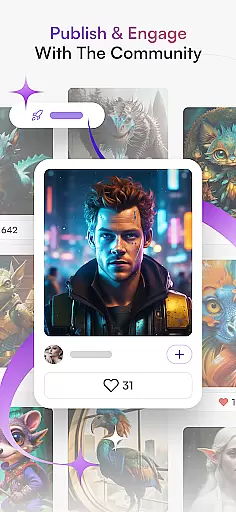
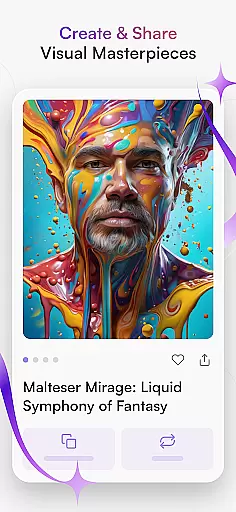
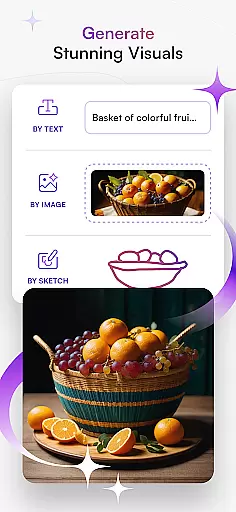
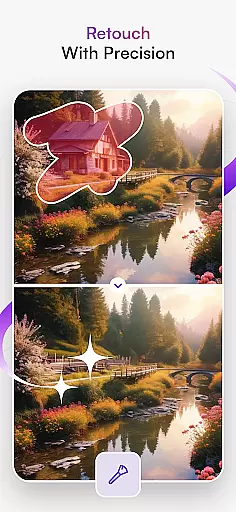
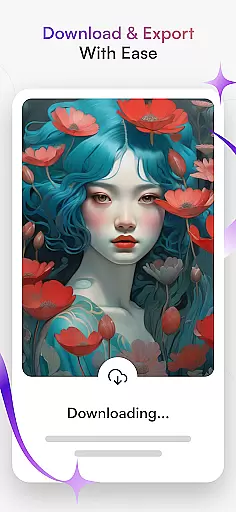
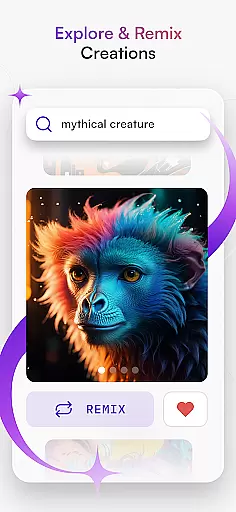
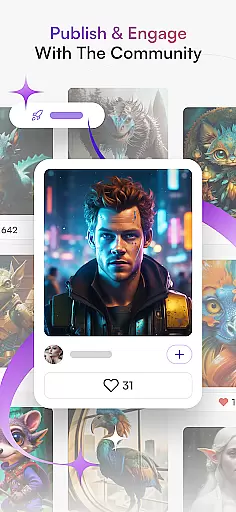
starryai is an innovative AI art generator that empowers users to create stunning digital artworks effortlessly. The app combines cutting-edge artificial intelligence with intuitive design tools, allowing both professional artists and beginners to produce captivating visuals across various styles. With features like Text to Image conversion, AI Photo Generator, and Anime AI, users can transform simple ideas into breathtaking works of art.
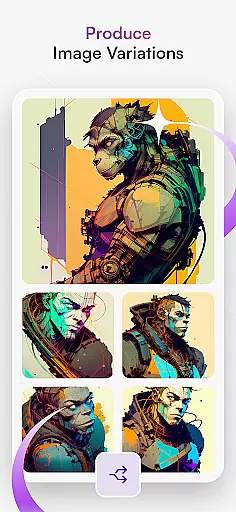
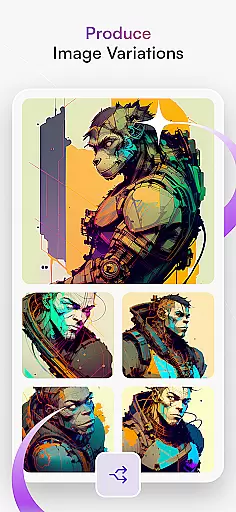
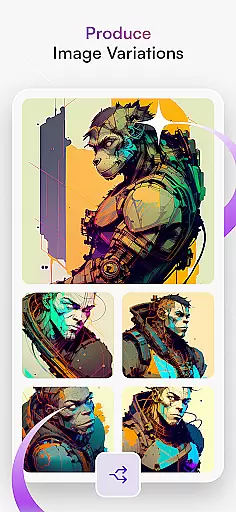
The application's versatility extends to its Image Variations tool, which produces multiple renditions of a single concept with remarkable detail and realism. Additionally, the AI Portrait Generator captures the essence of subjects through striking portraits that convey personality and emotion. Whether you're looking to create anime-inspired designs, hyperrealistic landscapes, or personalized avatars, starryai provides all the necessary tools to bring your artistic visions to life.
Designed for creative professionals and hobbyists alike, starryai offers a seamless experience on mobile platforms. Its value lies in democratizing art creation, making sophisticated design techniques accessible to everyone. By leveraging advanced AI capabilities, the app enables users to experiment with diverse styles and share their masterpieces within a vibrant community of like-minded creatives.
starryai stands out through its comprehensive suite of AI-powered art creation tools. The Text to Image feature allows users to generate beautiful digital artwork simply by entering descriptive text prompts. This functionality supports various artistic styles, from anime-inspired illustrations to photorealistic renderings. The Image Variations tool takes creativity further by producing multiple unique interpretations of a single concept, each with impressive detail and quality.
The app's AI Photo Generator revolutionizes traditional photo editing by transforming ordinary images into extraordinary artworks. Users can experiment with different artistic styles and filters to achieve desired effects. The AI Drawing feature caters to illustrators by providing intuitive sketching and painting tools that respond intelligently to user input. Meanwhile, the AI Portrait Generator creates lifelike representations that capture both physical likeness and emotional depth.
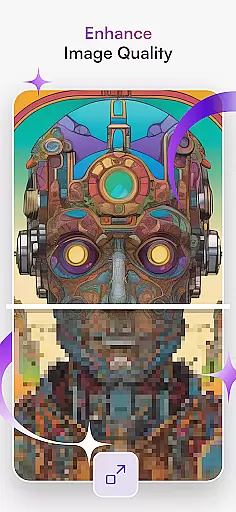
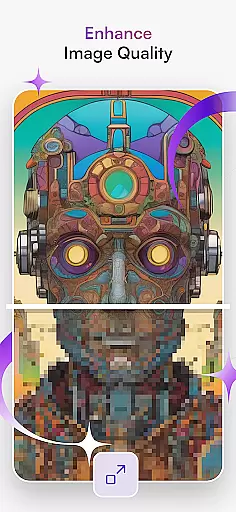
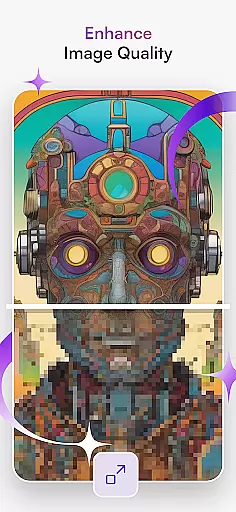
Additional features include the AI Avatar Generator for creating custom digital personas, and specialized tools for enhancing image quality and generating NFT art. The platform also supports tattoo design concepts and graphic design projects. These capabilities demonstrate starryai's commitment to pushing the boundaries of AI-assisted creativity while maintaining user-friendly interfaces that make sophisticated art creation accessible to all skill levels.
In the realm of digital art, having a comprehensive suite of creative tools is essential for unleashing an artist's full potential. starryai - AI Art Generator stands out by offering an extensive array of features that cater to both novice and experienced artists. The platform includes functionalities such as Text to Image, Image Variations, and AI Drawing, which allow users to experiment with different styles and techniques.
One of the key strengths of starryai is its ability to transform textual descriptions into visually stunning artworks through its prompt and style selection feature. This empowers users to quickly bring their ideas to life without needing advanced technical skills. Additionally, the AI Photo Generator enables creators to infuse ordinary photos with extraordinary artistic effects, expanding the possibilities for personal expression.
The inclusion of specialized tools like the AI Portrait Generator and Anime AI demonstrates starryai's commitment to providing a versatile toolkit. These features enable detailed customization of portraits and exploration of anime-inspired aesthetics, ensuring that every user can find something suited to their artistic vision. With these robust capabilities at hand, artists are equipped to push boundaries and explore new horizons in their work.
Flexibility in canvas size and format options is crucial for artists who wish to express themselves without limitations. starryai - AI Art Generator addresses this need by providing adaptable solutions that accommodate various project requirements. Whether itu2019s creating hyperrealistic landscapes or designing custom avatars, users have the freedom to choose dimensions that best fit their creative goals.
starryai supports diverse outputs including digital artwork, NFT creations, graphic designs, and even tattoo concepts. This versatility ensures that whether you're crafting visuals for social media, professional portfolios, or personal enjoyment, thereu2019s a suitable format available within the app. Moreover, the platform facilitates easy sharing of finished pieces directly into communities, enhancing collaboration opportunities among fellow creatives.
By integrating advanced technologies like midjourney and Dall-e, starryai further enhances its canvas capabilities. Users benefit from seamless transformations of text prompts into rich visual narratives, allowing them to focus on storytelling rather than technical constraints. Such innovations not only streamline workflows but also open up fresh avenues for experimentation and growth in the ever-evolving landscape of artificial intelligence art.
User-friendly interface
Wide range of styles
Powerful AI tools
Vibrant community
Regular updates
Free version limited
Pro features costly
Occasional bugs
Learning curve
Export restrictions

Digital illustration drawing & painting pad app to paint Anime and Manga art
 4.50
4.50
AI Face Swap, Video Effects Editor, Realtime Morph, Funny Video FX,AI Filters
3.70
Remove Background, Magic Eraser, Photo Enhancer, Story Templates, Collage Maker
4.30
Painting, drawing, & sketching
4.50
Get creative and make art with your Sesame Friends!
4.00
Art of Combination Wear OS Watch Faces
3.30
Your homescreen as an elegant glass with customized blur, lighting, and visuals.
3.70
Create and Design Custom Logos in Seconds with AI-Powered Tools!
4.40
Explore future self face age filter & remove background image for a unique look.
3.50
See Color, Paint Color
4.90
Draw anime & manga drawing, art with templates to create stunning picture!
4.50
Stylish letters, Stylish Keyboard, Symbols, Emojis, Cool nickname
4.40
Draw, make movies & animate cartoons easily with our 2D animation maker app
4.40
Trace, draw, and create art with AR - from memes to masterpieces!
4.30
Custom Character Creator & PFP Maker!
4.20
OneUI 8.5 icons ✨ Smooth, modern & based on the latest Play Store design ??
4.10
Turning simple sketches into captivating tales filled with life and motion
3.90
Create sweet, cool and unique couple avatars easily, in just a few steps!
3.40
Your Essential Color Theory Guide: Red, Yellow, Blue (RYB)
4.2


User Reviews