
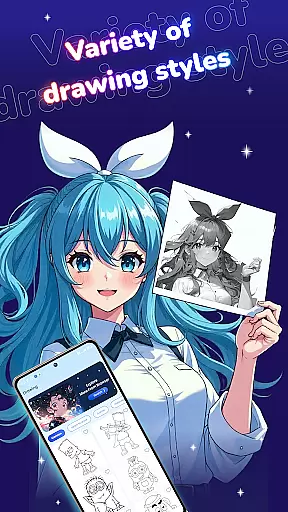
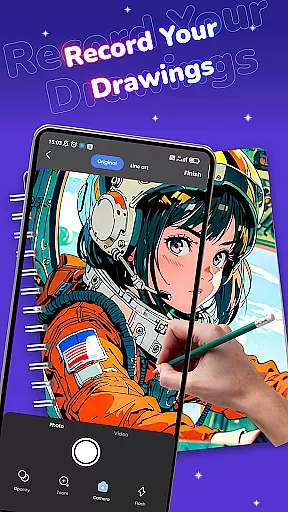
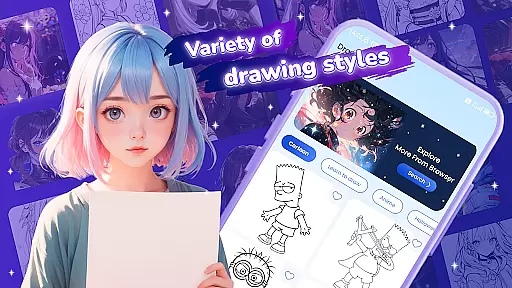
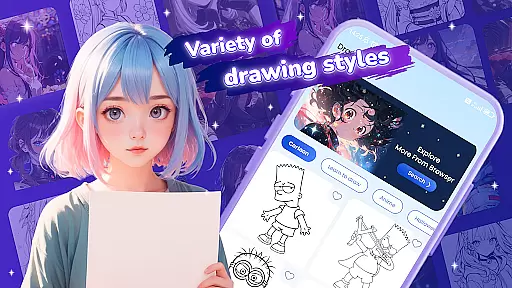
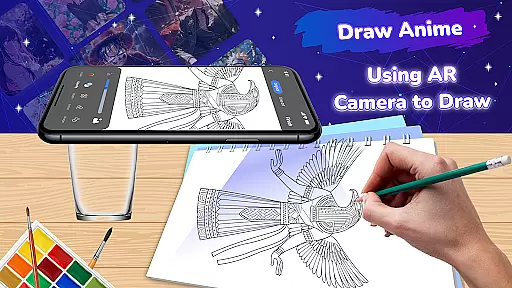
Draw Anime: Paint & Sketch App is a revolutionary tool for anime art enthusiasts, combining Augmented Reality (AR) technology with an intuitive drawing interface. The app allows users to trace and create stunning anime characters and scenes with precision, making it suitable for both beginners and experienced artists.
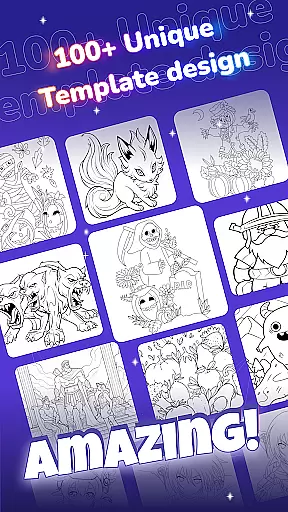
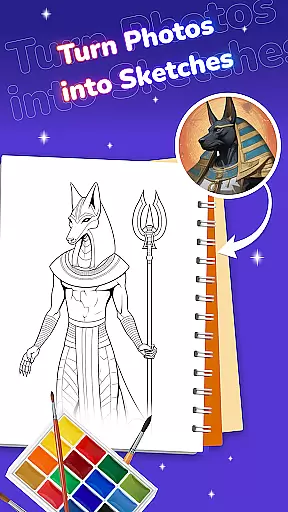
With its diverse template library featuring iconic anime characters and original manga designs, the app provides endless creative possibilities. Users can experiment with customizable brushes, colors, and effects while enjoying features like ASMR sounds to boost focus. Whether you're refining your skills or starting your art journey, this app offers professional-quality tools to bring your anime artwork to life.
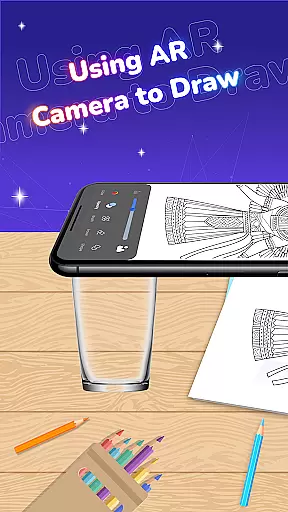
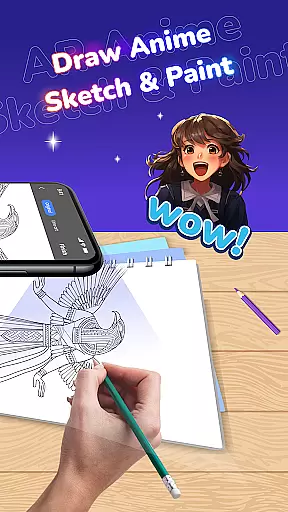
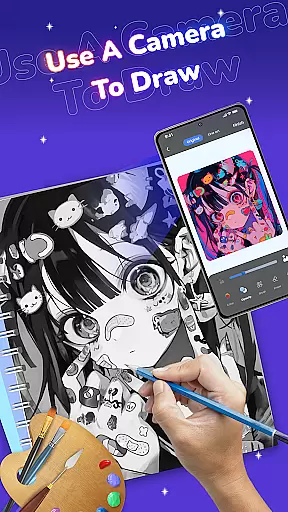
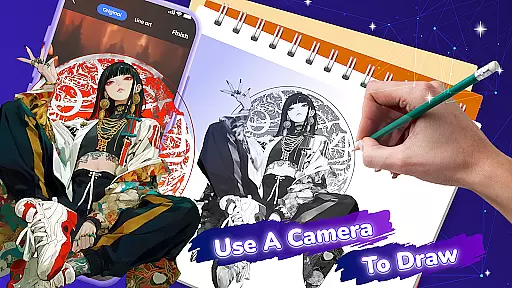
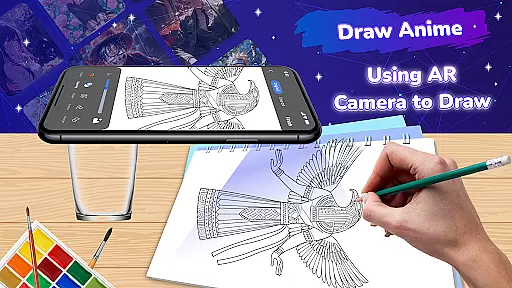
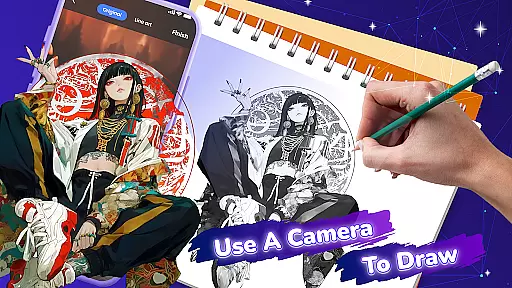
Draw Anime stands out with its innovative AR Tracing Mode, which overlays selected templates onto any surface, allowing users to trace outlines with accuracy. This feature makes it easy to sketch complex anime designs without prior experience.
The app also includes a comprehensive set of artistic tools, such as diverse brush styles, color palettes, and special effects, enabling users to add unique touches to their creations. Additionally, the built-in browser and ASMR sound options provide inspiration and enhance concentration, creating an immersive drawing experience that caters to various artistic needs.
In the realm of digital artistry, having a comprehensive set of creative tools is paramount. Draw Anime: Paint & Sketch App offers an extensive suite designed to cater to both budding artists and seasoned professionals in the anime genre.
At its core, the app provides AR Tracing Mode, which revolutionizes the way users draw by overlaying templates onto any surface, allowing for precise tracing. This feature is complemented by a diverse template library that spans iconic characters and unique manga styles, ensuring that every artist can find inspiration.
Furthermore, customizable options abound within the app's interface. Users can experiment with a plethora of colors, brushes, and effects, each tailored to infuse personal flair into their work. The inclusion of ASMR sounds also sets this app apart, creating an immersive environment that enhances focus and creativity.
The combination of these features results in an unparalleled creative experience, empowering users to produce professional-grade anime artwork with ease and precision.
Flexibility in canvas and format options is essential for artists who wish to explore various dimensions of their craft. Draw Anime: Paint & Sketch App addresses this need by providing versatile solutions that adapt to different artistic visions.
With the AR Drawing and Tracing feature, artists are not confined to traditional canvases; instead, they can turn virtually any surface into their workspace. This innovative approach allows for unprecedented freedom in choosing where and how to create art.
The app supports saving completed sketches directly to the user's gallery, facilitating easy sharing and storage. While it doesn't explicitly detail varied format support, the implication of a flexible system is present through its promise of seamless integration between physical and digital mediums.
Overall, Draw Anime equips artists with the means to push boundaries and redefine what's possible in the creation of anime art, making it an indispensable tool for those passionate about this expressive form.
User-friendly interface
Wide template selection
Customizable drawing tools
AR tracing functionality
Inspiring ASMR sounds
Limited free templates
Requires stable internet
Premium features locked
Occasional bugs
Ads in free version

Easy 3D drawing design maker & creator. Model designing, Sculpting. Create&paint
 4.00
4.00
Create stylish invitation cards using templates for weddings, birthdays & RSVP.
4.20
Novices can also easily complete diamond painting masters
4.70
Resize photos and print photos in exact size with our powerful photo printer!
3.80
Create and Design Custom Logos in Seconds with AI-Powered Tools!
4.40
Just trace a projected picture on paper and color! Draw & Paint with AR drawing
4.40
Draw, fidget, and spin glow art! Relax and express your creativity with a finger
4.60
Sketch and paint on your device with the feel and freedom of drawing on paper
4.00
All-in-One art, logo & collage maker. Design photos and edit video backgrounds
4.80
Digital, Abstract, Classic - all types of color wheels in one app!
4.60
Share the joy of painting with ibis Paint! Drawing anime and manga art.
4.50
Photo blender app to create overlay photos & double exposure.
4.40
AI generated images & photos, turn your words into drawing, painting & pictures.
4.30
Bring One UI 8.5 Icons to life -elegant dark icons with a modern, premium touch.
4.30
Customizable Outlined Fonts. Watch Face Format. Battery friendly Digital Clock.
4.20
Your homescreen as an elegant glass with customized blur, lighting, and visuals.
3.70
Create trending AI photos & videos with powerful effects and 3D styles.
3.20
Pose and morph realistic male and female models! 3D poser app
3.00
Art of Combination Wear OS Watch faces (for Wear OS 5+ devices)
3.00


User Reviews