
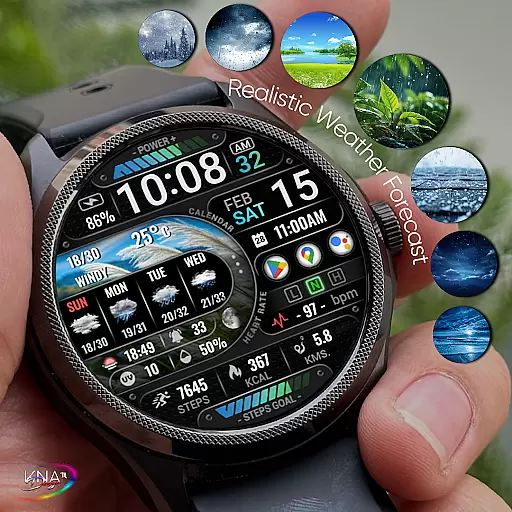
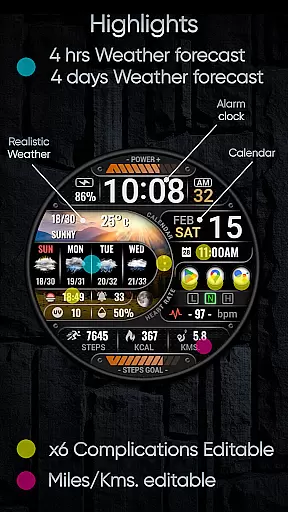
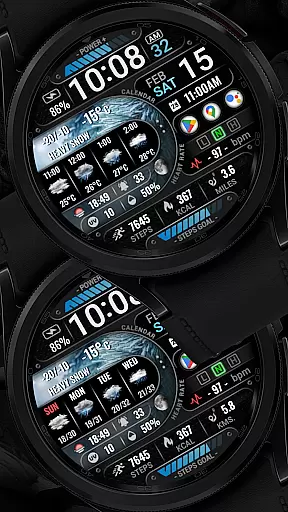
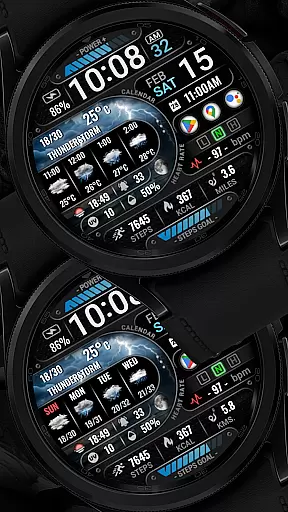
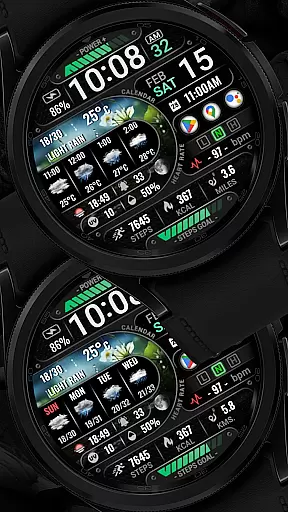
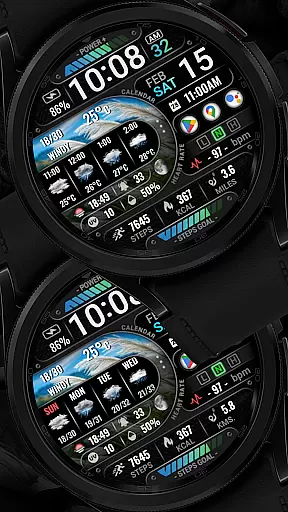
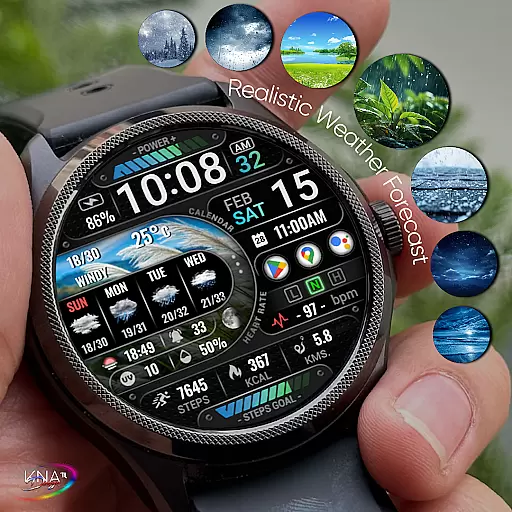
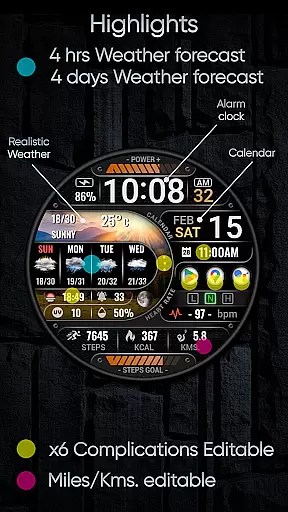
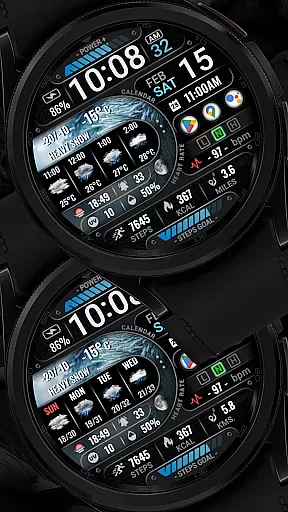
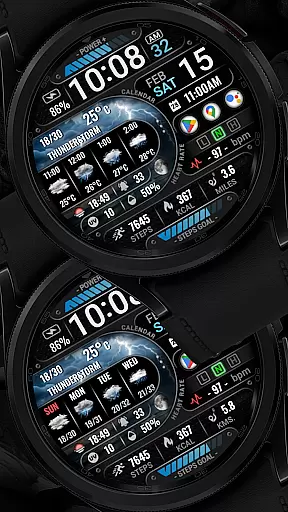
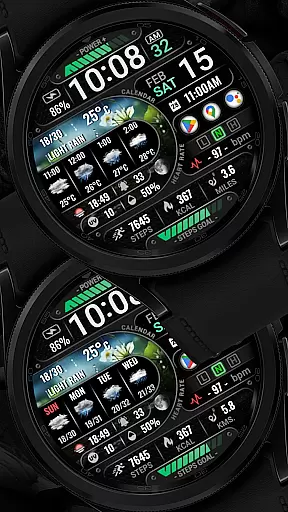
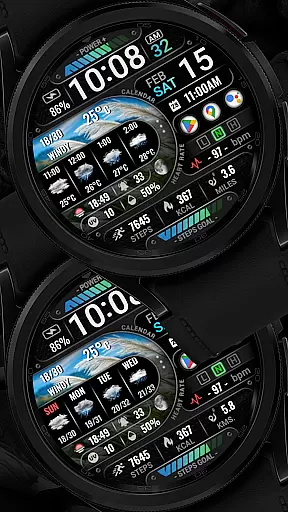

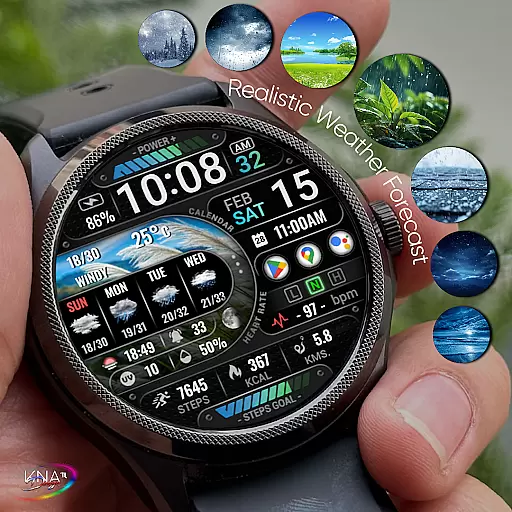
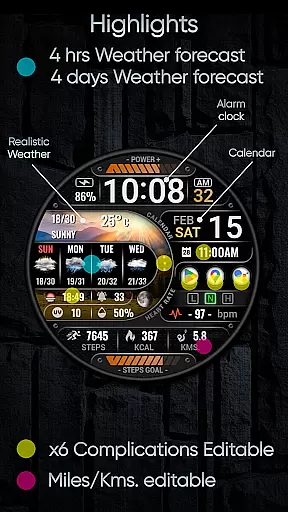
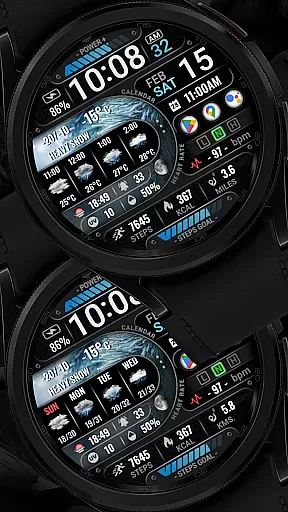
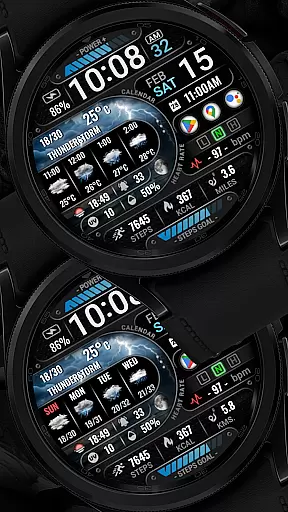
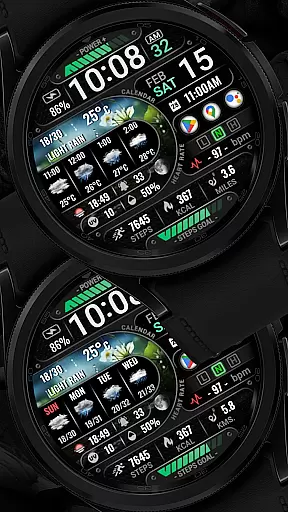
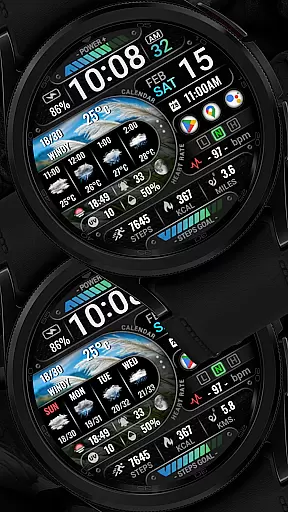
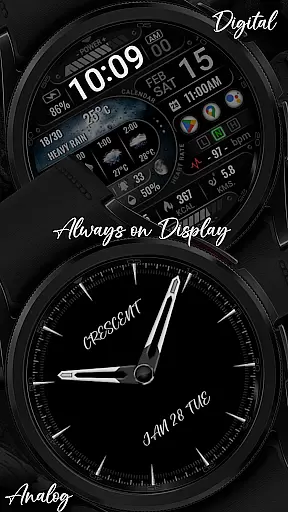
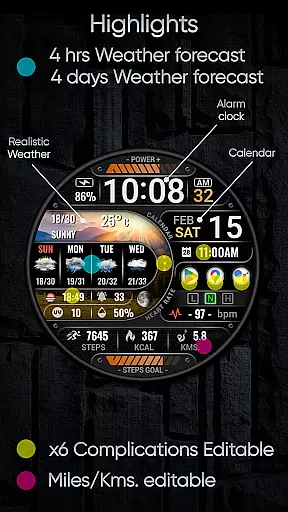
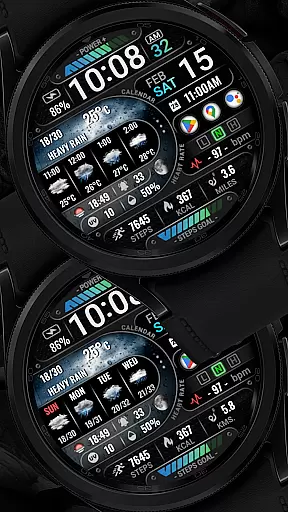
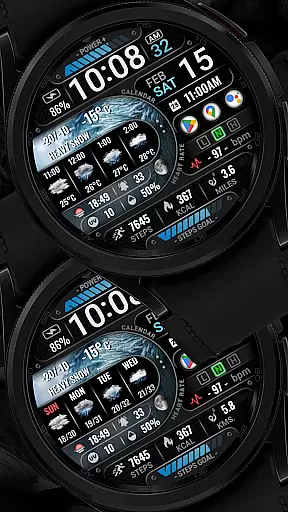
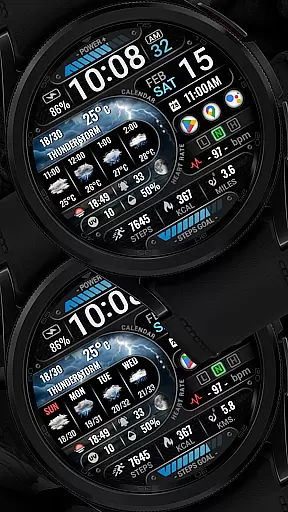
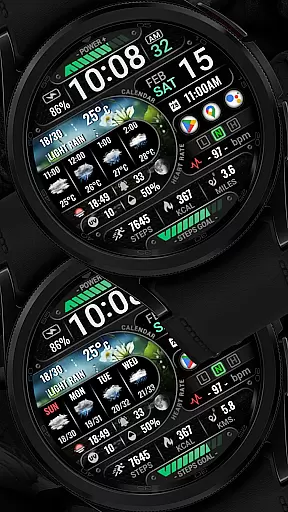
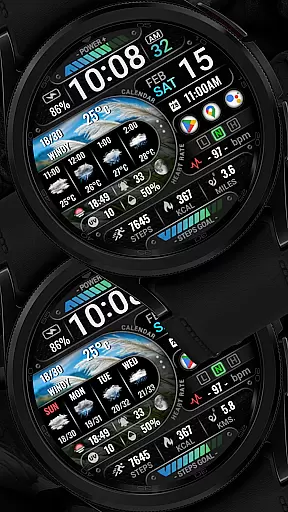
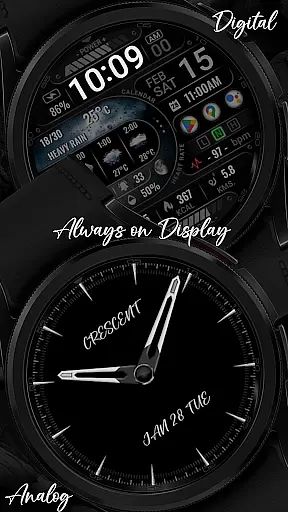
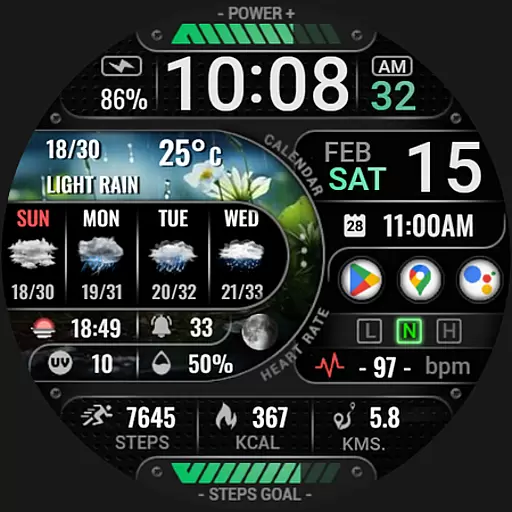
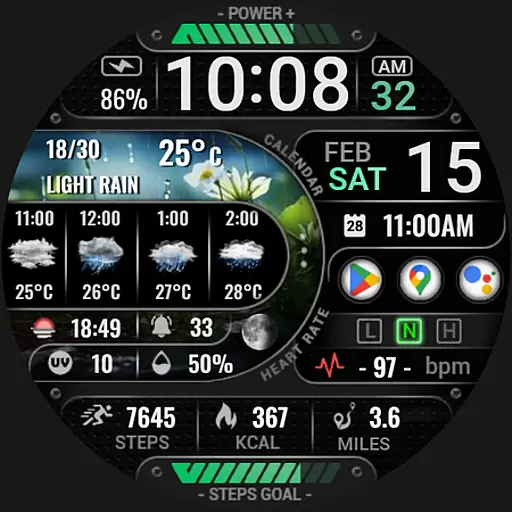
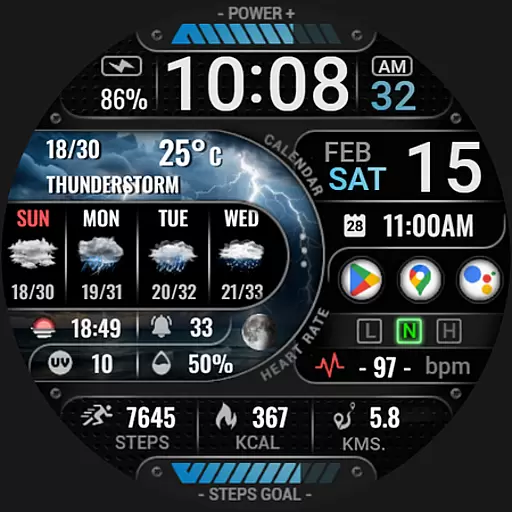
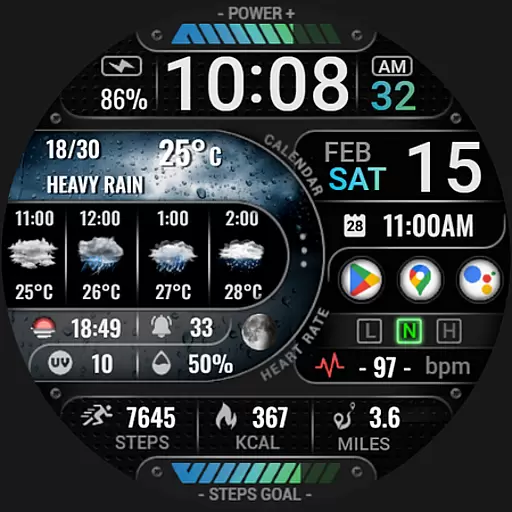
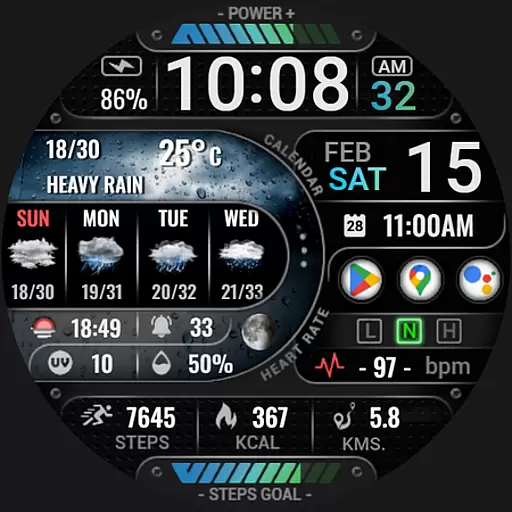
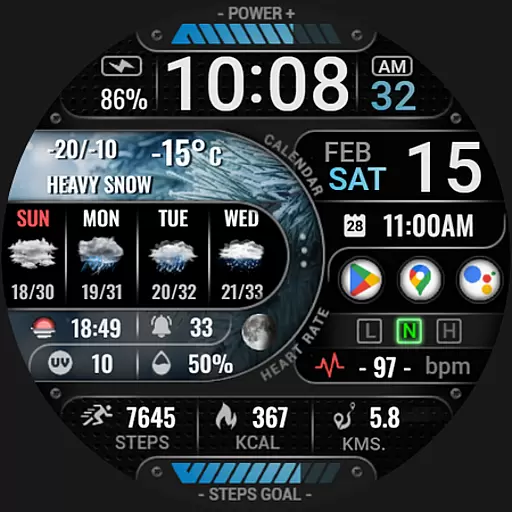
[KNA015] CRESCENT is a feature-rich Wear OS watch face designed for users seeking both functionality and customization. Compatible with Wear OS 5+ devices, this watch face offers advanced features like realistic weather updates, UV index tracking, moon phases, and customizable complications. With support for digital and analog styles, it provides versatile display options including AOD (Always-On Display) modes.
The watch face stands out through its extensive widget selection, allowing users to personalize their experience with data such as heart rate, step count, battery level, and more. Users can also configure distance calculations in KM/MI and access detailed weather forecasts up to four days in advance. This makes the app ideal for tech-savvy individuals who want quick access to essential information on their smartwatches.
[KNA015] CRESCENT offers an impressive array of features tailored for Wear OS users. The app supports multiple time formats (12/24-hour), date displays, and day-of-the-week indicators, ensuring clarity and convenience. One of its standout capabilities is the integration of realistic weather forecasts, which include hourly and daily predictions alongside chances of precipitation and UV index readings.
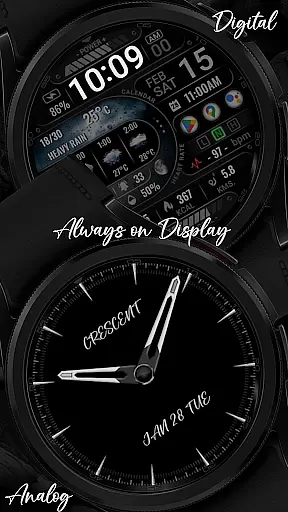
Customization is at the core of this watch face's appeal. It includes six editable widgets known as 'complications,' where users can choose from various data sources such as world clocks, barometers, or sunrise/sunset times. Additionally, two AOD styles—digital and analog—are available, catering to different aesthetic preferences. These robust features make [KNA015] CRESCENT a top choice for those looking to maximize their smartwatch’s utility while maintaining a personalized touch.
In the realm of digital art and design, having a comprehensive suite of tools is paramount. The [KNA015] CRESCENT Wear OS watch face transcends traditional timekeeping by offering an extensive array of customizable complications that cater to designers and artists alike. With features ranging from digital styles in 12/24 hour formats to realistic weather forecasts, this application transforms your wearable device into a versatile creative instrument.
Among its arsenal of creative tools, users can access date and day displays, UV index indicators, moon phases, and even a four-hour/four-day weather forecast. These elements are not merely informative but serve as dynamic components that can be tailored to individual preferences, allowing for a personalized canvas on your wrist. The inclusion of six editable widgets further amplifies its utility, providing options such as distance calculations, step counts, heart rate monitoring, battery levels, unread messages, and calorie computations.
The ability to customize complications with various data points like weather, world clock, sunset/sunrise times, and barometric pressure readings empowers users to curate their ideal interface. This level of customization ensures that whether you're tracking daily activities or seeking inspiration from environmental factors, the CRESCENT watch face adapts to your unique workflow. By touching and holding the display, then tapping on the customize option, each widget becomes a potential source of creativity at your fingertips.
Flexibility in canvas and format options is crucial for any design-oriented application. The [KNA015] CRESCENT Wear OS watch face excels in this aspect by providing two distinct Always-On Display (AOD) styles: Analog and Digital. This dual-format approach caters to diverse aesthetic preferences while maintaining functionality during both active use and standby modes. Whether you prefer the classic elegance of analog hands or the modern precision of digital numerals, this watch face seamlessly integrates with your personal style.
Beyond its AOD versatility, the CRESCENT watch face supports multiple measurement units, allowing users to toggle between kilometers and miles for distance calculations. Such adaptability extends to other metrics as well, including steps count, heart rate, battery level, message notifications, and calorie tracking. Each data point serves as a customizable widget, ensuring that your wearable device remains aligned with your specific needs and presentation standards.
It's important to note that while the CRESCENT offers remarkable flexibility, some features may vary in availability depending on the specific Wear OS device. However, with compatibility extending to API level 34+ for Wear OS 5+ devices, most users will find a rich selection of customization possibilities. Before installation, verify your watch's compatibility with WEAR OS to ensure optimal performance and take full advantage of these flexible design options.
Highly customizable
Realistic weather updates
Multiple widget options
Supports AOD modes
Compatible with latest Wear OS
Not compatible with all watches
Some features require setup
Limited to Wear OS 5+
Weather may need API key
Installation can be tricky

AI Face Swap, Video Effects Editor, Realtime Morph, Funny Video FX,AI Filters
 3.70
3.70
Unleash your drawing and painting potential
4.50
Create color palette from Image, RGB & RYB Color wheel harmonies, Color Scheme
4.50
Draw anime easily with AR guidance, sketch templates & trace tools!
3.10
AI Art Generator transforms your words into AI generated art & paintings.
3.70
The perfect place to start sketching! Use Sketchbook to draw and paint sketches.
4.50
Novices can also easily complete diamond painting masters
4.70
Unleash the artist in you with our AR drawing and tracing tool for photo drawing
4.10
All-in-One art, logo & collage maker. Design photos and edit video backgrounds
4.80
Mobile pixel art editor. Simple. Fast. Portable.
4.80
The ultimate tool for creating animations
4.60
OneUI 8.5 icons ✨ Smooth, modern & based on the latest Play Store design ??
4.10
Art of Combination Wear OS Watch faces (for Wear OS 5+ devices)
3.90
Apply cartoon, caricature, and portrait effects to make your photos stand out!
3.60
Experience next-gen icons with a modern liquid glass look.
3.60
Pose and morph realistic male and female models! 3D poser app
3.00
Inky runs Inkscape on Android devices and Chromebooks
2.90
Transform photos into amazing monochrome dither art with professional algorithms
4.3
Art of Combination Wear OS Watch faces
4.2


User Reviews