
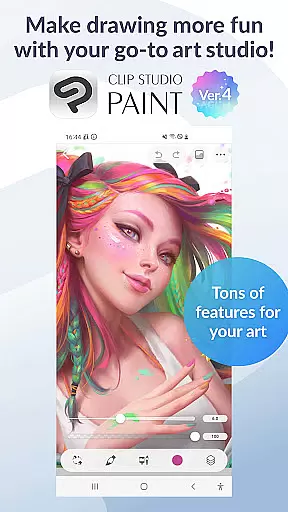
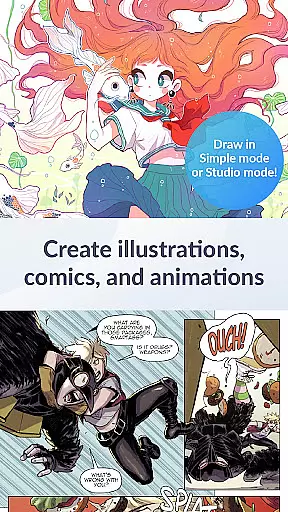
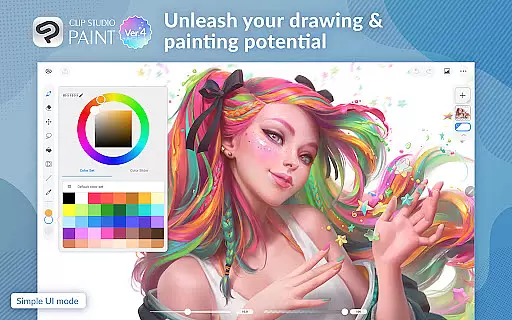
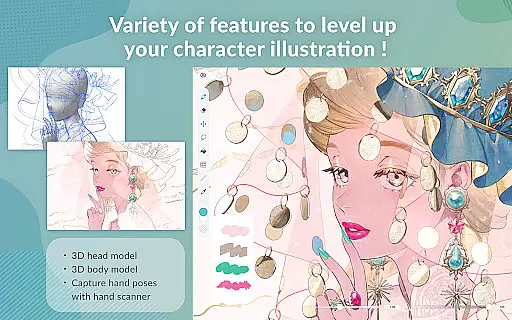
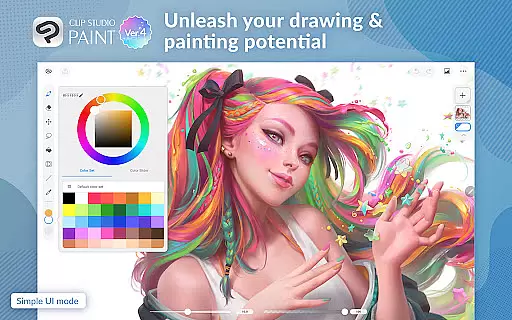
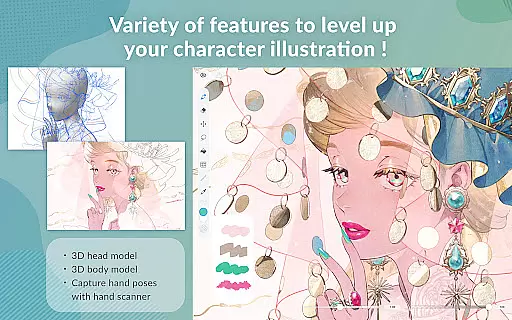
Clip Studio Paint is a premier digital art application designed for artists seeking professional-grade tools on mobile devices. It caters to a wide range of creative needs, including drawing, painting, comic creation, and animation. Available on Android tablets and smartphones, it offers a robust set of features such as 3D posing, gradient mapping, and layer effects.
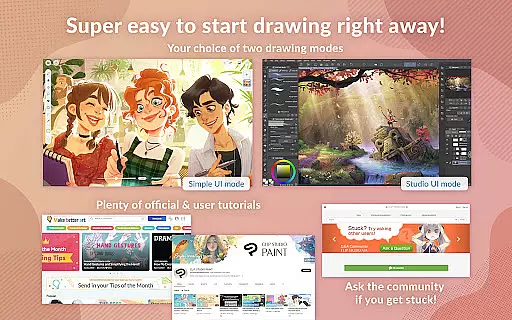
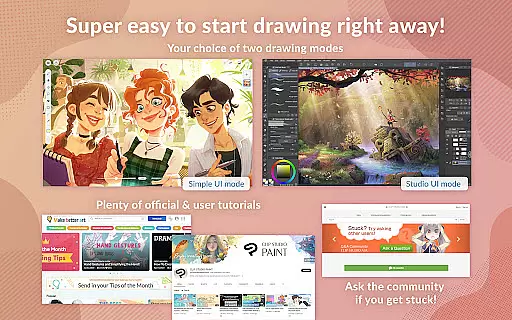
The app provides a free trial period, allowing users to explore its capabilities before committing to a subscription plan. With support for up to 10,000 layers, advanced brush customization, and vector-based scalability, it empowers users to produce high-quality artwork. Its intuitive interface includes Simple Mode for beginners and Studio Mode for experienced artists, ensuring accessibility for all skill levels.
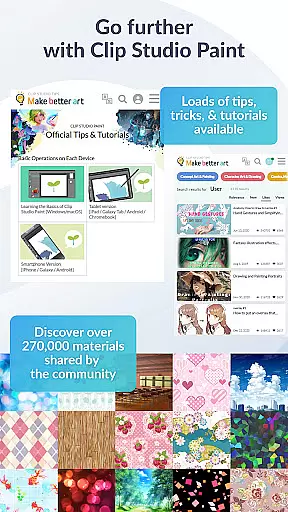
Clip Studio Paint also integrates cloud storage (10 GB), tutorial resources, and community-driven content, making it a complete ecosystem for digital art enthusiasts. Whether you're refining character designs or crafting animations, this app delivers unparalleled control and creativity.
Clip Studio Paint stands out with its comprehensive suite of digital art tools tailored for both amateur and professional artists. The app offers advanced features such as the ability to create up to 10,000 layers, pose 3D models for complex angles, and apply gradient maps for precise color control.
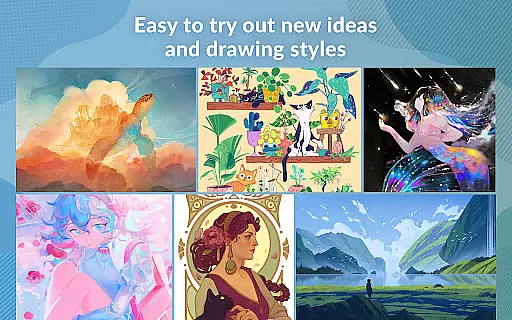
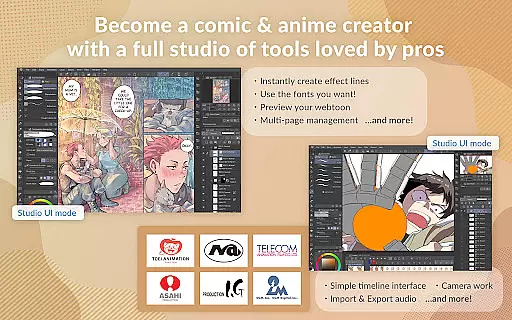
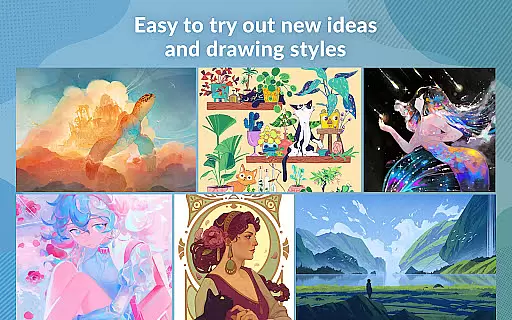
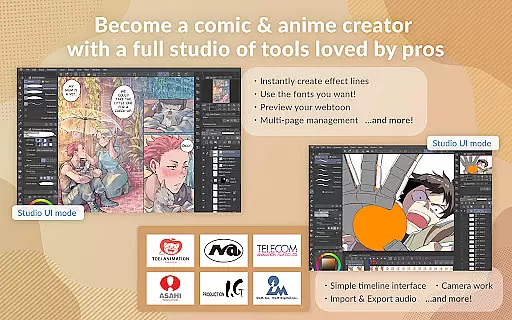
One of the key highlights is its versatility across creative disciplines. Whether you're sketching, painting, designing comics, or animating, CSP provides specialized tools like Puppet Warp, snap functions, and customizable brushes. These features allow users to refine their artwork with precision and efficiency.
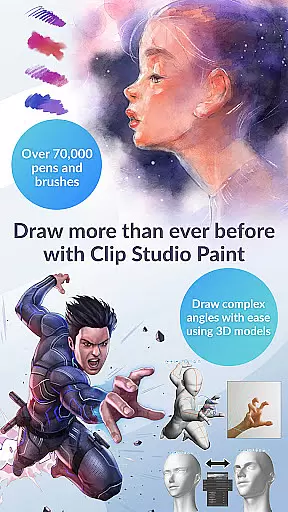
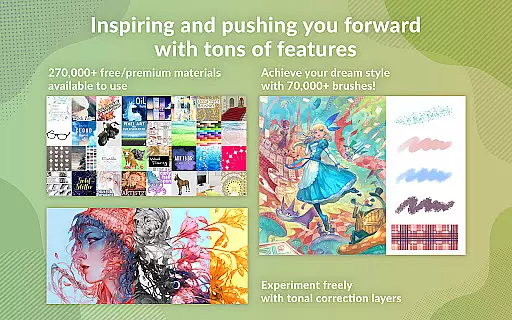
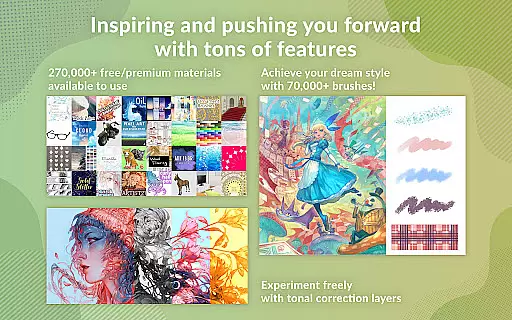
Additionally, the app supports vector-based drawing, ensuring scalability without quality loss. With access to over 70,000 brushes and 270,000 downloadable materials, artists can experiment with unique styles while leveraging professional-grade assets. This combination of power and flexibility makes Clip Studio Paint an indispensable tool for digital creators.
Clip Studio Paint offers an extensive suite of creative tools that cater to both beginners and professionals in the realm of digital art. The application provides access to over 70,000 brushes crafted by artists globally, available through its dedicated Assets store, ensuring that users can find the perfect brush for their needs.
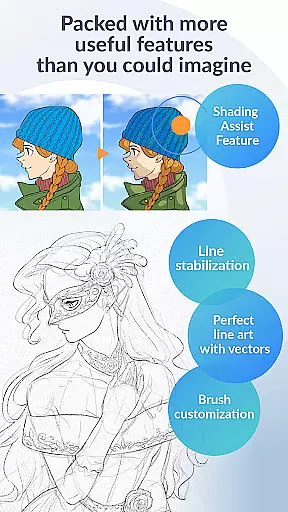
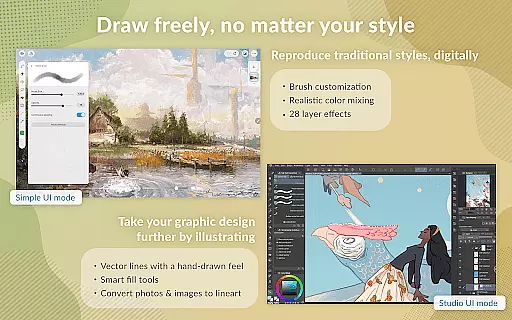
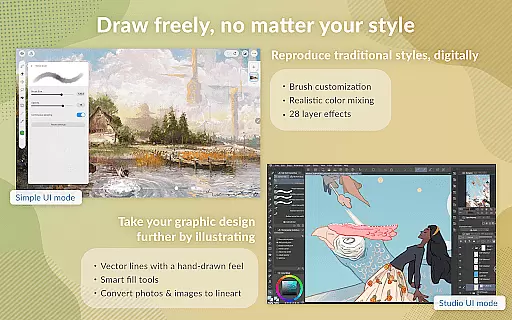
In addition to a vast array of brushes, Clip Studio Paint supports advanced features such as vector painting, which allows artists to scale their work without any loss in quality. With 28 layer effects at their disposal, users can refine their artwork with professional-grade touch-ups and perceptual color mixing that mimics the blending of real paint.
The app also includes innovative functionalities like 3D primitives for rapid layout and perspective creation, gradient maps for superior color control, and Puppet warp for effortless adjustments. These comprehensive tools empower artists to experiment with new ideas and styles, thus enhancing their creative process.
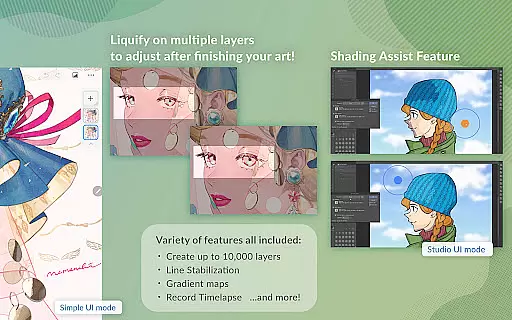
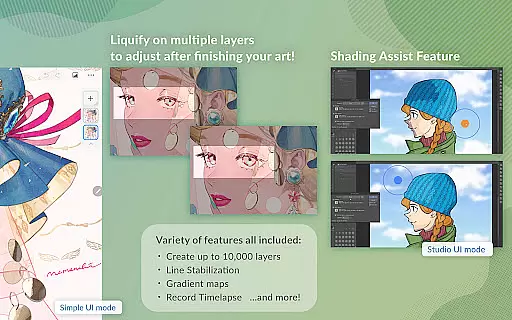
Flexibility in canvas and format options is a hallmark of Clip Studio Paint, allowing artists to customize their workspace to fit their unique requirements. Users can create up to 10,000 layers for intricate artwork, providing unparalleled depth and detail in their projects.
With support for various file formats on Android tablets and Chromebooks, Clip Studio Paint ensures that artists can export their work in the format that best suits their needs. This versatility extends to the drawing modes as well, where users can choose between Simple Mode for quick sketches or Studio Mode to harness the full power of the application.
Moreover, the app facilitates traditional drawing experiences with features like Line Stabilization for smoother line art and smart fill tools for laying down flat colors. Artists can also draw correct perspectives by snapping lines to guides, crafting stunning backgrounds with ease.
Extensive features
User-friendly modes
Versatile tools
Cloud integration
Active community
Subscription required
Limited free trial
High system requirements
Complex interface
Occasional bugs

Vidu is an AI video generator made for creators and aspiring makers.
 3.30
3.30
AI generated images & photos, turn your words into drawing, painting & pictures.
4.30
Download now for a stylish and functional timepiece
4.5
Design your dream room with AI. Get decor ideas & plan home interiors
3.90
Create neon drawing with magic doodle and fun doodle art effects!
4.50
Create stunning art with AI.
4.80
Image resizer to resize, crop, rotate, flip, change dpi photo or picture in bulk
4.60
Bring One UI 8.5 Icons to life -elegant dark icons with a modern, premium touch.
4.30
Create Logos, Tattoos, AI Art & more with our AI Photo Generator & Design Editor
4.20
The ultimate tool for creating animations
4.60
Get an overview over all your embroidery threads, projects and more.
4.60
The perfect place to start sketching! Use Sketchbook to draw and paint sketches.
4.50
Painting, drawing, & sketching
4.50
Everything you need to create hand drawn animation, anywhere you go!
4.40
Draw, make movies & animate cartoons easily with our 2D animation maker app
4.40
Trace, draw, and create art with AR - from memes to masterpieces!
4.30
Floor Plan Creator lets you create, edit and share floor plans.
4.00
Art of Combination Wear OS Watch Faces
3.30
Your Essential Color Theory Guide: Red, Yellow, Blue (RYB)
4.2


User Reviews