
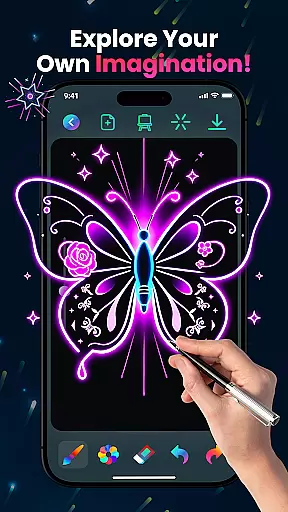
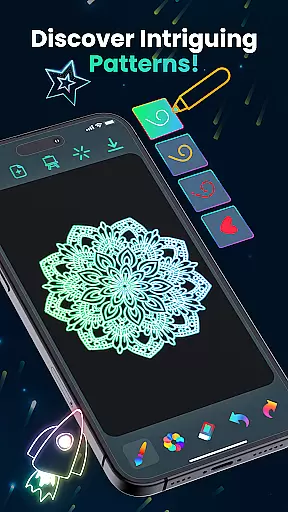
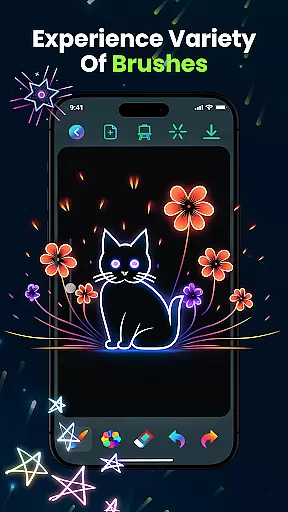
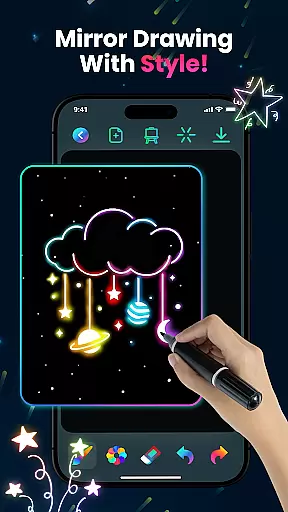
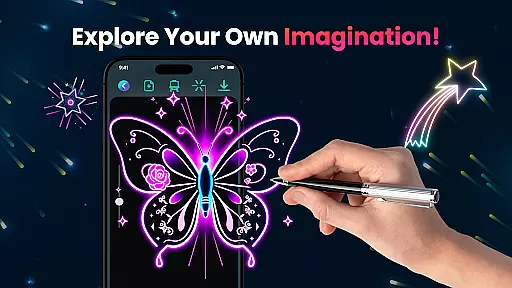
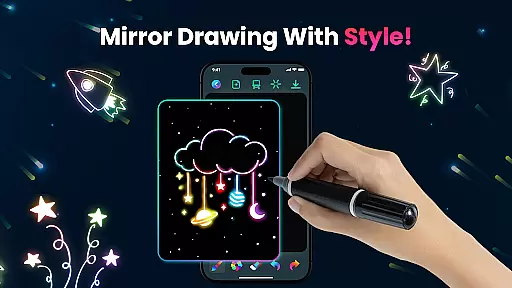
Magic Doodle is an innovative art application designed for both kids and adults who love to express their creativity through digital drawing. This app offers a vibrant canvas where users can explore glowing neon colors and create stunning artworks with ease.
With its intuitive interface, Magic Doodle provides a seamless experience for artists of all skill levels. The app features glowing brushes and sketch tools that make every stroke magical. Whether you are a beginner or a professional artist, this app allows you to transform your ideas into glowing masterpieces effortlessly.
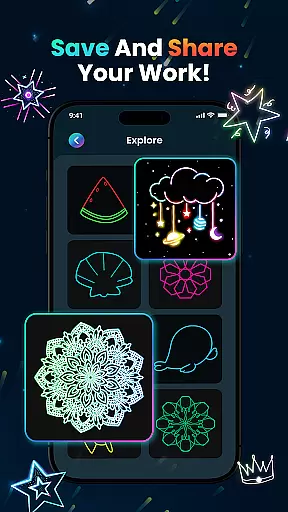
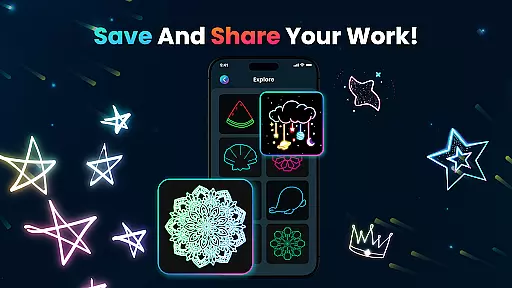
The app's standout feature is its kid-friendly design, making it perfect for family use. Users can save their creations and share them on social media, bringing their artwork to a wider audience. Dive into the world of neon art and let your imagination run wild with Magic Doodle.
Magic Doodle stands out with its rich set of features tailored for artistic expression. One of the key highlights is the vibrant neon glow colors that bring any doodle to life. These colors are not only visually striking but also inspire creativity in users.
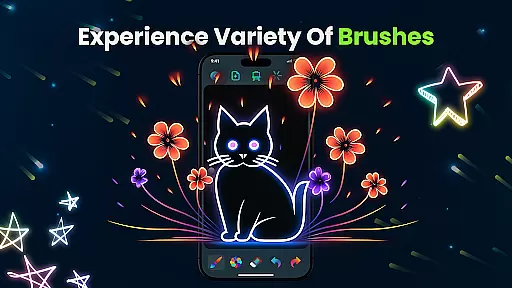
The app includes various glowing brushes and sketch tools, each designed to provide a unique drawing experience. With easy-to-use undo and redo functions, artists can experiment freely without the fear of making mistakes. This encourages a more exploratory approach to art.
Another remarkable feature is the ability to save and share your artwork directly on social media platforms. This functionality helps users showcase their talent and get inspired by others. Additionally, the app’s user-friendly interface ensures that even beginners can navigate and utilize these features effectively.
In the realm of digital art, having a comprehensive set of creative tools is essential for unleashing one's artistic potential. Magic Doodle offers an impressive array of features that cater to both budding artists and seasoned professionals.
With its vibrant neon glow colors and glowing brushes, users can explore a wide spectrum of mesmerizing hues and sketching options. The app provides intuitive tools that mimic real-world brush strokes, allowing for magical doodles and complex artworks alike.
The inclusion of undo and redo functions ensures that artists can experiment without fear of making irreversible mistakes. This fosters a creative environment where ideas can flow freely, enhancing the overall artistic process.
Ultimately, Magic Doodle empowers users to express their creativity with ease, offering all the necessary tools to transform concepts into glowing artworks, thus making it an indispensable companion for digital artists.
A versatile canvas is the foundation of any great artwork, and Magic Doodle excels in providing artists with the flexibility needed to bring their visions to life. The app boasts a wide drawing canvas, setting no boundaries on creativity.
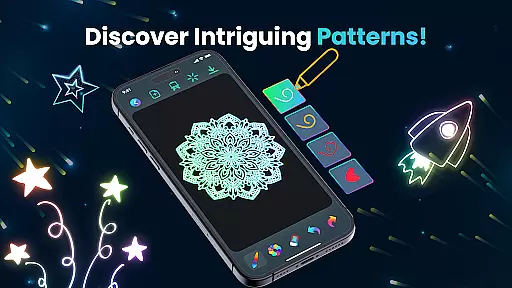
Artists can choose from unlimited color options and various brush sizes, catering to different art styles and preferences. Whether it's creating glowing mandalas or detailed neon sketches, the app accommodates all forms of expression.
Magic Doodle also supports saving and sharing artworks, ensuring that masterpieces can be showcased across social media platforms. This feature highlights the app's adaptability not just in creation but also in distribution.
By offering an easy-to-use interface and kid-friendly functionalities, Magic Doodle ensures that everyone, regardless of age or skill level, can enjoy a stress-free doodling experience on a flexible digital canvas.
User-friendly interface
Vibrant color options
Kid-friendly design
Easy sharing options
Creative freedom
Limited advanced tools
No offline mode
Ads may interrupt
Basic brush variety
Occasional glitches

AI Assistant, powered by ChatGPT GPT-4 & GPT-4o. Your intelligent companion.
 3.50
3.50
AI Face Swap, Video Effects Editor, Realtime Morph, Funny Video FX,AI Filters
3.70
See Color, Paint Color
4.90
The perfect place to start sketching! Use Sketchbook to draw and paint sketches.
4.50
Image resizer to resize, crop, rotate, flip, change dpi photo or picture in bulk
4.60
Share the joy of painting with ibis Paint! Drawing anime and manga art.
4.50
Turning simple sketches into captivating tales filled with life and motion
3.90
Sketch and paint on your device with the feel and freedom of drawing on paper
4.00
Unleash your inner artist! Sketchar: AR Drawing for Limitless Creativity
4.40
Passport size photo maker, create ID photo and visa photo in seconds
4.80
Create stunning art with AI.
4.80
Minecraft & Roblox Clothes
4.70
Draw glowing spinners, relax, and spin your creative art
4.60
Kling AI is an image and video generation and editing studio powered by AI.
4.50
Digital Drawing: Draw & Paint
4.10
Your homescreen as an elegant glass with customized blur, lighting, and visuals.
3.70
Meet the magic aı 3d photo generator and smart AI video generator app.
3.20
Inky runs Inkscape on Android devices and Chromebooks
2.90
A luxurious gold watch face for an elegant and refined look.
4.1


User Reviews