
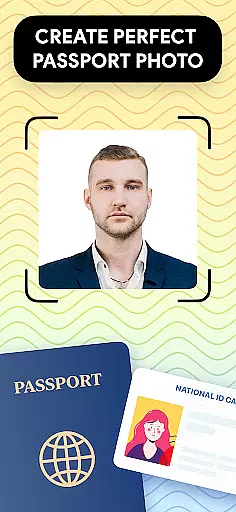
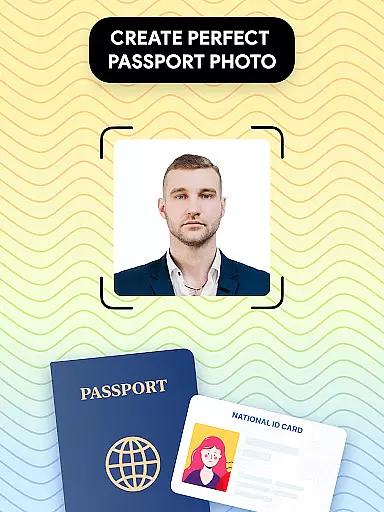
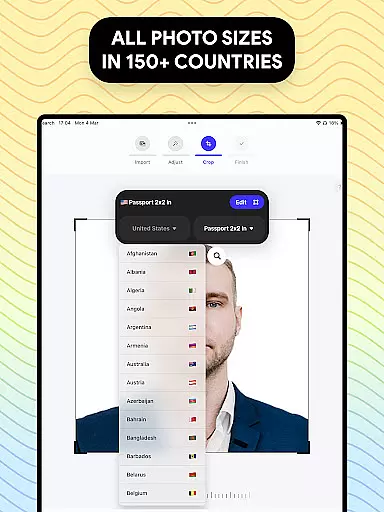
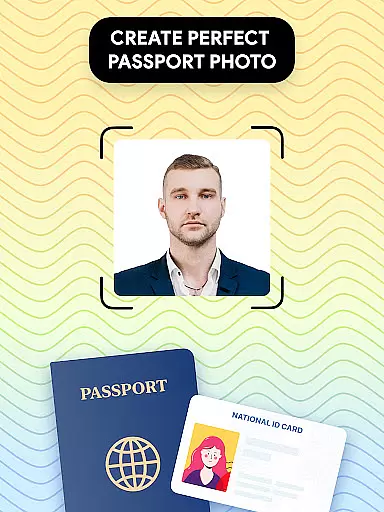
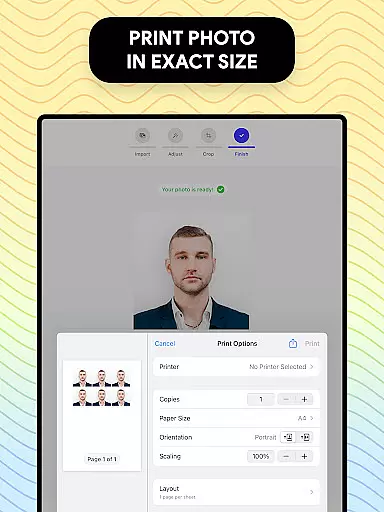
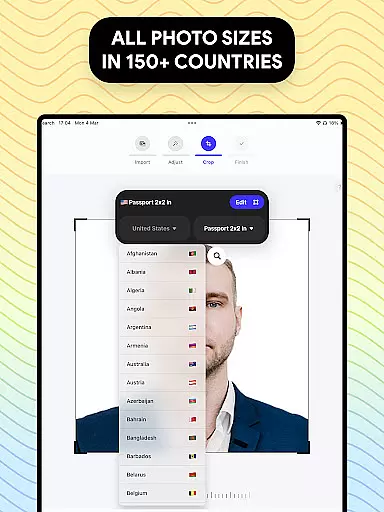
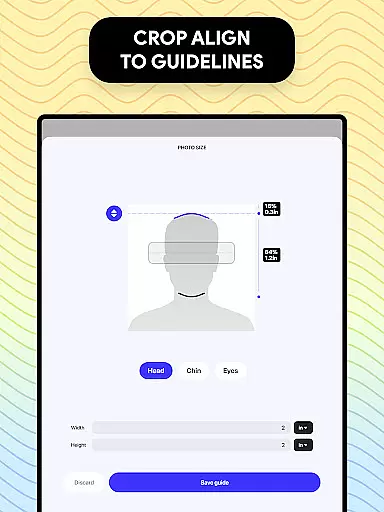
Passport Photo - ID Photo Print is a professional passport photo editor designed for creating high-quality passport, visa, and ID photos from the comfort of your home. This app ensures that all government requirements are met while providing users with quick access to properly sized photos. It supports various dimensions such as 3x4, 4x4, 4x6, 5x7, or 2x2, making it versatile for different needs.
The app offers advanced features like background removal, brightness adjustment, temperature control, and cropping tools to meet specific country regulations. Whether you need a US passport photo or a visa photo for another country, this app provides a convenient solution. Its user-friendly interface allows for easy customization and printing directly from your phone.
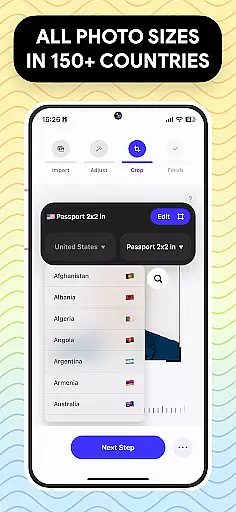
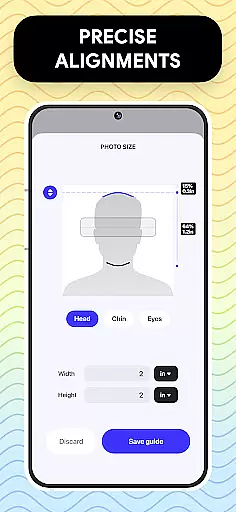
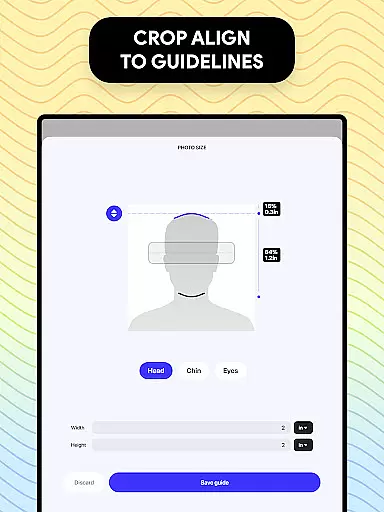
Passport Photo - ID Photo Print stands out with its comprehensive set of features tailored for passport and visa photo creation. The app includes a database of international passport requirements, ensuring compliance with regulations from around the world. Users can easily adjust the aspect ratio and crop their photos to exact dimensions, whether they need a 3x4, 4x6, or 2x2 photo.
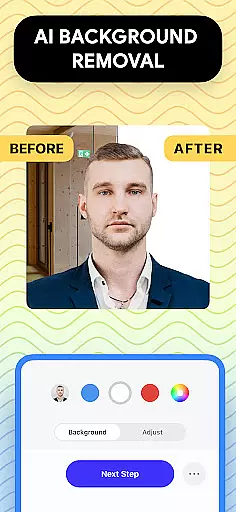
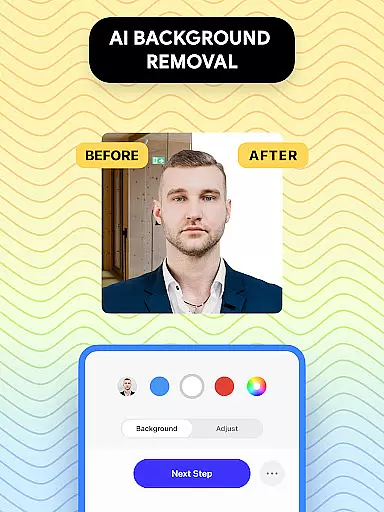
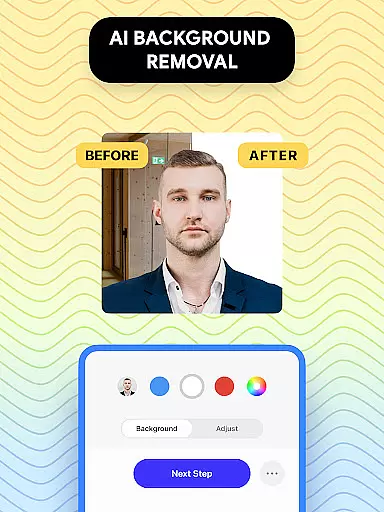
Additional features include a powerful background remover tool that creates a white or colored background, eliminating the need for a physical studio setup. The app also offers touch-up tools for brightness, temperature, and sharpness adjustments, ensuring professional-quality results. With quick export and print options, users can produce their photos in seconds, making it an ideal choice for last-minute applications.
Passport Photo - ID Photo Print offers a comprehensive suite of creative tools that cater to all your passport photo editing needs. This powerful passport photo editor allows you to adjust the size of your photo, ensuring it meets specific dimensions such as 3x4, 4x4, 4x6, 5x7, or 2x2, which are often required for various official documents.
In addition to size adjustments, the app provides essential editing features like brightness, temperature, and sharpness adjustments, enabling users to enhance their photos with professional-quality touch-ups. The inclusion of a background remover tool further expands its creative capabilities, allowing users to replace or remove backgrounds, thus ensuring compliance with diverse international passport photo requirements.
The true value of these creative tools lies in their ability to empower users to produce high-quality passport photos from the comfort of their homes. Whether you need a photo for an ID, visa, or passport, this app streamlines the process, making it both convenient and efficient. With access to a database of regulations from around the world, users can confidently create images that meet any country's specifications.
Canvas and format flexibility is at the heart of Passport Photo - ID Photo Print, providing users with the adaptability needed to create passport photos that adhere to various governmental standards. The app supports multiple photo sizes and aspect ratios, allowing users to crop their images precisely to the required dimensions for different types of identification.
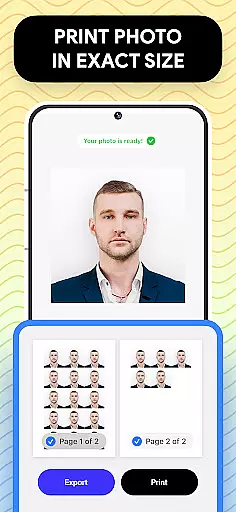
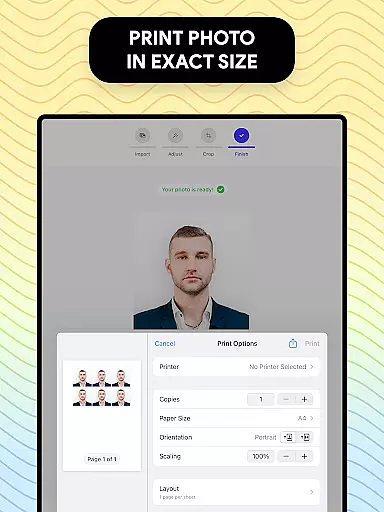
Moreover, the app's compatibility with a wide range of devices ensures that users can print their edited photos directly from their phones. This seamless integration between digital editing and physical output exemplifies the app's commitment to offering flexible solutions for home photo printing.
By combining canvas flexibility with a user-friendly interface, Passport Photo - ID Photo Print stands out as an indispensable tool for anyone needing to update their passport picture quickly and easily. Its versatility not only saves time but also enhances the overall user experience by simplifying what can otherwise be a complex and tedious process.
User-friendly interface
Comprehensive editing tools
Wide range of size options
Background removal feature
Global regulation compliance
Limited free features
In-app purchases required
Occasional ads
Advanced tools may overwhelm beginners
Print quality depends on device

Premium version of Shimeji-ee app with no ads & no limit active shimeji
 4.0
4.0
Customizable Outlined Fonts. Watch Face Format. Battery friendly Digital Clock.
4.20
Stylish letters, Stylish Keyboard, Symbols, Emojis, Cool nickname
4.40
Digital Drawing: Draw & Paint
4.10
Photo blender app to create overlay photos & double exposure.
4.40
Draw anime easily with AR guidance, sketch templates & trace tools!
3.10
Unleash the artist in you with our AR drawing and tracing tool for photo drawing
4.10
Inky runs Inkscape on Android devices and Chromebooks
2.90
Just trace a projected picture on paper and color! Draw & Paint with AR drawing
4.40
Draw on screen: FP sDraw is a simple and lightweight drawing app
4.70
Minecraft & Roblox Clothes
4.70
Digital, Abstract, Classic - all types of color wheels in one app!
4.60
Share the joy of painting with ibis Paint! Drawing anime and manga art.
4.50
Image/ Text to Video Generator
4.40
Beauty Camera - Selfie Camera is the ultimate beauty camera and selfie app
4.30
Design your dream room with AI. Get decor ideas & plan home interiors
3.90
AI Art Generator transforms your words into AI generated art & paintings.
3.70
Vidu is an AI video generator made for creators and aspiring makers.
3.30
Pose and morph realistic male and female models! 3D poser app
3.00


User Reviews