
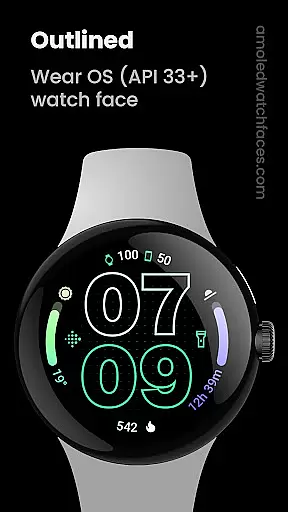
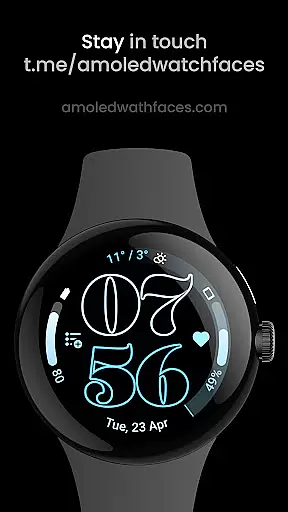
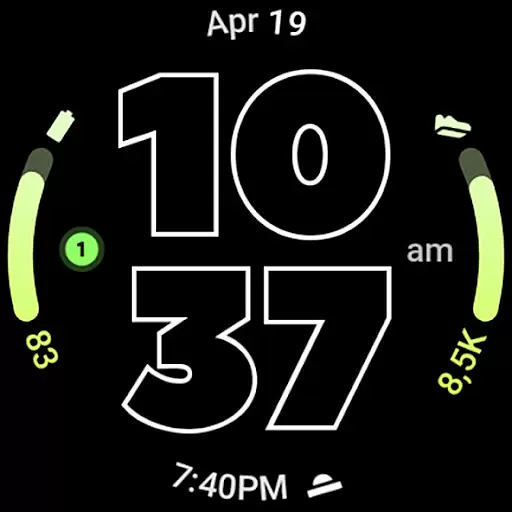
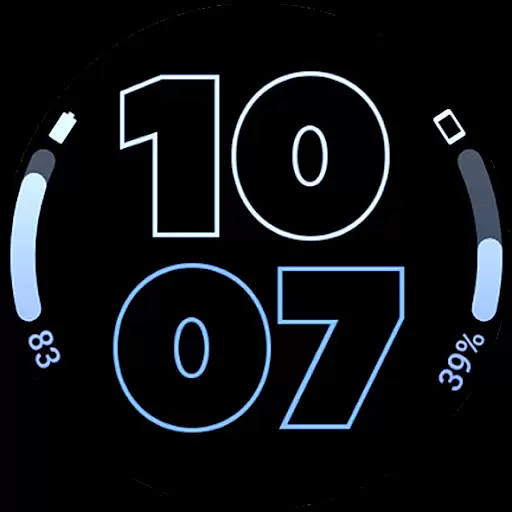
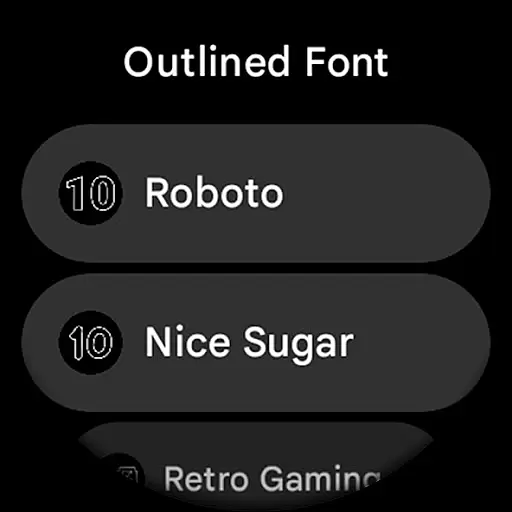
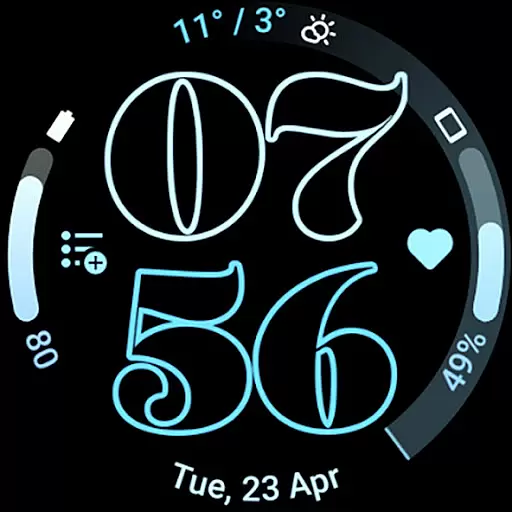
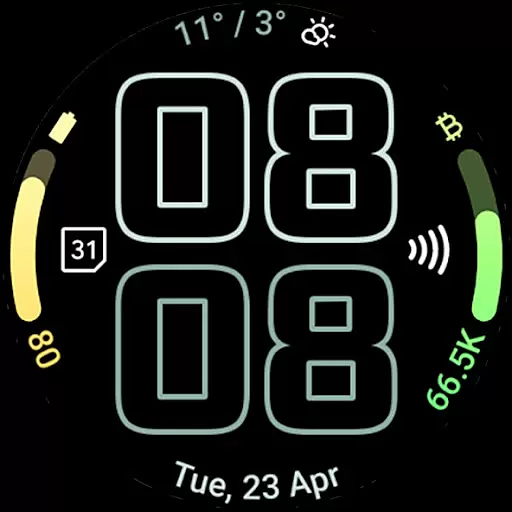
Outlined Watch Face is a premium design for Wear OS 4+ devices, offering a unique and customizable watch face experience. It features a true black background and battery-friendly design, making it ideal for AMOLED displays.
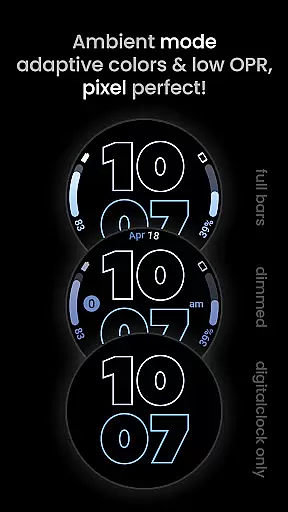
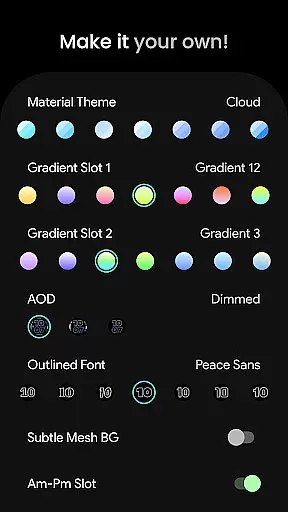
The watch face includes two gradient arc complication slots, support for combined watch/phone battery complications, and selectable outlined digital clock fonts. With high-res design elements, burn-in protection, and three Always-On Display (AOD) styles, users can create a personalized daily companion tailored to their preferences.
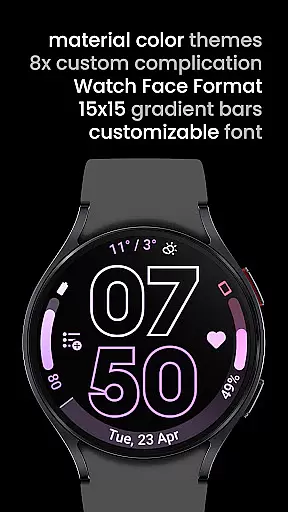
This app is perfect for users seeking a modern, stylish, and highly functional watch face that supports extensive customization options such as material themes, gradient progress bars, and wave-styled seconds indicators.
Outlined Watch Face stands out with its innovative features designed for both aesthetics and usability. The app utilizes the Watch Face Format and supports unique material color themes, ensuring compatibility with devices like Pixel Watch 2 and Galaxy Watch6.
Key features include customizable gradient slots, optional wave-styled seconds indicators, and three AOD styles that allow offloading to MCU for improved battery efficiency. Users can also choose from multiple outlined digital clock fonts and enable monochromatic icon tinting for a cohesive look.
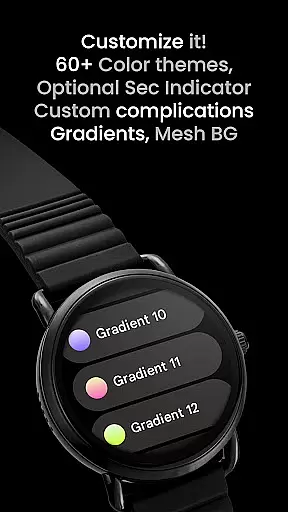
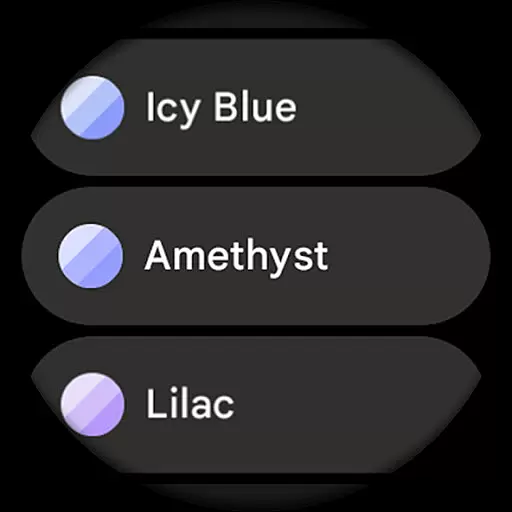
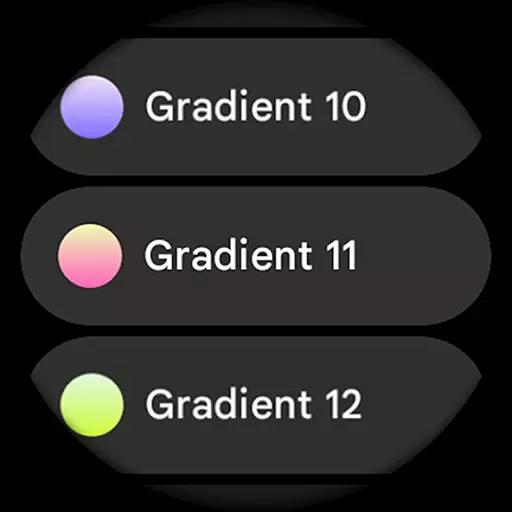
With over 60 material themes, 19 gradient options, and various user-configurable settings, this app provides countless ways to personalize your watch face while maintaining performance and visual appeal.
Outlined Watch Face offers a comprehensive suite of creative tools that cater to users who want to customize their Wear OS 4+ devices extensively.
The app provides over 60 material themes, 19 gradient options for two slots, and unique outlined digital clock fonts, allowing users to create a personalized watch face that suits their style.
With high-res design support, true black backgrounds, and battery-friendly features, the app ensures both aesthetic appeal and practical usability.
Additionally, advanced customization options like burn-in protection, wave-styled seconds indicators, and three Always-On-Display styles make it a versatile choice for designing a unique daily companion.
Flexibility in canvas and format options is a standout feature of Outlined Watch Face, ensuring compatibility with various smartwatch models, including Pixel Watch 2 and Galaxy Watch6.
Users can customize each progress bar gradient individually when using ranged value complications, offering a tailored experience.
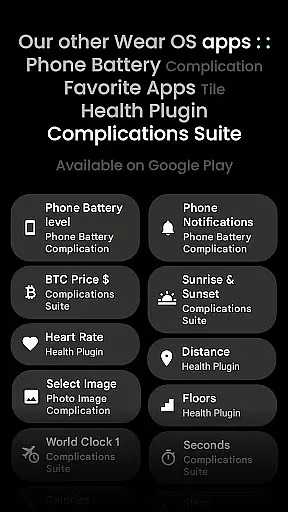
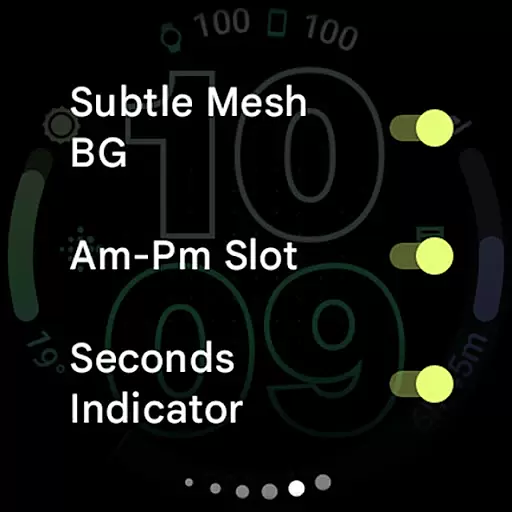
The app supports combined watch/phone battery complications and allows toggling features such as am-pm slots, subtle mesh backgrounds, and tinted icons, enhancing its adaptability to different user preferences.
Furthermore, the option to fully offload to MCU in AOD mode not only extends battery life but also provides a seamless user experience across different devices.
User-friendly customization
Battery-efficient design
Modern aesthetic appeal
Wide range of themes
Compatibility with latest watches
Not suitable for rectangular watches
Requires Wear OS 4+
Premium cost for full features
Limited to specific devices
Complex for beginners

Pose and morph realistic male and female models! 3D poser app
 3.00
3.00
Learn how to draw with step-by-step tutorials, fun lessons & multiplayer drawing
4.70
Design your dream room with AI. Get decor ideas & plan home interiors
3.90
Draw beautiful mandala's very easily
4.60
Turning simple sketches into captivating tales filled with life and motion
3.90
AI Tattoo Generator: Create Tattoo Designs & Get Ideas! Ink & Stencil Maker
4.50
Draw, fidget, and spin glow art! Relax and express your creativity with a finger
4.60
Multiplayer Drawing game, Coloring, Painting・Sketch, Handwriting・Paint, draw
4.30
Unleash your inner artist! Sketchar: AR Drawing for Limitless Creativity
4.40
Get an overview over all your embroidery threads, projects and more.
4.60
Draw glowing spinners, relax, and spin your creative art
4.60
The perfect place to start sketching! Use Sketchbook to draw and paint sketches.
4.50
Kling AI is an image and video generation and editing studio powered by AI.
4.50
Stylish letters, Stylish Keyboard, Symbols, Emojis, Cool nickname
4.40
Sketch, plan, take notes and illustrate on an infinite canvas.
4.20
Digital Drawing: Draw & Paint
4.10
Resize photos and print photos in exact size with our powerful photo printer!
3.80
Vidu is an AI video generator made for creators and aspiring makers.
3.30
Art of Combination Wear OS Watch faces
4.3


User Reviews