
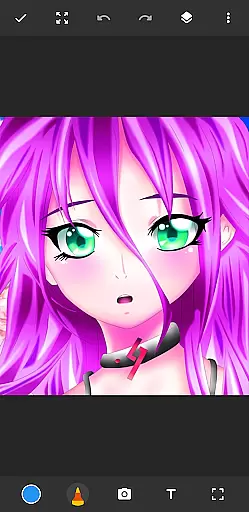
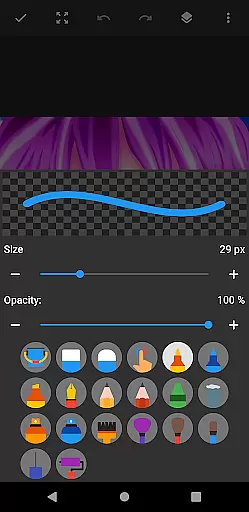
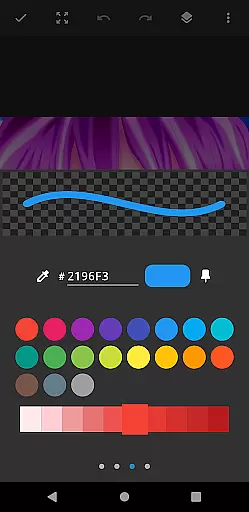
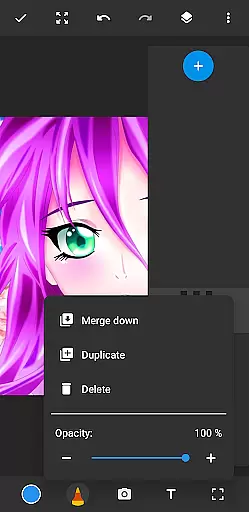
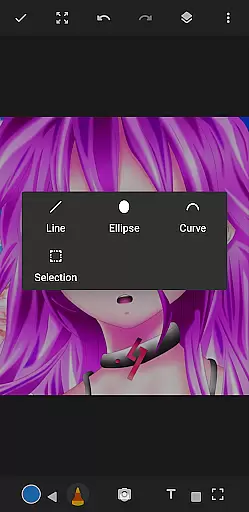
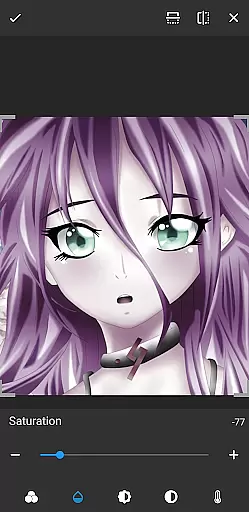
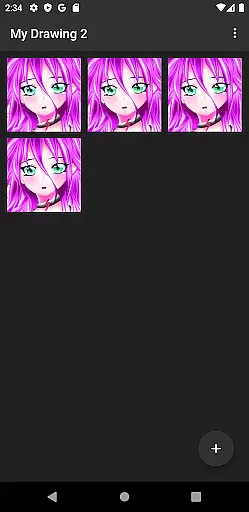
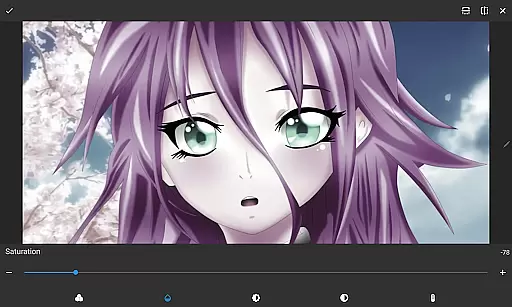
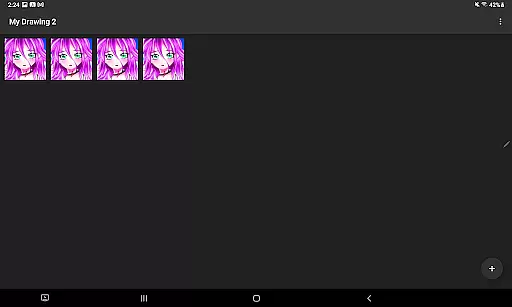
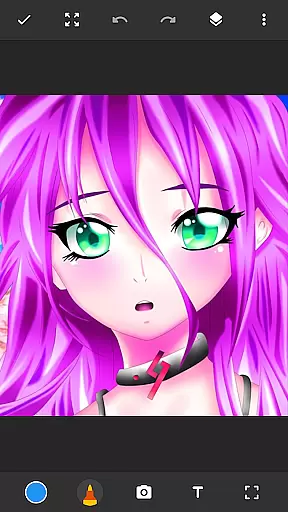
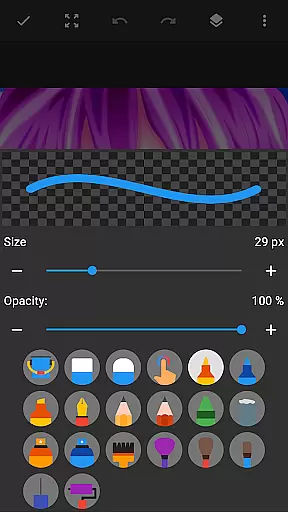
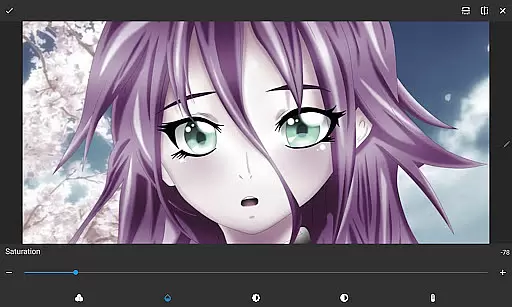
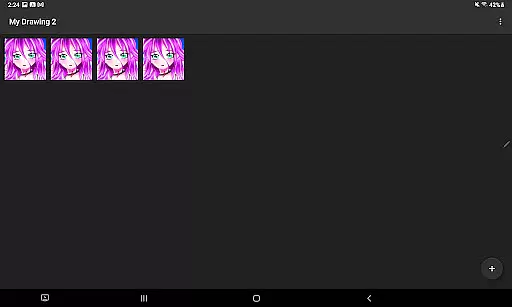
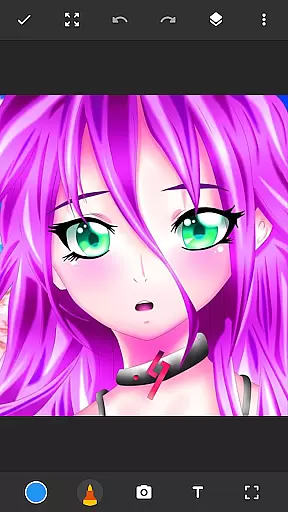
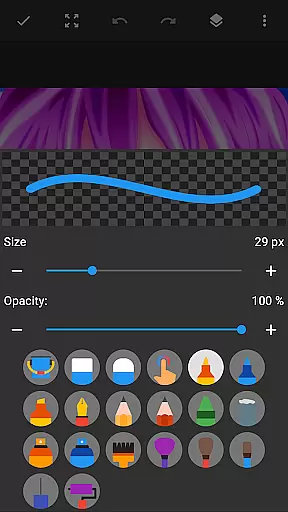
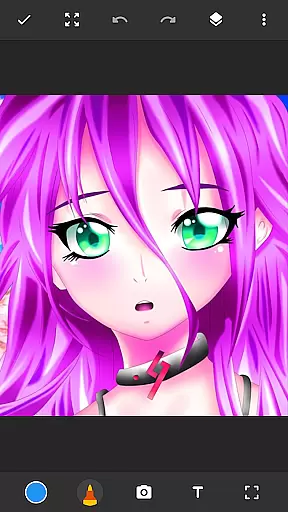
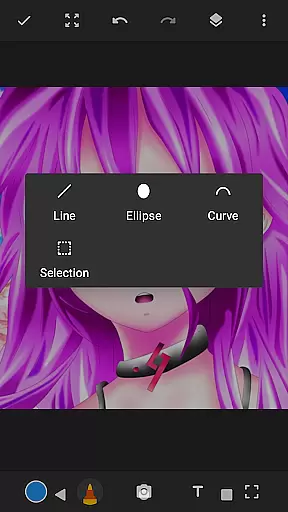
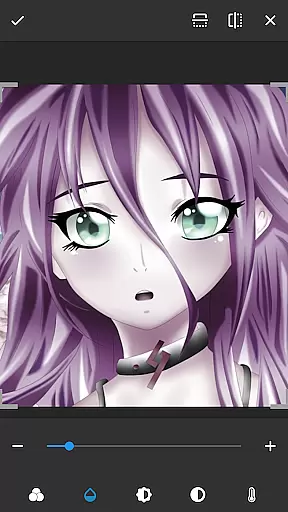
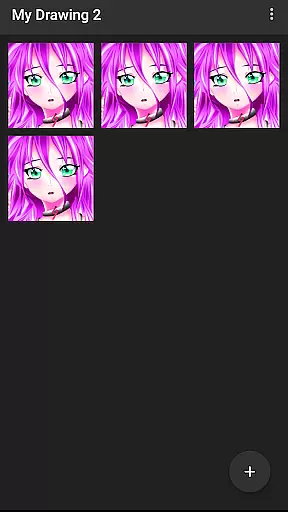
Drawing Pad Lite is a feature-rich digital art application tailored for both amateur and professional artists. This app provides an intuitive platform to create stunning sketches, drawings, and digital artwork with ease. The interface is designed to be user-friendly while offering powerful tools that cater to various artistic styles.
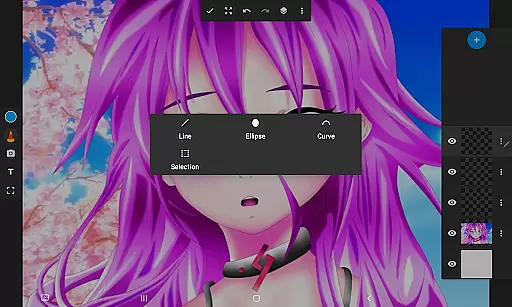
One of the standout features is its diverse selection of brushstrokes, pencils, pens, and markers. Users can experiment with different sizes and styles to achieve their desired effects. Additionally, the app supports layer functionality, allowing artists to organize their work and make non-destructive edits. Whether you're into anime coloring, manga, or photo illustrations, Drawing Pad Lite has the tools to bring your creative visions to life.
The app is particularly useful for those who want to sketch on-the-go or develop their skills in digital art. With its vibrant color palette and precise drawing tools, it serves as a complete artbook in your pocket, making it an essential tool for creative expression.
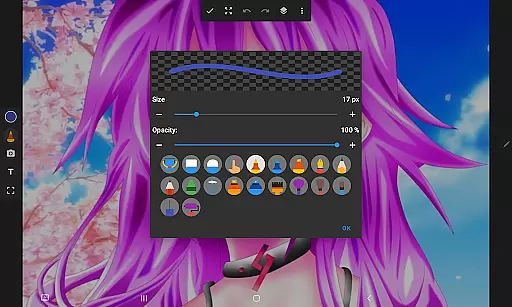
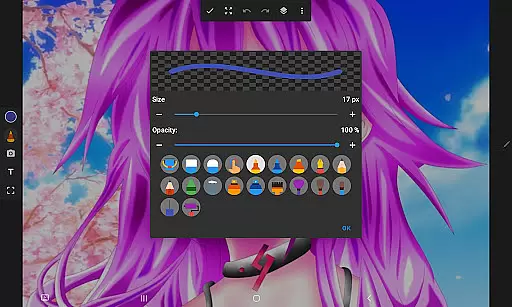
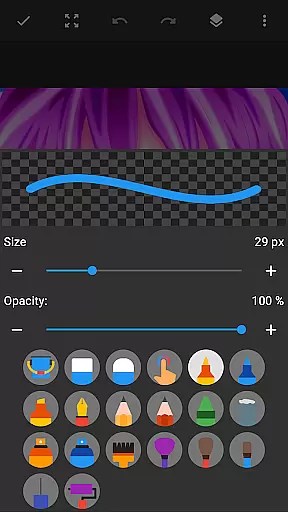
Drawing Pad Lite offers an impressive array of features that set it apart from other drawing apps. First and foremost, the app provides a wide variety of brushstroke options, ranging from traditional pencil sketches to intricate pen designs. Each tool can be customized in terms of size, opacity, and style, giving users complete control over their creations.
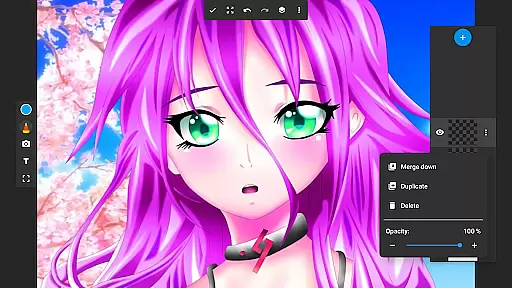
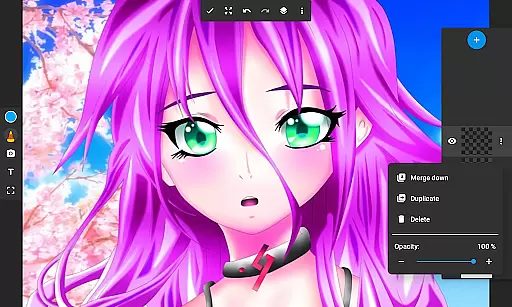
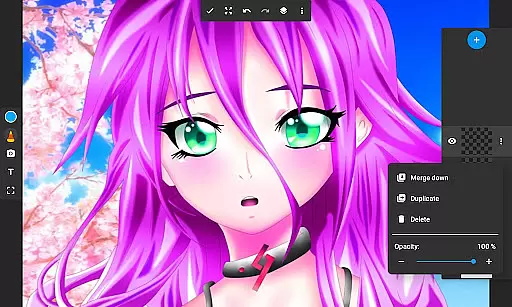
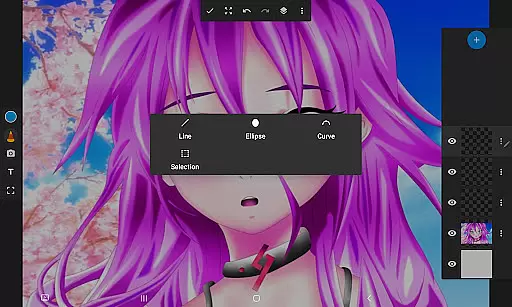
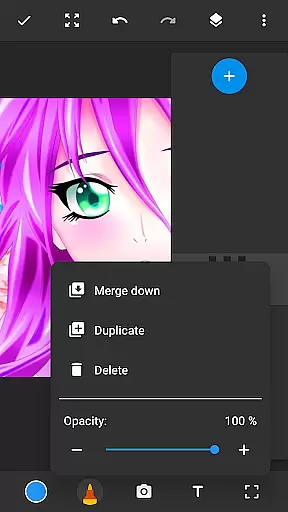
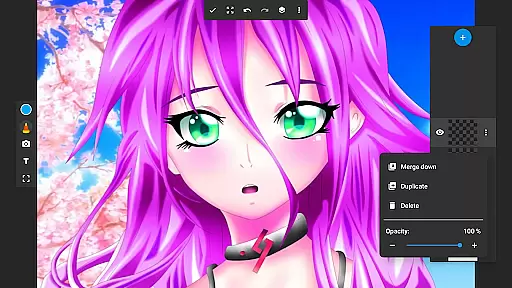
Another notable feature is the layer functionality. Artists can save their digital art in multiple layers, which makes editing more flexible and organized. You can draw on photos, rearrange layers, and adjust their opacity to create complex compositions. This feature is especially beneficial for users who want to experiment with different ideas without affecting the original artwork.
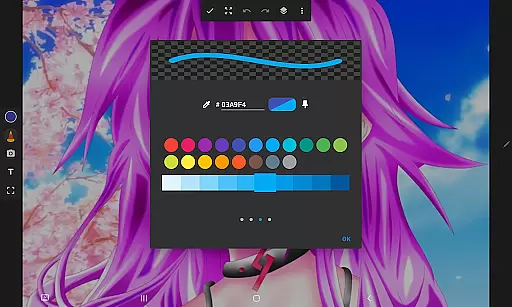
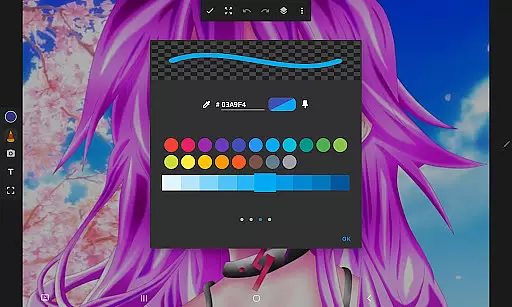
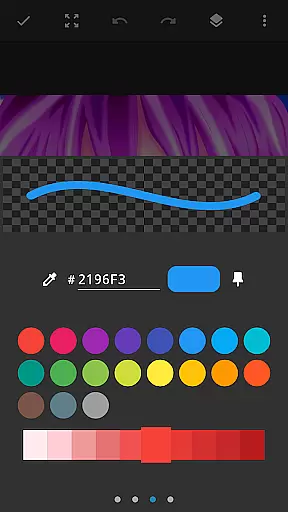
In addition to these core features, Drawing Pad Lite also includes a vibrant color palette and intuitive interface. These elements ensure that users can focus on their creativity without being hindered by complicated controls. Overall, the combination of versatile tools and user-friendly design makes this app an excellent choice for anyone interested in digital art.
In the realm of digital art, having a comprehensive set of creative tools is paramount. Drawing Pad Lite - Artbook rises to the occasion by offering an extensive array of brushstrokes, pencil types, pens, and markers. This diverse selection empowers artists to experiment with different styles and techniques, from fine line work to bold, sweeping strokes.
The app's powerful brushstroke and pencil tools are designed to provide complete control over drawings and paintings. Users can adjust sizes and styles to create the perfect stroke every time, ensuring that their digital artwork accurately reflects their artistic vision. Whether sketching independently or coloring on photos, this drawing tablet app delivers the precision needed for detailed work.
Moreover, Drawing Pad Lite includes advanced features such as layers, which allow artists to save their digital art in separate layers. This feature not only helps in organizing sketches but also enables experimentation with different ideas without affecting the original work. Artists can effortlessly rearrange layers or adjust their opacity to achieve desired effects, making it akin to having a professional drawing editor at oneu2019s fingertips.
A versatile canvas is essential for unleashing creativity, and Drawing Pad Lite - Artbook excels in providing format flexibility. The app supports various drawing formats, allowing users to draw on photos and create amazing digital art with ease. This adaptability ensures that artists can express their creativity freely, whether they're into anime coloring, manga, or realistic paintings.
The inclusion of vibrant colors and intricate details further enhances the drawing experience. With Sketch Pad Lite, artists can let their drawings burst with life, adding depth and character to each piece. This capability transforms simple sketches into stunning works of art, capturing both subtle nuances and bold expressions seamlessly.
Additionally, the app offers customization options through its layer feature, enabling users to organize and modify their artwork efficiently. By creating multiple layers, artists have the freedom to experiment without compromising the integrity of their original work. This flexibility in managing formats and layers makes Drawing Pad Lite an indispensable tool for both novice doodlers and seasoned professionals alike.
User-friendly interface
Wide range of brush tools
Layer support for advanced editing
Vibrant color options
Easy photo integration
Limited free features
Occasional lag with complex projects
In-app purchases can add up
Steep learning curve for beginners
Interface may feel cluttered

Paint with oils and sketch with natural tools on a realistic virtual canvas.
 3.80
3.80
Create color palette from Image, RGB & RYB Color wheel harmonies, Color Scheme
4.50
Draw beautiful mandala's very easily
4.60
Design unique, funny and adorable cat stickers that reflect your own style!
3.80
Image resizer to resize, crop, rotate, flip, change dpi photo or picture in bulk
4.60
Android 14 style widgets and wallpapers app.
4.0
Art of Combination Wear OS Watch faces (for Wear OS 5+ devices)
3.90
Unleash the artist in you with our AR drawing and tracing tool for photo drawing
4.10
Share the joy of painting with ibis Paint! Drawing anime and manga art.
4.50
2D animation studio for Android tablets - unlimited layers, infinite timeline
4.70
Painting, drawing, & sketching
4.50
Kling AI is an image and video generation and editing studio powered by AI.
4.50
Turning simple sketches into captivating tales filled with life and motion
3.90
Resize photos and print photos in exact size with our powerful photo printer!
3.80
Apply cartoon, caricature, and portrait effects to make your photos stand out!
3.60
Art of Combination Wear OS Watch Faces
3.30
Art of Combination Wear OS Watch faces (for Wear OS 5+ devices)
3.00
Retouch photos. Create or edit images. Endless capabilities.
2.70
Download now for a stylish and functional timepiece
4.0


User Reviews