
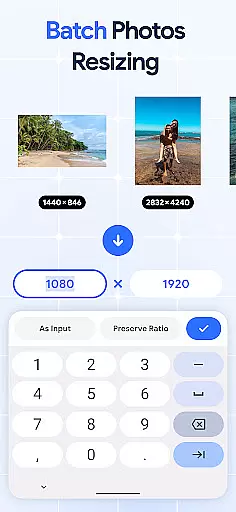
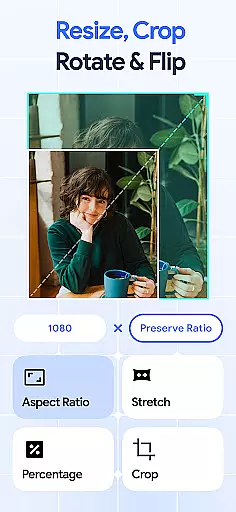
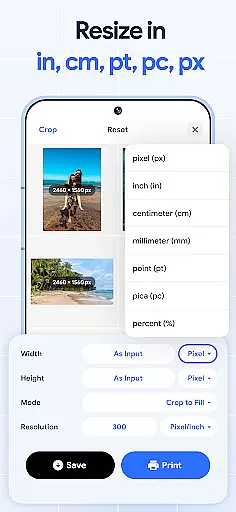
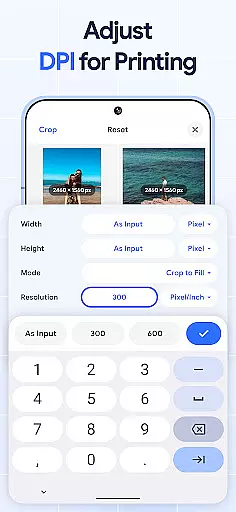
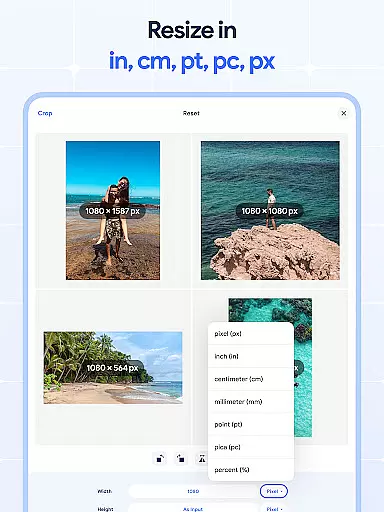
Image Resizer: Crop Photo is a versatile tool designed for resizing, cropping, rotating, flipping, and compressing images. This app caters to users who need to adjust image dimensions for social media, optimize storage space, or prepare photos for printing with better resolution. With its intuitive interface, the app allows both quick edits and detailed adjustments.
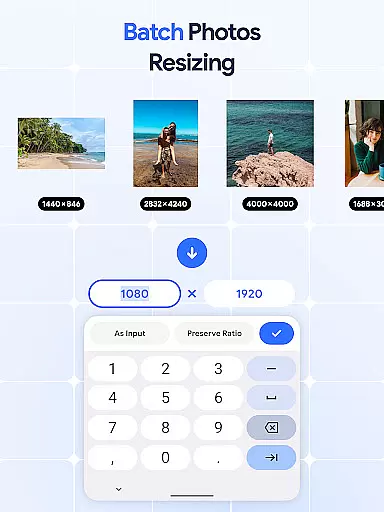
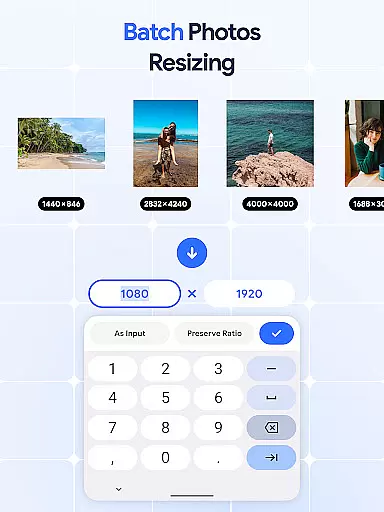
The application stands out with its batch processing capabilities, enabling users to resize, crop, rotate, or compress multiple images simultaneously. Whether you're a photographer managing high-resolution images or a social media manager standardizing post dimensions, Image Resizer provides the essential tools to streamline your workflow while maintaining professional-quality results.
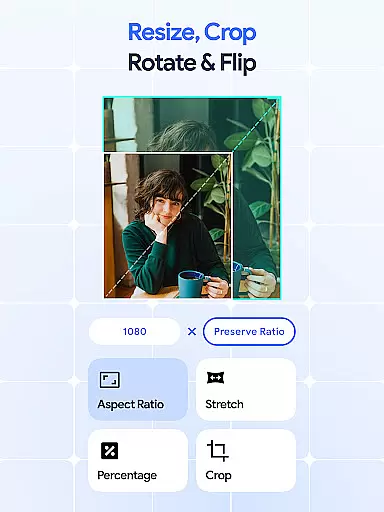
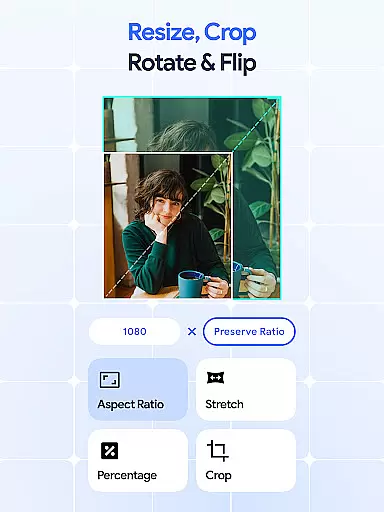
Image Resizer offers an impressive range of features that make image editing accessible and efficient. The app includes precise cropping tools, allowing users to remove unwanted parts of an image or adjust aspect ratios for different platforms. Its resizing functionality supports both increasing and decreasing image dimensions while preserving quality, making it ideal for web use or printing.
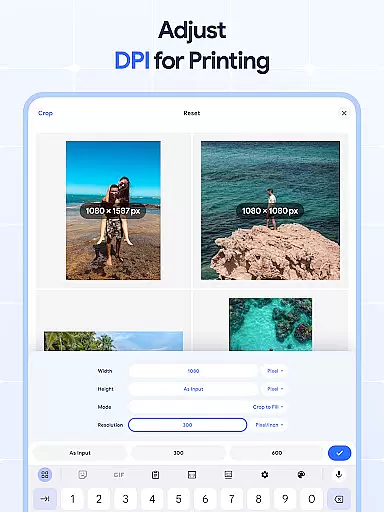
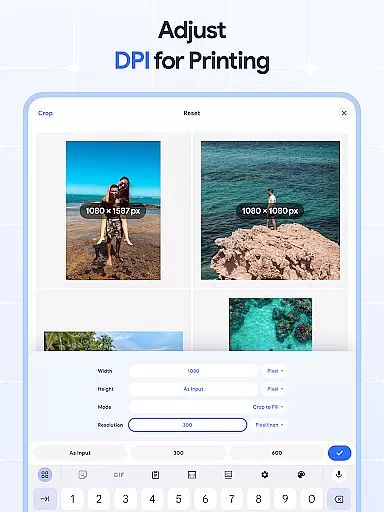
One of the standout features is the batch editing option, which lets users process multiple files at once. Need to rotate, flip, or compress dozens of images? The app handles this effortlessly. Additionally, the built-in DPI changer ensures that images meet specific resolution requirements, whether for digital screens or physical prints. These robust features ensure that Image Resizer is suitable for both casual users and professionals seeking reliable photo editing tools.
In the realm of digital art and design, having access to comprehensive tools is essential for bringing creative visions to life. Image Resizer: Crop Photo stands out by offering an extensive suite of features that cater to various image editing needs.
From resizing and cropping to rotating and flipping images, this app provides artists and designers with everything they need to modify their visuals effectively. The inclusion of a dpi changer and photo compressor further expands its utility, allowing users to optimize their images for both print and digital platforms without compromising on quality.
What sets this application apart is its batch processing capabilities. Users can perform bulk operations such as resizing multiple pictures at once or applying uniform edits across several images simultaneously. This not only saves time but also ensures consistency in projects that involve numerous visual elements.
Ultimately, the robust feature set of Image Resizer empowers creators to focus more on their artistic process rather than getting bogged down by technical limitations. Whether you're adjusting photo resolution for social media or preparing high-resolution files for professional printing, this app streamlines the workflow while maintaining exceptional standards of image fidelity.
Flexibility in canvas size and format options is crucial for accommodating diverse project requirements and creative expressions. Image Resizer: Crop Photo excels in providing users with unparalleled adaptability when it comes to manipulating image dimensions and formats.
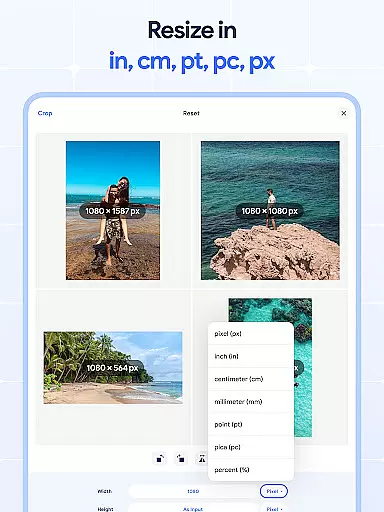
The app allows precise control over image resizing, enabling users to specify exact pixel dimensions or adjust proportions dynamically. This level of customization ensures that whether youu2019re working on detailed illustrations or broad graphic designs, your canvas can be tailored to fit the unique demands of each project perfectly.
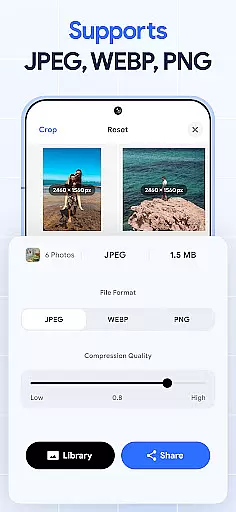
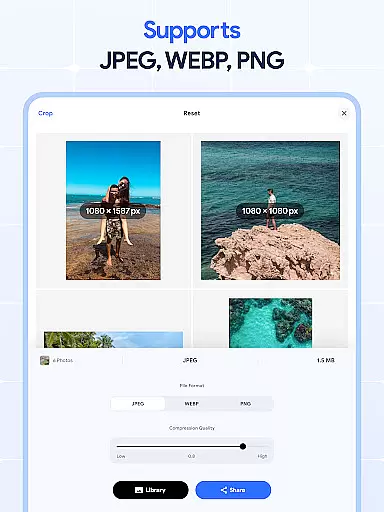
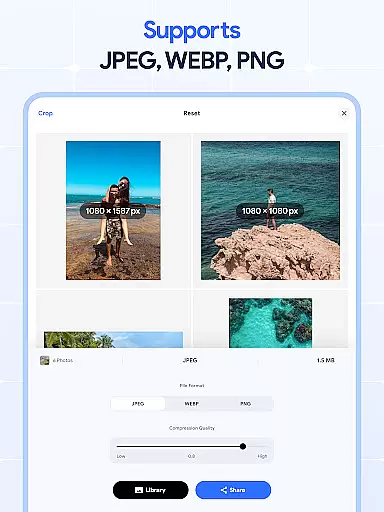
Beyond basic resizing, the application supports advanced functionalities like bulk resizing and format conversion. Need to prepare images for web use or create print-ready files? With support for various file types and resolutions, transitioning between different mediums becomes seamless.
Moreover, the ability to crop, rotate, flip, and compress images adds another layer of versatility. These tools not only enhance creative freedom but also contribute to efficient storage management and faster sharing capabilities. By combining these powerful features, Image Resizer positions itself as an indispensable asset for anyone involved in art and design, ensuring that no matter the task at hand, you have the necessary flexibility to execute your vision flawlessly.
User-friendly interface
Batch editing support
High-quality compression
Precise cropping tools
Efficient DPI adjustment
Limited advanced filters
No cloud integration
Basic rotation options
Occasional slow processing
Ads in free version

Download now for a stylish and functional timepiece
 4.4
4.4
Art of Combination Wear OS Watch faces
4.4
Art of Combination Wear OS Watch Faces
4.4
Design unique, funny and adorable cat stickers that reflect your own style!
3.80
A luxurious gold watch face for an elegant and refined look.
4.2
2D animation studio for Android tablets - unlimited layers, infinite timeline
4.70
Unleash the artist in you with our AR drawing and tracing tool for photo drawing
4.10
Create Logos, Tattoos, AI Art & more with our AI Photo Generator & Design Editor
4.20
Draw, make movies & animate cartoons easily with our 2D animation maker app
4.40
Logo Generator powered by AI: Create stunning logos effortlessly!
4.70
Digital illustration drawing & painting pad app to paint Anime and Manga art
4.50
Photo blender app to create overlay photos & double exposure.
4.40
Trace, draw, and create art with AR - from memes to masterpieces!
4.30
Sketch, plan, take notes and illustrate on an infinite canvas.
4.20
Resize photos and print photos in exact size with our powerful photo printer!
3.80
AI Face Swap, Video Effects Editor, Realtime Morph, Funny Video FX,AI Filters
3.70
Art of Combination Wear OS Watch Faces
3.30
Meet the magic aı 3d photo generator and smart AI video generator app.
3.20
Draw anime easily with AR guidance, sketch templates & trace tools!
3.10


User Reviews