
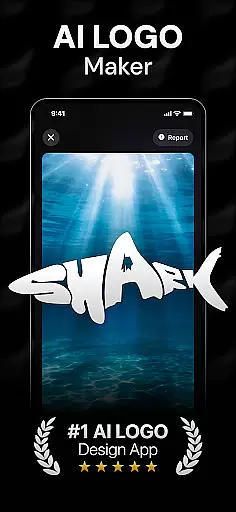
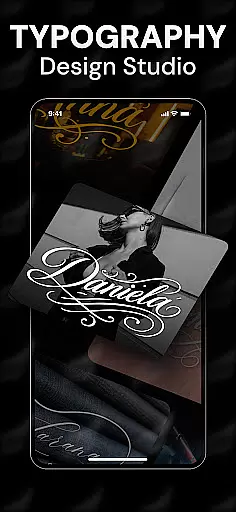
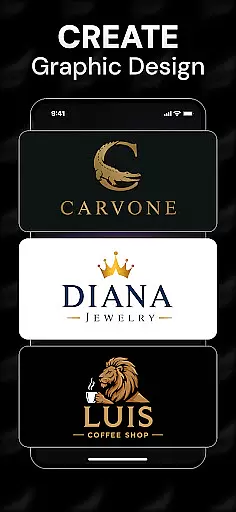
Rebrand is an AI-powered logo design studio that helps users create professional logos and graphic designs with ease. The app offers a wide range of features including an AI logo generator, customizable design elements, and realistic mockups for real-world applications. Whether you're starting a new business or rebranding an existing one, Rebrand provides the tools to craft a unique brand identity.
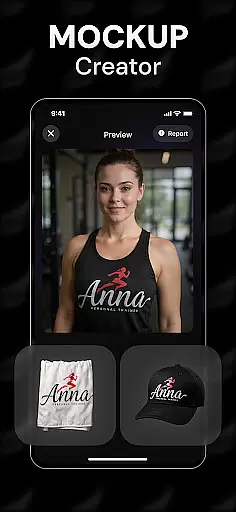
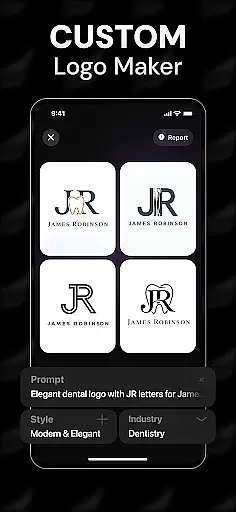
The app's standout feature is its AI-driven logo creation process, which allows users to generate tailored logos by entering custom prompts. Additionally, the realistic mockup functionality enables users to visualize their designs on various objects like mugs, business cards, and T-shirts. This makes Rebrand not just a logo maker but also a comprehensive graphic design tool suitable for both beginners and professionals.
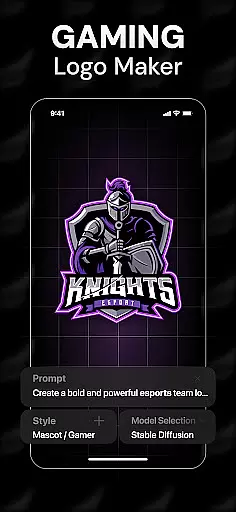
With its intuitive interface and advanced design capabilities, Rebrand empowers users to unleash their creativity without any prior design experience. From gaming logos to social media graphics, this app transforms ideas into professional-quality visuals in seconds, making it an essential tool for anyone looking to establish a strong visual brand presence.
Rebrand stands out with its robust set of features designed to cater to all your branding needs. At the core of the app is the AI logo generator, which uses advanced algorithms to create unique and professional logos based on user-defined prompts. This ensures that each logo is specifically tailored to meet individual branding requirements.
Beyond logo creation, Rebrand offers extensive customization options. Users can personalize every aspect of their logos, from colors to typography, ensuring that the final design perfectly aligns with their brand identity. The app also includes realistic mockup tools, allowing users to see how their logos will appear on various real-world items such as business cards, mugs, and apparel.
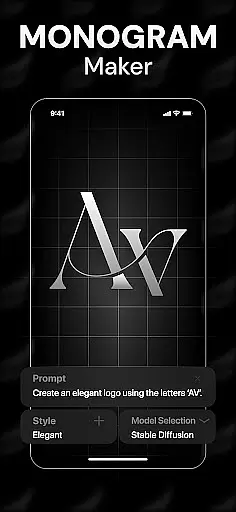
Additional features include an icon maker and monogram maker, expanding the app's utility beyond just logo design. These tools enable users to create cohesive brand assets, from social media graphics to personalized icons. With its user-friendly interface and powerful design capabilities, Rebrand is an indispensable tool for anyone looking to elevate their brand's visual identity.
In the realm of graphic design, having access to a comprehensive suite of creative tools is essential for bringing artistic visions to life. Rebrand stands out as an AI-powered logo design studio that offers an extensive array of features tailored to both novices and professionals in the Art & Design field.
Rebrand's capabilities extend beyond basic logo creation. It includes an icon maker, monogram maker, and customizable options for colors and typography. These tools allow users to craft not only logos but also sleek social media graphics and personalized icons, providing a one-stop solution for diverse branding needs.
The app's realistic mockups further enhance its creative toolkit by enabling users to visualize their designs on real-world items such as mugs, business cards, and T-shirts. This feature ensures that users can see how their logos will appear in various applications, thus refining their design choices.
By combining powerful AI technology with an intuitive interface, Rebrand empowers users to focus on unleashing their creativity without being bogged down by technical complexities. Whether designing for a startup or redefining an existing brand identity, users benefit from professional-grade tools that facilitate stunning visual creations.
Flexibility in canvas and format options is crucial for designers who need to adapt their work across different mediums and platforms. Rebrand addresses this need by offering versatile design capabilities that cater to a wide range of project requirements within the Art & Design category.
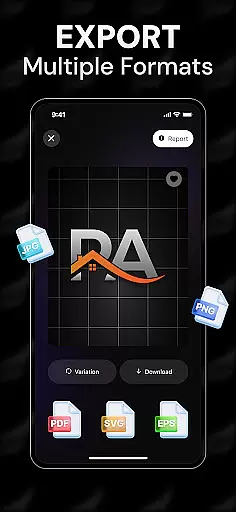
With Rebrand, users can create logos and other graphic elements that are easily exportable in various file formats suitable for web, social media, and print materials. This ensures that no matter where the design will be used, it maintains its quality and integrity.
The app's AI-driven platform simplifies the process of adjusting designs to fit specific dimensions and resolutions. Users can seamlessly transition from creating a logo for a business card to scaling it up for a billboard or packaging design, all within the same intuitive interface.
This level of canvas and format flexibility not only saves time but also enhances productivity by allowing designers to focus on the creative aspects rather than technical adjustments. Rebrand's adaptable tools ensure that every branding effort results in polished, professional outcomes tailored to unique specifications.
User-friendly interface
Advanced AI technology
Customizable design options
Realistic mockup previews
Comprehensive branding tools
Limited free features
Subscription required
Occasional bugs
Learning curve
Export limitations

Vidu is an AI video generator made for creators and aspiring makers.
 3.30
3.30
Transform photos into amazing monochrome dither art with professional algorithms
4.1
Create trending AI photos & videos with powerful effects and 3D styles.
3.20
Sketch, plan, take notes and illustrate on an infinite canvas.
4.20
Create stunning art with AI.
4.80
Minecraft & Roblox Clothes
4.70
OneUI 8.5 icons ✨ Smooth, modern & based on the latest Play Store design ??
4.10
Video AI: Revolutionize Your Content Creation with Advanced Video Generation
4.50
AI Tattoo Generator: Create Tattoo Designs & Get Ideas! Ink & Stencil Maker
4.50
Draw on screen: FP sDraw is a simple and lightweight drawing app
4.70
Your AI soulmate — meaningful chats, and unique emotional moments
4.70
Photo stitcher for automatically screenshot stitching into a long screenshot
4.70
Castle is social media for creating and playing games!
4.60
Kling AI is an image and video generation and editing studio powered by AI.
4.50
Trace, draw, and create art with AR - from memes to masterpieces!
4.30
Customizable Outlined Fonts. Watch Face Format. Battery friendly Digital Clock.
4.20
Unleash the artist in you with our AR drawing and tracing tool for photo drawing
4.10
Design your dream room with AI. Get decor ideas & plan home interiors
3.90
Powerful home decoration & house design that allows you to design dream home.
3.80


User Reviews