
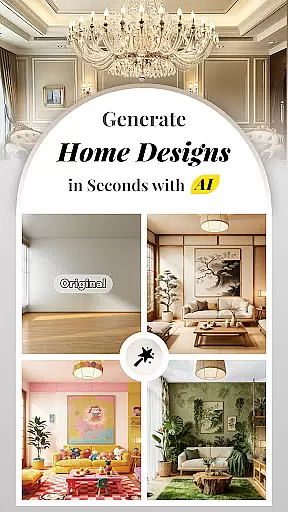


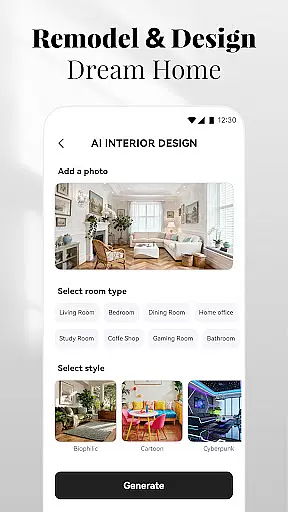
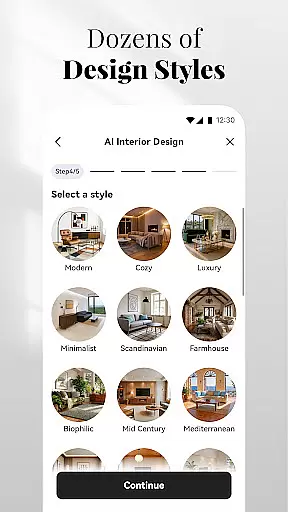



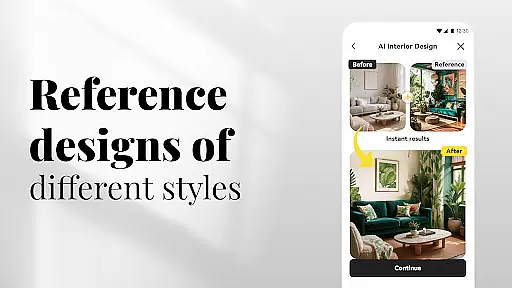
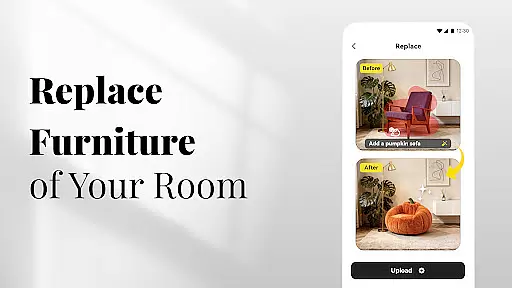





AI Home Design is an innovative application that leverages artificial intelligence to revolutionize the way users approach home design and renovation. The app offers a comprehensive suite of tools for interior, exterior, and landscape design, enabling users to transform their living spaces with ease. By simply uploading a photo and selecting preferred styles, users can receive personalized design plans that cater to their unique tastes and needs.
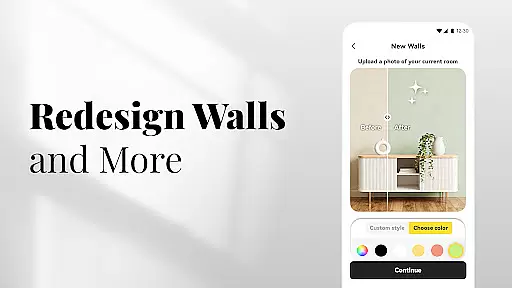
The app's AI technology analyzes room dimensions and characteristics to generate stunning interior design plans, complete with furniture arrangements and color palettes. It extends its capabilities to outdoor spaces, allowing users to explore landscaping ideas and exterior makeovers. Additionally, features like item replacement, wall reskinning, and clutter removal provide a holistic design experience. Whether you're a homeowner, renter, or real estate enthusiast, AI Home Design empowers you to visualize and implement your dream home aesthetic.
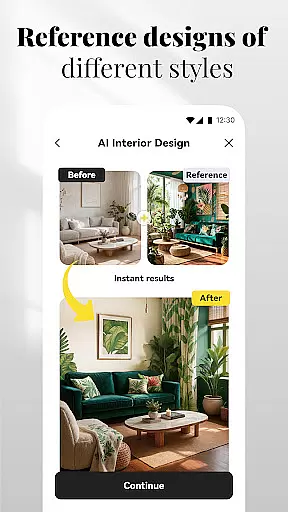
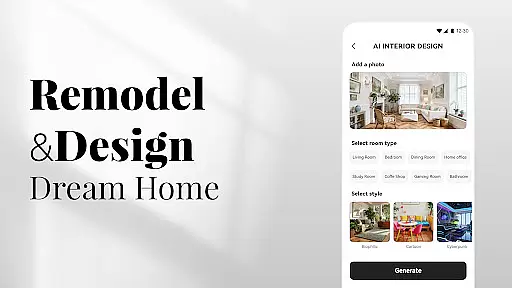
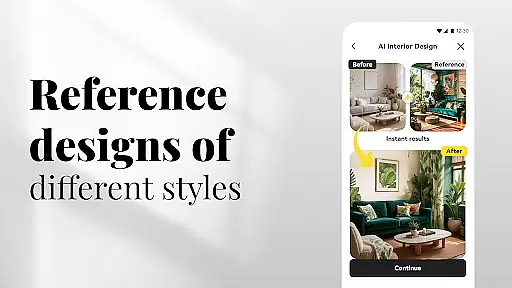
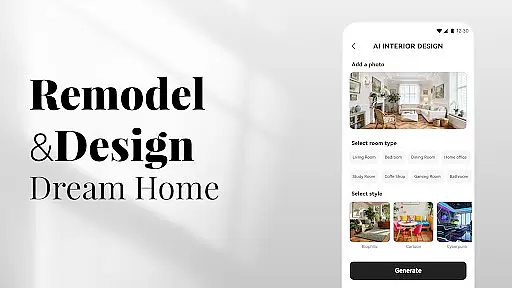
AI Home Design stands out with its diverse range of specialized design tools. The AI Interior Design feature allows users to upload room images and choose from various styles, generating customized interior plans that include furniture layouts and color schemes. This functionality caters to different design preferences, from modern chic to rustic warmth, providing a complete visualization of potential room transformations.
The application extends its AI-powered capabilities to exterior and landscape design. Users can redesign their home's exterior or backyard by uploading photos and selecting desired styles. The app suggests pathways, plants, decks, and other outdoor elements, making it ideal for comprehensive home improvement projects. Additional features like item replacement, wall reskinning, and flooring previews offer practical solutions for specific design challenges, while effortless clutter removal helps achieve a clean and organized space.
In the realm of digital home design, having access to comprehensive creative tools is essential for bringing visions to life. AI Home Design offers an extensive suite of features that cater to every aspect of home aesthetics. From interior decor to exterior renovations, the app provides users with a full spectrum of design capabilities.
The application's AI Interior Design & Decor functionality allows users to upload images and receive tailored design plans. This includes furniture arrangement, color schemes, and stylistic elements that align with personal preferences. The AI Backyard & Landscape Design extends this creativity to outdoor spaces, offering landscaping ideas and patio layouts.
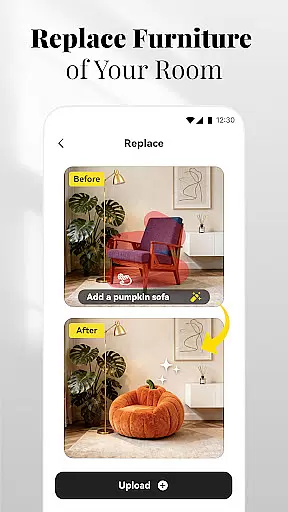
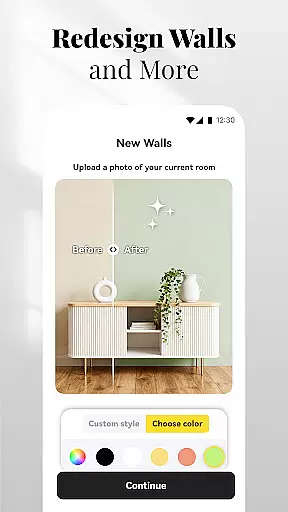
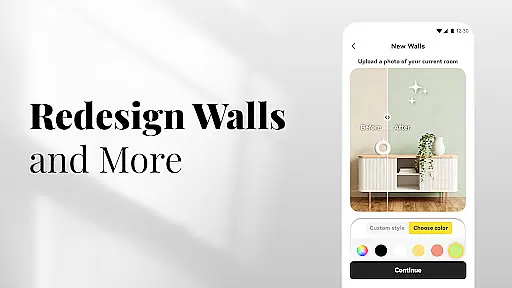
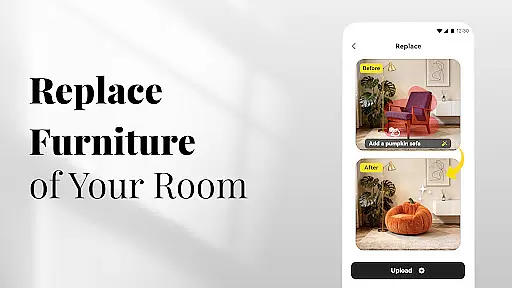
Furthermore, the Replace feature enables users to swap out items within their design, experimenting with different styles such as modern or farmhouse. With New Walls and flooring previews, individuals can visualize changes in textures and materials without any physical commitment. These robust tools empower users to explore countless possibilities and refine their designs iteratively.
By providing these diverse and powerful creative instruments, AI Home Design ensures that users have everything they need to craft their ideal living environment with precision and ease.
Flexibility in design formats and canvas options is crucial for accommodating various project requirements and user preferences. AI Home Design excels in offering adaptable solutions that cater to both novice decorators and seasoned designers alike.
The platform supports multiple design formats, allowing users to work on different types of projects seamlessly. Whether itu2019s revamping a single room or planning an entire house makeover, the flexible canvas adapts to the scope and scale of each endeavor. Users can input specific dimensions and characteristics of their spaces, ensuring accurate representations in their virtual designs.
Moreover, the ability to switch between 2D and 3D views enhances spatial understanding and decision-making. This versatility extends to exporting designs in various formats suitable for sharing or professional presentations. By supporting a wide array of file types and resolutions, AI Home Design facilitates collaboration and feedback loops among stakeholders.
This adaptability not only streamlines the design process but also enriches the overall user experience by providing customizable and responsive design environments.
User-friendly interface
Comprehensive design tools
Instant style visualization
Versatile style options
Social sharing capabilities
Limited advanced customization
Premium feature costs
Occasional AI inaccuracies
Device compatibility issues
Learning curve for new users

Art of Combination Wear OS Watch faces (for Wear OS 5+ devices)
 3.00
3.00
Digital Drawing: Draw & Paint
4.10
Your Essential Color Theory Guide: Red, Yellow, Blue (RYB)
4.4
Make your phone cooler and have a fantastic experience
4.80
2D animation studio for Android tablets - unlimited layers, infinite timeline
4.70
OneUI 8.5 icons ✨ Smooth, modern & based on the latest Play Store design ??
4.10
Create amazing pictures and unleash your creative genius with AR Drawing Sketch
4.40
Explore future self face age filter & remove background image for a unique look.
3.50
How to draw anime step by step for beginner easily by AR drawing sketch & paint.
3.60
See Color, Paint Color
4.90
Draw on screen: FP sDraw is a simple and lightweight drawing app
4.70
Draw glowing spinners, relax, and spin your creative art
4.60
Create neon drawing with magic doodle and fun doodle art effects!
4.50
Customizable Outlined Fonts. Watch Face Format. Battery friendly Digital Clock.
4.20
Create stylish invitation cards using templates for weddings, birthdays & RSVP.
4.20
Text to Image, Image to Video & AI Chat
4.20
Design your dream room with AI. Get decor ideas & plan home interiors
3.90
Design unique, funny and adorable cat stickers that reflect your own style!
3.80
Vidu is an AI video generator made for creators and aspiring makers.
3.30


User Reviews