
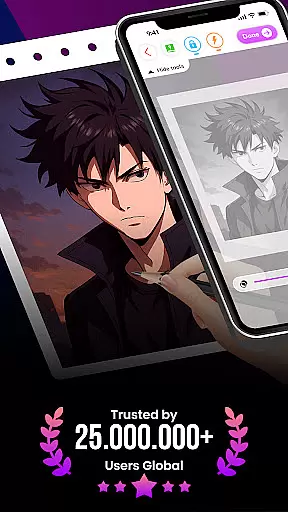
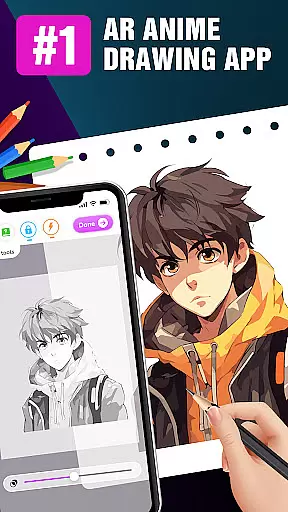
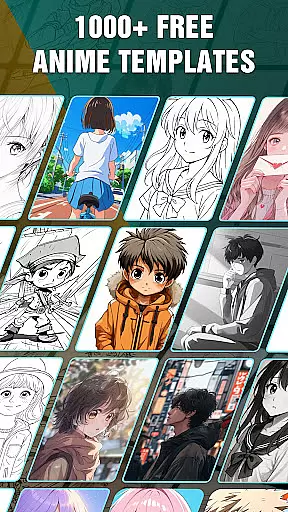
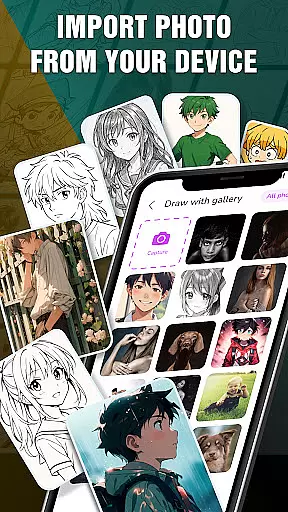
Draw Anime: AR Drawing Sketch is an innovative app that combines augmented reality with anime drawing tutorials. Designed for both beginners and experienced artists, it offers a unique platform to learn and create anime artwork.
The app's standout feature is its AR integration, allowing users to incorporate real-world elements into their sketches through the device's camera. This creates a seamless blend of reality and imagination, making the drawing process more engaging and interactive.
Whether you're a teenager or an anime enthusiast, this app provides step-by-step guidance to help you master anime drawing techniques. With additional features like saving favorite characters and sharing your creations, Draw Anime makes learning fun and social.
Draw Anime: AR Drawing Sketch stands out with its comprehensive set of features tailored for anime enthusiasts. The app provides detailed step-by-step tutorials that break down complex drawing processes into manageable steps, making it accessible for all skill levels.
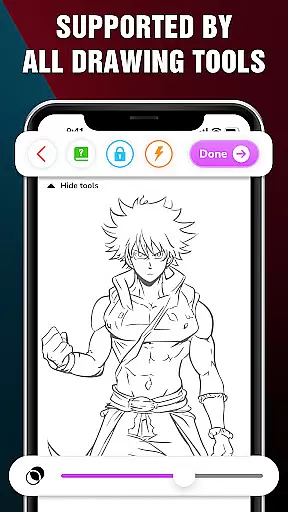
One of the key highlights is the AR Drawing functionality. Users can leverage their device's camera to infuse real-world elements into their sketches, creating a unique blend of reality and art. Advanced options such as Extend, Adjust Opacity, On/Off Flashlight, Lock, and Reset enhance the drawing experience.
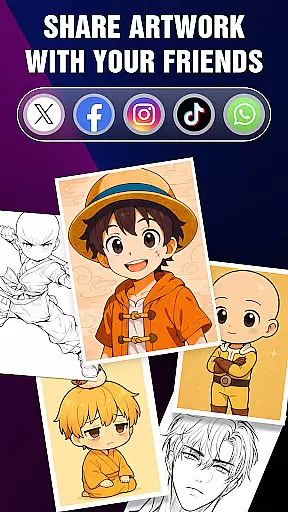
Additionally, the Artwork feature allows users to track their progress and achievements over time. You can save your favorite sketches and characters, ensuring quick access and enabling you to share your perfect AR drawings with friends on social media.
In the realm of digital art, having access to comprehensive creative tools is essential for unleashing an artist's full potential. Draw Anime: AR Drawing Sketch offers a robust suite of features that cater to both budding artists and seasoned professionals.
Our app provides step-by-step anime tutorials, ensuring that regardless of your experience level, you can learn and master the art of anime drawing. The inclusion of augmented reality takes this a step further by allowing users to infuse real-world elements into their sketches, thus creating a seamless blend of imagination and reality.
Additionally, advanced options such as Extend, Adjust Opacity, On/Off Flashlight, Lock, and Reset empower artists with greater control over their creations. This extensive toolkit not only enhances the drawing experience but also encourages artistic exploration and innovation.
A versatile canvas is crucial for artists who wish to express their creativity without limitations. Draw Anime: AR Drawing Sketch excels in providing canvas and format flexibility that adapts to various artistic needs.
Artists can track their progress through the Artwork feature, which allows them to gain insights into their artistic journey within the world of augmented reality art. This feature helps maintain motivation and fosters a sense of achievement as skills develop over time.
Moreover, the ability to save or share perfect AR drawings with friends showcases the appu2019s commitment to flexible formatting. Users can keep track of their favorite characters and access them quickly, ensuring that inspiration is never lost. Such adaptability makes Draw Anime: AR Drawing Sketch an indispensable tool for anyone passionate about anime art.
User-friendly interface
Step-by-step tutorials
Augmented reality features
Save and share artwork
Track artistic progress
Limited free content
Requires good lighting
In-app purchases needed
Occasional bugs
High device requirements

Sketch, trace and master AR drawing with awesome anime art!
 3.30
3.30
Sketch, plan, take notes and illustrate on an infinite canvas.
4.20
Custom Character Creator & PFP Maker!
4.20
Digital illustration drawing & painting pad app to paint Anime and Manga art
4.50
Art of Combination Wear OS Watch faces
4.4
Create stunning art with AI.
4.80
Photo editor for art, avatars, filters & fun transformations.
4.60
Draw glowing spinners, relax, and spin your creative art
4.60
Novices can also easily complete diamond painting masters
4.70
2D animation studio for Android tablets - unlimited layers, infinite timeline
4.70
Your AI soulmate — meaningful chats, and unique emotional moments
4.70
Draw beautiful mandala's very easily
4.60
Remove Background, Magic Eraser, Photo Enhancer, Story Templates, Collage Maker
4.30
Create Logos, Tattoos, AI Art & more with our AI Photo Generator & Design Editor
4.20
Digital Drawing: Draw & Paint
4.10
Design your dream room with AI. Get decor ideas & plan home interiors
3.90
AI Face Swap, Video Effects Editor, Realtime Morph, Funny Video FX,AI Filters
3.70
Create cute cat emojis & PFPs! Fun, custom avatars for cat lovers.
3.70
Inky runs Inkscape on Android devices and Chromebooks
2.90


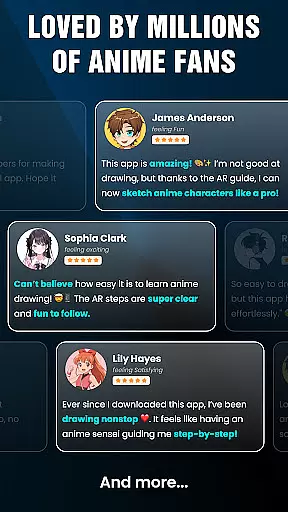
User Reviews