
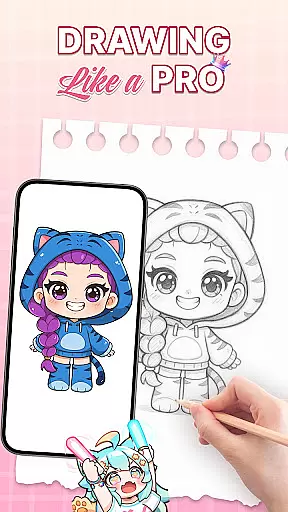
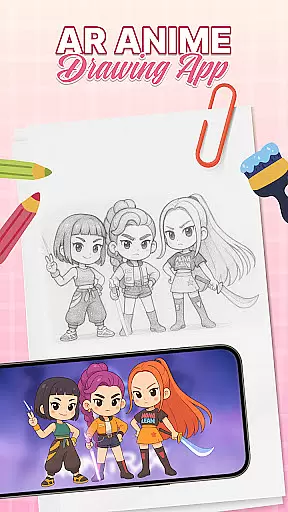
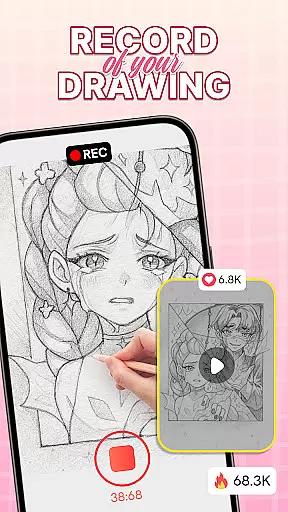
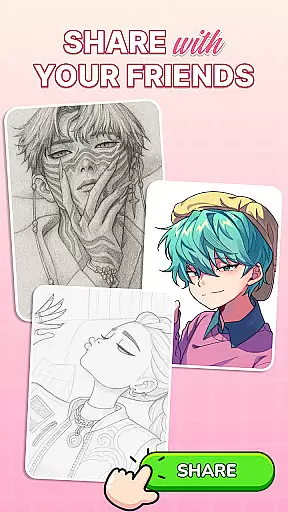
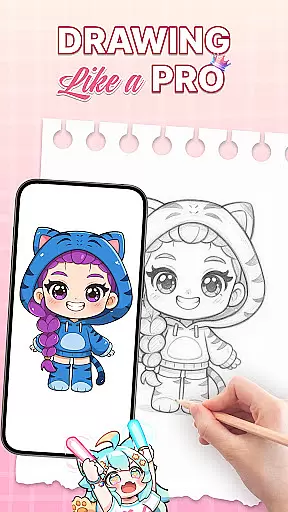
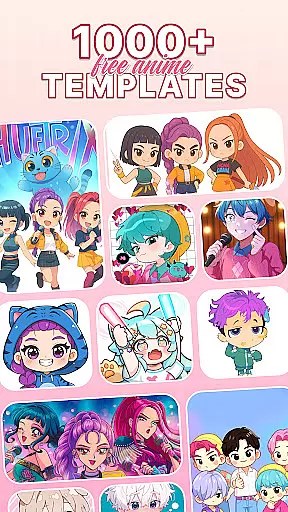
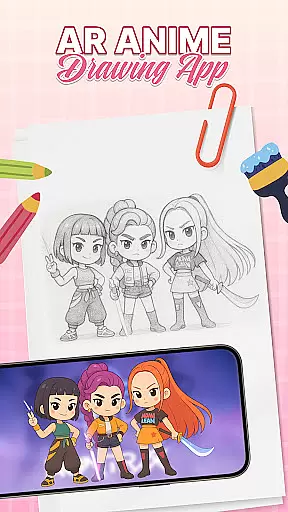
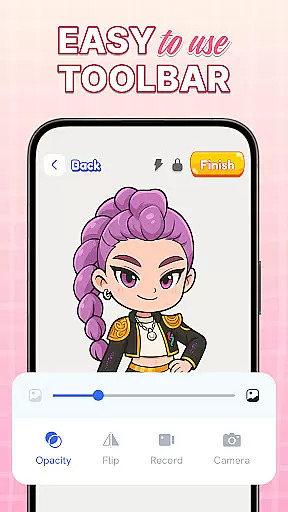
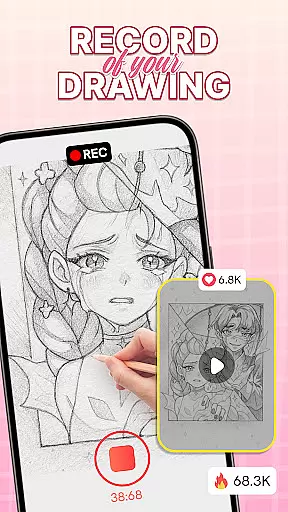
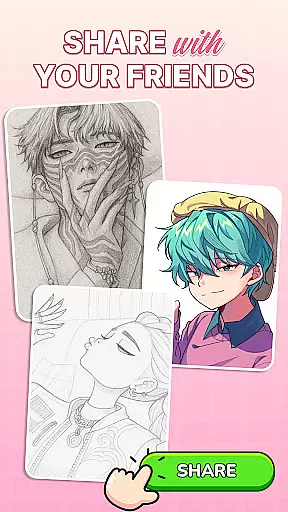
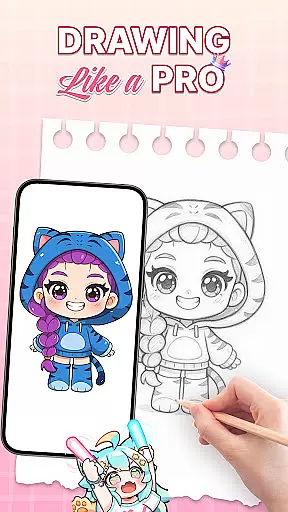
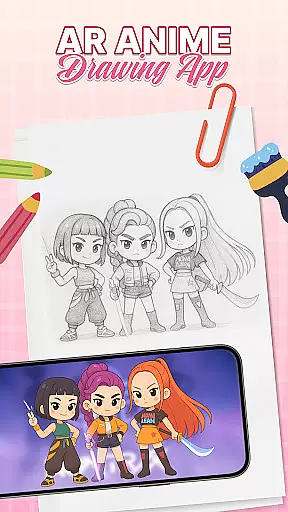
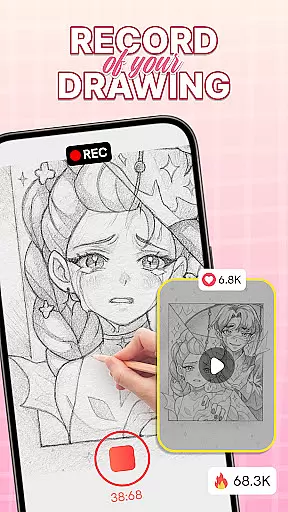
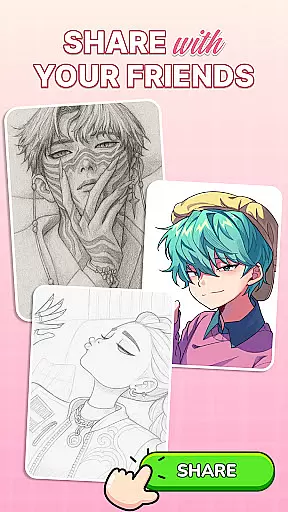
AR Drawing: Sketch & Trace is an innovative mobile application that brings augmented reality to the world of art and design. This app allows users to project any image onto paper through AR, making it easy to trace and sketch with precision. Whether you're a beginner or a professional artist, this app serves as your ultimate AR art companion.
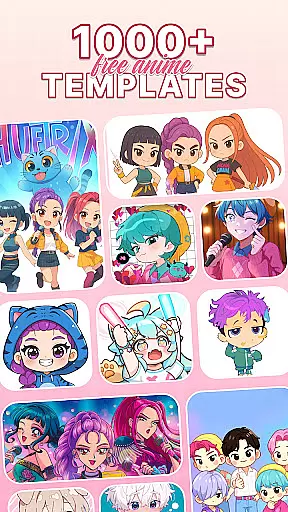
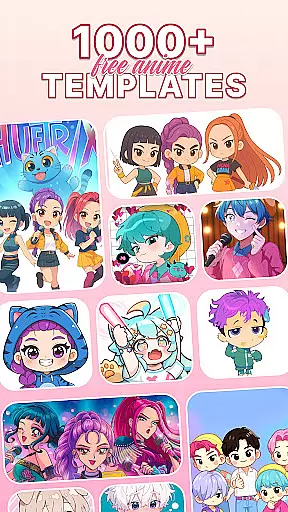
The app provides diverse drawing templates including anime, animals, food, nature, and more, catering to various artistic interests. With its intuitive interface, both novices and experts can easily navigate and utilize the app's features. Additionally, the app offers comprehensive Sketch & Paint functionalities, enabling users to bring their sketches to life with vibrant colors and intricate details.
One notable use case is for parents who want to bond with their children by guiding them in drawing. The app stimulates creativity while making learning fun and interactive. Overall, AR Drawing: Sketch & Trace elevates the drawing experience by merging technology with creativity, offering structured guidance and resources to progressively develop artistic skills.
AR Drawing: Sketch & Trace stands out with its unique set of features tailored for art enthusiasts. One of the key highlights is the AR drawing and tracing capability, which overlays images onto any surface, allowing users to trace with precision and ease. This feature transforms any image into a traceable guide, making drawing accessible even for beginners.
The app also boasts a vast library of drawing templates covering various themes such as anime, animals, food, and nature. These templates serve as inspiration and guidance for users embarking on their artistic journey. Furthermore, the Sketch & Paint tools provide a wide range of artistic options, from vibrant color palettes to intricate detailing, enhancing the overall creative process.
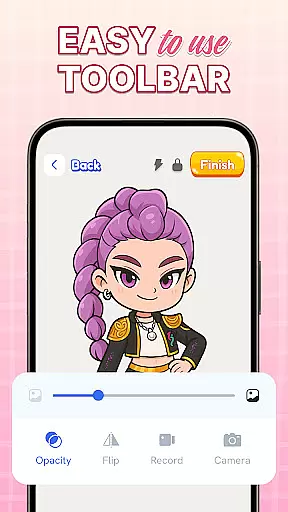
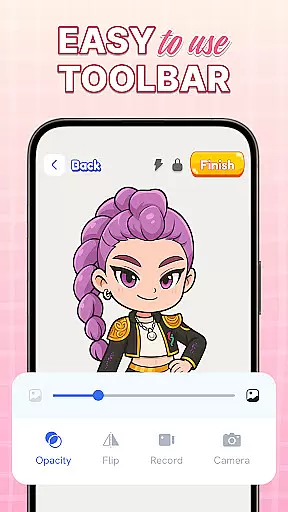
Additional features include integrated camera and flashlight functionalities for better tracing in different lighting conditions. Regular updates ensure that users have access to new content and features, keeping their creative journey exciting and up-to-date. These aspects collectively make AR Drawing: Sketch & Trace a versatile tool for unleashing one's inner artist.
When it comes to digital art applications, the comprehensiveness of creative tools is paramount. AR Drawing: Sketch & Trace offers an extensive suite of features that cater to both amateur and professional artists. The app includes augmented reality (AR) drawing and tracing capabilities, allowing users to project any image onto a surface for easy tracing. This feature not only simplifies the process of learning to draw but also opens up new avenues for creativity by merging technology with traditional art forms.
In addition to its AR functionalities, the app provides diverse drawing templates covering a wide range of categories such as anime, animals, food, and nature. These templates serve as excellent guides for users looking to expand their artistic repertoire or find inspiration. Furthermore, the Sketch & Paint tools are designed to bring sketches to life with vibrant colors and intricate details, ensuring that every piece created is unique and expressive.
The true value of AR Drawing: Sketch & Trace lies in its ability to make art accessible to everyone. Whether you're a parent wanting to engage your child in creative activities or an aspiring artist seeking to refine your skills, this app delivers the necessary tools to foster growth and exploration in art. With regular updates and an intuitive user interface, it ensures that all users can enjoy a seamless and enriching experience.
Flexibility in canvas and format options is crucial for artists who wish to explore different styles and mediums without limitations. AR Drawing: Sketch & Trace excels in providing users with the freedom to customize their workspace according to their preferences. By utilizing the phone's camera and flash, the app allows users to draw on any surface, offering unparalleled versatility in how and where they create their art.
Moreover, the app supports various drawing templates, which means that users aren't confined to a single style or subject matter. They can switch between anime, animals, food, and other themes effortlessly, making it easier to experiment with different genres. This adaptability extends to the Paint & Color section, which boasts an extensive palette, enabling artists to customize their work with endless color possibilities.
For those interested in anime drawing or digital art, AR Drawing: Sketch & Trace presents an innovative platform that combines traditional sketching with modern technology. Its commitment to delivering a family-friendly and educational experience ensures that users of all ages and skill levels can benefit from its offerings. By continuously updating the app with new features, the developers maintain a dynamic environment that keeps pace with evolving artistic trends and user needs.
User-friendly interface
Diverse template library
Augmented reality tracing
Comprehensive paint tools
Regular feature updates
Limited free templates
Requires stable surface
In-app purchases needed
Occasional bugs
Learning curve for AR

Pose and morph realistic male and female models! 3D poser app
 3.00
3.00
Image/ Text to Video Generator
4.40
Draw anime & manga drawing, art with templates to create stunning picture!
4.50
Meet the magic aı 3d photo generator and smart AI video generator app.
3.20
Trace, draw, and create art with AR - from memes to masterpieces!
4.30
Photo blender app to create overlay photos & double exposure.
4.40
Nano Banana AI Image Generator, Anime Filter, AI Portrait, AI Photo Generator
4.30
800+ Drawing, Painting Lessons App to Practice, Sketch & Paint Art.
4.30
Art of Combination Wear OS Watch faces (for Wear OS 5+ devices)
3.90
See Color, Paint Color
4.90
The ultimate tool for creating animations
4.60
Image resizer to resize, crop, rotate, flip, change dpi photo or picture in bulk
4.60
Discover Cartoon Dream : Unleash Your Creativity with CuttingEdge AI
4.50
Painting, drawing, & sketching
4.50
Draw, make movies & animate cartoons easily with our 2D animation maker app
4.40
Text to Image, Image to Video & AI Chat
4.20
Unleash the artist in you with our AR drawing and tracing tool for photo drawing
4.10
Get creative and make art with your Sesame Friends!
4.00
Turning simple sketches into captivating tales filled with life and motion
3.90


User Reviews