
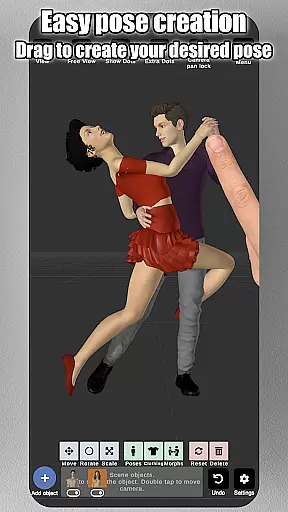
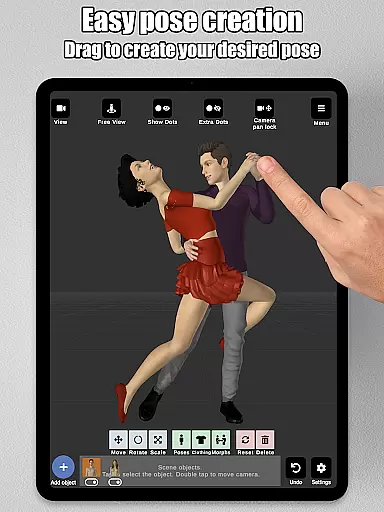
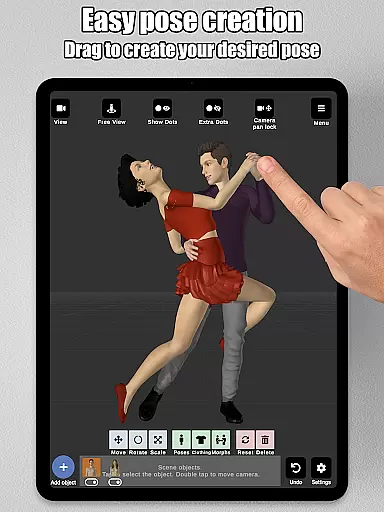
Art Model is a feature-rich 3D posing app designed for artists and designers. It allows users to pose and morph an unlimited number of human models simultaneously, making it ideal for character design, illustrations, and storyboarding. The app includes realistic male and female models as well as a wooden mannequin option.
The intuitive drag-and-drop control system makes posing quick and easy, while the advanced morphing tools enable users to create unique body types and adjust specific body parts. With additional features like split-view editing, prop integration, and customizable backgrounds, Art Model provides a complete creative environment for artists seeking professional-grade tools.
This app is particularly valuable for traditional artists who prefer classic drawing references, as well as digital artists looking to improve their skills. Its versatility supports various artistic needs, from detailed anatomy studies to dynamic scene compositions.
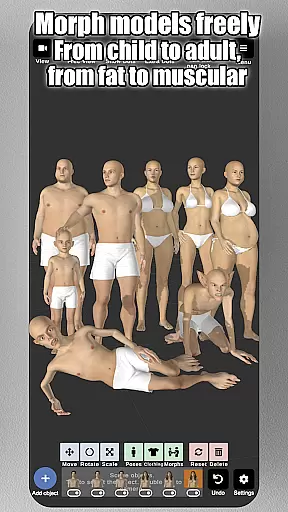
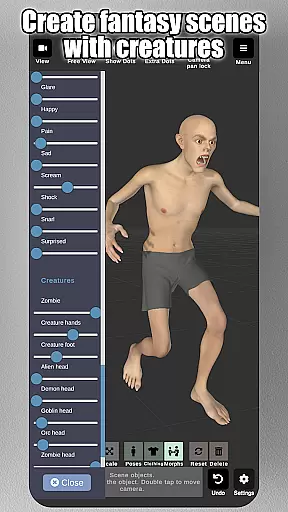
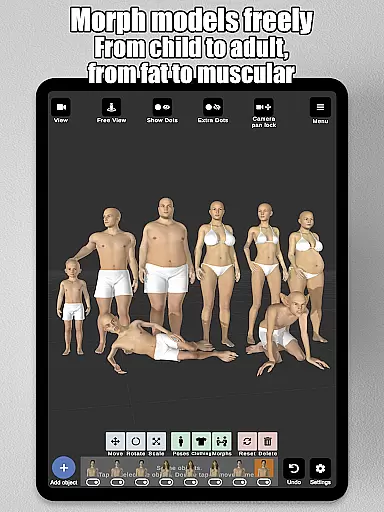
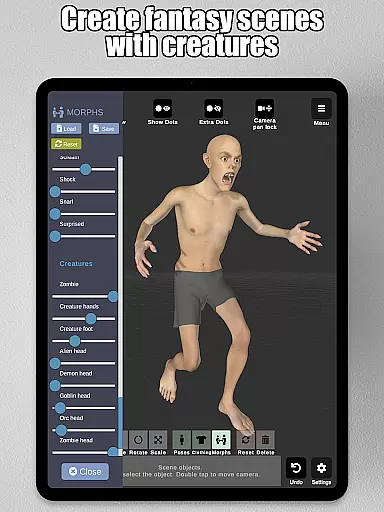
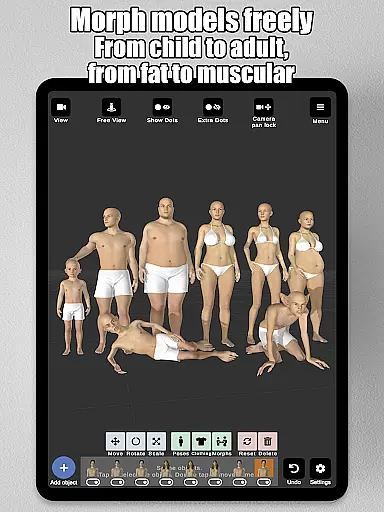
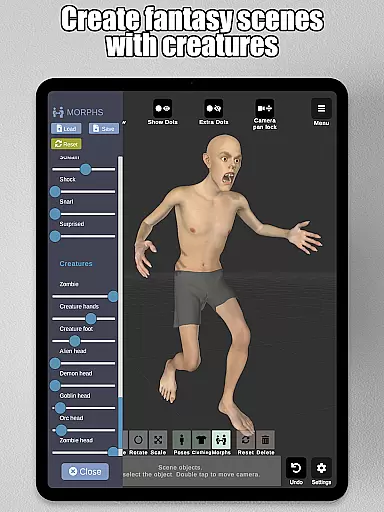
Art Model stands out with its powerful morphing system, enabling users to transform models from children to adults, skinny to muscular, or even fantastical creatures. This flexibility extends to individual body parts, allowing precise customization of areas like the chest, arms, and legs.
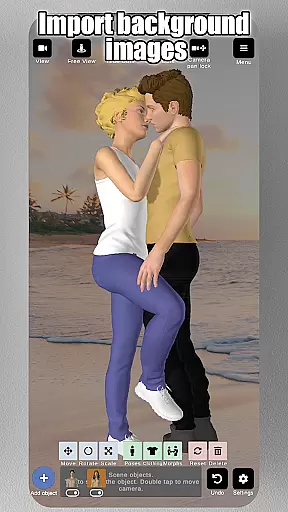
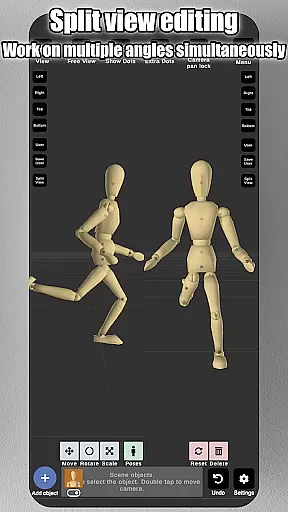
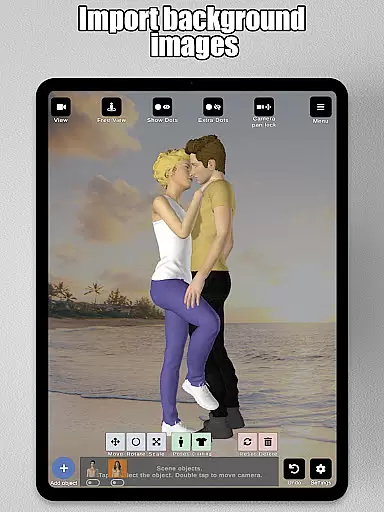
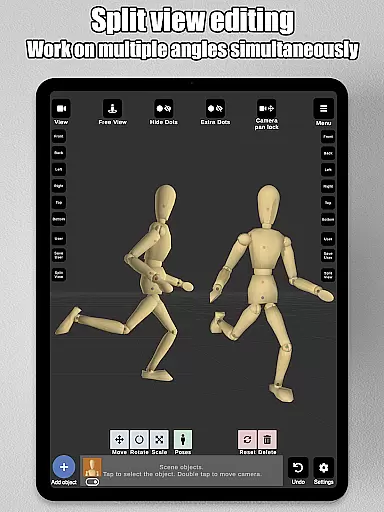
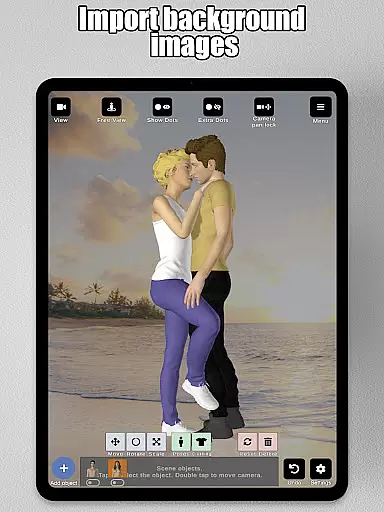
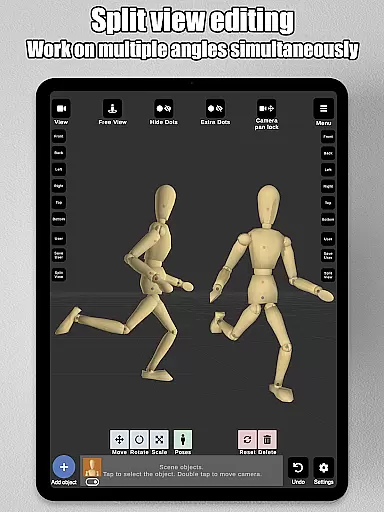
In addition to its morphing capabilities, the app offers practical tools such as split-view editing, which lets users view their models from two angles at once. Artists can also import background images to enhance scenes and use props like chairs, weapons, and geometric shapes to enrich compositions. These features ensure that every project benefits from both creativity and precision.
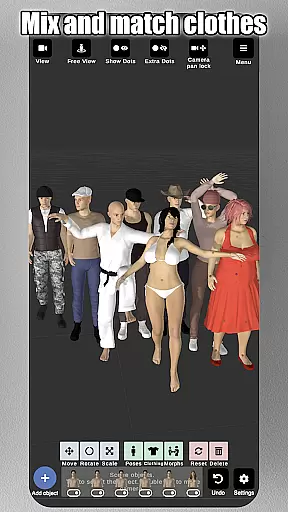
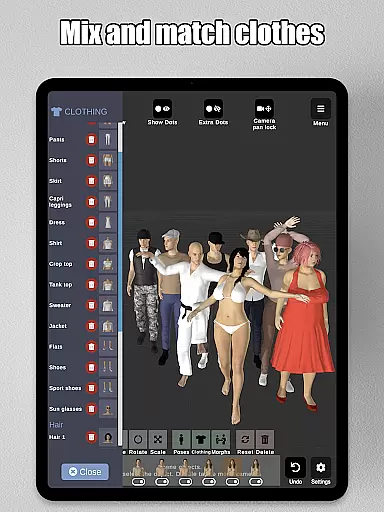
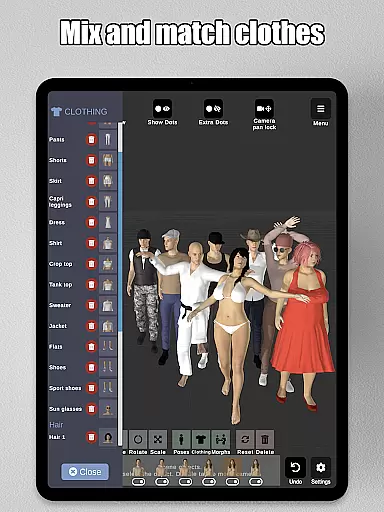
Advanced lighting options, preset poses, and clothing selections further expand the app's utility. Whether you're designing characters or practicing anatomy, Art Model provides all the tools necessary to bring your artistic vision to life.
Art Model - 3D Art pose tool offers an extensive suite of creative tools that cater to both traditional and digital artists. The app includes realistic 3D male and female models, as well as a wooden mannequin option for those who prefer classic drawing references.
The morphing system is one of the standout features, allowing users to create an unlimited range of unique models. Whether you want to transform your model from a child to an adult, adjust body types from skinny to muscular, or experiment with fantastical creatures, this app provides the tools necessary for such creativity.
In addition to full-body morphs, specific body parts like the chest, arms, and legs can be individually adjusted, offering unparalleled customization. This level of detail empowers artists to bring their visions to life with precision and ease.
With advanced lighting options, a variety of poses, clothing, and props, Art Model ensures that every element needed for character design and illustration is at your fingertips, making it an indispensable tool for artists looking to refine their craft.
Flexibility in canvas and format options is crucial for artistic expression, and Art Model excels in this area. The app allows users to import background images, which can serve as both reference and environmental context, helping to visualize characters within real-world settings.
One of the key features is the split view editing, which enables simultaneous viewing of models from two different camera angles. This functionality significantly enhances the ability to fine-tune details without the need to constantly rotate the scene, thus streamlining the creative process.
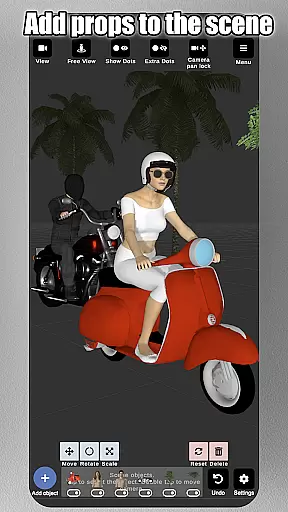
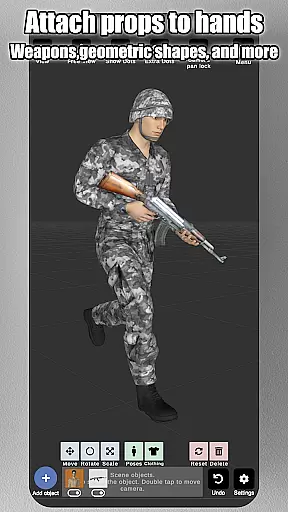
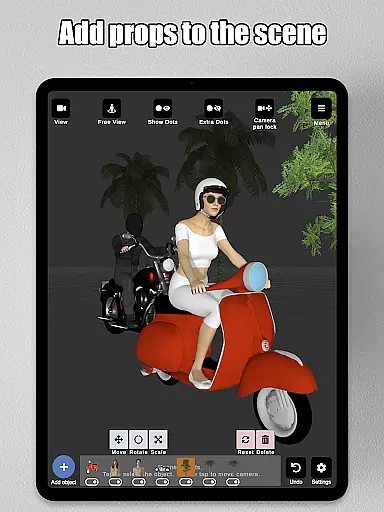
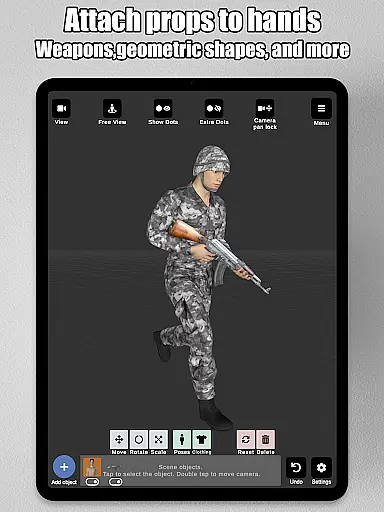
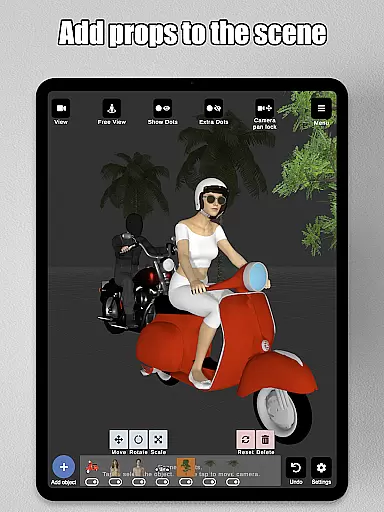
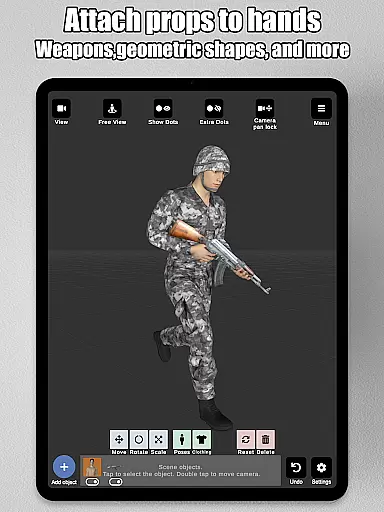
Artists can also enrich their scenes with a wide array of props, including chairs, tables, weapons, vehicles, trees, and geometric shapes. These props can be attached directly to the modelu2019s hands, ensuring they move naturally with the character.
Furthermore, Art Model supports saving and loading poses and morphs, providing artists with the flexibility to revisit and modify their work as needed. With intuitive camera controls for zooming, rotating, and panning, the app delivers a seamless experience that adapts to various artistic workflows.
User-friendly interface
Unlimited model morphing
Realistic 3D models
Versatile posing tools
Rich prop library
Steep learning curve
Requires high device specs
Limited free content
No multiplayer mode
Premium subscription needed

Download now for a stylish and functional timepiece
 4.0
4.0
Photo blender app to create overlay photos & double exposure.
4.40
Nano Banana AI Image Generator, Anime Filter, AI Portrait, AI Photo Generator
4.30
Design unique, funny and adorable cat stickers that reflect your own style!
3.80
Photo stitcher for automatically screenshot stitching into a long screenshot
4.70
Create and Design Custom Logos in Seconds with AI-Powered Tools!
4.40
Explore future self face age filter & remove background image for a unique look.
3.50
How to draw anime step by step for beginner easily by AR drawing sketch & paint.
3.60
Multiplayer Drawing game, Coloring, Painting・Sketch, Handwriting・Paint, draw
4.30
Passport size photo maker, create ID photo and visa photo in seconds
4.80
Digital, Abstract, Classic - all types of color wheels in one app!
4.60
Draw beautiful mandala's very easily
4.60
Image resizer to resize, crop, rotate, flip, change dpi photo or picture in bulk
4.60
Create color palette from Image, RGB & RYB Color wheel harmonies, Color Scheme
4.50
AI Tattoo Generator: Create Tattoo Designs & Get Ideas! Ink & Stencil Maker
4.50
Unleash Your Creativity with Draw Cartoon - AR Drawing App
4.10
Get creative and make art with your Sesame Friends!
4.00
Your homescreen as an elegant glass with customized blur, lighting, and visuals.
3.70
Retouch photos. Create or edit images. Endless capabilities.
2.70


User Reviews