
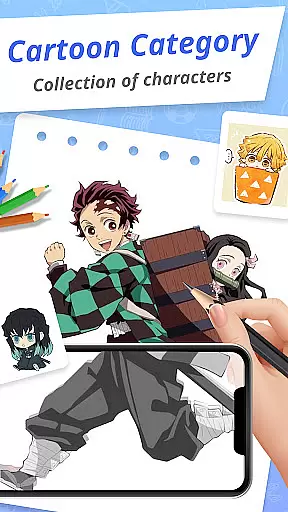
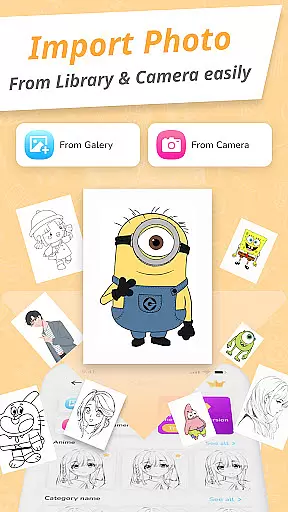
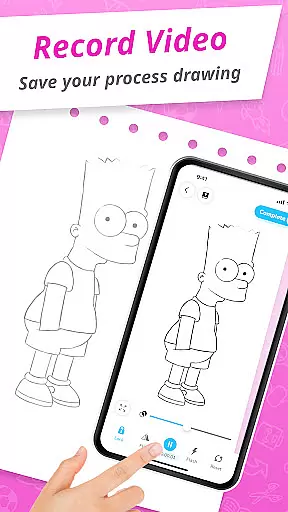
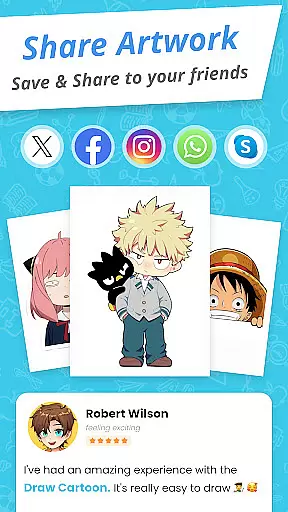
Draw Cartoon - AR Drawing App is an innovative augmented reality drawing application designed for both aspiring and professional artists. This app allows users to create stunning cartoon sketches by leveraging their device's camera, blending real-world elements into their artwork.
The app offers a range of powerful features including AR-based drawing tools, adjustable opacity settings, video recording, photo capture, and flashlight controls. With its intuitive interface, Draw Cartoon makes it easy for beginners to get started while providing advanced options for seasoned artists to enhance their creations.
Whether you're sketching for fun or honing your artistic skills, Draw Cartoon provides the perfect platform to unleash your creativity. The app's unique AR templates and tracing options help users produce professional-quality cartoons with ease.
Draw Cartoon stands out with its comprehensive set of creative tools specifically designed for cartoon enthusiasts. The app's core feature is its powerful AR drawing capability that lets users project real-world objects directly into their sketches.
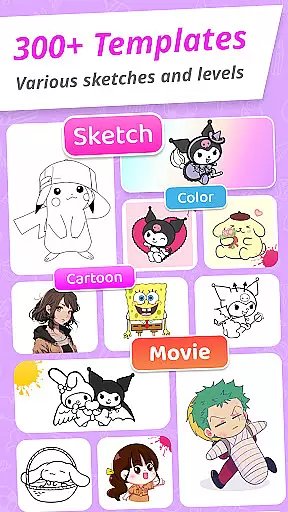
Users can choose from various amazing AR sketch templates featuring popular cartoon themes like Pikachu and Scooby-Doo. These ready-to-use templates make it easy to create impressive drawings without requiring advanced artistic skills. The app also includes a My Artwork section where users can save and track their creative progress over time.
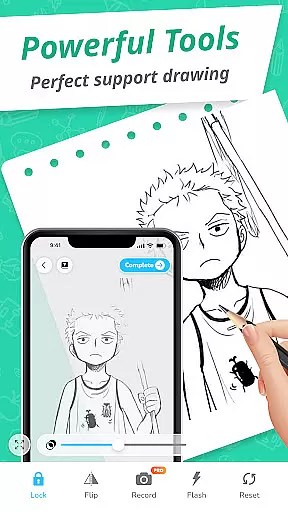
Additional features include advanced drawing options such as video recording, photo capture, opacity adjustment, flashlight control, and image locking. These tools provide artists with complete control over their creative process while maintaining an intuitive and user-friendly interface.
In the realm of digital art, having a comprehensive set of creative tools is essential for artists to fully express their visions. Draw Cartoon - AR Drawing App rises to the occasion by offering an extensive suite of features that cater to both amateur and professional artists.
At the core of this app lies its powerful AR cartoon drawing capability, which allows users to infuse real-world elements into their sketches through their device's camera. This feature is complemented by advanced options such as recording video, taking photos, adjusting opacity, controlling the flashlight, and locking or resetting your work. These functionalities ensure that artists have all they need to create stunning augmented reality artwork with ease.
The availability of amazing AR sketch cartoon templates adds another layer of depth to the creative process. With free samples ranging from beloved characters like Pikachu to Scooby-Doo, users can trace and learn from established cartoons, thus refining their skills while enjoying the diversity of themes provided.
Flexibility in canvas and format options is crucial for artists who wish to customize their workspace to fit their unique style and project requirements. Draw Cartoon - AR Drawing App embraces this need by providing a versatile platform where creativity knows no bounds.
Artists using the app can take advantage of the augmented reality feature to effectively turn any physical space into a canvas. By positioning their phone parallel to the drawing surface, they can project images directly onto paper or other materials, allowing them to draw and sketch with precision. The ability to adjust image opacity ensures that users can trace comfortably at their own pace.
Moreover, the app supports various cartoon themes, giving users the freedom to experiment with different styles and formats. Whether it's creating personal artwork or professional pieces, 'My Artwork' feature helps track progress over time, ensuring that each artistu2019s journey is documented and celebrated within the community of augmented reality art enthusiasts.
User-friendly interface
Powerful AR features
Variety of templates
Advanced drawing tools
Progress tracking
Limited free content
Device compatibility issues
Occasional glitches
Premium features costly
Steep learning curve

Floor Plan Creator lets you create, edit and share floor plans.
 4.00
4.00
Custom Character Creator & PFP Maker!
4.20
Draw anime & manga drawing, art with templates to create stunning picture!
4.50
Remove Background, Magic Eraser, Photo Enhancer, Story Templates, Collage Maker
4.30
Digital, Abstract, Classic - all types of color wheels in one app!
4.60
Your AI soulmate — meaningful chats, and unique emotional moments
4.70
Image resizer to resize, crop, rotate, flip, change dpi photo or picture in bulk
4.60
Turning simple sketches into captivating tales filled with life and motion
3.90
Multiplayer Drawing game, Coloring, Painting・Sketch, Handwriting・Paint, draw
4.30
Convert image to JPG PNG HEIC PDF, support almost all kinds of image formats
4.70
Draw on screen: FP sDraw is a simple and lightweight drawing app
4.70
Photo editor for art, avatars, filters & fun transformations.
4.60
The perfect place to start sketching! Use Sketchbook to draw and paint sketches.
4.50
Image/ Text to Video Generator
4.40
AI generated images & photos, turn your words into drawing, painting & pictures.
4.30
800+ Drawing, Painting Lessons App to Practice, Sketch & Paint Art.
4.30
Design your dream room with AI. Get decor ideas & plan home interiors
3.90
Sketch, trace and master AR drawing with awesome anime art!
3.30
Your Essential Color Theory Guide: Red, Yellow, Blue (RYB)
4.5


User Reviews