
Color Gear is an essential tool for designers and artists seeking to master color theory and create harmonious palettes. The app provides a comprehensive suite of features centered around two primary color models - RGB and Itten (RYB) Color Wheels. These tools enable users to apply over 10 color schemes, ensuring versatile palette creation for digital media and traditional art forms.
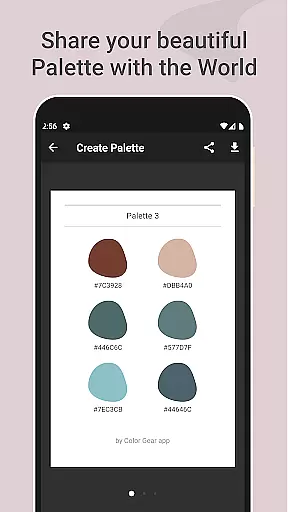
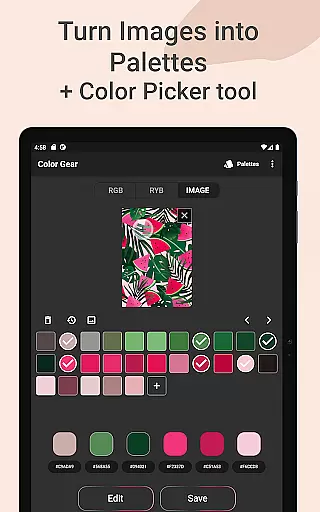
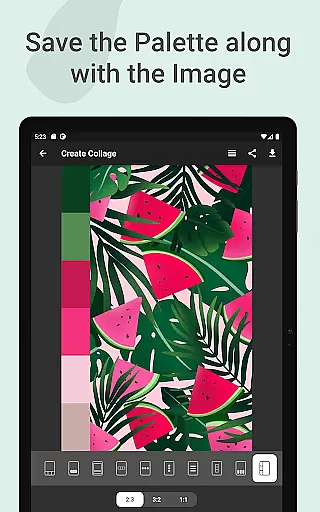
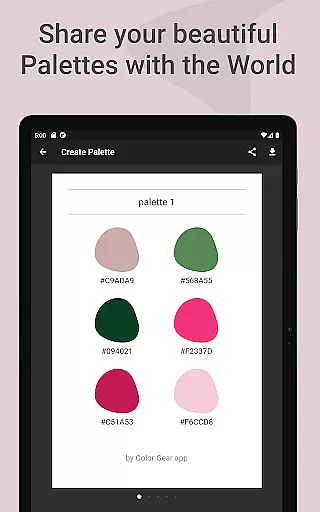
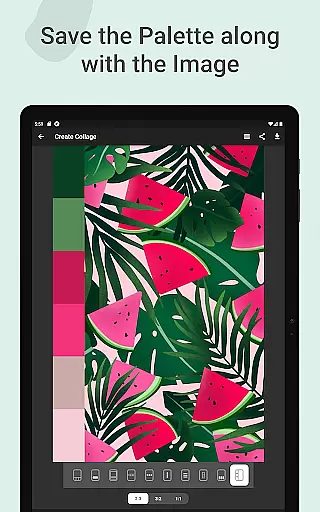
A standout feature is the ability to build palettes from HEX color codes or extract them directly from images using advanced algorithms. The app goes beyond basic functionality by offering precise color editing through Hue, Saturation, and Lightness controls. Users can save their palettes with images as collages and share them effortlessly across platforms.
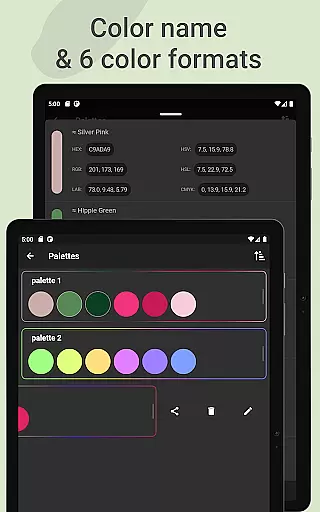
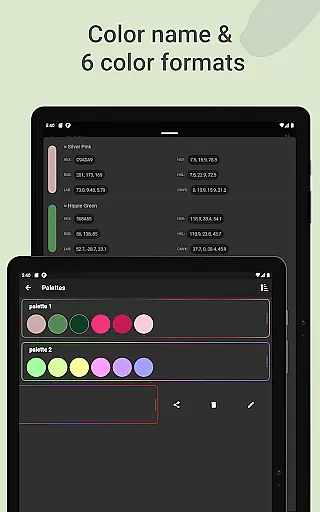
The application's offline capability makes it particularly valuable for creative professionals who need reliable access to color tools regardless of internet connectivity. With support for multiple color formats including RGB, HEX, LAB, HSV, HSL, and CMYK, Color Gear serves as an all-in-one solution for color management in various design contexts.
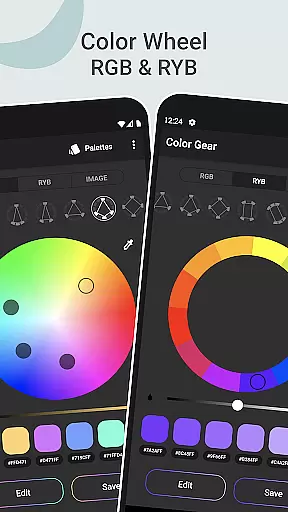
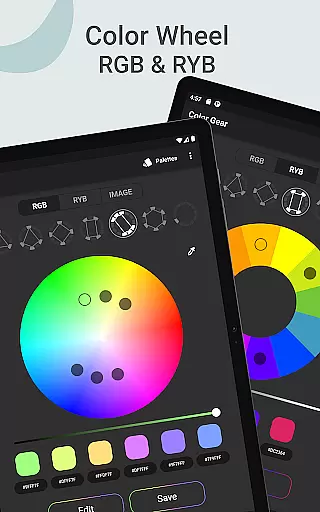
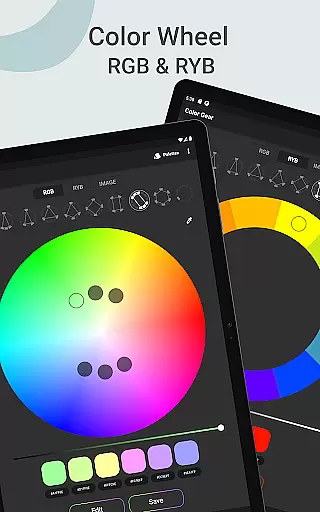
Color Gear distinguishes itself through its sophisticated feature set tailored for professional color work. The dual color wheel system supports both digital (RGB) and traditional (RYB) color theories, each offering over 10 specialized color schemes. This flexibility allows designers to work seamlessly across different mediums while maintaining color accuracy and harmony.
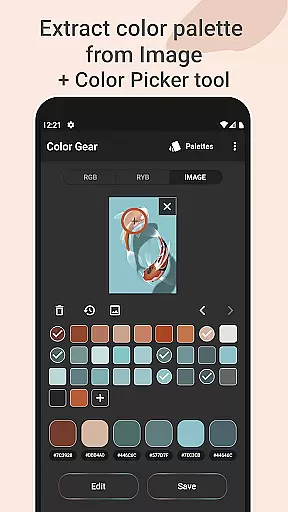
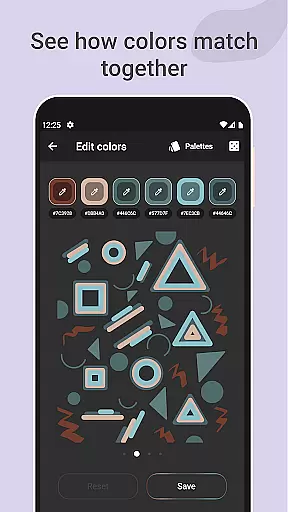
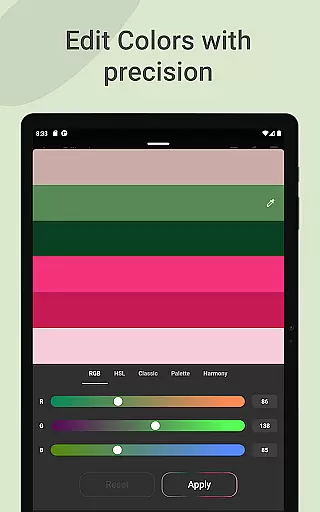
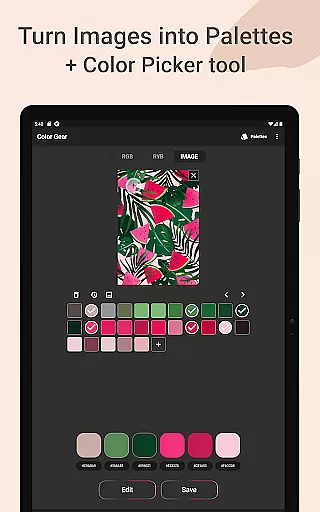
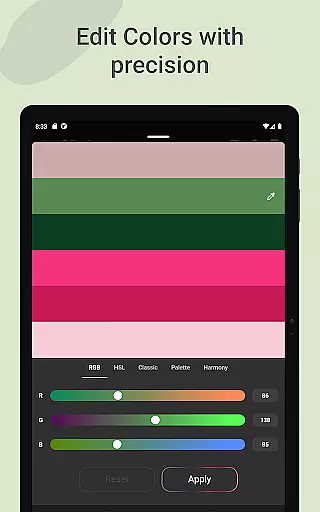
The application's image-based palette generation stands out with its automated color extraction algorithms and precise Hex Color Picker tool. Users can either let the app automatically detect colors or manually select specific shades using the eyedropper function. The advanced color editing capabilities provide granular control over individual color swatches, enabling precise adjustments to Hue, Saturation, and Lightness values.
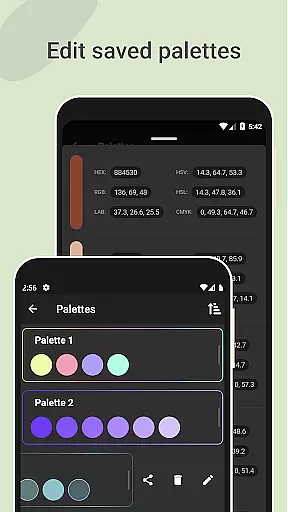
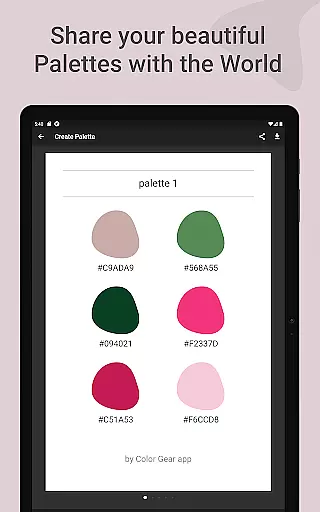
Professional workflow enhancement features include comprehensive palette management tools and six different color format sharing options. The ability to save palettes with corresponding images as editable collages streamlines the design process. All these features are accessible offline, making Color Gear a reliable companion for color professionals working in various environments.
Color Gear offers a comprehensive suite of creative tools that cater to both designers and artists. The application supports two color models - RGB Color Wheel and Itten Color Wheel, allowing users to work within digital media or traditional paint and pigment formats. With over 10 color schemes available for each model, the app provides extensive options for creating harmonious palettes.
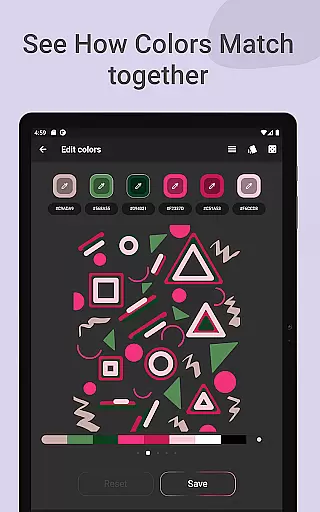
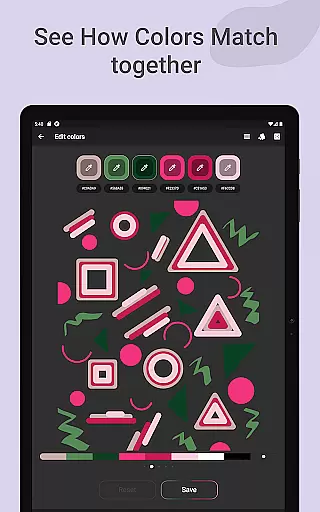
The app's functionality extends beyond just the color wheel. Users can input specific HEX or RGB color codes to generate matching color harmonies, ensuring precision in palette creation. Additionally, an image extraction feature allows for the generation of palettes from photos, with an eyedropper tool for pinpoint accuracy in color selection.
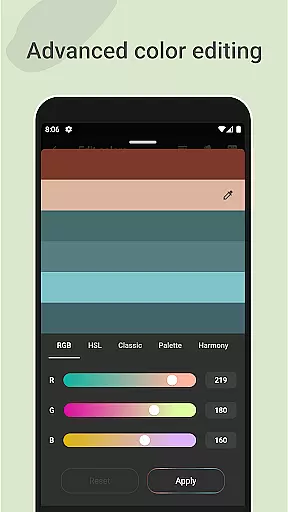
Advanced editing features enable fine-tuning of hue, saturation, and lightness, providing unparalleled control over the final palette. This level of customization ensures that each color palette is tailored to the user's exact specifications, enhancing the creative process.
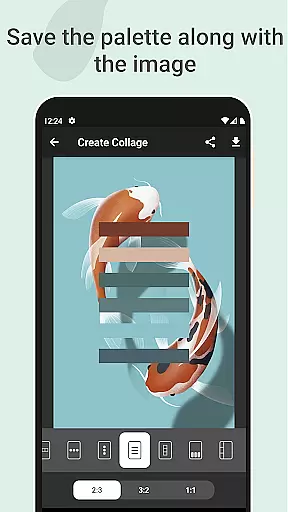
Flexibility in canvas and format options is where Color Gear truly shines. Designers can save their palettes along with images, creating collages that visualize the color schemes in context. This feature not only aids in the design process but also facilitates sharing and collaboration, making it easier to convey creative visions.
The app supports multiple color formats including RGB, HEX, LAB, HSV, HSL, and CMYK, which can be shared directly from the palette info. This versatility ensures compatibility across different platforms and projects, streamlining the workflow for professionals who rely on precise color matching.
Moreover, the offline functionality of Color Gear means that all these flexible canvas and format options are available without an internet connection. This accessibility empowers creatives to work efficiently and effectively, regardless of their location or connectivity status.
Comprehensive color wheel options
Advanced color editing tools
Offline functionality
Multiple color formats
Image-based palette creation
Steep learning curve
Complex interface
Limited free features
No real-time collaboration
Occasional bugs

Art of Combination Wear OS Watch faces
 4.3
4.3
Apply cartoon, caricature, and portrait effects to make your photos stand out!
3.60
Unleash your drawing and painting potential
4.50
Photo stitcher for automatically screenshot stitching into a long screenshot
4.70
Create cute cat emojis & PFPs! Fun, custom avatars for cat lovers.
3.70
Create amazing pictures and unleash your creative genius with AR Drawing Sketch
4.40
An intuitive, high-performance painting app that lets you focus on creating
4.40
Multiplayer Drawing game, Coloring, Painting・Sketch, Handwriting・Paint, draw
4.30
All-in-One art, logo & collage maker. Design photos and edit video backgrounds
4.80
Draw on screen: FP sDraw is a simple and lightweight drawing app
4.70
Novices can also easily complete diamond painting masters
4.70
Draw Trace image sketch by, AR art projector app, Easy to trace any image.
4.50
800+ Drawing, Painting Lessons App to Practice, Sketch & Paint Art.
4.30
Create Logos, Tattoos, AI Art & more with our AI Photo Generator & Design Editor
4.20
Design unique, funny and adorable cat stickers that reflect your own style!
3.80
Inky runs Inkscape on Android devices and Chromebooks
2.90
Retouch photos. Create or edit images. Endless capabilities.
2.70
Download now for a stylish and functional timepiece
4.4
A luxurious gold watch face for an elegant and refined look.
4.2


User Reviews