
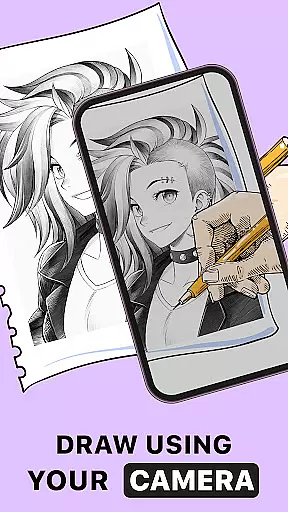
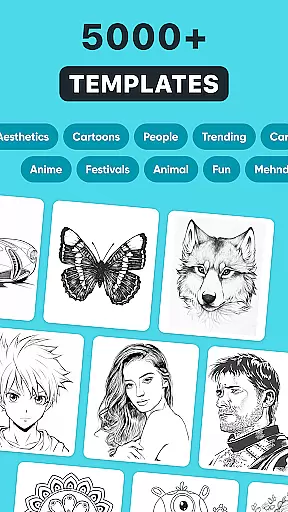
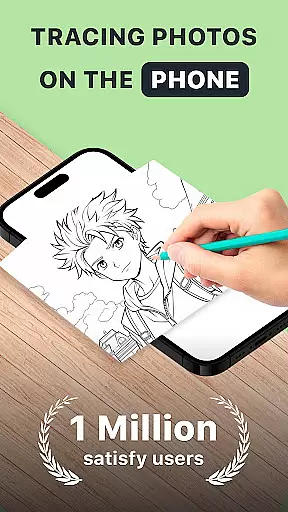
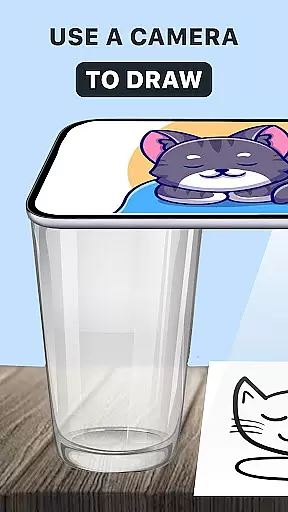
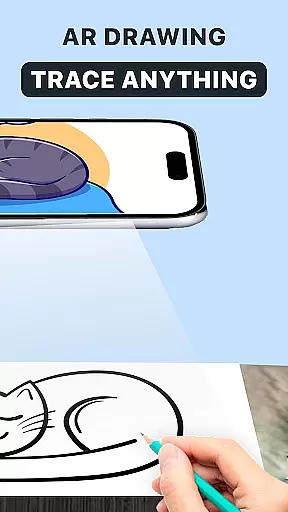
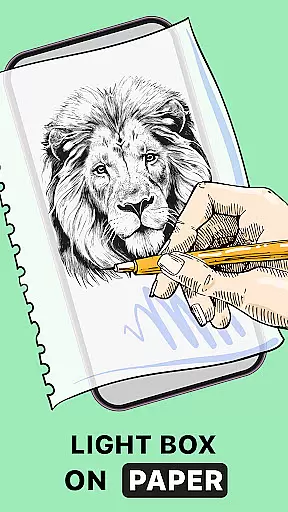
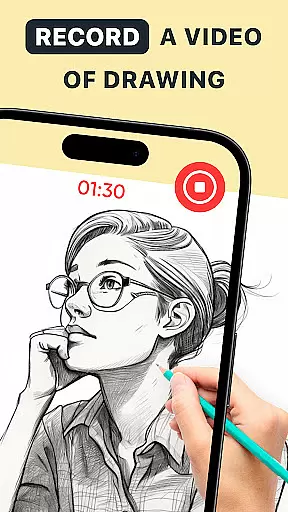
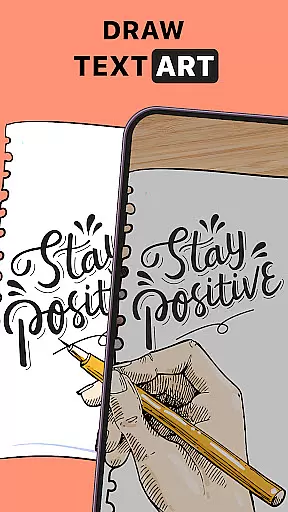
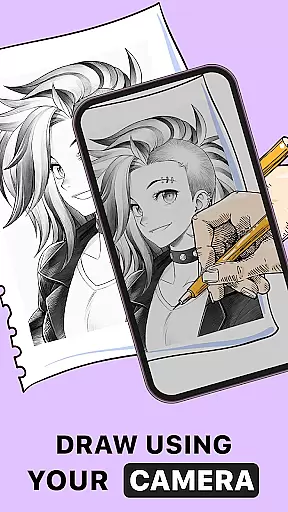
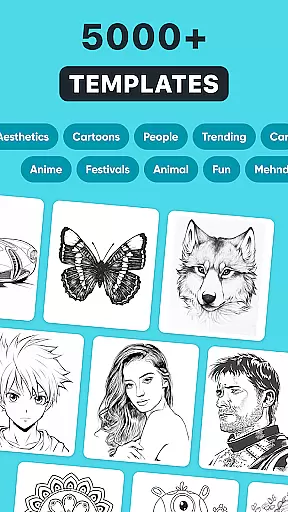
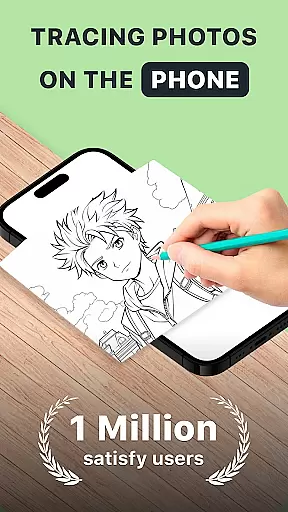
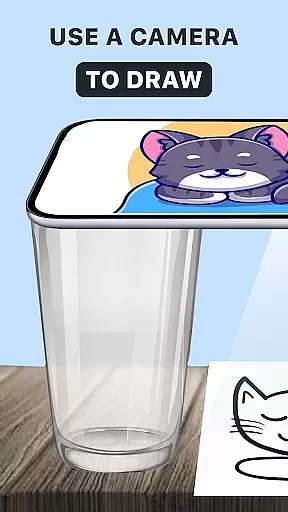
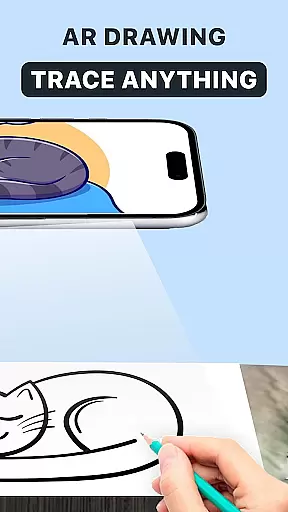
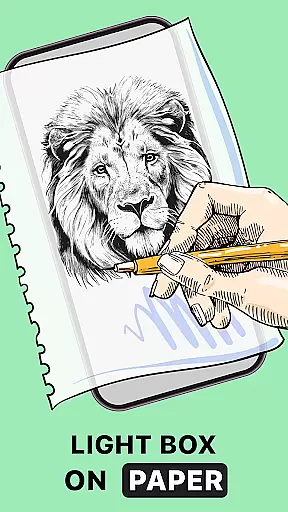
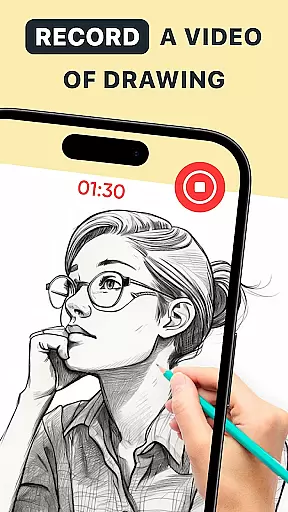
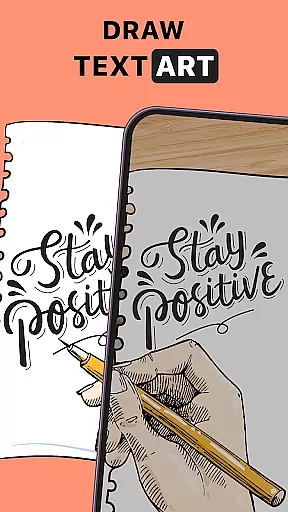
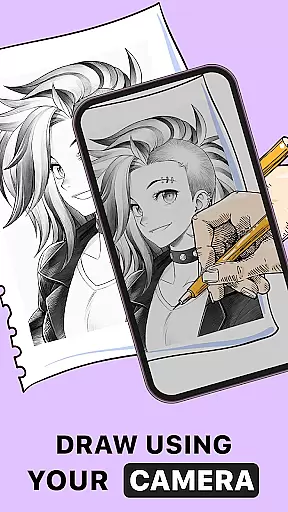
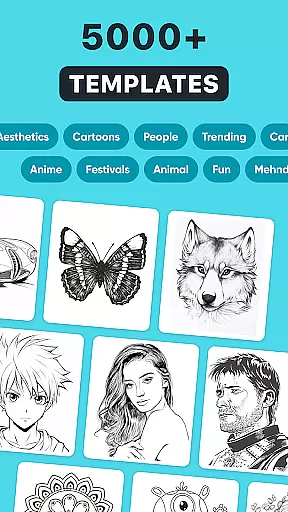
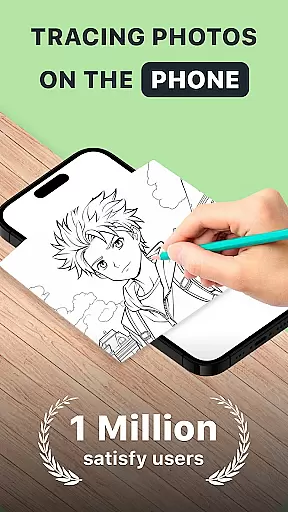
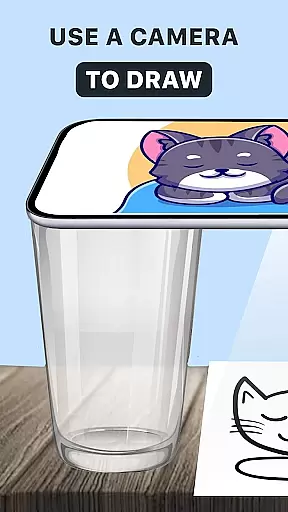
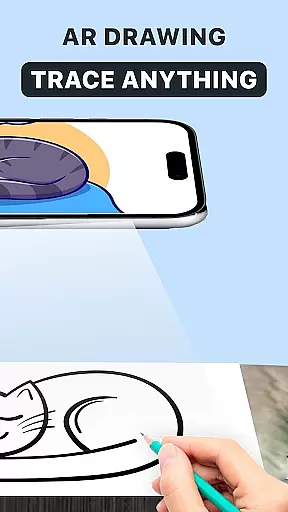
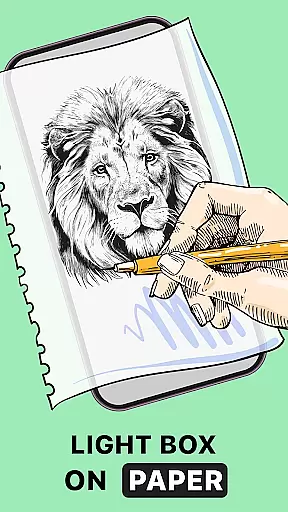
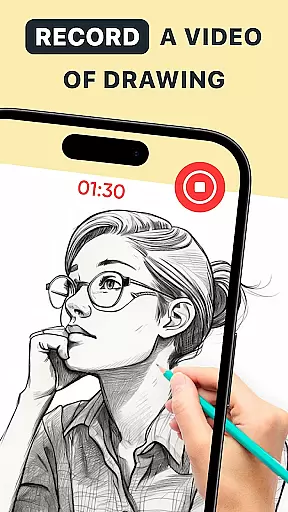
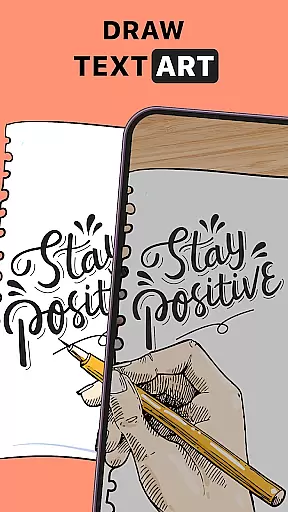
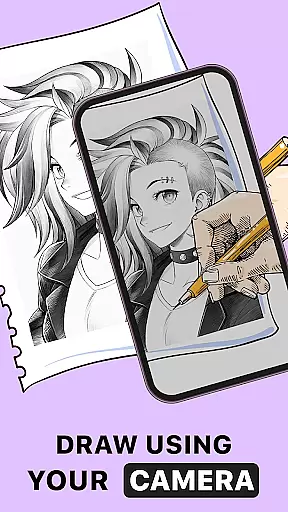
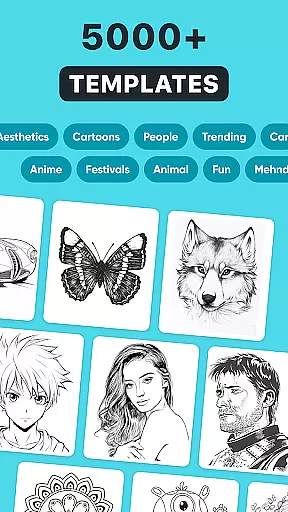
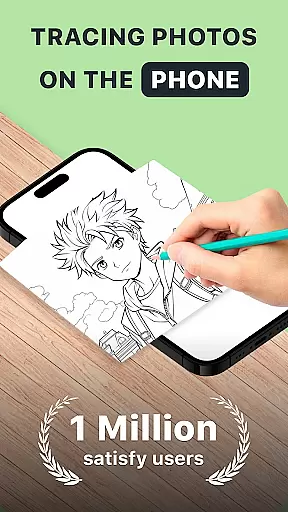
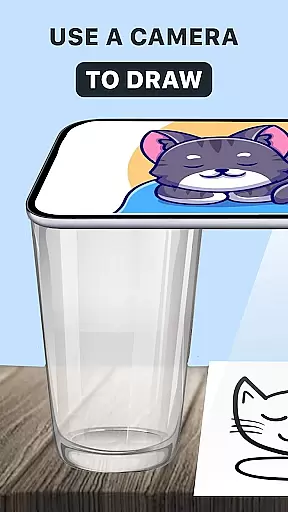
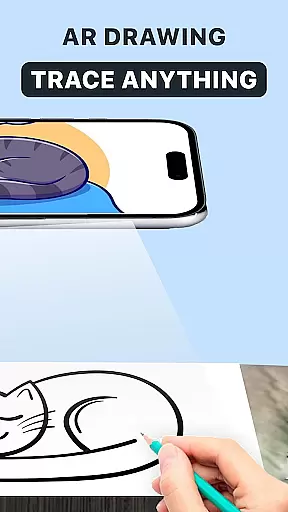
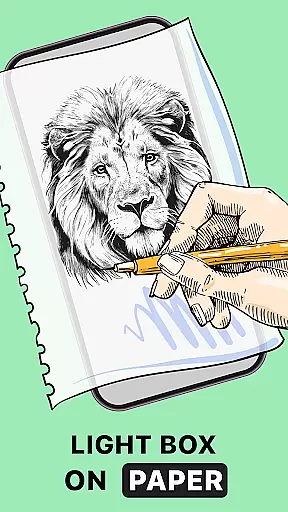
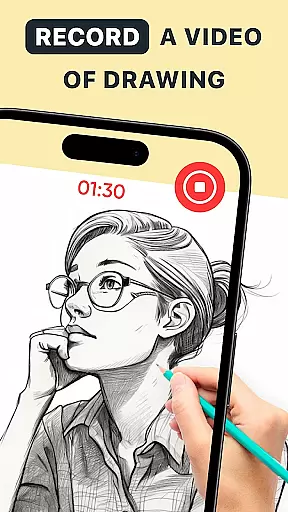
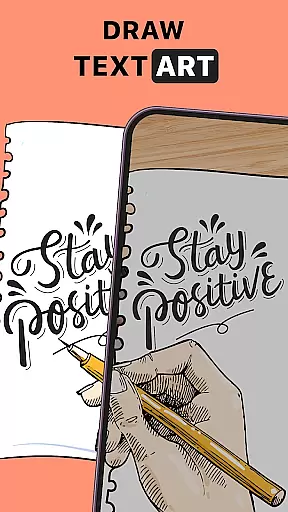
AR Drawing: Trace Anything is an innovative mobile application designed for art enthusiasts who enjoy drawing and coloring. This app offers a unique augmented reality (AR) experience that allows users to trace, draw, and create artwork with ease. Whether you're a beginner or a professional artist, the app provides tools to enhance your drawing skills and turn any picture into a masterpiece.
The app features an intuitive AR tracing function that works with images from your gallery or its built-in library. It also includes time-lapse recording for creating behind-the-scenes content and sharing your artistic process. With personalized art options and versatile drawing tools, this app caters to various artistic styles and preferences, making it perfect for family-oriented art activities or individual creative expression.
Accessible anytime and anywhere, AR Drawing: Trace Anything eliminates the need for traditional art supplies. Using just your phone and a piece of paper, you can practice and improve your art at your convenience. The app's user-friendly interface ensures that artists of all levels can benefit from its features, making high-quality art creation more accessible than ever before.
AR Drawing: Trace Anything stands out with its comprehensive set of features tailored for artists. One of the key highlights is the AR tracing functionality, which lets users overlay digital outlines on real-world surfaces. This feature is particularly useful for learning complex drawings or practicing specific techniques by providing precise tracing guidance.
In addition to basic tracing, the app offers advanced customization options. Users can personalize their artwork with various effects, including transparent layers and line variations. These tools allow for greater creative freedom and enable artists to produce unique pieces that reflect their personal style. The app also supports different artistic genres, from anime drawings to intricate designs, catering to diverse creative needs.
Another notable feature is the time-lapse recording capability, which captures the entire drawing process. This is invaluable for creating tutorials, sharing work on social media, or simply reviewing your artistic progress. Combined with the app's versatility and accessibility, these features make AR Drawing: Trace Anything a powerful tool for both casual doodlers and serious artists looking to enhance their skills and share their creations with a wider audience.
In the realm of digital art, having a comprehensive set of creative tools is essential for artists to fully express their visions. AR Drawing: Trace Anything offers an extensive suite of features that cater to both budding and experienced artists. The app includes functionalities such as AR drawing, tracing, and sketching which are crucial for various artistic tasks.
With AR Drawing Sketch Paint, users can transform any picture into a traceable outline, allowing them to create detailed artwork with ease. This feature-rich application supports activities like coloring and drawing, making it versatile for different types of projects. Whether you're working on simple sketches or complex designs, this app provides the necessary instruments to enhance your artwork.
The availability of an AR trace drawing and sketchbook within the app ensures that artists have everything they need at their fingertips. By offering in-built AR drawing paint and sketch options, users can add transparent and line effects to images, customizing each piece uniquely. Such complete creative tools empower artists to improve their skills while enjoying a seamless drawing experience.
Flexibility in canvas and format options is vital for artists who wish to explore different mediums and styles without limitations. AR Drawing: Trace Anything excels in providing adaptable solutions that accommodate a wide range of artistic preferences. Users can work with various image formats and adjust canvas sizes to suit their specific project needs.
This app allows artists to import pictures from their gallery or use its rich library, ensuring compatibility with multiple sources. Once an image is selected, the AR trace to sketch feature processes it into a traceable outline, ready for enhancement. This adaptability extends to creating time-lapse videos of the drawing process, perfect for sharing techniques or showcasing artwork development.
Moreover, the ability to personalize art with AR Draw Sketch adds another layer of flexibility. Artists can apply transparent and line effects on images, tailoring each creation to their unique style. Regardless of whether you're producing simple drawings or intricate designs, AR Drawing: Trace Anything offers the versatility needed to bring diverse artistic visions to life effortlessly.
User-friendly interface
Wide range of drawing tools
Time-lapse recording feature
Customizable art options
Accessible anytime, anywhere
Limited free features
Requires stable internet
Occasional bugs reported
Subscription fees apply
Steep learning curve

Trace, draw, and create art with AR - from memes to masterpieces!
 4.30
4.30
See Color, Paint Color
4.90
Passport size photo maker, create ID photo and visa photo in seconds
4.80
Novices can also easily complete diamond painting masters
4.70
Image resizer to resize, crop, rotate, flip, change dpi photo or picture in bulk
4.60
Art of Combination Wear OS Watch Faces
3.30
Photo stitcher for automatically screenshot stitching into a long screenshot
4.70
Share the joy of painting with ibis Paint! Drawing anime and manga art.
4.50
All-in-One art, logo & collage maker. Design photos and edit video backgrounds
4.80
Create stunning art with AI.
4.80
2D animation studio for Android tablets - unlimited layers, infinite timeline
4.70
The ultimate tool for creating animations
4.60
Digital illustration drawing & painting pad app to paint Anime and Manga art
4.50
Video AI: Revolutionize Your Content Creation with Advanced Video Generation
4.50
Create Logos, Tattoos, AI Art & more with our AI Photo Generator & Design Editor
4.20
Design your dream room with AI. Get decor ideas & plan home interiors
3.90
Inky runs Inkscape on Android devices and Chromebooks
2.90
Transform photos into amazing monochrome dither art with professional algorithms
4.1
Your Essential Color Theory Guide: Red, Yellow, Blue (RYB)
4.1


User Reviews