
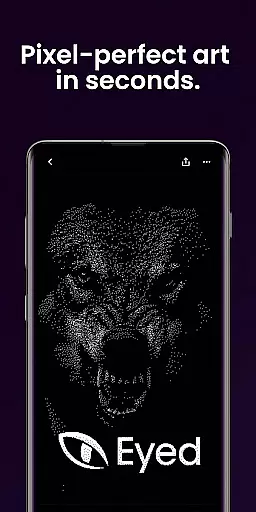
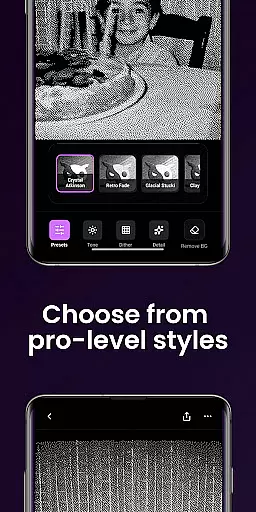
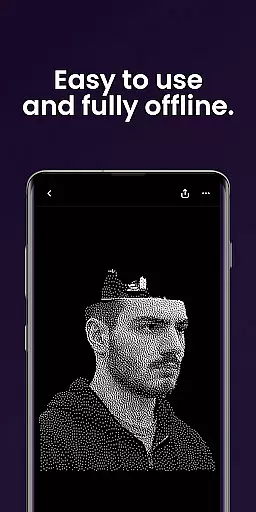
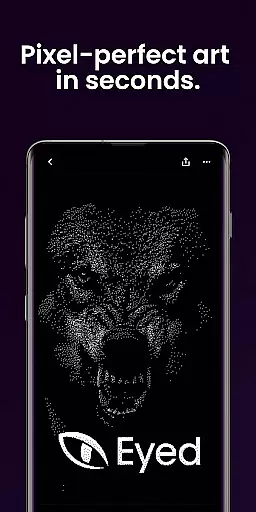
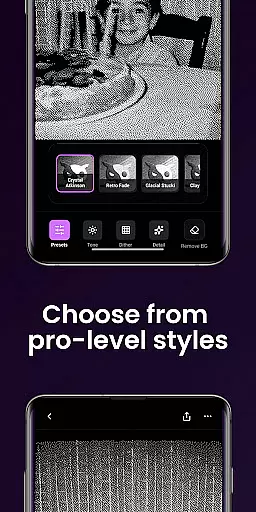
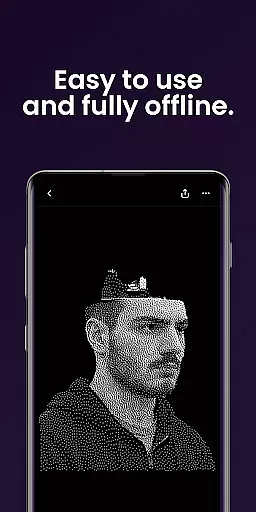
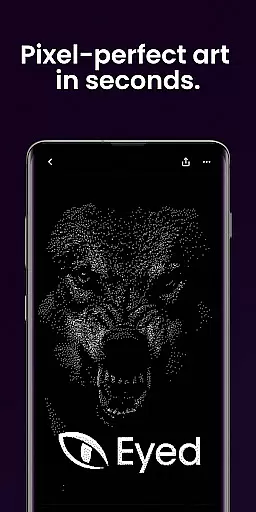
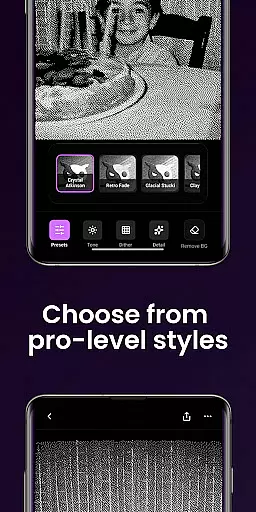
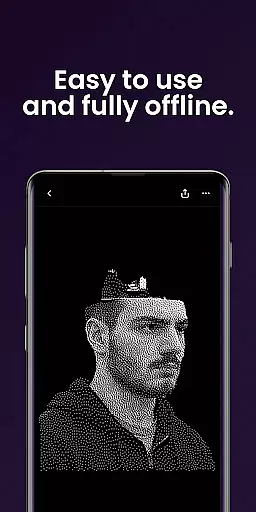
Dither By Eyed is a photo editing app that transforms your images into striking, print-inspired artwork. With no learning curve required, you can achieve expressive results in seconds by exploring iconic processing methods such as Floyd-Steinberg and Atkinson. The app allows you to apply curated looks with one tap, fine-tune contrast, midtones, highlights, blur, scale, and threshold, isolate subjects cleanly, and export high-quality results ready for print, web, or social media.
Thoughtfully designed for creators, Dither By Eyed supports importing from your photo library or capturing with the camera. Pinch to zoom and pan while you work for precise adjustments. Optimized for both phones and tablets, it features a clean, focused interface and does not require an account, allowing you to open, create, and share effortlessly.
Dither By Eyed offers a rich set of features tailored for artistic photo editing. You can explore classic computer-graphics textures like Stucki and Bayer, or try blue-noise patterns for authentic texture and structure. Curated looks such as Retro Fade, Warm Grain, and Glacial Stucki deliver instant character to your photos.
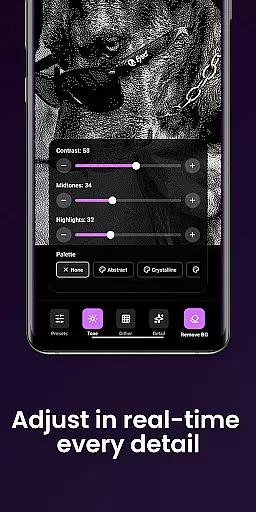
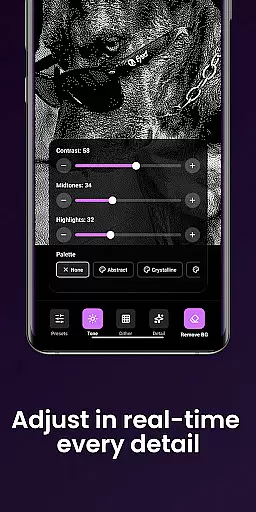
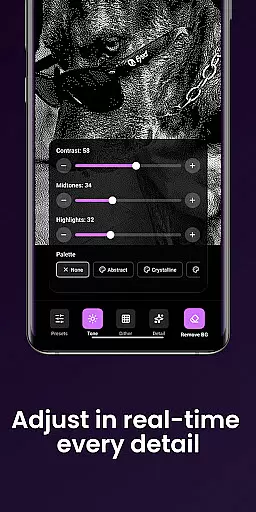
The app provides responsive, real-time previews as you adjust contrast, midtones, highlights, blur, scale, and threshold. It also allows you to isolate subjects cleanly, removing backgrounds to create crisp compositions or poster-style silhouettes. Exporting is seamless, saving high-quality results that are ready for various uses in moments.
Designed with creators in mind, Dither By Eyed supports pinch-to-zoom and panning for precise adjustments. It's optimized for both phones and tablets, featuring a clean interface and supporting common image formats for easy import and export.
In the realm of digital artistry, having a comprehensive suite of creative tools is essential for bringing visions to life. Dither By Eyedu2122 stands out by offering an extensive array of iconic processing methods such as Floyd-Steinberg, Atkinson, and Stucki, alongside blue-noise patterns. These tools provide authentic texture and structure, enabling artists to explore diverse aesthetics.
Moreover, the app includes curated looks that can be applied with just one tap. Options like Crystal Atkinson, Retro Fade, and Warm Grain allow users to infuse their work with instant character. This streamlined approach ensures that both novice and experienced creators can achieve professional-grade results without a steep learning curve.
The ability to fine-tune images further enhances its appeal. Users can adjust contrast, midtones, highlights, blur, scale, and threshold with responsive real-time previews. Such precise control empowers artists to refine their creations according to personal taste or project requirements.
Flexibility in canvas and format options is crucial for accommodating various artistic needs and output requirements. Dither By Eyedu2122 excels in this area by supporting common image formats, making it easy to import from your photo library or capture new images directly with the camera. This versatility ensures that artists can work seamlessly across different mediums and projects.
Additionally, the app allows users to isolate subjects cleanly, removing backgrounds to create crisp compositions or poster-style silhouettes. This feature is particularly beneficial for crafting visually striking pieces that stand out in print, web, or social media contexts.
Exporting high-quality results is effortless, thanks to the app's optimization for phones and tablets. With a clean, focused interface, creators can save their work in moments, ready for any platform. Whether you're preparing artwork for gallery display or sharing on social networks, Dither By Eyedu2122 provides the necessary tools to ensure your creations look their best.
User-friendly interface
Real-time previews
High-quality exports
No account needed
Versatile image editing
Limited advanced tools
Few customization options
No batch processing
Basic help resources
Occasional bugs

Create neon drawing with magic doodle and fun doodle art effects!
 4.50
4.50
Remove Background, Magic Eraser, Photo Enhancer, Story Templates, Collage Maker
4.30
Passport size photo maker, create ID photo and visa photo in seconds
4.80
The perfect place to start sketching! Use Sketchbook to draw and paint sketches.
4.50
Painting, drawing, & sketching
4.50
Android 14 style widgets and wallpapers app.
4.4
Retouch photos. Create or edit images. Endless capabilities.
2.70
Explore future self face age filter & remove background image for a unique look.
3.50
All-in-One art, logo & collage maker. Design photos and edit video backgrounds
4.80
The ultimate tool for creating animations
4.60
Share the joy of painting with ibis Paint! Drawing anime and manga art.
4.50
Video AI: Revolutionize Your Content Creation with Advanced Video Generation
4.50
Draw, make movies & animate cartoons easily with our 2D animation maker app
4.40
Text to Image, Image to Video & AI Chat
4.20
Digital Drawing: Draw & Paint
4.10
AI Art Generator transforms your words into AI generated art & paintings.
3.70
Pose and morph realistic male and female models! 3D poser app
3.00
Download now for a stylish and functional timepiece
4.4
Art of Combination Wear OS Watch Faces
4.1


User Reviews