
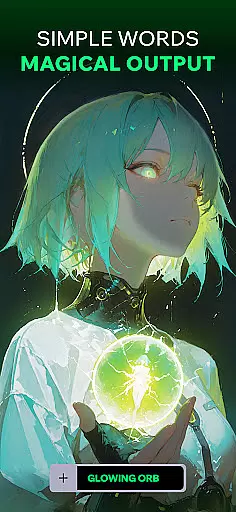
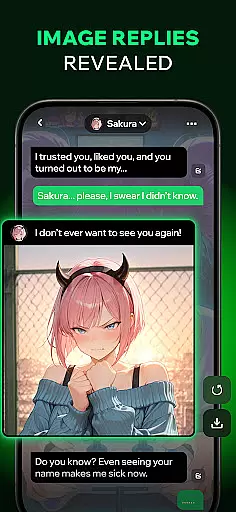
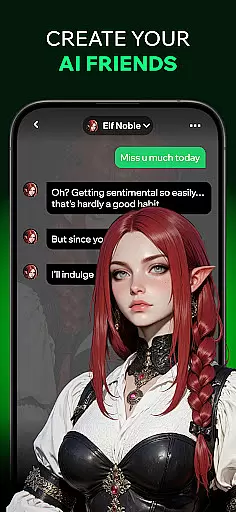
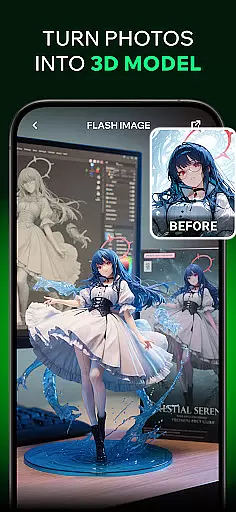

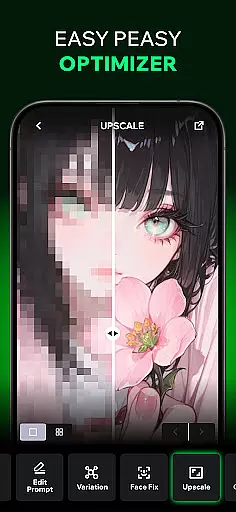
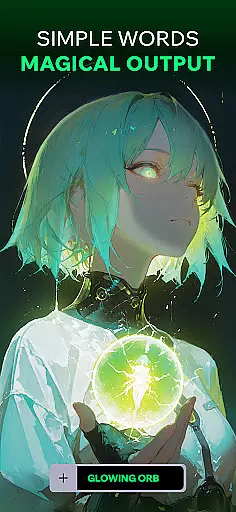
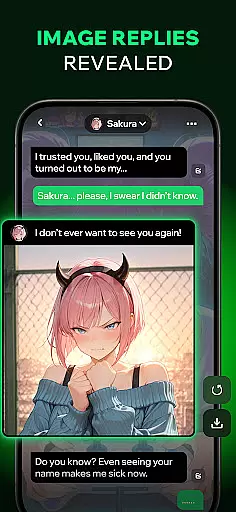
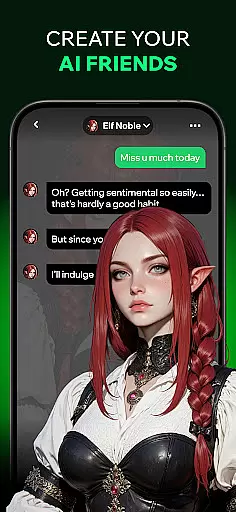
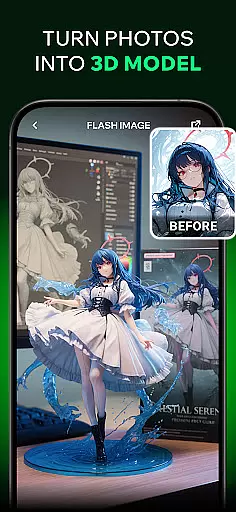
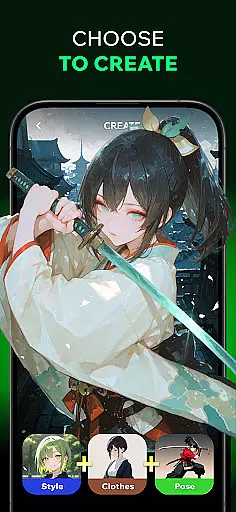
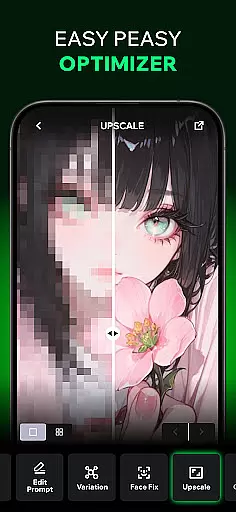
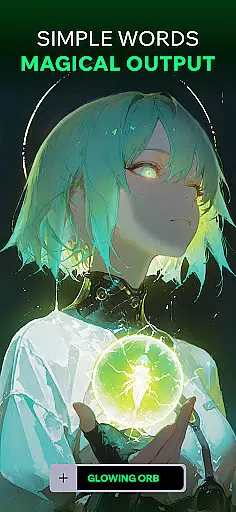
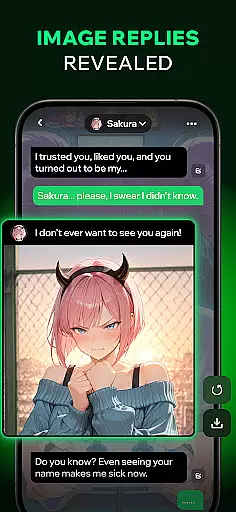
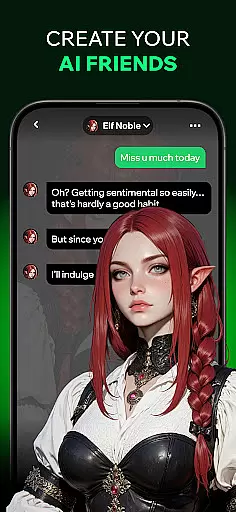
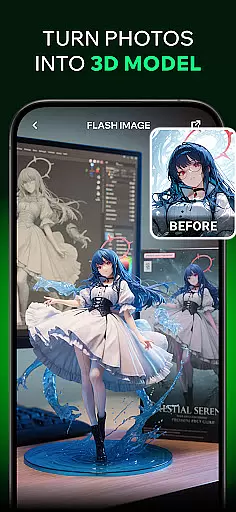
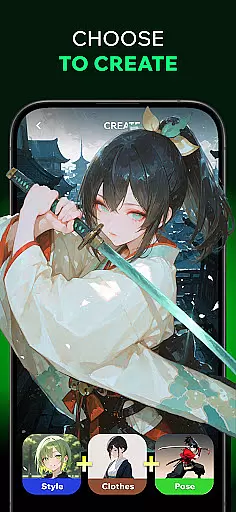
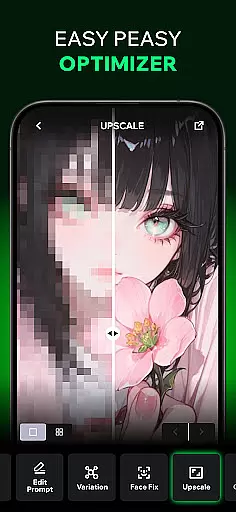
Spellai is an innovative app in the Art & Design category that empowers users to effortlessly transform text into captivating photos and drawings. With its AI-driven capabilities, users can create unique artwork, from anime-inspired illustrations to lifelike images, without requiring any artistic skills. The app also features an engaging AI Chat function, allowing users to interact with AI friends who generate stunning visuals on demand.
One of Spellai's standout features is its ability to turn conversations into creative adventures. By simply describing a scene or mood during chats, users can watch their words come to life as high-quality images. Additionally, the app offers advanced tools like the Nano Banana collaboration with Google DeepMind for image editing, as well as an AI-powered feature to convert images into videos. Whether you're a designer, content creator, or hobbyist, Spellai provides endless opportunities to explore your creativity.
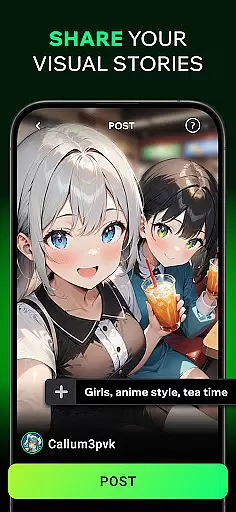
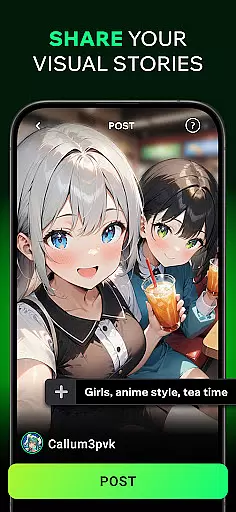
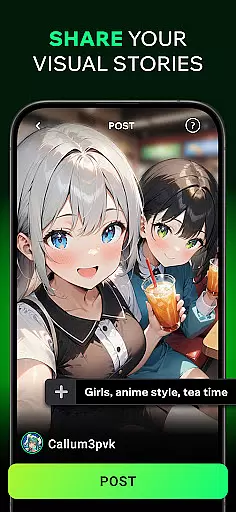
The app’s community sharing functionality allows users to showcase their creations, receive feedback, and connect with fellow art enthusiasts. With pre-made prompts and customizable avatars, Spellai makes it easy for anyone to dive into the world of AI-generated art. Perfect for social media posts or personal projects, this app truly democratizes digital art creation.
Spellai stands out with its diverse range of powerful features tailored for both casual users and professionals. Its Text-to-AI-Art capability enables users to quickly generate unique visuals by inputting simple text descriptions. This feature supports various styles, including anime-inspired drawings and photorealistic images, making it versatile for different creative needs.
Another key highlight is the Chat Edit Feature developed in collaboration with Google DeepMind (Nano Banana). This tool leverages multimodal understanding and conversational interaction to provide unprecedented control over image generation and editing. Users can refine their creations through natural language commands, streamlining workflows for designers and content creators alike.
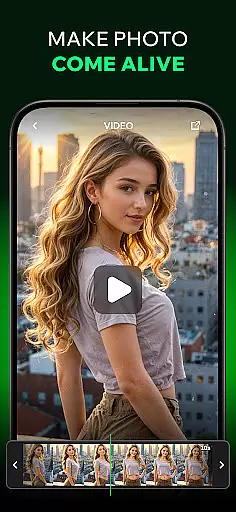
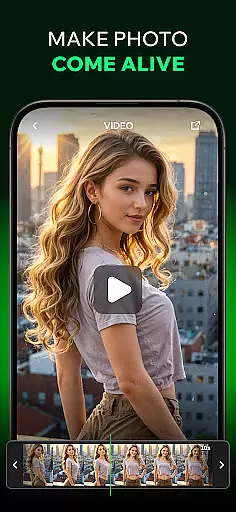
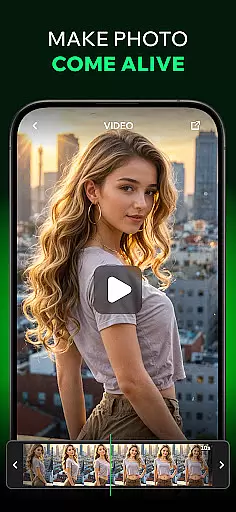
Additionally, Spellai includes a video creation tool that converts static images into dynamic videos. Combined with its AI Chat functionality—where users can engage with customizable AI characters—the app delivers a comprehensive creative suite. These features collectively ensure that Spellai remains at the forefront of AI-powered design innovation.
In the realm of digital artistry, having a comprehensive suite of creative tools is essential. Spellai rises to the occasion by offering an extensive array of features that cater to both novices and professionals in the Art & Design category. The app includes an advanced AI editor which facilitates the transformation of simple text into unique artworks, ranging from anime-inspired illustrations to lifelike photographs.
Moreover, Spellai's collaboration with Google DeepMind under the codename 'Nano Banana' brings forth cutting-edge image generation and editing capabilities. This positions the app at the forefront of AI imaging, allowing users to create and control their artistic visions through multimodal understanding and conversational interaction. Such tools are indispensable for designers, content creators, and developers looking to enhance their workflow.
The app doesn't stop at static images; it ventures into the territory of motion graphics by providing an AI-powered feature that turns images into videos. By simply inputting images and describing scenes, users can generate captivating videos that breathe life into their concepts. This addition not only broadens the scope of creativity but also simplifies video creation significantly.
A canvas in the digital world is akin to an artist's sketchbooku2014a space where ideas take shape and evolve. Spellai understands this need and offers remarkable canvas and format flexibility. Users can customize avatars and create within a malleable environment that adapts to their creative requirements, whether they seek pre-made prompts or desire full control over their artworku2019s dimensions and specifications.
Furthermore, Spellai supports various formats suitable for different platforms, be it social media or personal device wallpapers. Artists have the freedom to experiment with styles and formats without being constrained by the softwareu2019s limitations, thus fostering a seamless transition from concept to publication-ready designs.
With community sharing features, artists can publish their creations, receive feedback, and draw inspiration from fellow users. This ecosystem not only showcases individual flair but also contributes to building a diverse portfolio within the Spellai community, making it an ideal hub for connecting with like-minded text-to-image enthusiasts and professional designers alike.
User-friendly interface
High-quality image generation
Versatile art styles
Engaging AI chatbot
Active community sharing
Limited free features
Subscription costs
Occasional bugs
Learning curve for new users
Dependent on internet connectivity

Create sweet, cool and unique couple avatars easily, in just a few steps!
 3.40
3.40
Meet the magic aı 3d photo generator and smart AI video generator app.
3.20
Create stylish invitation cards using templates for weddings, birthdays & RSVP.
4.20
Unleash Your Creativity with Draw Cartoon - AR Drawing App
4.10
Photo stitcher for automatically screenshot stitching into a long screenshot
4.70
Video AI: Revolutionize Your Content Creation with Advanced Video Generation
4.50
Turning simple sketches into captivating tales filled with life and motion
3.90
Create amazing pictures and unleash your creative genius with AR Drawing Sketch
4.40
How to draw anime step by step for beginner easily by AR drawing sketch & paint.
3.60
Draw glowing spinners, relax, and spin your creative art
4.60
Just trace a projected picture on paper and color! Draw & Paint with AR drawing
4.40
Draw, make movies & animate cartoons easily with our 2D animation maker app
4.40
800+ Drawing, Painting Lessons App to Practice, Sketch & Paint Art.
4.30
Beauty Camera - Selfie Camera is the ultimate beauty camera and selfie app
4.30
Digital Drawing: Draw & Paint
4.10
Get creative and make art with your Sesame Friends!
4.00
Art of Combination Wear OS Watch faces (for Wear OS 5+ devices)
3.90
Your Essential Color Theory Guide: Red, Yellow, Blue (RYB)
4.4
Art of Combination Wear OS Watch faces
4.2


User Reviews